WordPress done properly#
WordPress runs a huge share of the web because it's flexible and easy to edit. The same flexibility is why so many WordPress sites end up slow, insecure and fragile: dozens of plugins installed over the years, a heavy page builder, an old theme nobody dares update, and hosting chosen for price alone. Every update feels like a gamble, so updates stop, and the site quietly becomes a security risk.
I build and maintain WordPress sites that stay fast and safe, and that your team can update with confidence. The goal is simple: marketing can publish without calling a developer, pages load quickly on phones, and updates don't break anything.
Signs your WordPress site needs attention#
- It looks dated and doesn't reflect the quality of your business.
- Pages load slowly, especially on mobile, and scores in PageSpeed Insights are poor.
- You're afraid to update plugins because something broke last time.
- Your team can't edit content without breaking layouts.
- You've had malware, spam or a hacked admin account, or you're worried you might.
- Your hosting is unreliable or you've outgrown it.
What I do with WordPress#
Redesigns#
A modern, consistent design with clear navigation and messaging, built so it stays consistent as your team adds pages.
Custom themes and templates#
Templates built for editing, not just for launch day: reusable blocks and sections with sensible options, so editors get flexibility without the chance to break the design.
Custom plugins#
Functionality that shouldn't depend on a third-party plugin, such as integrations, custom post types, calculators or booking logic, built as a lean plugin that survives theme changes.
WooCommerce stores#
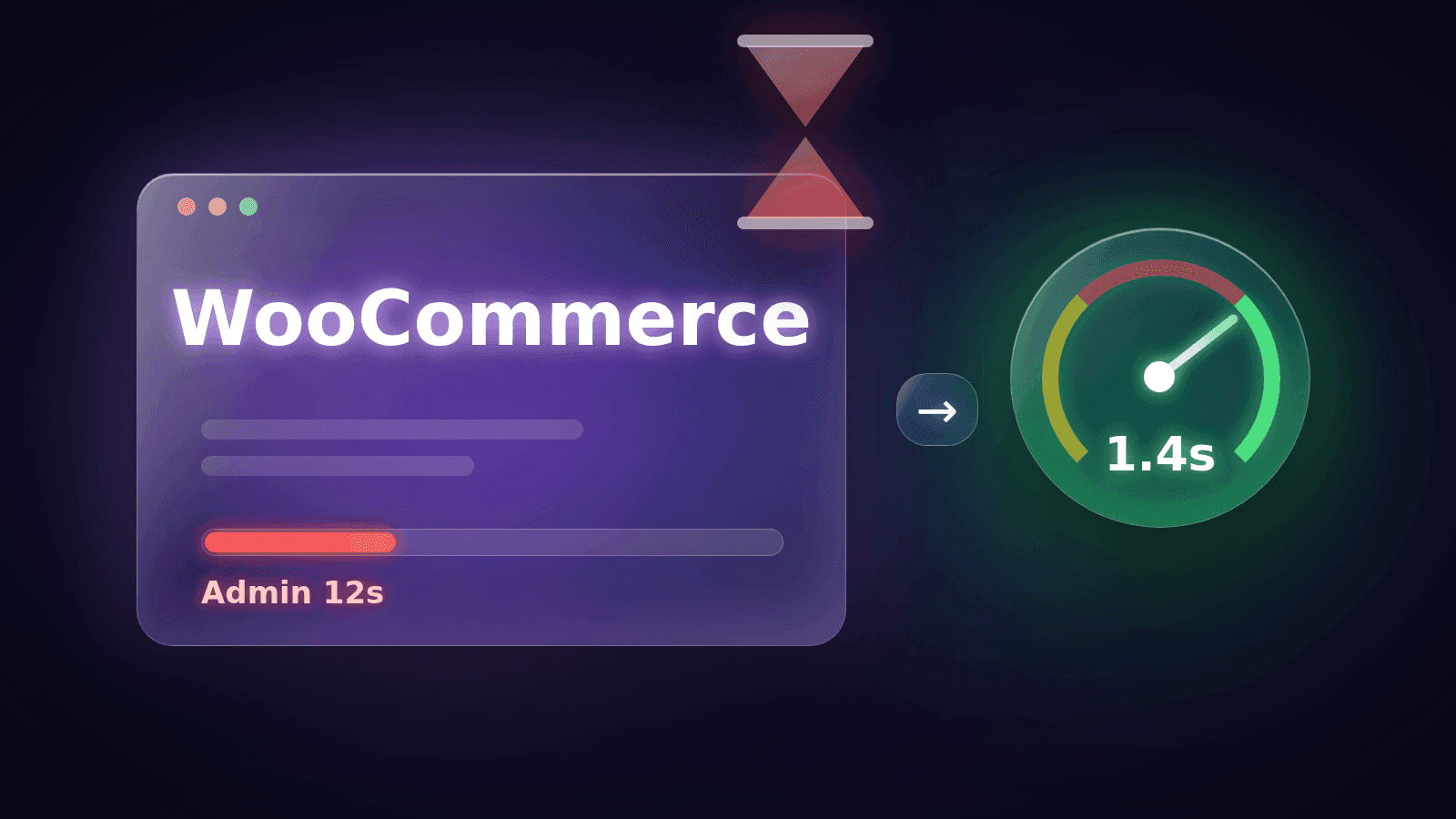
Store setup and customisation, checkout adjustments, payment gateways, and integrations with inventory, fulfilment or business systems. For complex commerce, see e-commerce development & integrations.
Migrations#
Moving to better hosting with no lost content, broken links or ranking drops: staging copies, tested switch-overs and redirects where URLs change.
Security and performance#
Hardening, updates, malware clean-up, caching, a CDN such as Cloudflare, image optimisation and database cleanup, measured against Core Web Vitals.
Technical SEO#
Metadata, sitemaps, schema, redirects, Google Analytics and Search Console configured properly, so search engines understand the site and you can see what's working.
WordPress projects#
- AZARK redesign: AZARK's website in New York had an outdated design, inconsistent layouts and usability issues. I redesigned it for clarity, consistency and responsive layouts, strengthened its SEO foundation with Rank Math, set up Google Analytics, Search Console and Cloudflare, and continue to improve it.
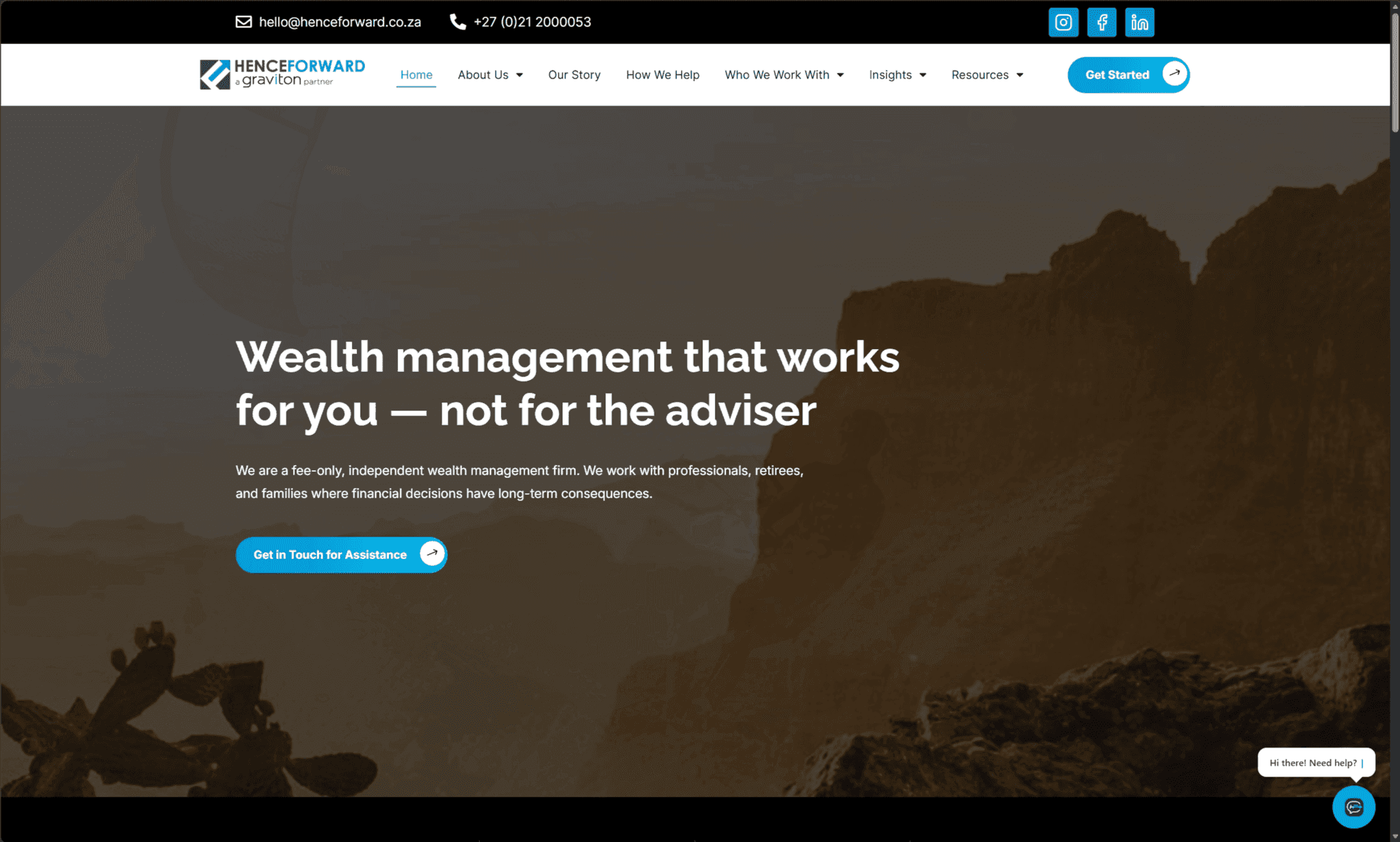
- Henceforward migration: Henceforward's WordPress site moved to Scaleway with Laravel Forge and Nginx, followed by security hardening and full-stack performance optimisation for a maintainable environment.
Paul Schlanger's review reads: "WordPress expert that I will hire again." Eduard of Planuojam summed it up as "Fast and professional".
WooCommerce done right#
WooCommerce is a capable store platform when it's set up carefully: a lean theme, only the extensions you need, caching that respects the cart and checkout, and payment gateways configured with webhooks so orders are marked paid reliably. Where the store needs to talk to inventory, fulfilment or accounting systems, I build those integrations properly rather than stacking more plugins.
Keeping WordPress fast#
Most slow WordPress sites share the same causes: too many plugins loading scripts on every page, unoptimised images, no page caching, a heavy page builder and cheap shared hosting. I measure first, then remove what isn't needed, cache what can be cached, serve images in modern formats, put a CDN in front, and tune the server. The result is a site that feels fast on a phone, which matters for both visitors and rankings.
Keeping WordPress secure#
Security is mostly discipline: updates applied regularly and tested on staging first, a small number of well-maintained plugins, strong admin access with two-factor authentication, limited login attempts, correct file permissions, a web application firewall, and daily off-site backups that have been test-restored. I set that up once and, if you like, keep it running on a maintenance retainer.
Common WordPress problems I fix#
- Plugin overload: dozens of plugins, several doing the same job, each adding scripts to every page.
- Page builders fighting the theme, leaving layouts that break when anything is edited.
- Updates skipped for months because nobody knows which one will break the site.
- No staging site, so every change is tested on live visitors.
- Backups that were never tested and turn out to be incomplete when they're needed.
- Hosting that can't cope with traffic spikes or modern PHP versions.
What you get#
- a fast, responsive site your team can edit safely;
- a staging copy for testing changes and updates;
- security hardening, a firewall and tested off-site backups;
- analytics and Search Console configured, with a clean technical SEO baseline;
- documentation for editors, and optional ongoing maintenance.
When WordPress isn't the right tool#
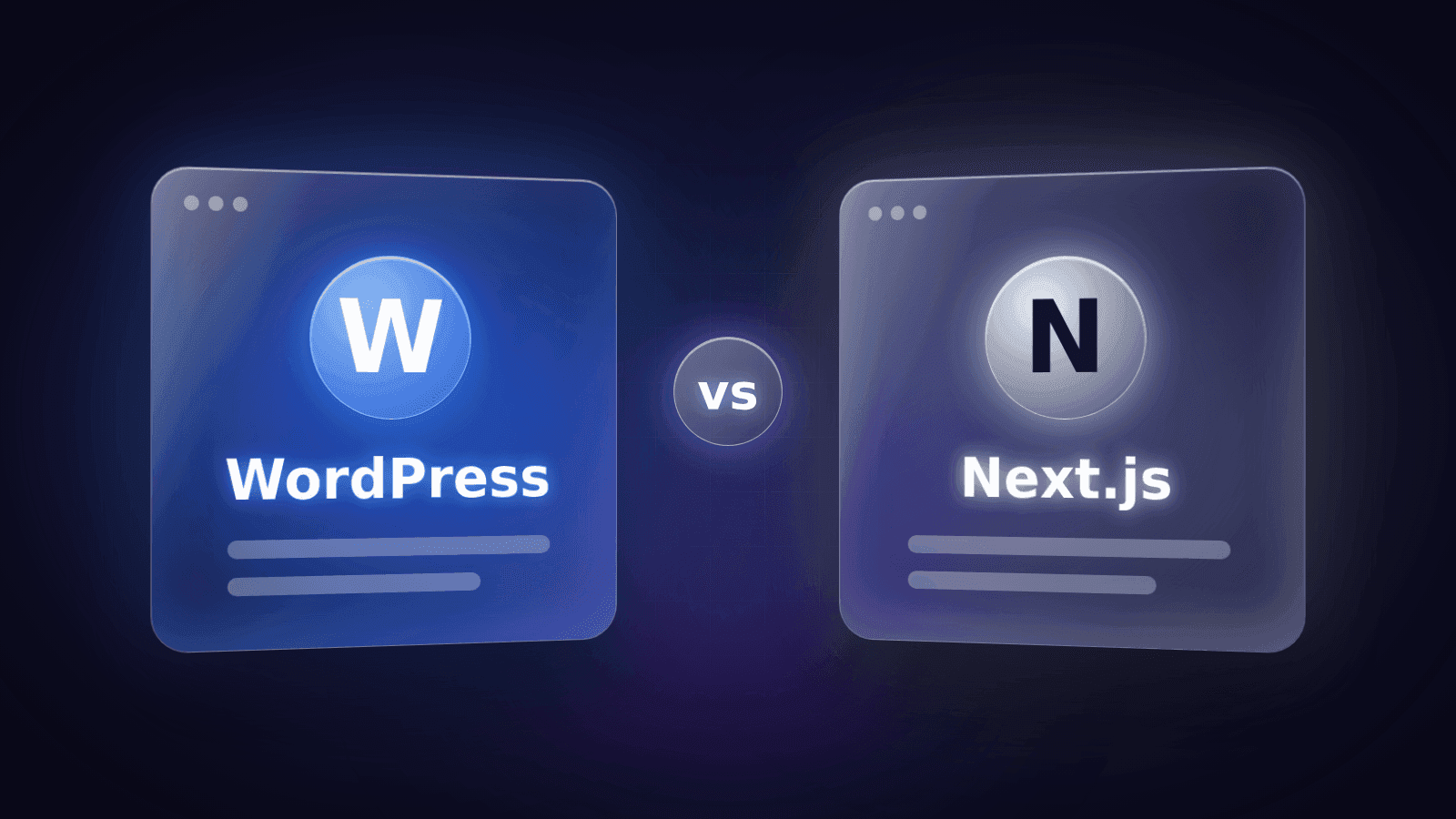
For complex applications, heavy custom logic, dashboards or high-traffic products, a custom build in Next.js or Laravel may serve you better, sometimes with WordPress kept as the content editor. I'll tell you honestly which fits your goals and budget.
Working together#
We start with a free 30-minute call and a quick review of your current site. You get a written plan with quick wins, bigger improvements and an estimate. Redesigns and migrations run as fixed-scope projects; ongoing care runs on a monthly maintenance retainer.
Need help with a WordPress site? Book a free call.