

If you're planning a new site for your business, one question comes up more than any other: Next.js vs WordPress. Both can power a fast, search-friendly business website. They suit different businesses, though, and picking the wrong one means either paying for engineering you don't need or fighting a tool that's too limited for your plans.
I build with both, so I don't have a favourite to defend. In this guide I'll compare them on what matters to a business owner: launch cost and speed, how easily your team edits content, SEO and performance, security and upkeep, and how well each handles growth. By the end you'll have a simple way to decide.
What are you actually comparing?#
The two aren't the same kind of tool, and that matters for the decision.
- WordPress is a content management system (CMS). It gives you the admin area, the page editor, the plugins and the front end in one package. You pick a theme or page builder, install plugins and start publishing.
- Next.js is a framework for building websites and web apps with React. It has no admin area of its own. You build the front end in code and usually connect it to a CMS such as Strapi, or to your own database. This is often called a "headless" setup.
So the real question is: do you want a ready-made system you configure, or a custom front end you build around your own needs? If the second sounds right, that's the core of my React and Next.js development service.
Next.js vs WordPress for a business website: side by side#
| Factor | WordPress | Next.js (with a CMS) |
|---|---|---|
| Time to launch | Fast for standard sites with a theme or page builder | Slower, because the front end is built from scratch |
| Upfront cost | Usually lower | Usually higher |
| Editing content | Familiar editor your team may already know | Depends on the CMS you connect, and is set up for your content |
| Design freedom | Good within the theme or builder, harder beyond it | Total control over design and behaviour |
| Speed and performance | Depends heavily on theme, plugins and hosting | Strong by default when built well |
| SEO | Strong, with plugins such as Rank Math | Strong, but you build the SEO features in |
| Security and upkeep | Needs regular updates to core, themes and plugins | Smaller attack surface, but needs developer maintenance |
| Custom features and integrations | Plugins cover a lot, until they don't | Built exactly to fit |
| Developer needed | Often not, for day-to-day edits | Yes, for changes beyond content |
Neither column wins outright. Each row trades one thing for another, and your business decides which rows matter.
When WordPress is the better choice#
Choose WordPress when your site is mainly pages, a blog and a few forms, and speed to launch matters more than a unique experience.
It's a good fit when:
- you want to launch quickly and keep the upfront cost down;
- your team will edit pages and posts without a developer;
- you need standard features, such as a contact form, a blog, SEO tools or a simple shop, which plugins already cover;
- the site is a brochure for the business, not a product.
I delivered this kind of work for AZARK, where the old site had an outdated design, inconsistent layouts and usability problems. I redesigned the AZARK website as lead WordPress developer with Divi Theme Builder, Slider Revolution, custom CSS and code, and responsive design, improving the visual hierarchy, navigation, mobile experience and SEO foundation while keeping the flexibility an ongoing business site needs. For a site like that, WordPress was the right tool. I'd not have recommended a custom build.
WordPress also needs good hosting and care. On the Henceforward WordPress migration, the work combined WordPress development with moving the site to Scaleway with Laravel Forge, strengthening security and optimising the production environment. A WordPress site that's cheap to build still needs a reliable home.
When Next.js is the better choice#
Choose Next.js when your website is part of how the business works: the content model is custom, the design must be unique, performance and search matter a lot, or the site connects to other systems.
It's a good fit when:
- you have custom content such as services, locations, listings or multilingual pages that don't fit neatly into posts and pages;
- you want full control of the design and the user experience;
- the site must connect to your own database, payments, booking or CRM;
- you expect the site to grow into a web app.
On Nooora, a Dubai-based home beauty services brand, I joined after the site had been partly built with inconsistent foundations: some sections came from Strapi, other content was hard-coded, and client changes needed a developer. I turned it into a cleaner, CMS-driven, SEO-ready platform with Next.js and Strapi. I moved major content areas into the CMS, added dynamic service pages, built SEO and sitemap support and connected the contact and gift card flows. You can read about it in the Nooora case study. The business depends on search visibility, trust, mobile usability and quick content updates, which is the profile where a custom build earns its cost.
At the larger end, Planuojam is a headless event marketplace in five languages with real-time messaging and Stripe payments, with a custom translation engine built in Strapi 5. That kind of product would be painful to force into WordPress.
SEO and speed: is Next.js really better?#
Not automatically. Both can rank well, and both can be slow if built carelessly.
- WordPress can be fast, but speed depends on the theme, the number of plugins and the hosting. A heavy page builder with many plugins is the usual cause of slow WordPress sites. SEO plugins make on-page basics easy.
- Next.js can render pages on the server or ahead of time, which helps pages load quickly and be read by search engines. But the SEO features, such as metadata, sitemaps and structured data, are things a developer builds. They don't come out of the box.
What decides results is the quality of the build, your content and your page speed. Check your pages against Google's Core Web Vitals and follow its search documentation whichever tool you pick.
Cost and ongoing maintenance#
Build cost is only part of it.
- Build: WordPress with a theme is usually cheaper and quicker. A Next.js site is a custom build, so it costs more upfront. For a wider picture of budgeting, see what it costs to build an MVP.
- Updates: WordPress needs regular updates to core, themes and plugins, and an outdated plugin is a common way sites get hacked. Next.js has fewer moving parts, but dependencies still need updating by a developer.
- Editing: WordPress's editor is familiar. With Next.js, make sure the CMS is set up so your team can change content without a developer. That was the main fix on Nooora.
- Changes: small content changes are cheap on either. New features are cheaper on WordPress if a good plugin exists, and cheaper on Next.js if it needs to be exactly right.
A simple decision checklist#
Answer these five questions honestly:
- Is the site mainly pages and a blog, or is it part of how your business operates?
- Who will edit it day to day, and can they do it without a developer?
- Do you need custom features or integrations that plugins can't cover well?
- How important is a unique design and top performance, compared with speed to launch and cost?
- Will the site grow into an app, with accounts, payments or data?
Mostly "pages and a blog", non-technical editors and a tight budget points to WordPress. Custom content, integrations, unique design and room to grow point to Next.js. If it's close, start simple. You can move to a custom build later, and I wrote about one such move in migrating a live app to Next.js and PostgreSQL.
Frequently asked questions#
Is Next.js better than WordPress for SEO?#
Not automatically. Both can rank well. WordPress makes on-page SEO easy through plugins, and Next.js gives full control but needs the SEO features built in. Page speed, content quality and a clean structure matter more than the platform.
Is Next.js more expensive than WordPress?#
Usually, upfront, because it's a custom build. A standard WordPress site with a theme is cheaper and faster to launch. Over time, the gap depends on how much custom work and maintenance each needs.
Can non-technical staff edit a Next.js website?#
Yes, if it's connected to a CMS such as Strapi that is set up for your content. Without a CMS, changes need a developer, so plan the editing experience from the start.
Can I switch from WordPress to Next.js later?#
Yes. Many businesses start on WordPress and move to a custom front end when they outgrow it. Plan the move properly so you keep your URLs, content and search rankings.
Key takeaways#
- WordPress is a ready-made CMS, and Next.js is a framework you build a custom front end with, usually alongside a CMS.
- WordPress suits content-led sites that need to launch quickly on a smaller budget, edited by non-developers.
- Next.js suits sites with custom content, unique design, integrations and room to grow.
- Both can be fast and rank well. Build quality matters more than the platform.
- Budget for upkeep either way: plugin updates on WordPress, developer maintenance on Next.js.
If you're deciding between the two for your business, book a call and I'll help you choose the one that fits your site and your team.
Share this technical insight with your network
Share to LinkedIn or Facebook with key takeaways, featured media, and direct links.
Case Study: Nooora - Rebuilding a Half-Built Beauty Services Website into a Dynamic Next.js and Strapi Platform
Nooora Beauty Concierge is a Dubai-based home beauty services brand offering salon-quality treatments at the client's home, hotel, or office. I joined the project after the website had already been partially built, but the foundation was inconsistent: some sections were coming from Strapi, other content was hard-coded, the structure was difficult to maintain, and client content changes required developer involvement. My work focused on turning the site into a cleaner, CMS-driven, SEO-ready platform. I reorganized the frontend, moved major content areas into Strapi, improved the UI and responsive experience, added dynamic service pages, built SEO and sitemap support, connected contact and gift card flows, and handled a long cycle of client-requested content and design updates. The result was a more maintainable production website for a service business that depends heavily on search visibility, trust, mobile usability, and fast content updates.
Related Technical Articles
View all articles →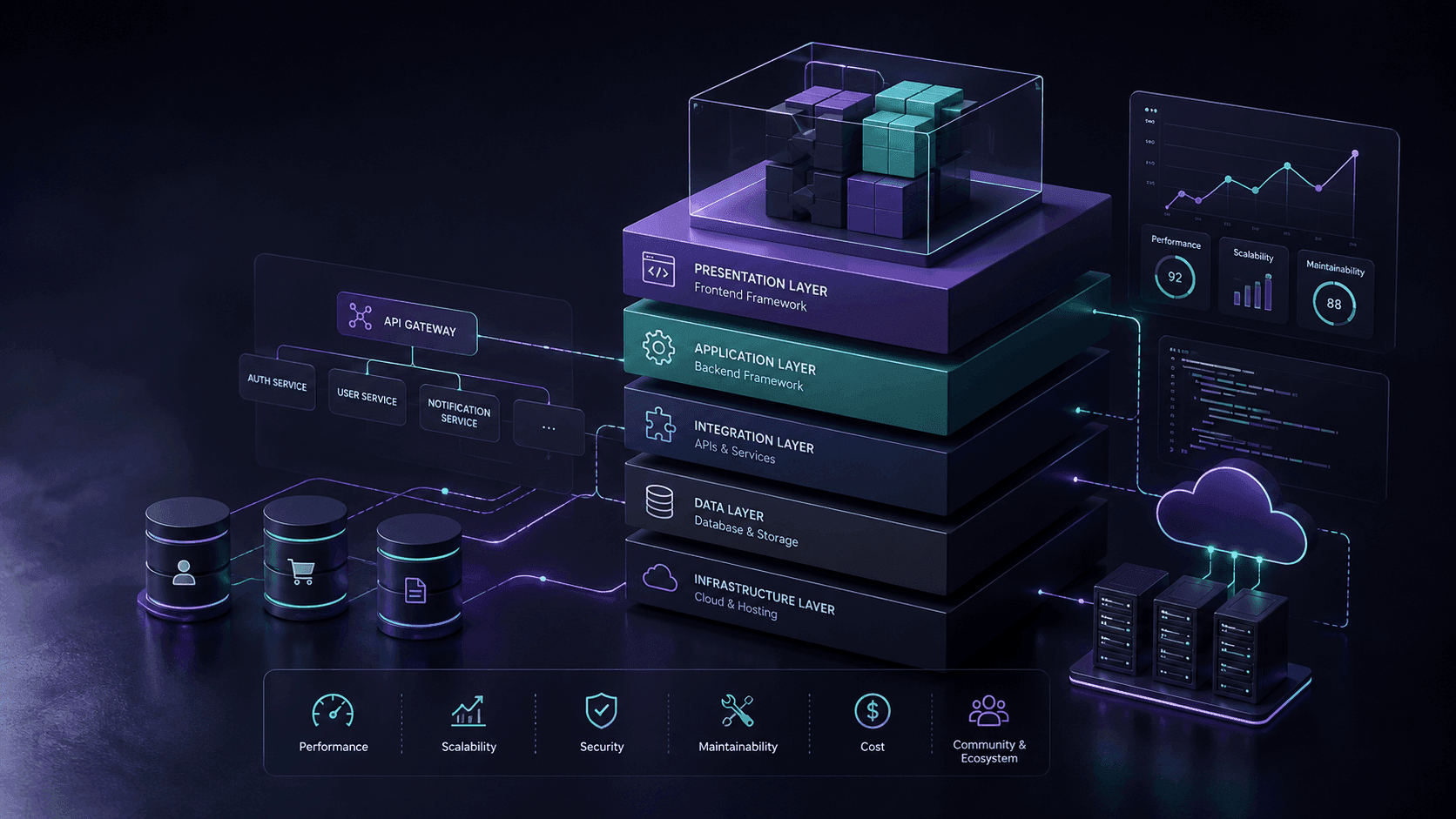
Choosing a Web Development Framework in 2026
Choosing the right web development framework can shape your application's performance, scalability, maintainability, and long-term cost. This guide compares modern frameworks and the factors that actually matter when selecting one for a real-world project.
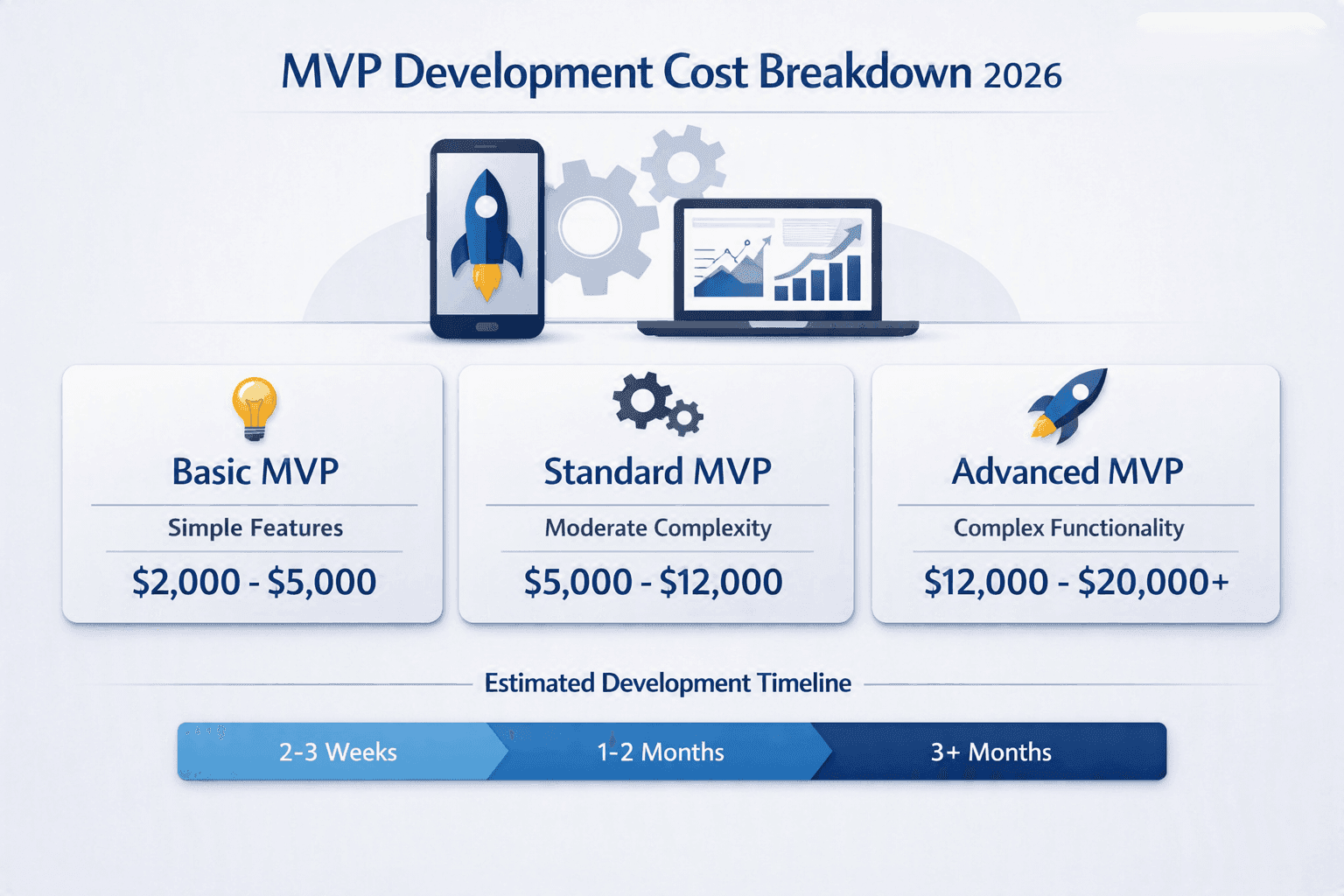
How Much Does It Cost to Build an MVP in 2026?
A custom MVP does not have to cost $50K+. Here is what you can realistically build for $2K, $5K, $10K, and $20K in 2026.
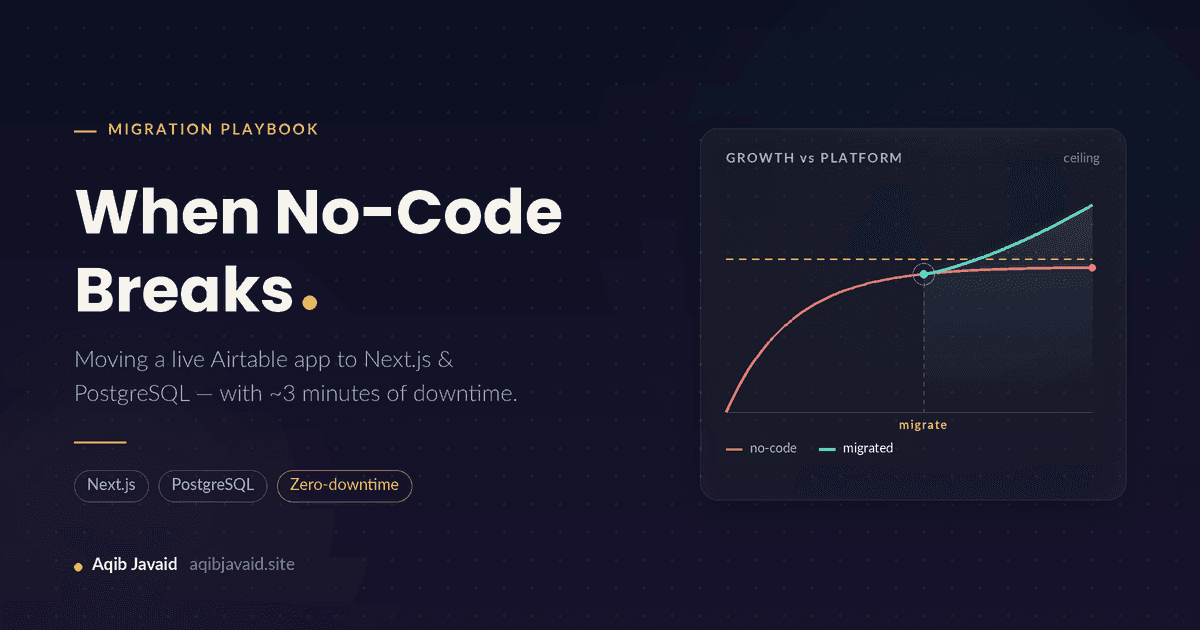
When No-Code Breaks: Migrating a Live Airtable App to Next.js & PostgreSQL Without Losing Users
No-code apps rarely die, they plateau: row ceilings, 8-second loads, a $700 monthly bill. Here is how to move a live one to Next.js and PostgreSQL safely.
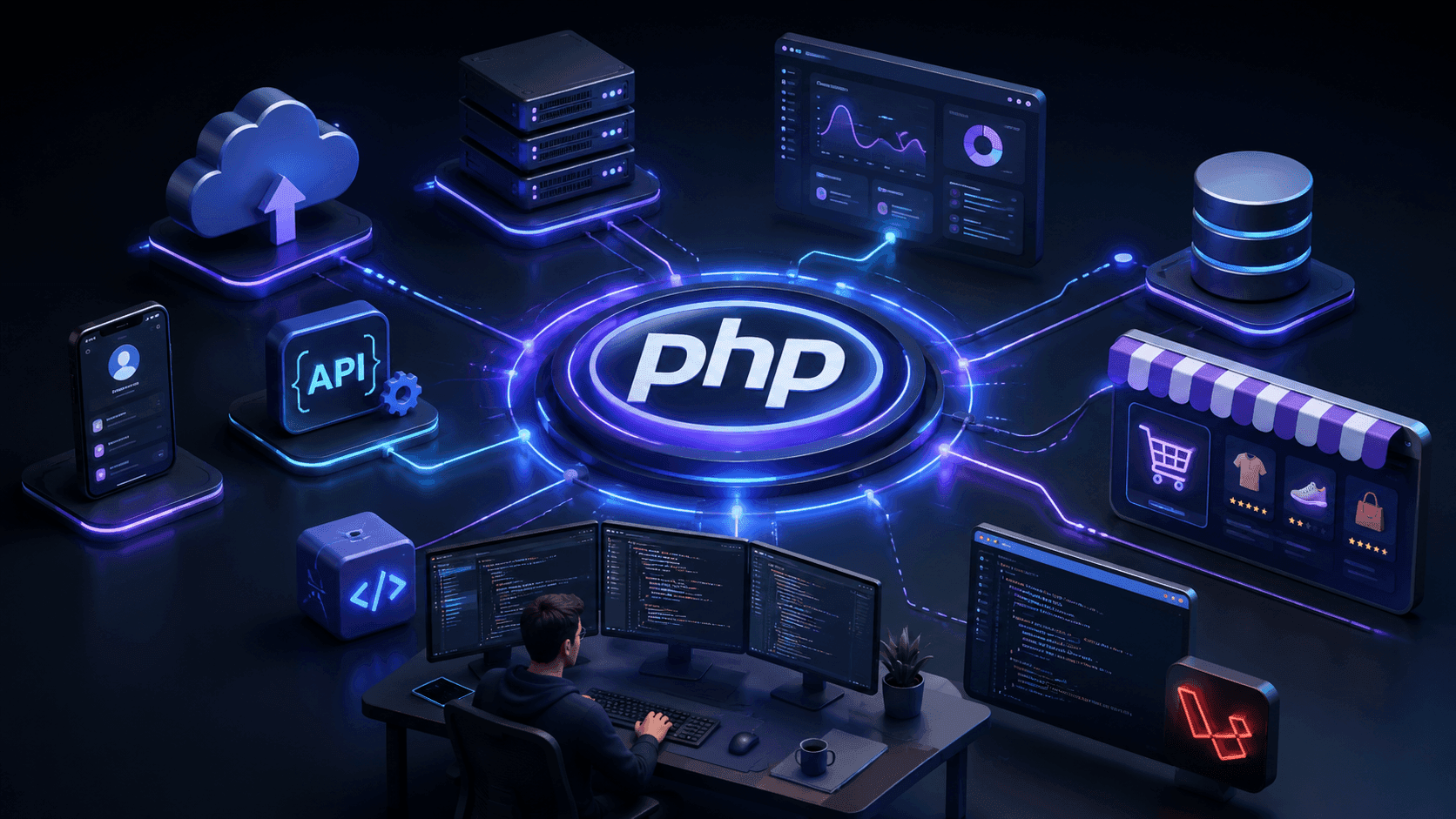
Why PHP Still Matters in Modern Web Development
PHP has evolved far beyond its early reputation as a simple scripting language. Modern PHP powers scalable backend systems, ecommerce platforms, APIs, SaaS products, and frameworks like Laravel, making it a practical choice for today's web development landscape.
Have a complex technical project in mind?
Available for full-stack engineering, performance audits, cloud deployments, and high-concurrency systems architecture.