Deployments should be boring#
If releasing a change means SSH-ing into a server, pulling code, running commands from memory and hoping, every deployment is a risk. Teams respond by deploying less often, which makes each release bigger and riskier still. When something goes wrong at the worst moment, nobody is sure how the server was set up, whether the backups work, or how to roll back.
Good infrastructure makes releases routine: tested automatically, deployed the same way every time, easy to roll back, and monitored so problems are spotted by an alert rather than a customer.
Signs your infrastructure needs attention#
- Deployments are manual and depend on one person remembering the steps.
- There's no staging environment, so changes are tested on real users.
- Backups exist on paper, but nobody has ever restored one.
- The server was set up years ago and nobody knows exactly how.
- Outages are discovered by customers, not by monitoring.
- Hosting costs keep rising without a clear reason.
What I set up#
Servers and hosting#
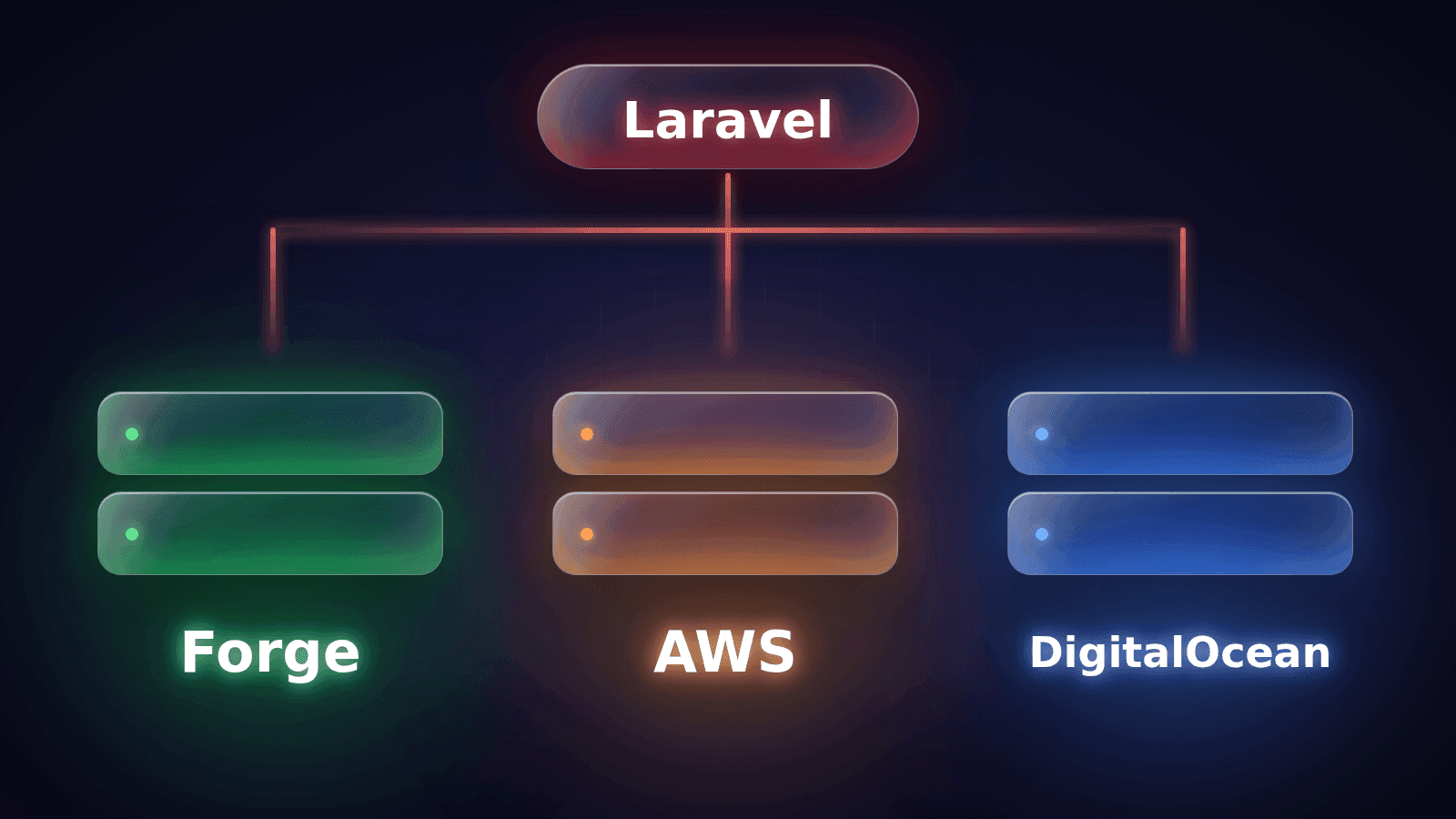
VPS, AWS or Scaleway servers, hardened, right-sized for your traffic and configured with firewalls, automatic security updates and least-privilege access. Managed tooling such as Laravel Forge where it saves time.
Docker#
Containerised applications for consistent environments from a developer's laptop to production, so "it works on my machine" stops being a debugging step.
CI/CD pipelines#
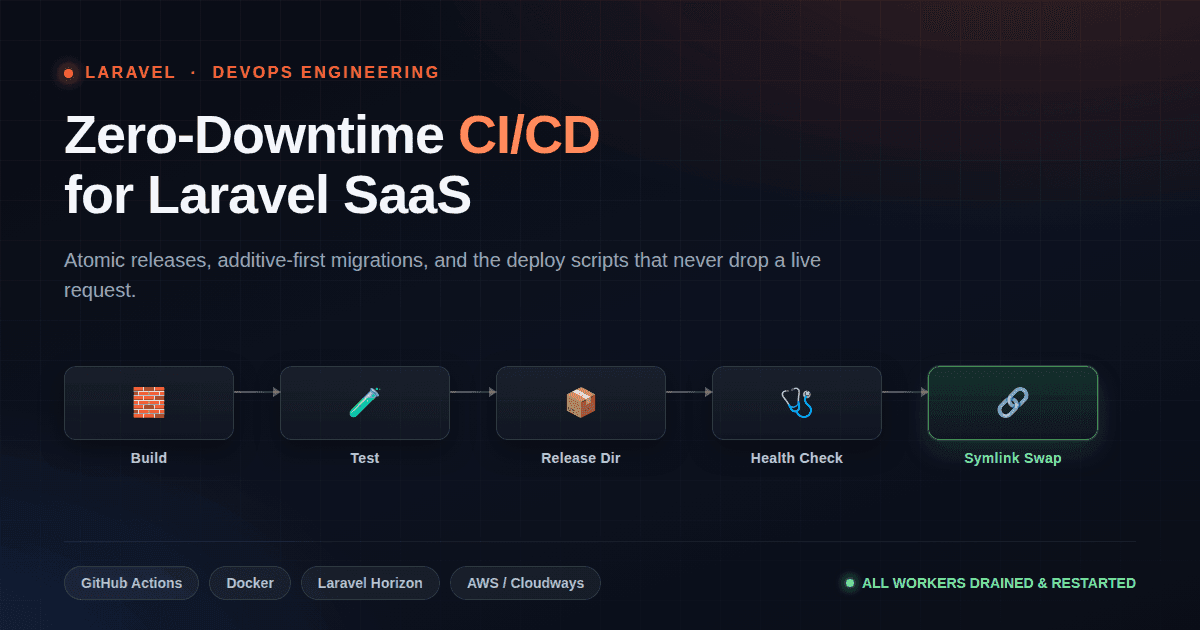
GitHub Actions pipelines that run tests, build assets and deploy automatically when changes are merged, with separate staging and production environments.
Web servers, SSL and CDN#
Nginx or Apache configuration, HTTP/2, automatic SSL certificates, compression, caching headers and a CDN such as Cloudflare in front.
Migrations#
Moving applications between servers or providers without lost data or long downtime: parallel environments, data sync, tested switch-over and a rollback plan.
Monitoring and backups#
Uptime checks, error tracking, logs, resource alerts and daily off-site backups that are regularly test-restored.
Right-sized, not over-engineered#
Most web applications don't need a complex cloud architecture. They need a reliable server, automated deployments, backups that actually restore, and alerts when something breaks. I start there and add complexity only when your traffic or team genuinely needs it, which keeps hosting bills and maintenance effort down. When you do outgrow a single server, the move to separate database, worker and web servers, or to managed services, is planned rather than rushed.
Infrastructure projects#
- Henceforward migration: Henceforward's website infrastructure migrated to Scaleway with Laravel Forge and Nginx, then security hardened and optimised across the stack for a maintainable environment. Carl-Peter Lehmann of Henceforward rated me the best freelancer they have worked with on Upwork.
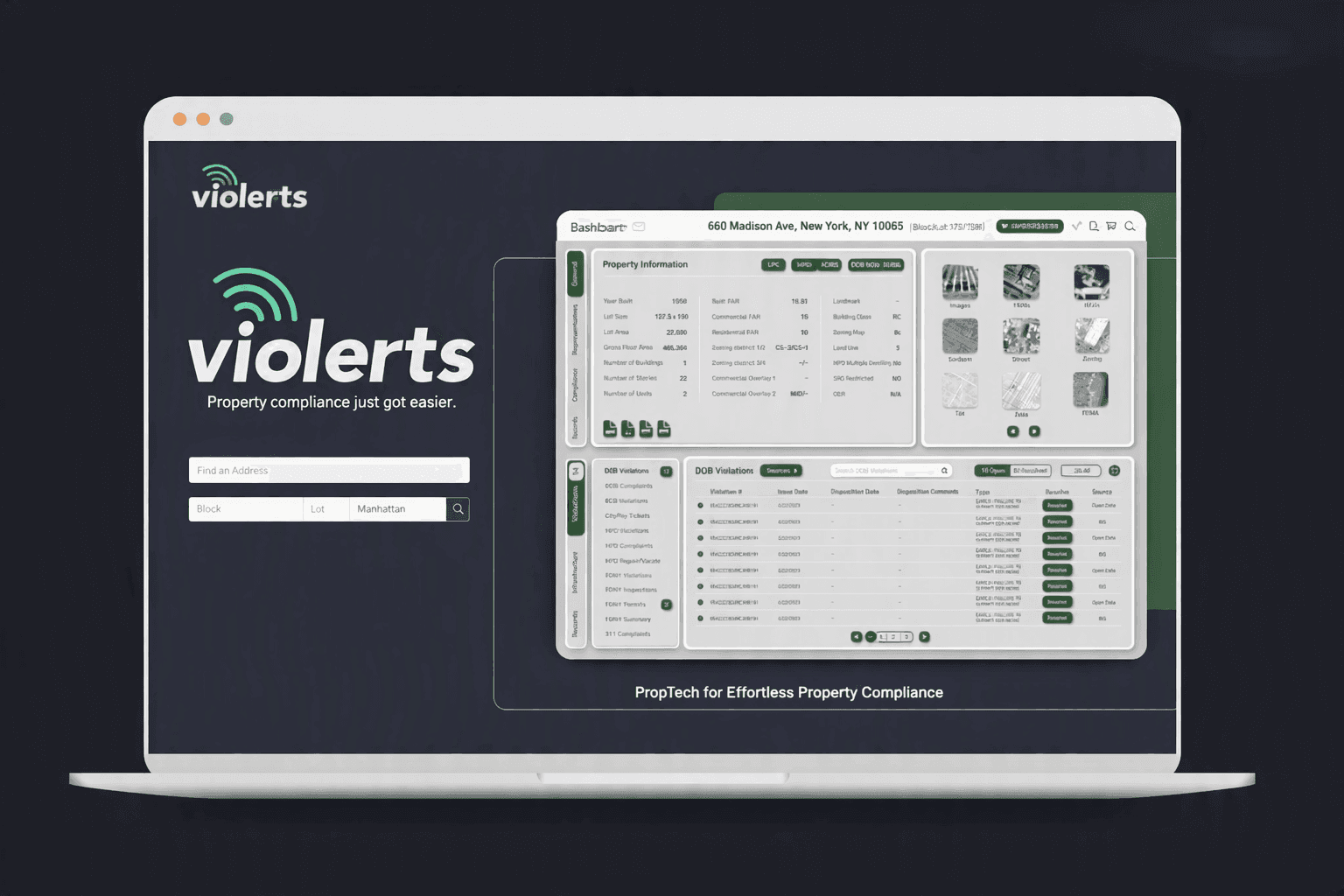
- Violerts: a production SaaS on Linux, Nginx and AWS with CI/CD and Horizon-managed background workers.
- ION DASH and Imperial Votes: both containerised with Docker for consistent environments across development and production.
What a typical setup looks like#
For a typical Laravel or Next.js application, a solid, cost-effective setup looks like this:
- a hardened Linux server (or two, for web and workers) on a VPS or AWS;
- Nginx serving the app over HTTPS, with a CDN such as Cloudflare in front;
- the database on a managed service or a separate server, with daily off-site backups;
- supervised queue workers and scheduled jobs that restart automatically;
- a GitHub Actions pipeline that tests every change and deploys on merge, with zero-downtime releases;
- uptime monitoring, error tracking and log retention, with alerts to the right people.
It's not exotic, and that's the point: it's easy to understand, cheap to run and quick to recover when something goes wrong.
Security basics that matter most#
Most breaches don't need sophisticated attacks; they exploit basics that were skipped. Every setup I deliver covers SSH key-only access, a firewall with only the needed ports open, automatic security updates, secrets kept out of code and out of the repository, least-privilege database users, HTTPS everywhere, and backups stored off the server. None of it is glamorous, and all of it matters.
Common DevOps mistakes I fix#
- Secrets committed to the repository or copied between servers by hand.
- Deployments that run migrations in a way that breaks the running version mid-release.
- Everything on one server with no backups off the machine.
- Queues and scheduled jobs not supervised, so they silently stop after a restart.
- No log rotation, so disks fill up and the site goes down at 3am.
- SSL certificates renewed by hand, until the one time someone forgets.
What you get#
- infrastructure defined in scripts and configuration, not in someone's memory;
- a CI/CD pipeline with staging and production environments;
- monitoring, alerts and tested backups;
- a runbook covering deployments, rollbacks and common incidents;
- clear documentation of what runs where, and what it costs.
If you don't have in-house operations staff, that's normal for the businesses I work with. The runbook and monitoring are written for developers and founders, not dedicated DevOps teams.
Related services#
DevOps often goes with legacy modernization and backend performance work, and it's part of every Laravel and full-stack project I deliver.
Working together#
We start with a free 30-minute call about how your application is hosted and deployed today. I review the setup, rank the risks and send a written plan. Improvements run as a fixed-scope project, and ongoing server care is available on a monthly retainer.
Want deployments you don't dread? Book a free call.