When off-the-shelf software stops fitting#
Generic tools are great until your process doesn't match theirs. Then people work around the software: spreadsheets on the side, the same customer typed into three systems, approvals chased over email, and reports assembled by hand every Friday. Each workaround is small, but together they cost hours every week and lead to mistakes customers notice.
Custom business software removes those workarounds by modelling your actual workflow: your stages, your approvals, your pricing rules and your reports. It connects to the tools you already rely on, so information is entered once and flows everywhere it's needed.
I've built business systems for telecom dealers, freight forwarders, lead-generation agencies and safety-management teams, where the software is the operations.
Signs you need custom business software#
- Your team lives in spreadsheets that break, drift out of date and can't be trusted for reporting.
- The same data is typed into several systems, and they never quite agree.
- Approvals and hand-offs happen in email or chat, and things fall through the cracks.
- Partners, dealers or customers need access to part of your process, but not all of it.
- Your SaaS subscriptions cost more every year while still not doing what you need.
What I build#
Custom CRMs#
Leads, customers, deals, tasks and follow-ups modelled around your sales process, with pipelines, reminders and reporting. Where you already use a CRM such as GoHighLevel, I often build a custom layer that integrates with it instead of replacing it.
Internal operations tools#
Order processing, bookings, inventory, compliance checks, job tracking: whatever your team currently manages in spreadsheets, turned into structured screens with validation, search and bulk actions.
Dealer, partner and customer portals#
Separate areas for dealers, distributors, partners or customers, each with their own permissions, data and actions. They see what they need and nothing more.
Admin dashboards and reporting#
Live dashboards built on your real data, with filters, exports and scheduled reports, so managers stop asking someone to pull numbers.
Workflow automation#
Status changes that trigger notifications, documents, payments or tasks automatically, and integrations that sync data with the rest of your stack. See API development & integrations.
Built for the people who use it every day#
Business software lives or dies on adoption. If it's slower than the spreadsheet, people go back to the spreadsheet. So I keep screens focused on the task, make common actions fast with bulk operations, keyboard-friendly forms, search and saved filters, and give each role only what it needs.
Behind that sit the things that make the system trustworthy: role-based permissions down to individual actions, audit trails for sensitive changes, validation that stops bad data at the door, and backups that have actually been restored in a test.
Business systems I've built#
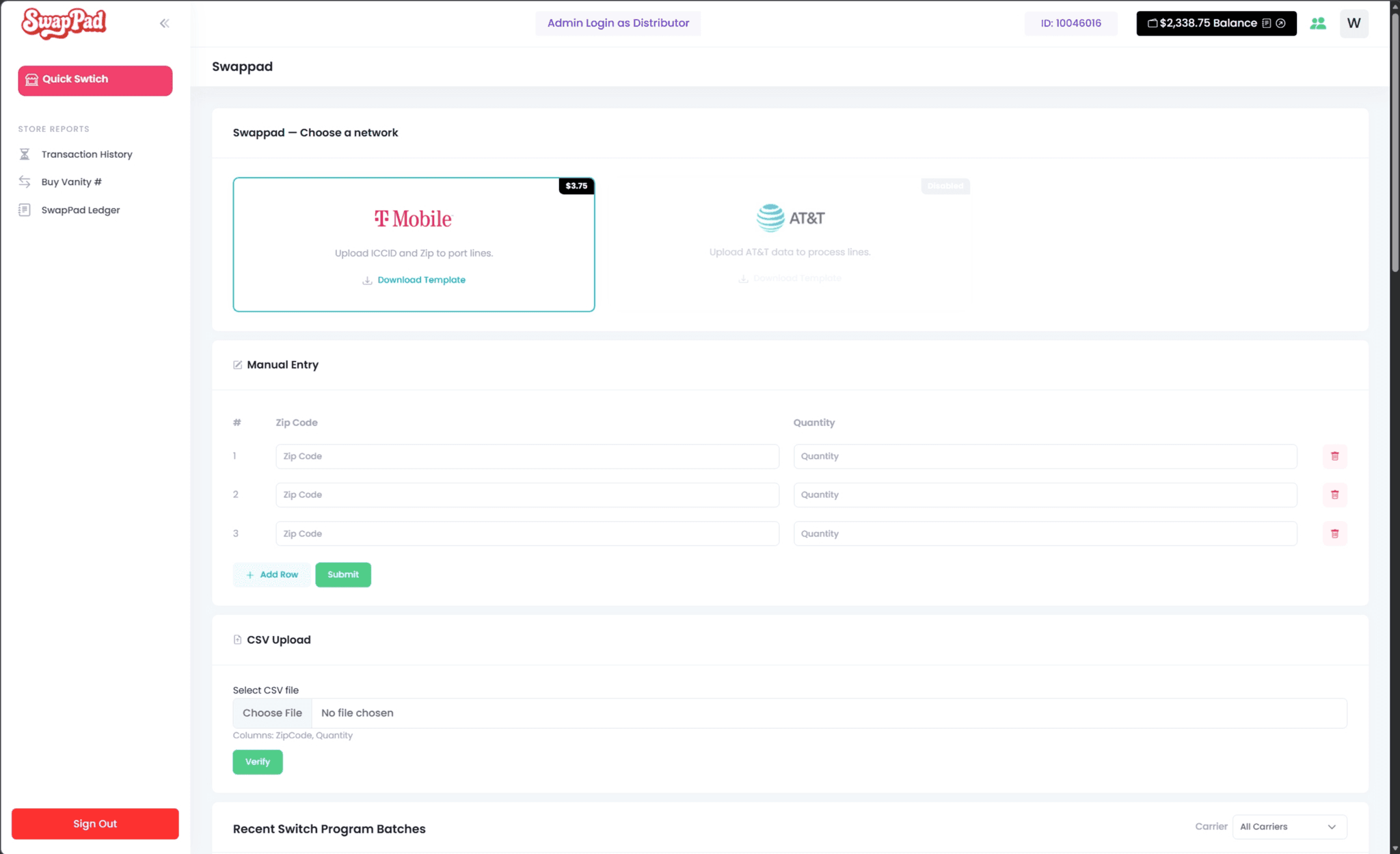
- Multi-carrier SIM activation platform: wireless dealers and distributors had to activate SIMs and eSIMs one line at a time across disparate carrier backends. I built a bulk CSV-driven activation engine inside the existing CelleUp dealer POS, with 4+ carriers unified, live progress over Server-Sent Events, role permissions, PDF documents and three-tier wallet accounting kept exactly consistent.
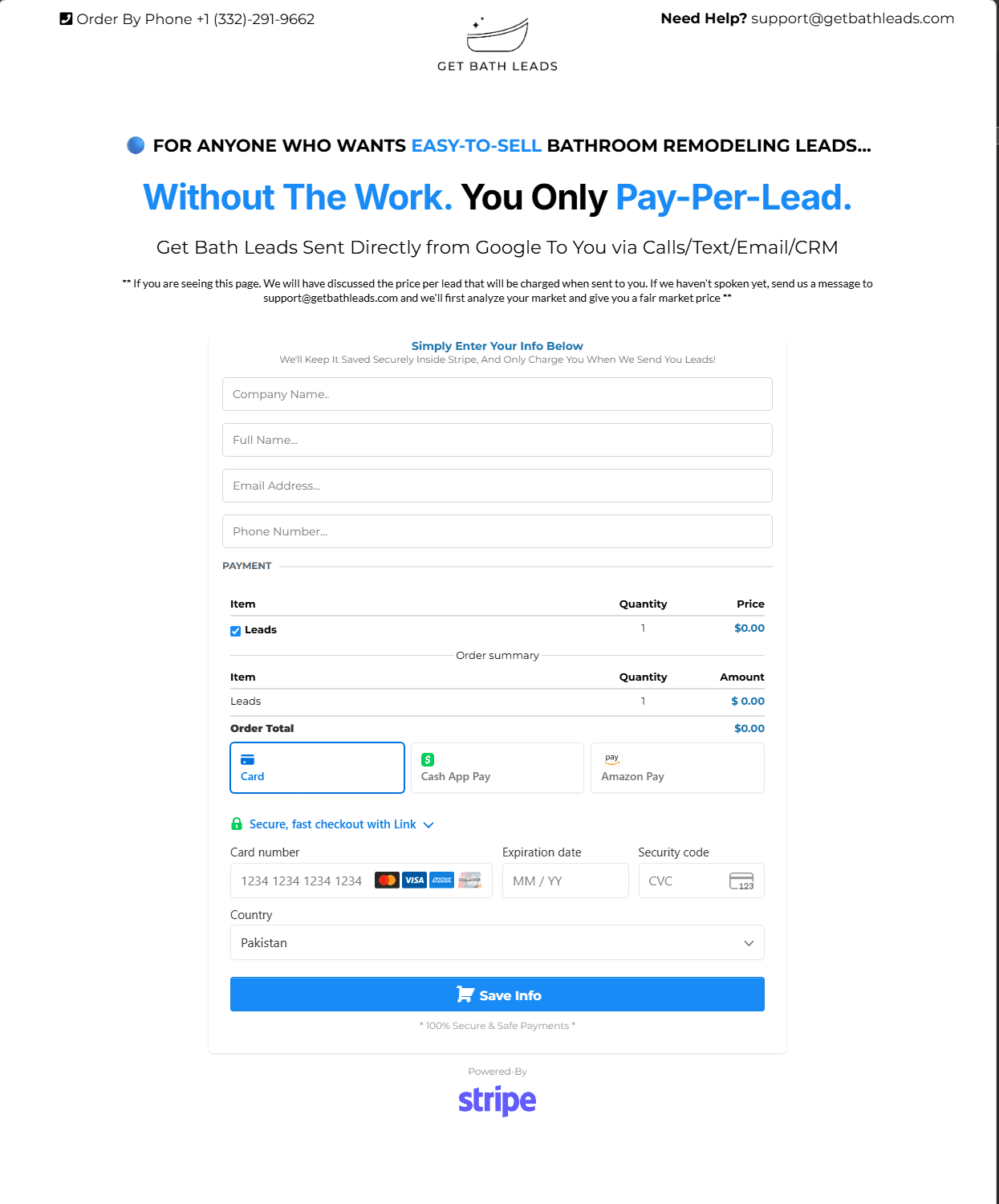
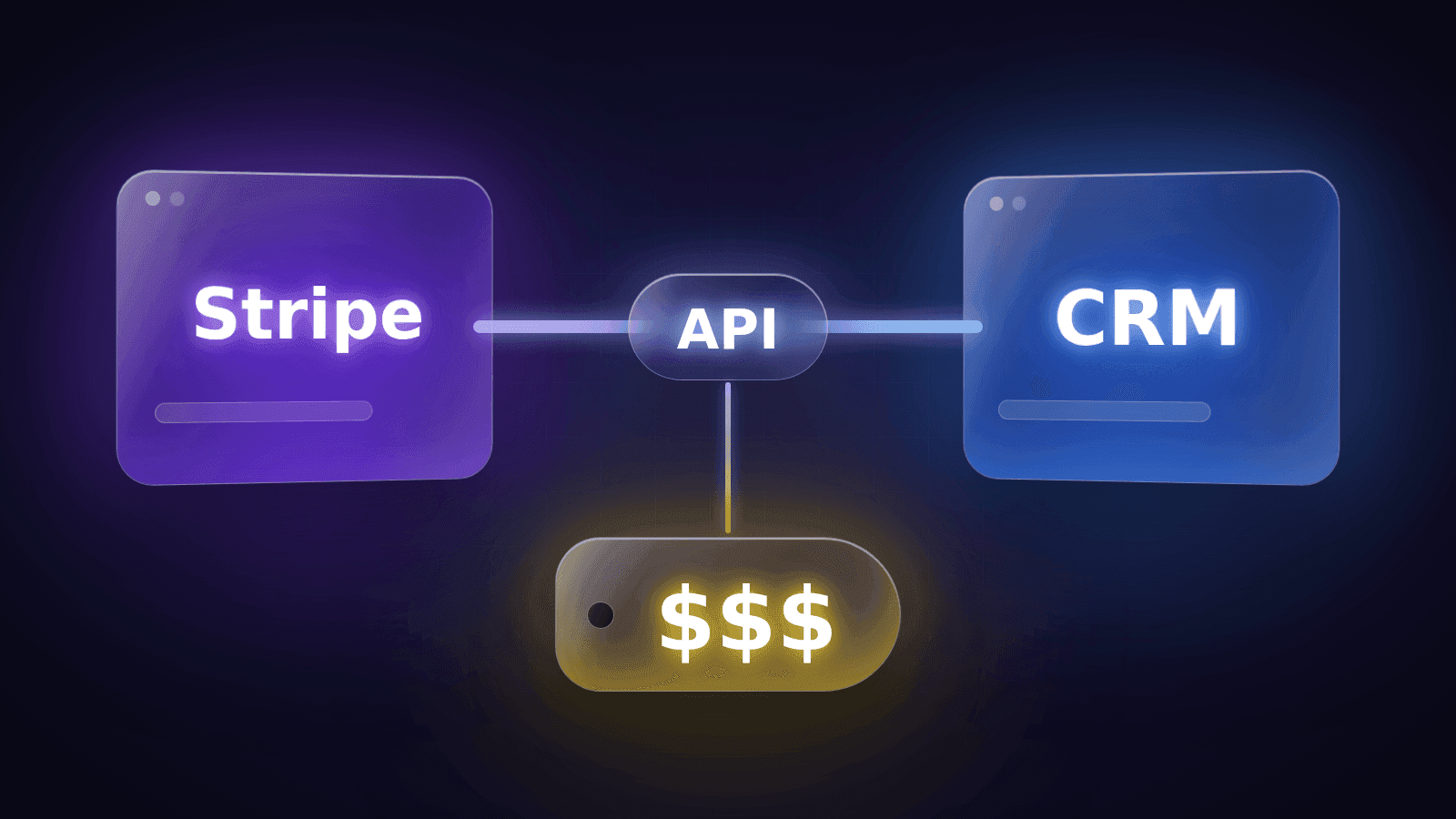
- Stripe lead billing: automated per-lead billing connected to GoHighLevel. Clients save a card without an immediate charge and are billed automatically when qualified leads are delivered, replacing manual invoicing.
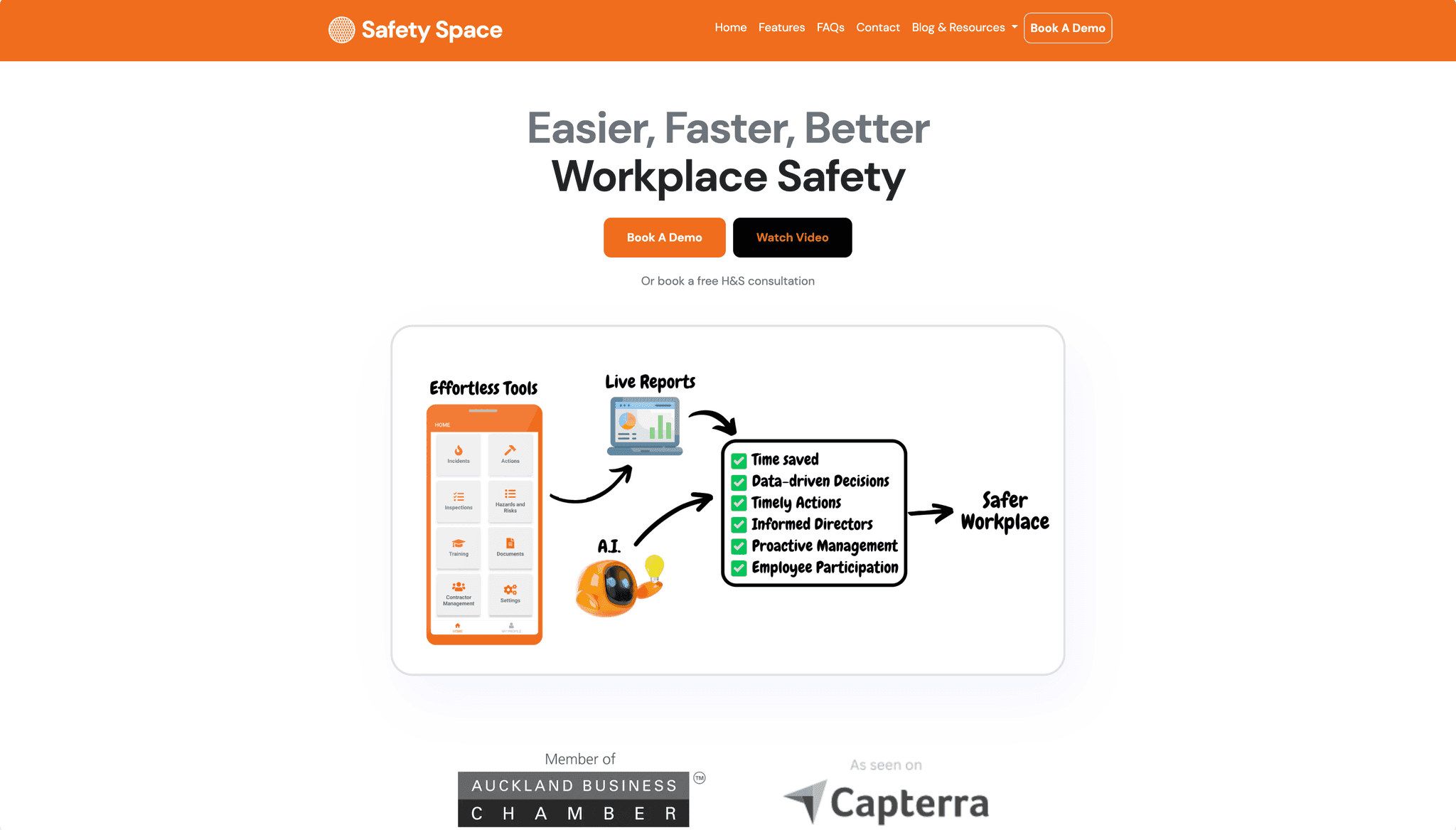
- SafetySpace: configurable safety workflows, automated documentation and AI-assisted data entry for safety management teams, where I acted as technical lead.
- PPCWA: a freight-forwarding platform covering customer, admin and public surfaces, audited and stabilised, with a plan for migrating it to Laravel.
Moving off spreadsheets without chaos#
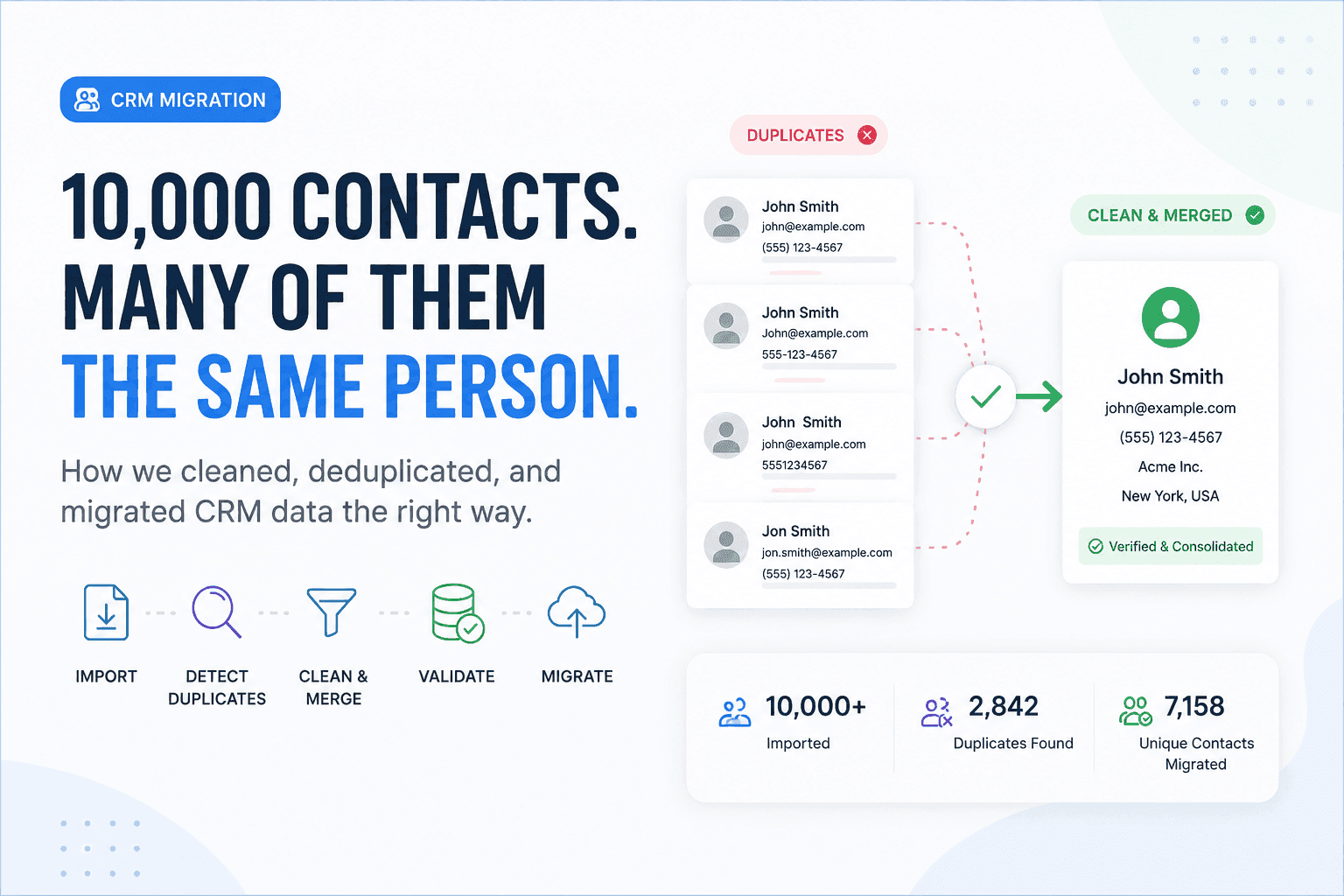
Switching systems is where many internal-software projects stumble. I plan the migration as its own phase: mapping every column to the new data model, cleaning duplicates and inconsistent values, validating totals against the old system, and running trial imports your team can check. Where possible the old and new systems run side by side for a short period, so nobody is forced to trust the new one blindly on day one.
Common mistakes I help avoid#
- Copying the spreadsheet. The new system should model the process, not reproduce every column someone added years ago.
- Building everything at once. Starting with one painful workflow gets value to your team faster and produces better requirements for the rest.
- No permissions model. Adding roles later, after everyone has seen everything, is harder and riskier than designing them in.
- Reports as an afterthought. If the data model doesn't capture what managers need to measure, no dashboard can fix it.
What you get#
- a system built around your workflow, in your own repository and on hosting you control;
- no per-seat licences, so growing the team doesn't grow the bill;
- role-based access, audit trails and backups;
- integrations with the tools you keep;
- training and documentation for your team.
Related services#
Business software almost always needs API integrations and is usually built on Laravel. If you're turning an internal tool into a product other companies can buy, see SaaS development.
Working together#
We start with a free 30-minute call about the process that hurts most. Then I map the workflow with the people who do the work, and send a written scope for the first phase. Business systems usually run as a first fixed-scope phase followed by a monthly retainer for new workflows and improvements.
Tell me about the process you want to fix. Book a free call.