The cost of leaving legacy code alone#
Old applications don't stop working overnight. They get more expensive, slowly and then quickly. Every change takes longer because nobody is sure what it will break. Security patches pile up because the framework or PHP version is out of support. Hosting can't be upgraded. The one person who understood the system left, and every other developer quotes high because the code scares them.
Meanwhile the business depends on that application more every year. The longer modernization waits, the bigger, riskier and more expensive the eventual fix becomes.
Signs your application needs modernizing#
- It runs on an unsupported PHP or Laravel version, and you can't apply security updates.
- Deployments are scary, done by hand, and sometimes break things that seem unrelated.
- Simple features take weeks because of tangled code and side effects.
- There are no tests, so every change relies on manual checking and hope.
- Nobody fully understands the system, and knowledge lives in one person's head, or nowhere.
- Performance is getting worse as data grows, and nobody knows why.
Modernize in stages, not with a big-bang rewrite#
Full rewrites are tempting and usually disappointing. They take longer than planned, they freeze feature development, and they lose the business rules buried in the old code: the edge case for one big customer, the tax rule someone added in a hurry, the workaround for a supplier's quirk. You end up paying twice and still missing things.
I prefer incremental modernization:
- Audit the application to understand what's there, what's risky and what's worth keeping.
- Stabilise with version control, a staging environment, backups and tests around critical flows.
- Upgrade PHP and framework versions one step at a time.
- Refactor the parts that change most often, so new features get cheaper first where it matters.
- Replace components only where the audit shows they can't be saved.
Each step is released on its own and leaves the application better than before. If priorities change halfway, you still keep everything that was done.
What a modernization audit covers#
- Architecture: how the application is structured, where responsibilities are tangled, and what can be separated.
- Code quality: duplication, dead code, risky patterns and the areas that change most often.
- Security: outdated dependencies, injection risks, authentication and permission gaps.
- Data: schema design, integrity problems and slow queries.
- Deployment: how code reaches production, backups, environments and monitoring.
- Recommendation: refactor, migrate or rebuild, per area, with effort estimates.
Typical modernization work#
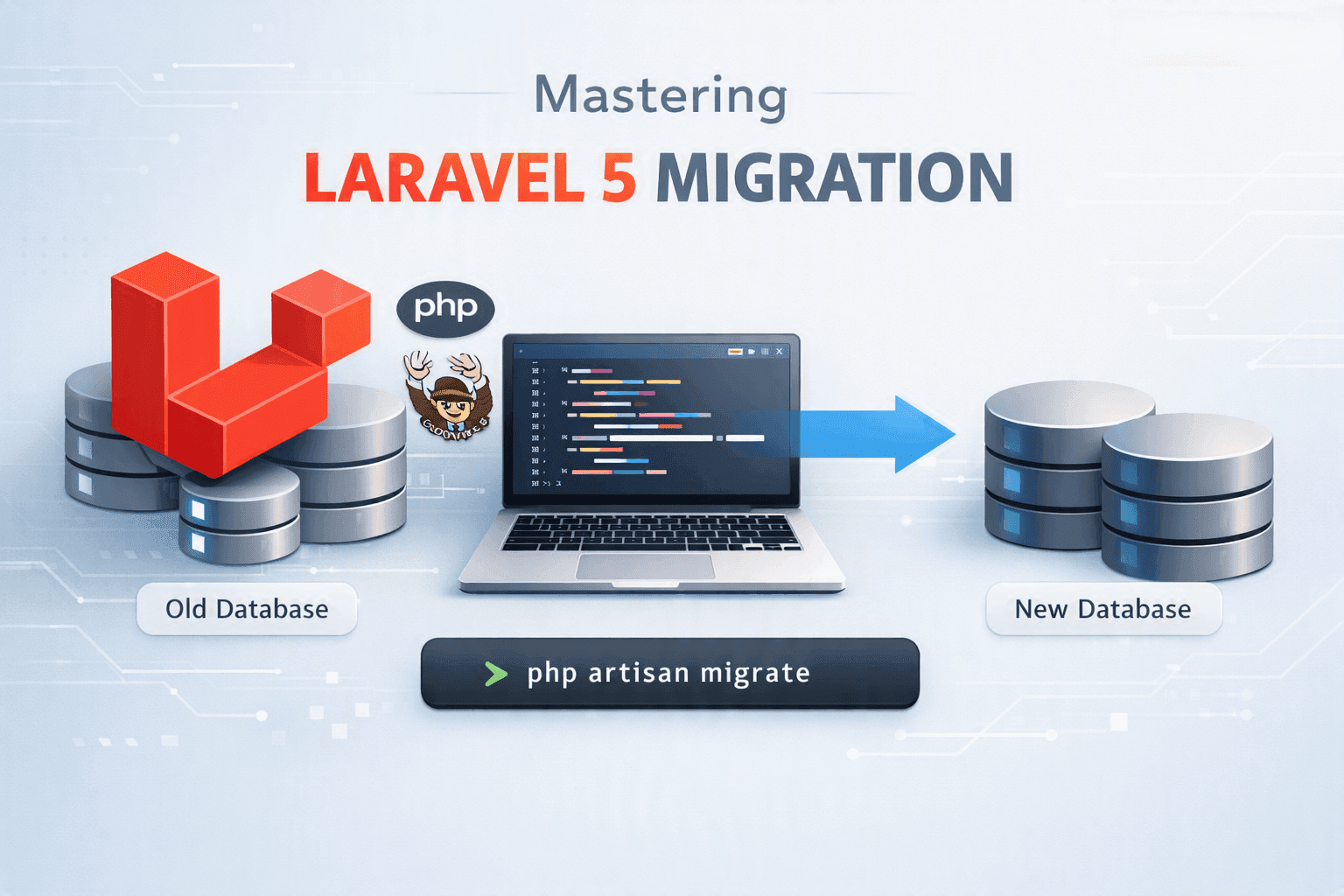
- PHP and Laravel version upgrades, including Laravel 5-era applications
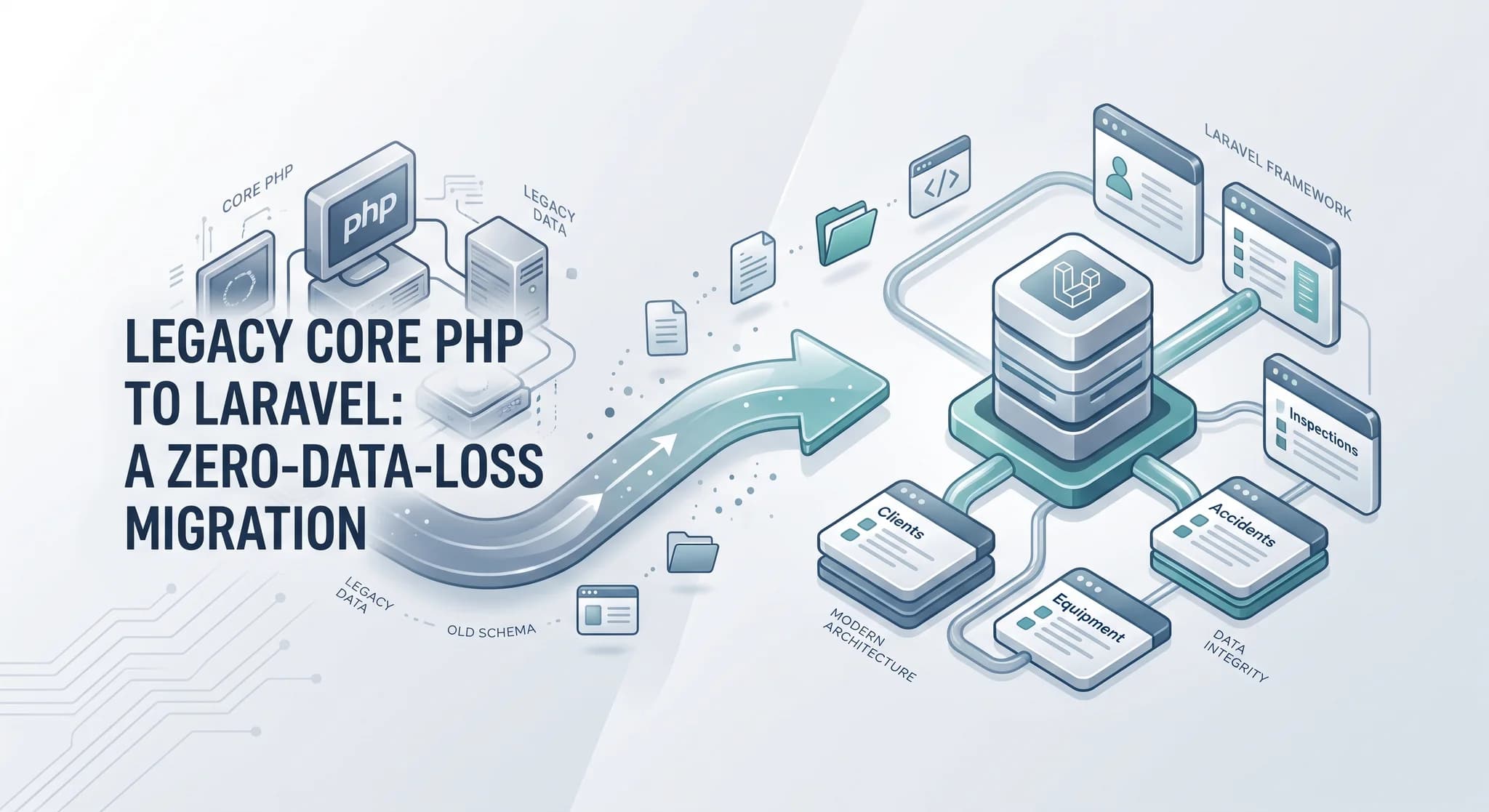
- Moving framework-less core PHP into Laravel gradually, module by module
- Removing security vulnerabilities and outdated dependencies
- Database cleanup and performance tuning
- Introducing automated tests, CI/CD and repeatable deployments through DevOps
- Replacing legacy frontends with modern React or Next.js where it pays off
Modernization and rescue projects#
- PPCWA freight forwarding audit: an audit and stabilisation of a nearly complete Core PHP and MySQL freight-forwarding platform, covering four engineering areas across three application surfaces, with an estimated plan for migrating to Laravel. Jovene Cunningham of PPC wrote that I work "efficiently" with "a strong understanding of best practices, processes, and frameworks".
- ION DASH: a legacy delivery application transformed into a modern logistics and fleet platform, with new Flutter apps, a Laravel API, Docker and regression test coverage.
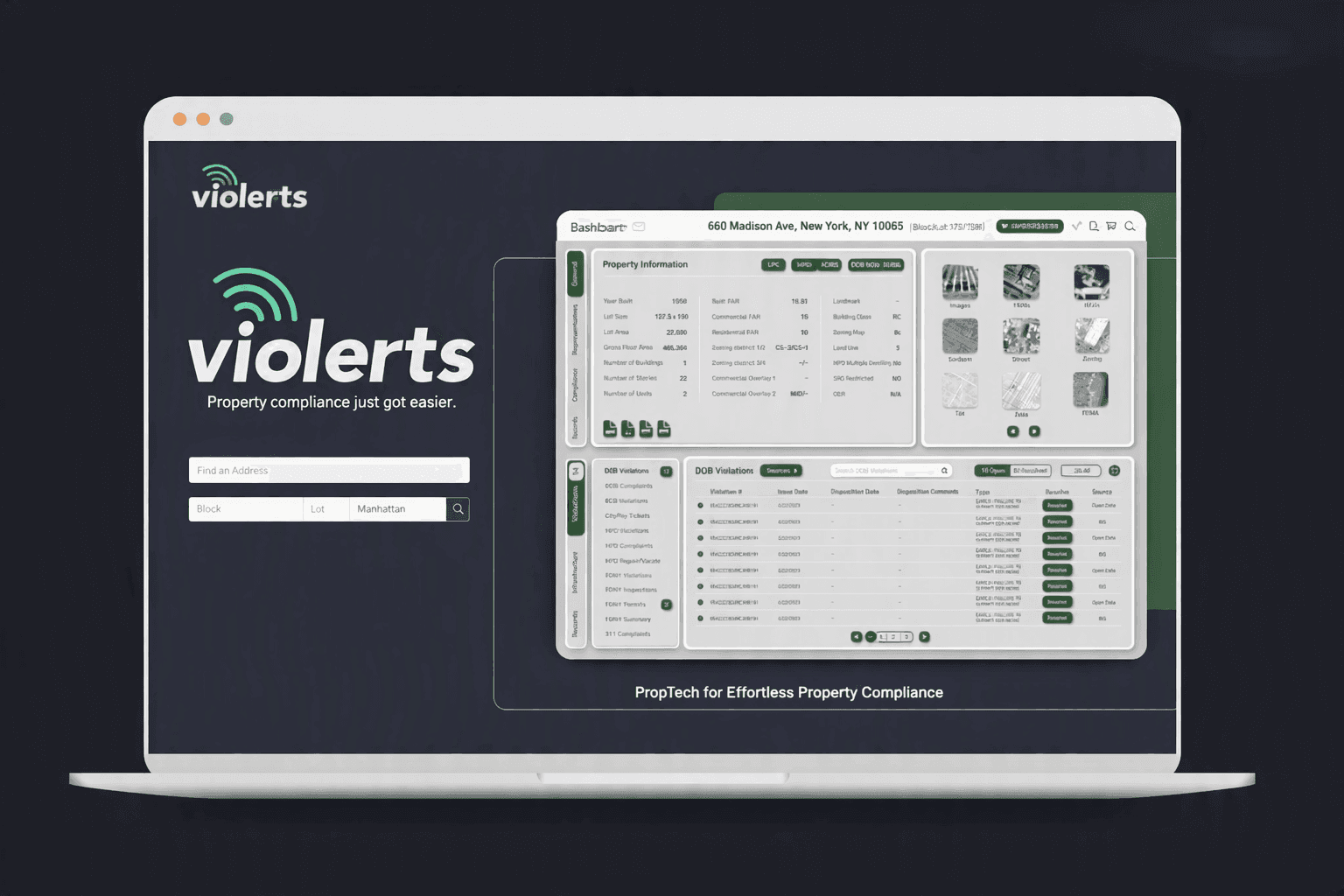
- Violerts: modernization of a React and Laravel SaaS, including moving synchronous processing to background jobs and improving frontend performance by 60%+ in affected workflows.
- Planuojam and Nooora: half-built projects recovered, stabilised and finished instead of being thrown away.
What the first weeks look like#
Week one is the audit: access to the code, database and servers, a walk through the application with the people who use it, and a first look at logs and errors. You get the written findings and a proposed plan.
Next comes stabilisation, which has the biggest effect on risk for the smallest effort: the code in version control if it isn't already, a staging environment that mirrors production, automated backups that have been test-restored, error monitoring, and tests around the handful of flows that make money.
Only then does modernization start, beginning with the areas that change most often or carry the most risk. Each release is small, reviewed and reversible, and your team sees progress in the staging environment before anything reaches customers.
Refactor, migrate or rebuild?#
The honest answer is usually "some of each". Areas that work and rarely change can stay as they are. Areas that change often and hurt every time are refactored first. Areas that are fundamentally broken, insecure or blocking growth are replaced. The audit gives you that map, with effort estimates, so decisions are based on evidence rather than frustration.
Security comes first#
Legacy applications are the most common source of breaches, because their dependencies stopped receiving fixes years ago. Known vulnerabilities, exposed credentials, missing access checks and unsafe file uploads are fixed early in the stabilisation phase, before any larger refactoring, so the business is protected while the rest of the work continues.
Working together#
Most modernization projects start with a fixed-price audit, so you understand the situation before committing to more. After that, stabilisation and modernization run in stages, as fixed-scope phases or on a monthly retainer, while your business keeps running.
Worried about an aging application? Book a free call. An audit is often the best first step.