

We Had 10,000 Contacts. The Real Problem Was That Many of Them Were the Same Person.#
Importing 10,000 records is easy. Deciding which 10,000 records are actually unique is not.
When migrating contacts between CRM systems, the obvious task is moving the data.
The difficult part is figuring out whether the data is actually clean enough to move.
During a CRM migration, we were dealing with 10,000+ contacts. At first, the process looked straightforward: export the contacts, transform the fields, and import them into the new system.
Then we looked at the data more closely.
There were duplicate email addresses, inconsistent formatting, incomplete records, and multiple contact records that appeared to represent the same person.
Simply importing everything would have moved the existing data problems into the new CRM.
The Real Problem#
The challenge wasn't the number of contacts.
It was answering a much more important question:
Which records should become one contact, and which ones should remain separate?
For example, the same person could appear as:
john@example.com
John@example.com
john@example.com
Or have slightly different information across multiple records.
An exact string comparison wasn't enough.
I Started With Normalization#
Before attempting deduplication, I normalized the data.
That included things such as:
- Trimming whitespace
- Normalizing email addresses
- Standardizing comparable fields
- Handling missing values
- Cleaning inconsistent input formats
The goal was simple:
Compare data in a consistent form before deciding whether two records are duplicates.
Then Came Deduplication#
Email was one of the strongest identifiers available, so it became an important part of the deduplication strategy.
But I didn't simply delete every duplicate.
That would have been dangerous.
Two records with the same email could contain different information that we still needed.
Instead, duplicate records had to be evaluated and merged according to defined rules.
For example:
- Identify potential duplicate records.
- Compare their available information.
- Determine which values should take priority.
- Preserve useful information from both records.
- Create one canonical contact.
- Keep the migration process reversible and auditable.
This turned a simple import script into a proper data migration process.
The Important Part: Don't Lose Data#
One of the biggest mistakes in migrations is treating duplicates as disposable.
If one record contains a phone number and another contains an important company field, simply keeping the first record could silently destroy useful information.
So instead of thinking:
"Which duplicate should I delete?"
I approached it as:
"How do I produce the best possible canonical record from these duplicates?"
That small change in thinking makes a huge difference.
Validation Before Import#
Before pushing the cleaned data into the new CRM, I validated the migration dataset.
I checked things like:
- Duplicate contacts remaining
- Missing required fields
- Invalid email addresses
- Records that couldn't be confidently merged
- Unexpected field mappings
- Total records before and after processing
The migration wasn't considered successful just because the import returned a success message.
The data itself had to be verified.
What I Learned#
CRM migrations are rarely just about moving records from A -> B.
They're really about moving business data without moving its problems.
A migration script can process thousands of records in minutes.
But designing the rules that determine whether two records represent the same customer requires much more thought.
My main takeaways#
- Normalize before comparing.
- Never delete duplicates blindly.
- Define conflict-resolution rules before migration.
- Preserve useful information when merging records.
- Validate the result, not just the import process.
- Treat migration as a data-quality problem, not just a coding task.
The most important lesson was simple:
A successful migration isn't measured by how many records you imported. It's measured by how trustworthy the data is when you're finished.
Share this technical insight with your network
Share to LinkedIn or Facebook with key takeaways, featured media, and direct links.
Related Technical Articles
View all articles →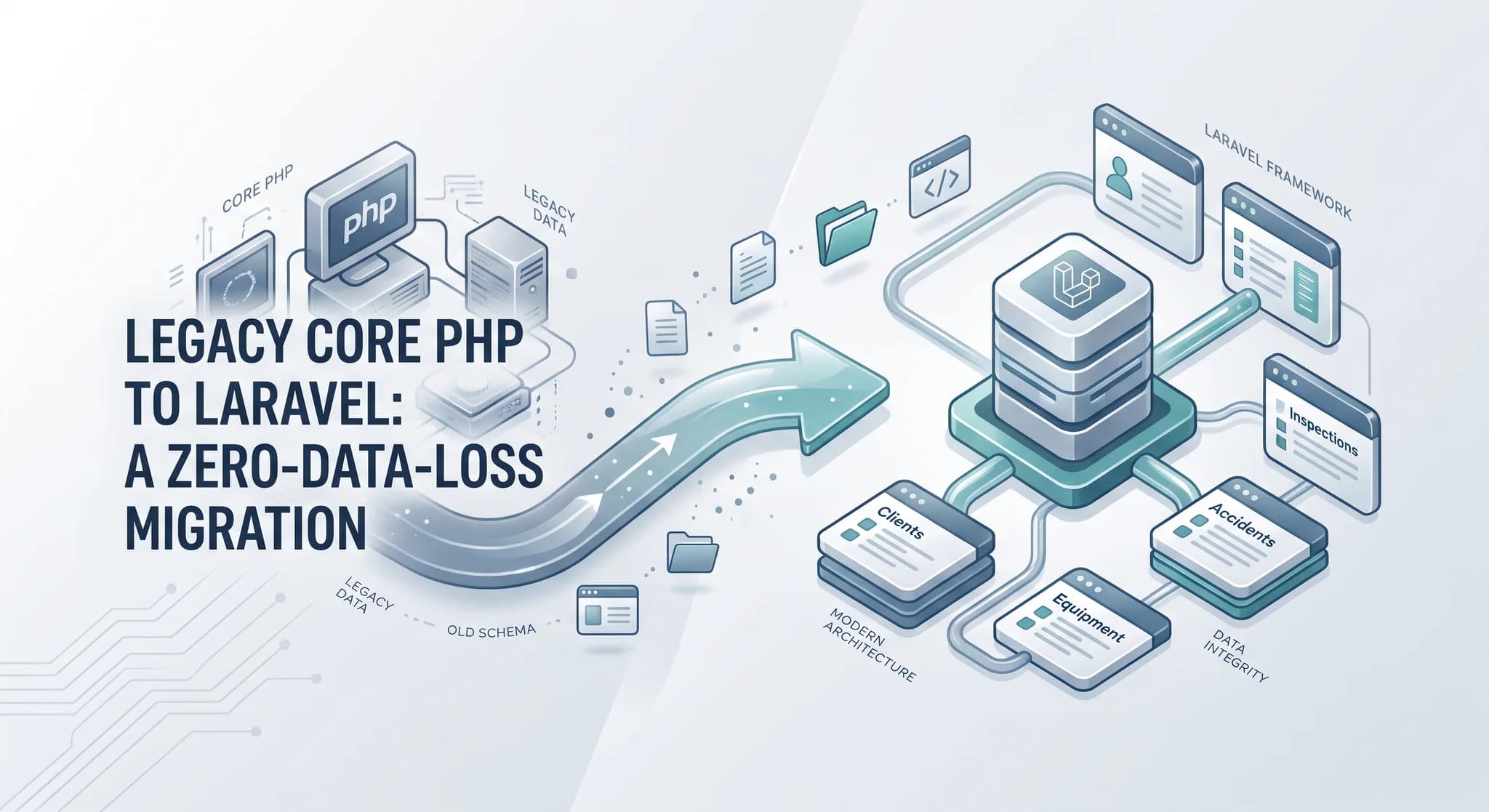
Migrating a Legacy Core PHP Platform to Laravel Without Losing Client Data
Rebuilding the application was only half the job. The harder part was moving years of unreliable data and client assets without breaking production.
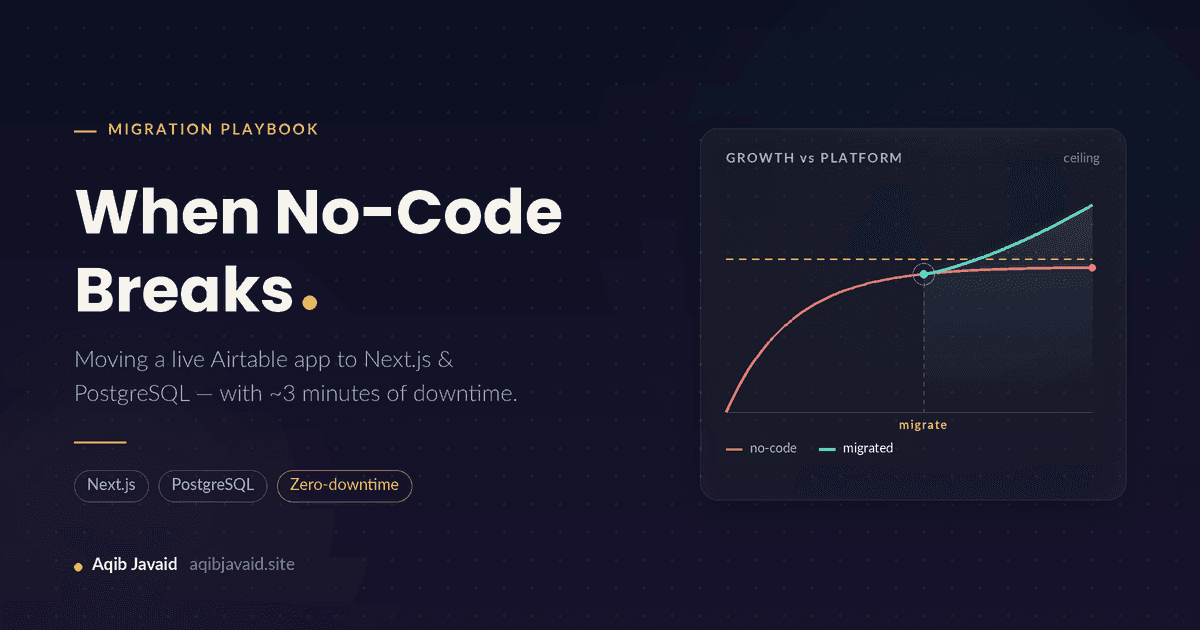
When No-Code Breaks: Migrating a Live Airtable App to Next.js & PostgreSQL Without Losing Users
No-code apps rarely die, they plateau: row ceilings, 8-second loads, a $700 monthly bill. Here is how to move a live one to Next.js and PostgreSQL safely.
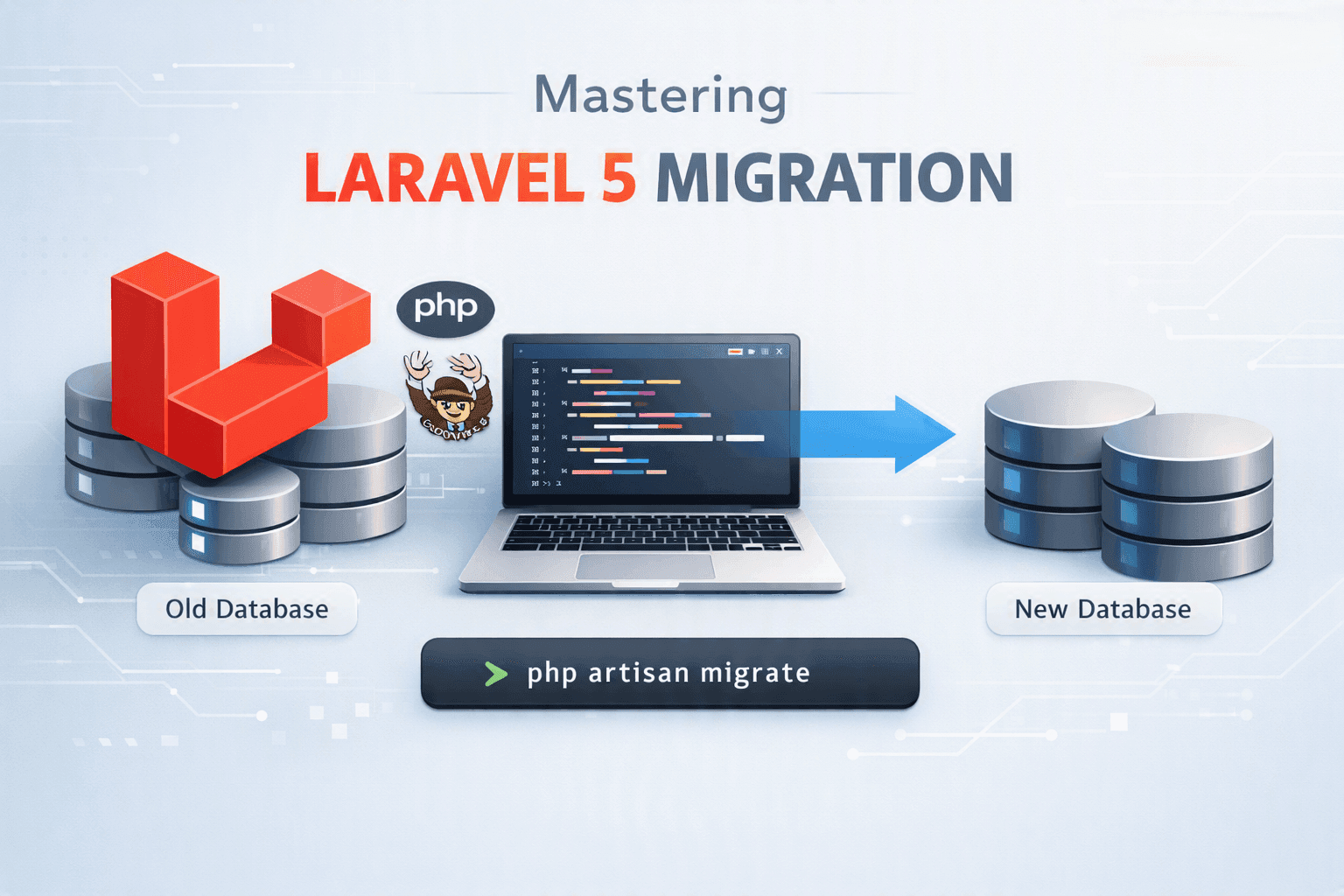
Laravel 5 Migration: A Safe Strategy for Modernizing Legacy Apps
Migrating Laravel 5 is rarely just a framework upgrade. I break down how I assess legacy systems, plan the migration, reduce risk, and modernize safely.
Have a complex technical project in mind?
Available for full-stack engineering, performance audits, cloud deployments, and high-concurrency systems architecture.