

"How much will it cost to connect our system to theirs?" is the question I hear most before an integration project, and it's the hardest one to answer from a one-line description. A custom API integration cost can be a few days of work or several months, and both can be described with the same sentence: "we need to connect X to Y".
The reason is that the API call is the easy part. What takes time is everything around it: how the data maps between two systems that describe the same thing differently, what happens when a request fails, how you know a payment really went through, and who gets alerted at 2 a.m. when it doesn't.
This guide breaks down what drives the cost and the timeline, gives typical effort ranges by complexity, and shows what to ask a developer before you agree on a price. It draws on the kind of integration work I do through my API development and integrations service.
The hour ranges below are typical planning figures from my experience, not a quote. Your price is the hours multiplied by the hourly or project rate of whoever builds it, and rates vary widely by region and seniority.
What you are actually paying for#
An integration has more layers than "call the API". When I scope one, I look at these:
- Authentication. API keys are quick. OAuth, token refresh and per-customer connections take longer.
- Data mapping. Field names, formats, units and required fields almost never match between two systems.
- Business rules. Which records sync, in which direction, and what wins when both sides change.
- Error handling and retries. Timeouts, rate limits and temporary failures need a plan, not a hope.
- Webhooks and status sync. Many services tell you about events after the fact, and those messages must be verified and processed safely.
- Testing and monitoring. Sandbox accounts, edge cases, logging, and alerts when something breaks.
- Documentation and handover. Someone has to be able to maintain it after the builder leaves.
Cheap quotes usually cover the first two layers and skip the rest. Those skipped layers are where integrations fail six months later, which I wrote about in the guide to third-party API integration best practices.
Typical effort by complexity#
| Type of integration | Typical effort | Typical calendar time | Example |
|---|---|---|---|
| Simple, one-way | 15 to 30 hours | About 1 week | Push new form submissions into a CRM or spreadsheet |
| Standard, two-way with events | 20 to 60 hours | 1 to 3 weeks | Payments plus webhooks, or a CRM sync with status updates |
| Complex, several systems | 60 to 150+ hours | 4 to 10+ weeks | Multiple carriers, ERP data, approval rules and reporting |
Treat the ranges as starting points. The same integration can fall at either end depending on four things: how good the third party's documentation is, whether a sandbox exists, how messy your existing data is, and how strict your reliability needs are.
To turn hours into money, multiply by the rate. As a simple illustration, a standard 40-hour integration at a $50 hourly rate would be about $2,000, and at $100 an hour about $4,000. Your actual rate will differ, and a fixed-price quote should still tell you which of the seven layers above it covers.
What pushes the cost up#
- Poor or outdated documentation. Reverse-engineering behaviour costs hours.
- Rate limits and quotas. You need queues, batching and back-off logic instead of a simple loop.
- Many third parties at once. On the multi-carrier SIM activation platform, activations had to be routed across a dozen-plus carrier and MVNO backends, which meant per-carrier logic, asynchronous processing with retries and live progress for the user. Each extra system adds mapping and testing, not just one more endpoint.
- Money involved. Payment flows demand idempotency, verified webhooks and careful reconciliation. A duplicate charge costs far more than the extra hours of safety work.
- Real-time requirements. Live rates and instant status are harder than nightly syncs. On EXPRECO, the platform integrated UPS and FedEx APIs to calculate real-time shipping rates from package details and destination.
- Dirty source data. If your records contain duplicates and gaps, cleaning them can cost as much as the integration. The CRM migration cleanup case shows how that plays out.
What keeps the cost down#
- Choose an API with good docs, a sandbox and official SDKs.
- Decide the data rules before development starts: what syncs, which way, and which side wins.
- Start with one flow end to end, then add more. A thin working slice beats a half-built everything.
- Ask for retries, logging and alerts in the scope. They're cheaper to add now than after the first outage.
- Use proven building blocks. For payments, Stripe's own guidance on webhooks and idempotent requests describes the safety patterns your developer should follow.
A real example: payments synced with a CRM#
On the Stripe lead billing project, the workflow let lead-generation clients save a payment method without an immediate charge, then automatically charged it when qualified leads were delivered. The payment lifecycle was connected to GoHighLevel, with webhook-driven status synchronisation for successful and failed payments.
On paper that sounds like "Stripe plus a CRM". The parts that need care are the ones around the call: saving payment methods safely, reacting to success and failure events, and keeping both systems in agreement. That's why I scope by layers rather than by endpoint count. If you want the technical side of making retries safe, the idempotency keys article and the webhook delivery guide go into detail.
Questions to ask before you agree on a price#
- Which of the seven layers does this quote cover, and which does it leave out?
- How are failures handled, and who is told when one happens?
- Is there a sandbox, and will the integration be tested against it?
- What happens when the third party changes or retires its API?
- Will I get documentation and the code, so I'm not locked in?
- What's the ongoing cost? Integrations need small amounts of maintenance each year.
When a ready-made connector is the better choice#
Not every integration needs to be custom. If a no-code tool or a vendor's built-in connector already does what you need, use it. Custom work earns its cost when you need special business rules, reliable handling of money or high volume, or when no connector exists. For a related build-or-buy view on a bigger scale, see the custom CRM cost guide.
Frequently asked questions#
How long does an API integration take?#
A simple one-way integration can take about a week. A standard two-way integration usually takes one to three weeks, and multi-system work can take a couple of months. The documentation and your data quality are the biggest variables.
Why is a custom API integration so expensive?#
The API call is cheap. The cost is in mapping, error handling, security, testing and monitoring, which keep the integration working after launch.
Do I pay for maintenance after launch?#
Usually a little. Third parties change their APIs, keys expire and edge cases appear. Budget for light maintenance, and ask what is included.
Can I get a fixed price?#
Yes, if the scope is clear. Provide the systems, the data rules and the failure handling you expect, and a good developer can price it. Vague scope leads to vague prices.
Key takeaways#
- The cost of an integration is in the layers around the API call, not the call itself.
- Typical planning ranges are about 15 to 30 hours for simple, 20 to 60 for standard and 60 to 150+ for complex integrations.
- Documentation quality, rate limits, data quality and money flows are the biggest cost drivers.
- Ask what a quote covers: errors, retries, monitoring and handover all matter.
If you're planning an integration and want a clear, layered estimate from a senior engineer, book a free call and we'll scope it together.
Share this technical insight with your network
Share to LinkedIn or Facebook with key takeaways, featured media, and direct links.
Case Study: Stripe Lead Billing & Payment Automation
Built a secure Stripe payment workflow that allows lead-generation clients to save payment methods without an immediate charge, then automatically charge those methods when qualified leads are delivered. Integrated the payment lifecycle with GoHighLevel and designed webhook-driven status synchronization for successful and failed payments.
Related Technical Articles
View all articles →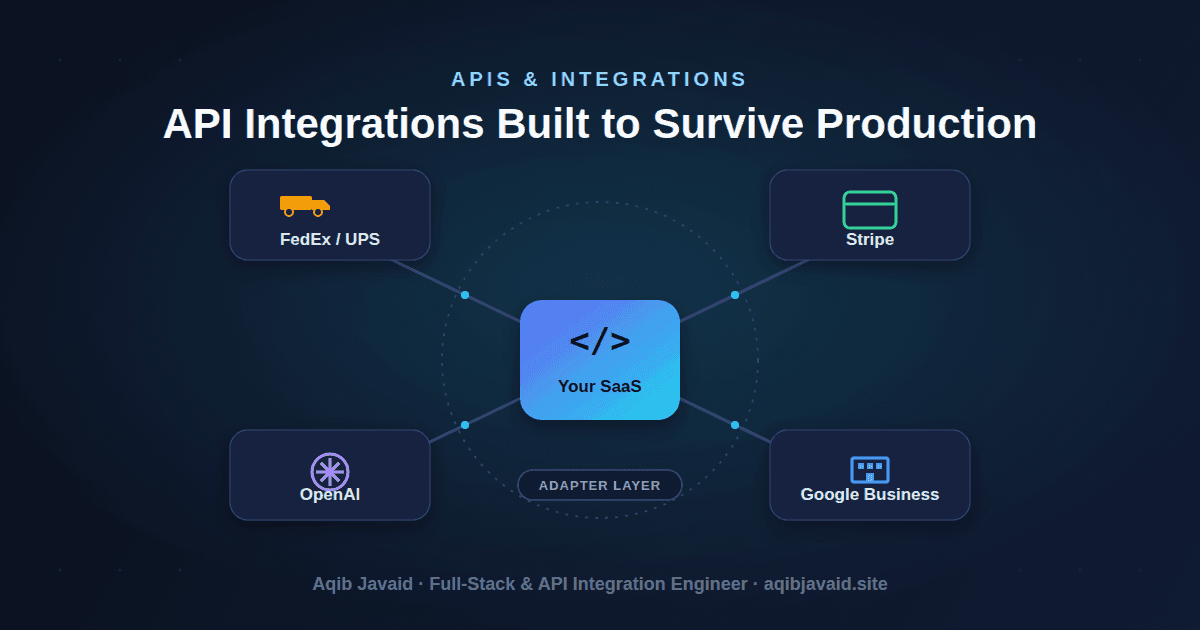
Third-Party API Integration Best Practices: Lessons From 8 Years in Production
Most API integrations don't fail on day one - they fail at 2am, six months later. Here's how to build ones that don't.
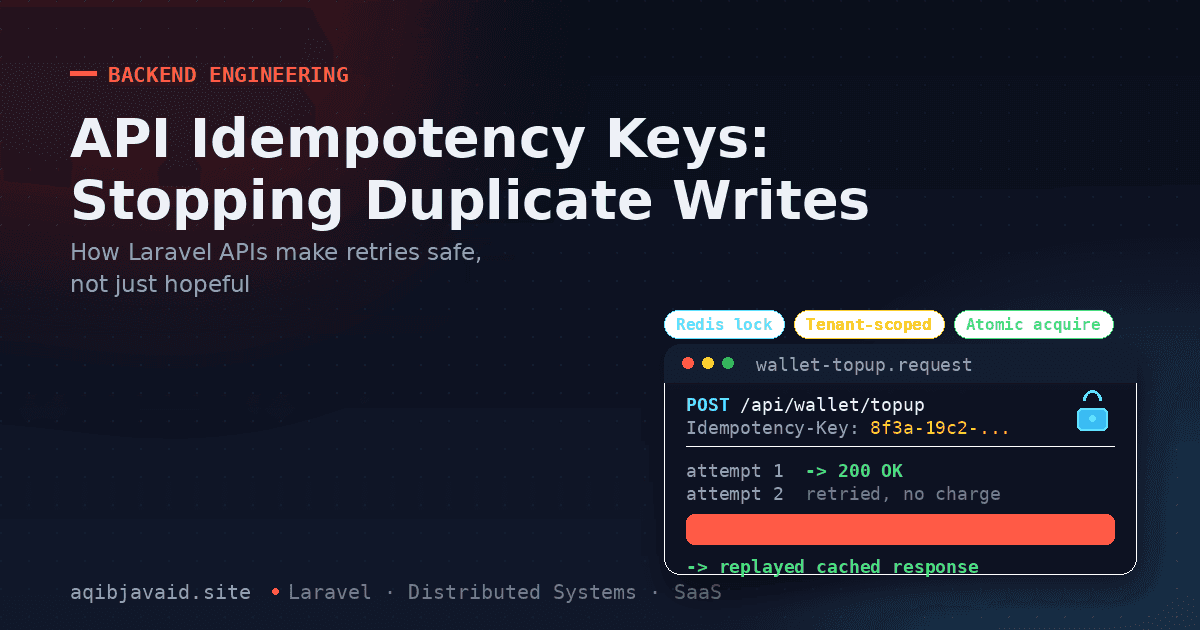
API Idempotency Keys: Stopping Duplicate Writes in Laravel
A retried POST request isn't a safe assumption — it's a duplicate charge waiting to happen. Here's how idempotency keys make retries actually safe.
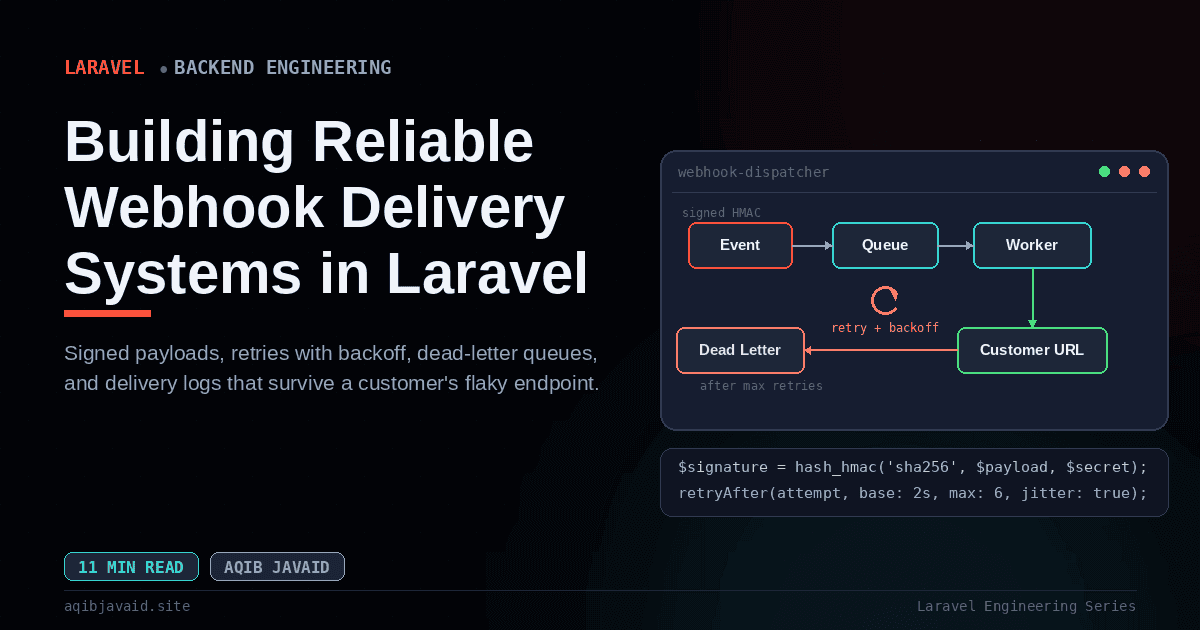
Building a Reliable Webhook Delivery System in Laravel
A webhook that fires once and hopes isn't an integration. It's a support ticket waiting to happen the first time a customer's server is down.
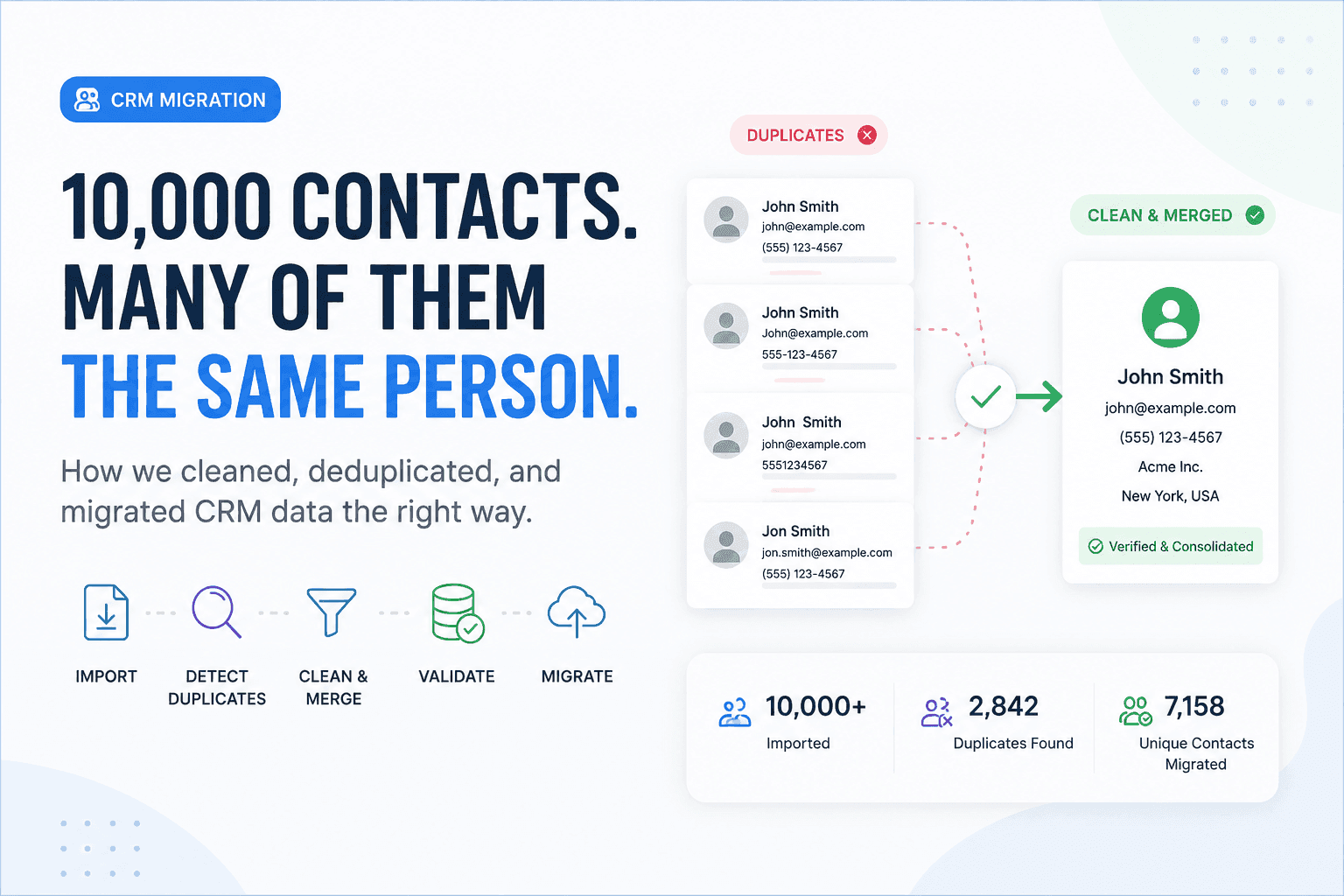
We Had 10,000 Contacts. The Real Problem Was That Many Were the Same Person
Moving 10,000 contacts was easy. Making sure those records represented real, unique customers was the real engineering challenge.
Have a complex technical project in mind?
Available for full-stack engineering, performance audits, cloud deployments, and high-concurrency systems architecture.