

"How much will a custom CRM cost?" is one of the first questions founders and operations leads ask me, usually right after their team has outgrown spreadsheets or started fighting an off-the-shelf tool every day. The honest answer is that custom CRM development cost depends far more on your workflows and integrations than on the word "CRM".
A custom CRM can be a lean internal tool that tracks leads and quotes, or a full platform with portals, automations, billing and reporting. Both are called a CRM, and they can differ in cost by 10x.
In this guide I'll break down what actually drives the price, give realistic ballpark ranges by scope, compare custom against subscription tools like HubSpot and Salesforce, and show how to keep the first version small enough to launch quickly.
What does a custom CRM actually include?#
Before talking numbers, it helps to list the building blocks. Almost every custom CRM I've scoped is a combination of these:
- Core records: contacts, companies, deals or jobs, notes, files and activity history.
- Pipeline and workflow: stages, statuses, assignments, tasks and reminders that match how your team actually works.
- Roles and permissions: who can see and edit what, often split by team, region or client.
- Automations: emails, SMS, follow-up tasks and status changes triggered by events.
- Integrations: payment providers, email, telephony, accounting, marketing tools and your own product's database.
- Reporting: dashboards, exports and the handful of numbers management checks every week.
- Portals: optional customer, partner or dealer logins where outside users see their own data.
Each item is simple on its own. The cost comes from how many you need, how custom the rules are, and how many other systems must stay in sync. That's why, when I scope work for my CRM and business software development service, I start with workflows and integrations, not screens.
Custom CRM development cost: ballpark ranges by scope#
These are rough ranges to help you budget and compare quotes, not a price list. They assume an experienced developer or small team building a web-based CRM on a mature framework such as Laravel.
| Scope | Typical features | Rough effort | Budget range (at $40–$100/hour) |
|---|---|---|---|
| Lean internal CRM | Contacts, deals, pipeline, notes, basic roles, CSV import and export | 250–500 hours | $10,000–$50,000 |
| Growing-team CRM | Everything above, plus automations, email integration, dashboards and 2–3 integrations | 500–1,200 hours | $20,000–$120,000 |
| Platform CRM | Portals, complex permissions, billing, many integrations, audit history and advanced reporting | 1,200–3,000+ hours | $50,000–$300,000+ |
The range within each row is wide on purpose. Hourly rates vary by region and seniority, and the same feature list can hide very different amounts of business logic. A "quote" screen might be a simple form, or it might need real-time pricing from third-party APIs.
If you're weighing a CRM as part of a larger product, my breakdown of what it costs to build an MVP covers the same budgeting logic for a first release.
What drives the cost up (or down)?#
When two CRM quotes differ wildly, the gap almost always comes from these factors:
- Number and quality of integrations. Each integration adds authentication, error handling, retries and sync rules. A well-documented API is cheap to connect. An old or poorly documented one can take weeks.
- Data migration. Moving years of data out of spreadsheets or an old CRM is often underestimated. Duplicates, inconsistent formats and missing fields all need cleaning. I wrote about a real example in cleaning up duplicate contacts during a CRM migration.
- Permission complexity. "Everyone sees everything" is cheap. Team-, region- or client-level visibility with audit history is not.
- Automation rules. A few fixed email triggers are quick. A configurable rules engine that non-developers can edit is a product in itself.
- Portals for outside users. Customer or dealer portals add a second audience with its own security, onboarding and support needs.
- Reporting depth. Standard dashboards are affordable. Custom analytics across millions of records needs careful database design.
- Mobile needs. A responsive web app covers most teams. Native mobile apps with offline mode add a separate budget.
The biggest cost reducer is a tight first version. In my experience, most teams need only a fraction of the features they list in the first meeting to replace their current process.
Custom CRM vs HubSpot or Salesforce: when is custom worth it?#
Subscription CRMs like HubSpot and Salesforce are excellent products, and for many businesses they're the right answer. Their pricing is per user and per tier, so check their current plans against your team size.
Custom tends to win when:
- Your process is your advantage. If the way you quote, dispatch or approve work is what makes you different, forcing it into a generic pipeline slows the team down.
- You pay for many seats but use a fraction of the features. Per-seat costs grow every year with your headcount, while a custom build is mostly a one-off cost plus maintenance.
- You need deep integration with your own product or data. When the CRM must read and write your application's database in real time, custom is often simpler than syncing two systems.
- Workarounds are piling up. When the team relies on spreadsheets, Zapier chains and manual copy-paste around the CRM, you're already paying for a custom system, just in staff time.
Off-the-shelf tends to win when your sales process is standard, your team is small, and you need something working next week. A middle path also works well: keep a tool like GoHighLevel or HubSpot for marketing and build custom pieces around it.
Examples from real projects#
Two projects show how CRM-style work looks in practice.
On the EXPRECO logistics quote system, I built a quote management platform in Laravel and Livewire that simplifies shipping cost calculations and customer quote handling, integrating the UPS and FedEx APIs to calculate real-time rates from package details and destinations. Real-time rate lookups like that are a classic cost driver: they replace manual work, but each carrier integration needs its own handling.
For Stripe lead billing with GoHighLevel, the client kept GoHighLevel as their CRM, and I built a secure Stripe workflow around it. Clients save payment methods without an immediate charge, those methods are charged automatically when qualified leads are delivered, and webhook-driven status synchronisation keeps the payment lifecycle in step with GoHighLevel. This is the "middle path" in action: extending an existing CRM with custom logic instead of replacing it.
How to keep your CRM budget under control#
A few practices keep the first release affordable and the long-term cost predictable:
- Map one real workflow end to end before writing a feature list. Follow a lead from first contact to invoice and note every step and system it touches.
- Launch with the smallest version that replaces the spreadsheet. Add automations and reporting once the team is using it daily.
- Pick a mature framework. A framework like Laravel gives you authentication, queues, notifications and permissions out of the box, so the budget goes into your business logic.
- Budget for data migration separately. Treat it as its own work package with its own estimate and test runs.
- Plan maintenance from day one. Allow roughly 15–20% of the build cost per year for updates, hosting, security patches and small improvements.
- Own your code and data. Make sure the contract gives you the repository, the database and deployment access.
When not to build a custom CRM#
A custom CRM is the wrong call if:
- your sales process is still changing every month and you haven't found a repeatable way to sell;
- you have fewer than a handful of users and a standard tool fits without heavy workarounds;
- nobody on your side can own the product, answer questions and prioritise changes.
In those cases, start with a subscription tool, document where it hurts, and revisit custom once the pain points are clear and stable.
Frequently asked questions#
How long does it take to build a custom CRM?#
A lean internal CRM usually takes 2–4 months with an experienced developer. A growing-team CRM with automations and integrations takes 4–8 months, and a platform CRM with portals can take longer. Launching a smaller first version shortens the timeline considerably.
Is a custom CRM cheaper than Salesforce in the long run?#
It can be, especially for larger teams, because subscription costs scale with users while custom costs are mostly up front. Compare total cost over three to five years, including maintenance, not just the first-year price.
What technology is best for a custom CRM?#
A mature web framework with strong conventions, such as Laravel with a MySQL or PostgreSQL database, suits most business CRMs. The right choice also depends on your team's existing stack and integrations.
Can I migrate data from my current CRM?#
Yes. Most CRMs support exports or APIs. Plan time for cleaning duplicates and mapping fields, because migrated data quality decides whether the team trusts the new system.
Key takeaways#
- Custom CRM development cost depends mostly on workflows, integrations, permissions and data migration, not on the core screens.
- As a rough guide, lean CRMs start around $10,000–$50,000, and platform CRMs can pass $300,000.
- Custom wins when your process is your advantage, seat costs keep climbing, or the CRM must integrate deeply with your product.
- Keep the first release small, budget migration separately, and plan 15–20% of the build cost per year for maintenance.
If you're comparing quotes or deciding between custom and a subscription CRM, book a call and I'll help you scope a realistic first version.
Share this technical insight with your network
Share to LinkedIn or Facebook with key takeaways, featured media, and direct links.
Case Study: EXPRECO: Laravel Logistics Quote System & API
EXPRECO is a logistics quote management system designed to simplify shipping cost calculations and customer quote handling. I developed the platform using Laravel and Livewire, integrating UPS and FedEx APIs to calculate real-time shipping rates based on package details and destination information. The system also included a customer ticketing workflow with email integration, allowing businesses to respond to customer queries and share shipping quotes directly from the platform.
Related Technical Articles
View all articles →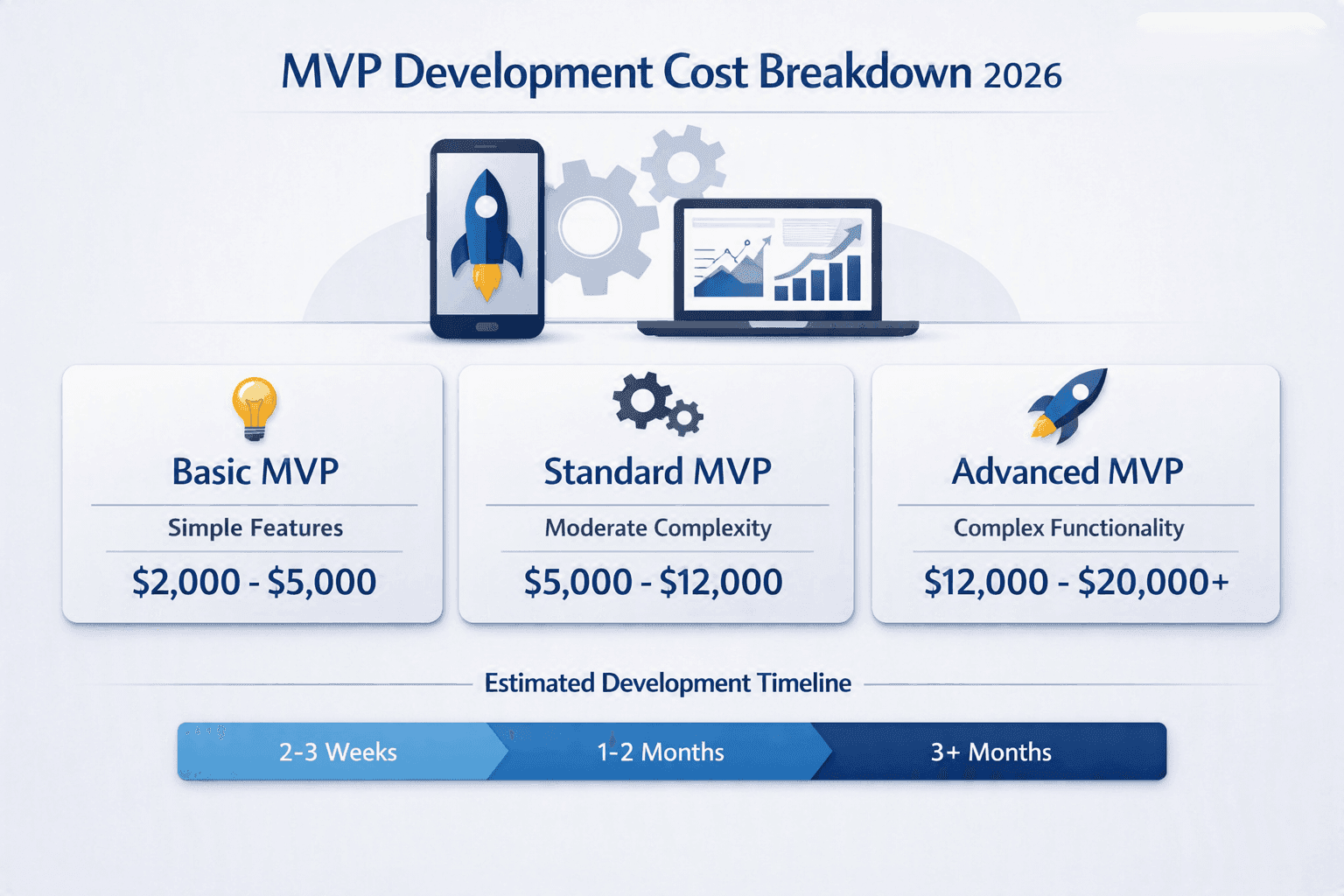
How Much Does It Cost to Build an MVP in 2026?
A custom MVP does not have to cost $50K+. Here is what you can realistically build for $2K, $5K, $10K, and $20K in 2026.
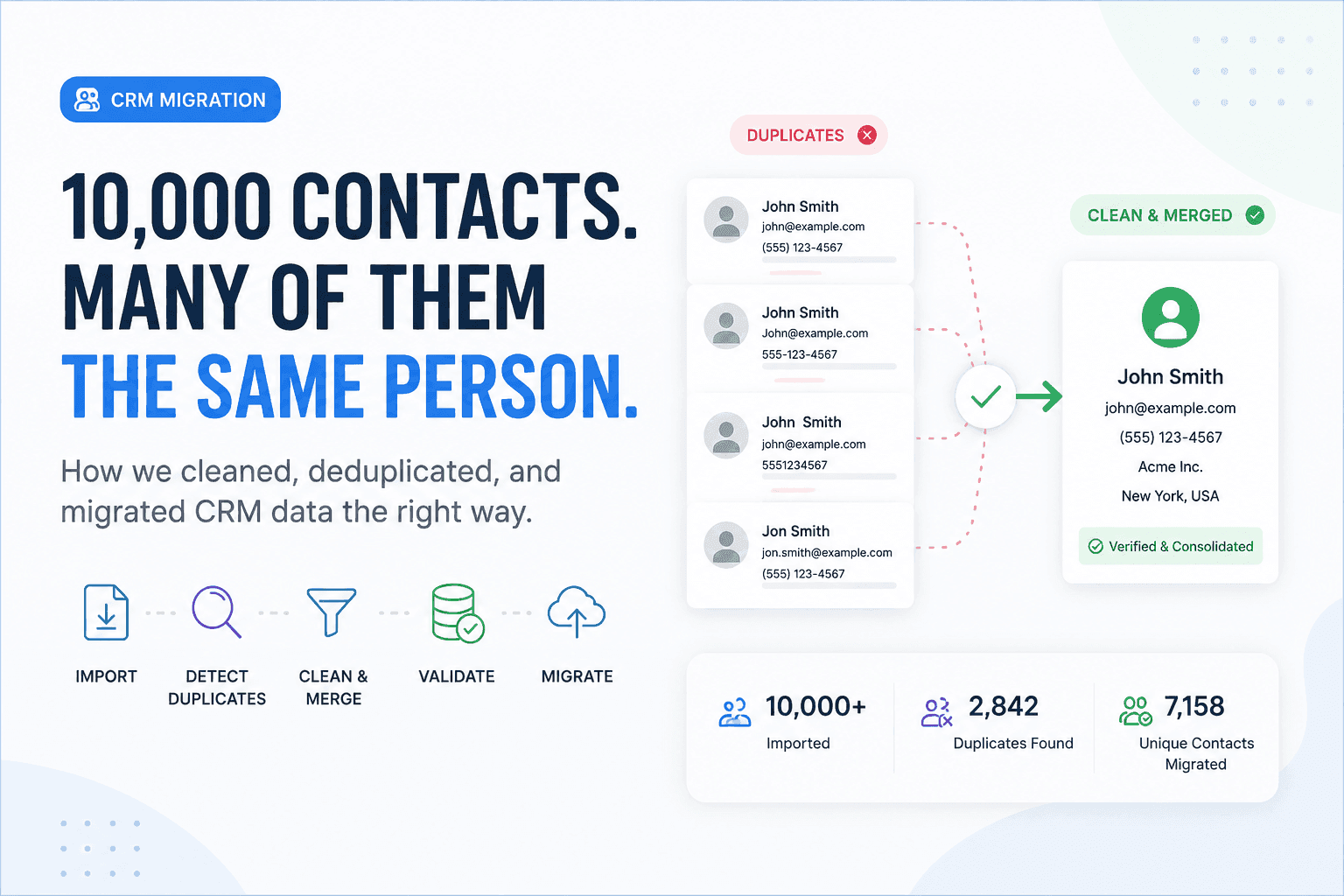
We Had 10,000 Contacts. The Real Problem Was That Many Were the Same Person
Moving 10,000 contacts was easy. Making sure those records represented real, unique customers was the real engineering challenge.
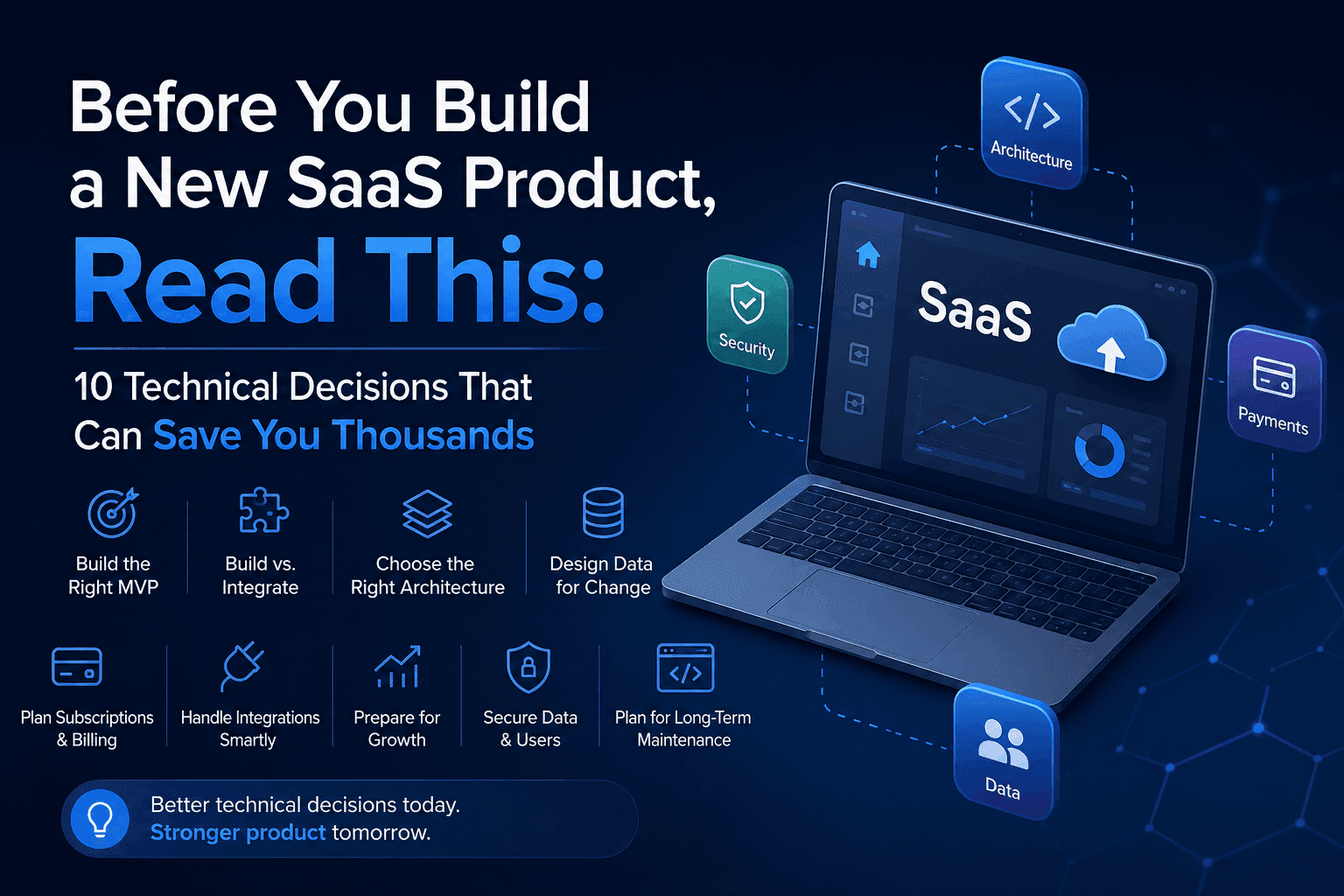
Before You Build a New SaaS Product: 10 Technical Decisions That Can Save You Thousands
The most expensive SaaS mistakes often happen before development begins. These 10 technical decisions can save you time, money, and costly rebuilds.
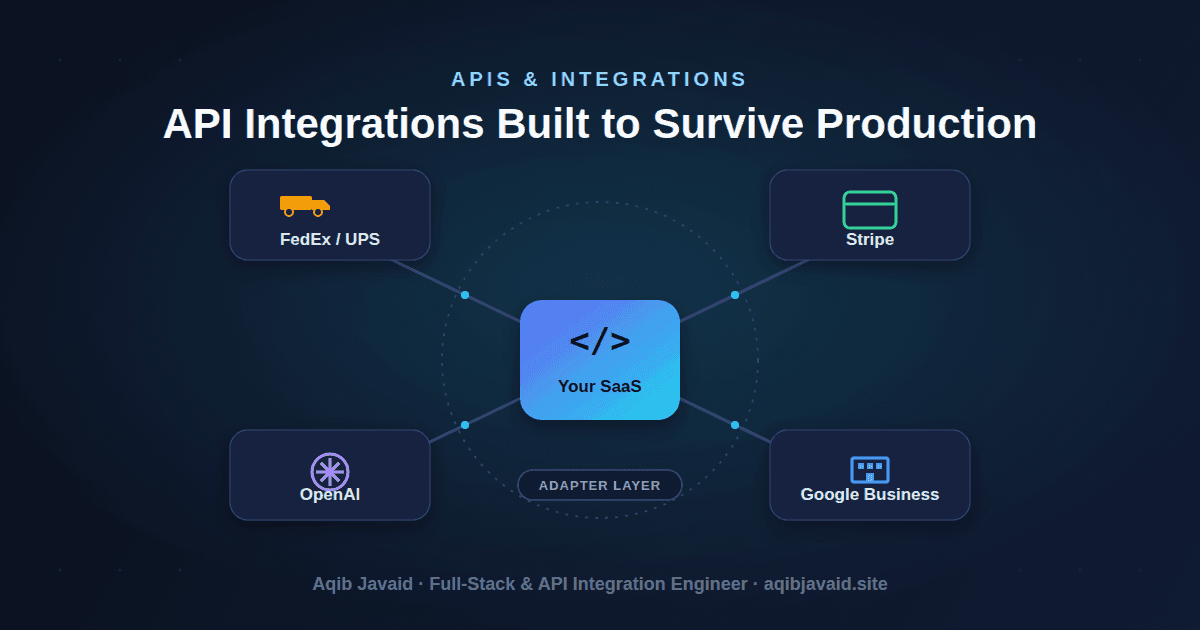
Third-Party API Integration Best Practices: Lessons From 8 Years in Production
Most API integrations don't fail on day one - they fail at 2am, six months later. Here's how to build ones that don't.
Have a complex technical project in mind?
Available for full-stack engineering, performance audits, cloud deployments, and high-concurrency systems architecture.