

Introduction: git pull Is Not a Deployment Strategy#
Every Laravel project ships its first deploy the same way: SSH into the server, git pull, run composer install, run php artisan migrate, maybe restart PHP-FPM if someone remembers. It works, right up until the product has real users on it during business hours — and then every one of those steps turns into a way to break someone's request mid-flight. A composer install that's still resolving autoload classes while a live request hits a controller that no longer exists yet. A migration that locks a table for four seconds while checkout requests queue up behind it. A queue worker that keeps running the old code for hours after the deploy because nobody told it the code underneath it changed. None of this shows up in a staging environment with zero concurrent traffic. All of it shows up the first time a deploy lands during a real customer's session.
I've shipped deploys against products where downtime has a direct cost, not just an inconvenience: SafetySpace, the AI-powered safety management platform I run as CTO, where a dropped connection during a live incident report isn't a minor bug, it's a safety workflow interrupted; SwapPad, the bulk SIM activation engine I built inside the CelleUp dealer platform, where a batch job can be two hours into activating 500 SIMs against carrier APIs when a deploy fires — and a naive restart either kills that job mid-batch or, worse, leaves a worker running stale code that double-charges a dealer's wallet on the next retry; SignageFlow, where a customer's screen fleet holds an open WebSocket connection that a careless deploy disconnects for no reason; and Baby Cito, a project that started as a full infrastructure migration off Namecheap onto Cloudways, where the entire point of the engagement was proving the new deploy pipeline wouldn't cost the client the downtime the old one did.
This is a breakdown of how to build a Laravel deployment pipeline that ships code, migrates databases, and restarts workers — without ever serving a half-deployed version of the app to a real request.
Architecture: What "Zero-Downtime" Actually Requires#
Zero-downtime isn't one trick — it's four separate problems that all have to be solved together, because fixing three of them and skipping the fourth still gets you an outage.
1. Atomic releases, not in-place file changes#
The root cause of most "deploy broke prod for eleven seconds" incidents is the same: code is being changed on disk while requests are actively reading it. A git pull into the live document root means, for the window between the first file being overwritten and the last, PHP-FPM workers are serving a mix of old and new code — an old controller calling a method that only exists in the new model, or vice versa.
The fix is the release-directory pattern popularized by Capistrano and used by Laravel-focused tools like Envoyer and Deployer: every deploy builds a complete, independent copy of the application in its own timestamped directory, and only switches over to it with a single atomic filesystem operation once it's fully ready.
/var/www/app/
|-- releases/
|   |-- 20260910142301/
|   |-- 20260912091544/
|   +-- 20260915083012/   <- being built now, not live yet
|-- shared/
|   |-- .env
|   |-- storage/
|   +-- vendor/            (optional shared cache, see below)
+-- current -> releases/20260915083012   <- symlink, atomic swap
Nginx and PHP-FPM point at current, never at a release directory by name. The switch from one release to the next is a single ln -sfn — a symlink repoint is atomic at the filesystem level, so there is no window where current points at a half-written directory. Every in-flight request either finishes against the old release or starts fresh against the new one; none of them see a mix of both.
# The only line that actually goes "live"
ln -sfn "$RELEASE_DIR" /var/www/app/current
2. Migrations that don't lock the app in step with the deploy#
Atomic releases solve the code half of the problem. The database half is harder, because a migration and a code deploy are not naturally atomic with each other — the moment you run php artisan migrate as part of the same deploy that ships new code, you've created a window where either old code is running against a new schema, or new code is running against an old one, depending on which happens first.
The pattern that avoids this is the expand/contract migration — every schema change that could break the currently running release ships in two deploys instead of one:
// Deploy 1: "expand" — add the new column, keep writing to both
Schema::table('subscriptions', function (Blueprint $table) {
    $table->string('billing_cycle')->nullable()->after('plan_id');
});// Application code in this same deploy writes to BOTH columns
$subscription->update([
'interval' => $request->interval, // old column, still read by in-flight old code
'billing_cycle' => $request->interval, // new column, read by the next deploy
]);// Deploy 2, once every server is confirmed running the new release:
// backfill anything missed, then contract
Schema::table('subscriptions', function (Blueprint $table) {
$table->dropColumn('interval');
});This feels like more work than a single rename column migration, because it is — but a straight rename is exactly the migration that breaks zero-downtime deploys: for the seconds it takes to roll a new release out across every app server, the old code is still calling $subscription->interval, and a renamed column means every one of those requests throws until every server has flipped over. Additive-first, destructive-later is what makes the database change safe to run before the code that depends on it finishes rolling out everywhere.
The other half of this is running migrations in the pipeline, not by hand on the box:
php artisan down --render="errors::503" --secret="deploy-preview-token" --retry=15
php artisan migrate --force
php artisan up
In practice, on a single-server or small-fleet deploy where the expand/contract discipline above is followed, artisan down is rarely needed at all — additive migrations are safe to run against live traffic. It's the safety net for the migration that can't be made additive, used deliberately and briefly, not a default step in every deploy.
3. Queue workers and Horizon: the part every deploy guide forgets#
This is the failure mode I see most often in Laravel deploy pipelines, including ones that get the web-request side completely right: nobody tells the queue workers that the code changed. php artisan queue:work loads the application into memory once and keeps processing jobs from that same in-memory copy indefinitely — a git pull or a symlink swap underneath a running worker changes nothing about what that worker is executing until it's restarted.
On SwapPad, this isn't an abstract correctness issue — ProcessSwapPadBatchJob can run for up to two hours against carrier sandboxes, activating SIMs and holding dealer wallet funds mid-batch. A deploy that yanks that worker process mid-activation, with no record of whether that specific SIM activation actually went through, is exactly how a dealer gets double-charged or a SIM gets skipped.
# Signal all workers to finish their CURRENT job, then exit cleanly.
# Horizon/Supervisor then respawns them against the NEW release.
php artisan queue:restart
queue:restart doesn't kill anything — it sets a restart signal in the cache that every worker checks between jobs, so a worker mid-way through SwapPad's two-hour batch finishes that job on the old code before it exits, rather than being killed at an arbitrary line. The row-level idempotency pattern (only touching activations still marked pending, covered in depth in my piece on Laravel queue architecture) is what makes it safe even in the rarer case a worker does get force-terminated by the process supervisor before it reaches a natural break point.
; Supervisor config — give workers real time to drain before a hard kill
[program:horizon]
command=php /var/www/app/current/artisan horizon
autostart=true
autorestart=true
stopwaitsecs=7200   ; matches SwapPad's own $timeout — don't SIGKILL mid-batch
stopwaitsecs has to be set deliberately, not left at Supervisor's default few seconds — a value shorter than your longest-running job's timeout means a deploy can still force-kill a job that queue:restart would otherwise have let finish cleanly.
4. Long-lived connections don't survive a process restart — plan for that explicitly#
SignageFlow keeps WebSocket connections open to every screen in a customer's fleet for real-time content pushes. Restarting the broadcasting server as part of a deploy — necessary, since it's also running application code — drops every one of those connections at once. That's not avoidable; what's avoidable is pretending it isn't happening. The client side has to treat a dropped connection as a normal, expected event, not an error state:
Echo.connector.pusher.connection.bind('disconnected', () => {
    // Expected during a deploy — reconnect with backoff, don't alert the user
    scheduleReconnect();
});
Deploying broadcasting infrastructure during a customer's lowest-traffic window, and making reconnect-with-backoff a first-class part of the frontend rather than an afterthought, turns an unavoidable connection drop into a sub-second blip instead of a support ticket about a screen "going offline."
Step-by-Step: A Real Pipeline, Not a Deploy Script Someone Wrote Once#
Here's the shape of the GitHub Actions pipeline I run for Laravel SaaS deploys — the same structure regardless of whether the target is a Cloudways-managed server (Baby Cito) or a self-managed EC2 fleet behind a load balancer.
- Build once, deploy that exact artifact everywhere. Compiling dependencies and frontend assets on the production box, per-server, is how you end up with server #3 silently running a different
composer.lockresolution than server #1. Build once in CI, ship the same artifact to every node.
name: Deploy
on:
  push:
    branches: [main]

jobs:
  build:
    runs-on: ubuntu-latest
    steps:
      - uses: actions/checkout@v4
      - uses: shivammathur/setup-php@v2
        with: { php-version: '8.3' }
      - run: composer install --no-dev --optimize-autoloader --no-interaction
      - run: npm ci && npm run build
      - run: tar -czf release.tar.gz --exclude=node_modules --exclude=.git .
      - uses: actions/upload-artifact@v4
        with: { name: release, path: release.tar.gz }

  test:
    needs: build
    runs-on: ubuntu-latest
    steps:
      - run: php artisan test --parallel --testsuite=Unit,Feature

  deploy:
    needs: [build, test]
    runs-on: ubuntu-latest
    steps:
      - uses: actions/download-artifact@v4
        with: { name: release }
      - name: Ship and switch over
        run: ./scripts/deploy.sh release.tar.gz
Tests gate the deploy job itself — a failing suite never reaches the server, rather than relying on someone noticing a red pipeline after the fact.
- The deploy script does five things, in this order, and none of them is optional:
#!/usr/bin/env bash
set -euo pipefail

RELEASE_DIR="/var/www/app/releases/$(date +%Y%m%d%H%M%S)"
CURRENT="/var/www/app/current"
SHARED="/var/www/app/shared"

mkdir -p "$RELEASE_DIR"
tar -xzf "$1" -C "$RELEASE_DIR"

# 1. Link shared, persistent state into the new release — never bundled per-release
ln -sfn "$SHARED/.env" "$RELEASE_DIR/.env"
ln -sfn "$SHARED/storage" "$RELEASE_DIR/storage"

# 2. Warm caches BEFORE going live, not after
php "$RELEASE_DIR/artisan" config:cache
php "$RELEASE_DIR/artisan" route:cache
php "$RELEASE_DIR/artisan" view:cache

# 3. Run additive migrations — safe against the CURRENT live release too
php "$RELEASE_DIR/artisan" migrate --force

# 4. Health-check the NEW release before it's live, on an internal port
php -S 127.0.0.1:8899 -t "$RELEASE_DIR/public" &
HEALTH_PID=$!
sleep 2
curl -sf http://127.0.0.1:8899/up || { kill $HEALTH_PID; exit 1; }
kill $HEALTH_PID

# 5. Atomic switch, then tell every long-lived process the world just changed
ln -sfn "$RELEASE_DIR" "$CURRENT"
php "$CURRENT/artisan" queue:restart
sudo systemctl reload php8.3-fpm       # reload, not restart — drains in-flight requests
find /var/www/app/releases -maxdepth 1 -type d | sort | head -n -5 | xargs -r rm -rf
Step 4 is the one most deploy scripts skip entirely: booting the new release on an internal port and hitting php artisan up's health-check route before it's live is what catches a bad .env value or a missing PHP extension against the new release, not against production traffic five seconds after the symlink swap.
php-fpm reload, notrestart. A reload spins up new worker processes against the new opcode cache and finishes in-flight requests on the old workers before terminating them — a restart kills every in-flight PHP-FPM worker immediately, which for a request mid-way through generating a PDF export or streaming an SSE response (SwapPad's live batch-status stream, for example) is a hard-cut connection drop for whoever happened to be connected at that exact moment.
- Rollback is "repoint the symlink to the previous release," not "figure out what changed and revert it." Because every release is a complete, independent directory, the fastest possible recovery from a bad deploy is already sitting on disk:
PREVIOUS=$(find /var/www/app/releases -maxdepth 1 -type d | sort | tail -n 2 | head -n 1)
ln -sfn "$PREVIOUS" /var/www/app/current
php "$PREVIOUS/artisan" queue:restart
This only works cleanly if the migrations that shipped alongside the bad release were additive — which is the entire reason the expand/contract discipline above isn't optional. A destructive migration that already dropped a column makes "just repoint the symlink" impossible, because the previous release's code still expects that column to exist.
- Keep the last five releases on disk, prune the rest. Enough to roll back two or three deploys deep when a regression isn't caught until the next day, not so many that
composer install --no-devdisk usage across ten kept releases fills the volume.
Pitfalls I've Seen Cost Real Uptime#
Restarting queue workers with supervisorctl restart instead of artisan queue:restart. A hard Supervisor restart kills the worker process mid-job, at whatever line it happens to be executing — on SwapPad, that's the difference between a batch job noticing it was interrupted and cleanly picking up where it left off, versus a worker vanishing mid-carrier-API-call with no record of whether that specific SIM activation actually went through.
Running composer install directly in the live document root. Every one of the seconds that takes is a window where vendor/ is a mix of old and new packages, and any request landing in that window gets an autoload failure that has nothing to do with the actual code change being shipped. Build in an isolated release directory, always.
A migration that renames or drops a column in the same deploy that removes the code referencing it. The two aren't atomic with each other across a multi-server fleet — for however long the rollout takes to reach every app server, some requests are running old code against a schema that no longer matches it. Expand in one deploy, contract in the next, once every server is confirmed on the new release.
No health check before the symlink swap. Deploying straight to current and finding out the new release has a fatal .env misconfiguration from a customer's error report is the single most avoidable outage in this list — a two-second internal health check against the built-but-not-yet-live release catches it before a single real user does.
Treating a dropped WebSocket connection as an incident instead of designing for it. SignageFlow's screens reconnect automatically within seconds of any broadcasting server restart — because the client was built assuming disconnects happen, not because the server never restarts. Fighting to eliminate every disconnect is more expensive than making reconnection invisible.
Letting storage/ or .env live inside the versioned release. Anything a deploy shouldn't touch — uploaded files, cached OAuth tokens, log files, the environment config itself — belongs in the shared/ directory, symlinked into every release. Bundling it per-release either loses state on every deploy or, worse, means two consecutive releases briefly disagree about where uploaded files live.
Key Takeaways#
Zero-downtime deployment isn't a single feature you turn on — it's four disciplines that all have to hold at once: atomic code releases, additive-first database migrations, explicit queue-worker restart signaling, and a client-side story for the long-lived connections a process restart will always drop. Skipping any one of them just moves the outage from "obviously broken" to "broken in a way that only shows up under real concurrent traffic," which is worse, because it's the kind of bug that passes every staging check and then costs you the first busy Tuesday in production.
- Every release is a complete, independent directory; going live is a single atomic symlink swap, never an in-place file change
- Schema changes ship additive-first (expand), with the destructive half (contract) deferred to a later deploy once every server has rolled over
php artisan queue:restart— not a hard process kill — is how workers learn the code underneath them changed, andstopwaitsecshas to match your longest job's real runtime- PHP-FPM gets reloaded, not restarted, so in-flight requests finish on old workers instead of being cut off mid-response
- A health check against the new, not-yet-live release runs before the symlink swap, not after real traffic hits it
- Rollback is "repoint the symlink," which only stays true if migrations were additive going in
I've run this discipline on an AI safety platform where a dropped request during an incident report isn't acceptable, a bulk SIM activation engine where a killed worker means real carrier cost, a real-time signage platform where reconnect has to be invisible to the customer, and a full infrastructure migration where proving the new pipeline wouldn't cost the downtime the old one did was the entire point of the engagement. The stack changes; the discipline around what a deploy is allowed to touch while real traffic is live doesn't.
If your deploys still involve someone watching a terminal and hoping, or you're scaling a Laravel SaaS product past the point where a five-second migration lock is tolerable, get in touch about your deployment pipeline or see the full case studies from platforms where these patterns are running today.
Share this technical insight with your network
Share to LinkedIn or Facebook with key takeaways, featured media, and direct links.
Case Study: Henceforward WordPress Website Migration, Security & Performance Optimization
Henceforward needed a reliable technical setup for its WordPress website while continuing to evolve its online presence. The project involved migrating the website infrastructure to Scaleway with Laravel Forge, implementing new website pages, strengthening security, and optimizing the production environment for better reliability and performance. The work combined hands-on WordPress development with server configuration and deployment management, ensuring the website was not only updated from a content and UX perspective but also running on a cleaner and more maintainable infrastructure.
Related Technical Articles
View all articles →
When Deployment Broke the Application: How I Stabilized an AWS Production Environment
A production deployment problem exposed deeper infrastructure issues. Here’s how I diagnosed the system, fixed the root causes, and made deployments safer.
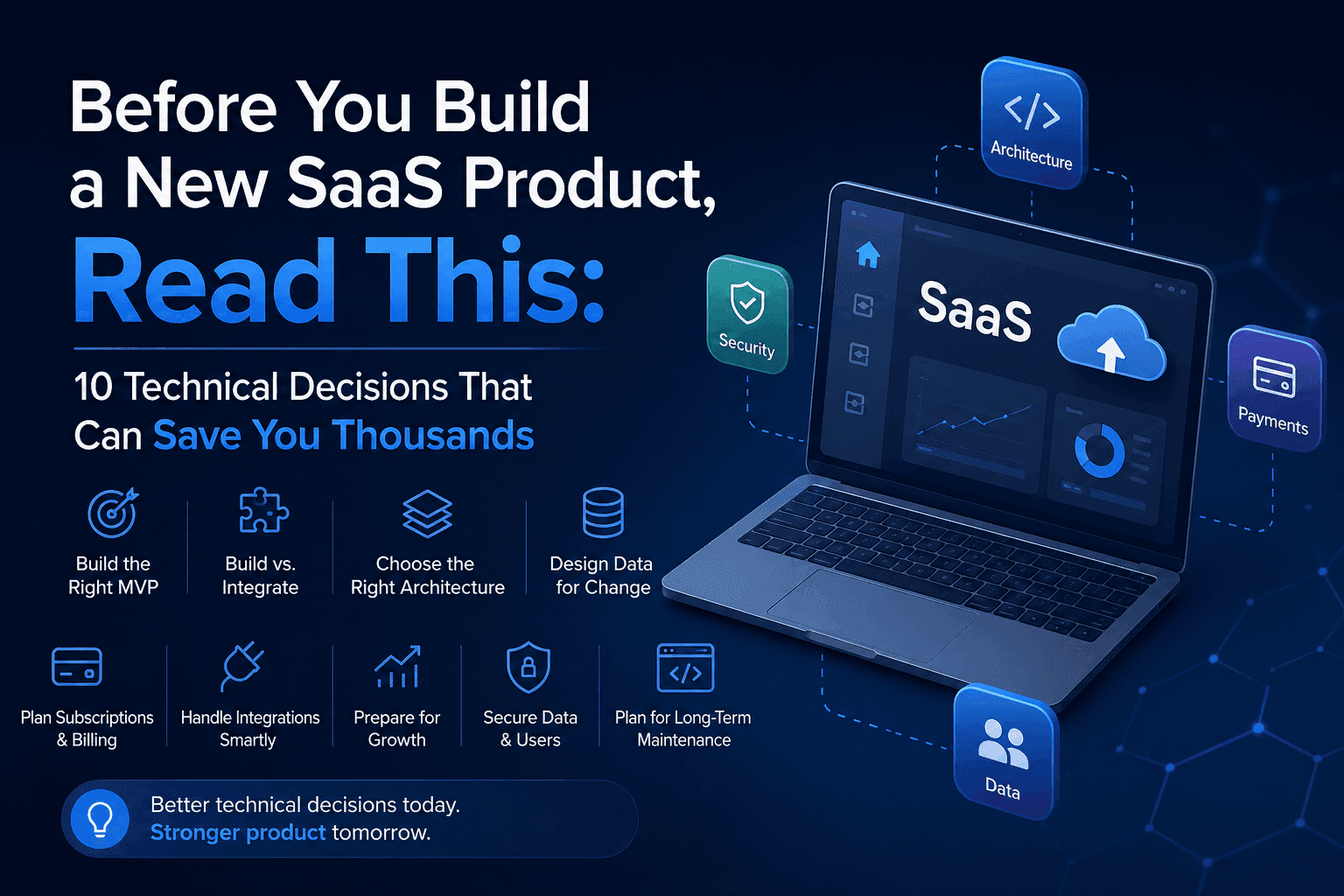
Before You Build a New SaaS Product: 10 Technical Decisions That Can Save You Thousands
The most expensive SaaS mistakes often happen before development begins. These 10 technical decisions can save you time, money, and costly rebuilds.
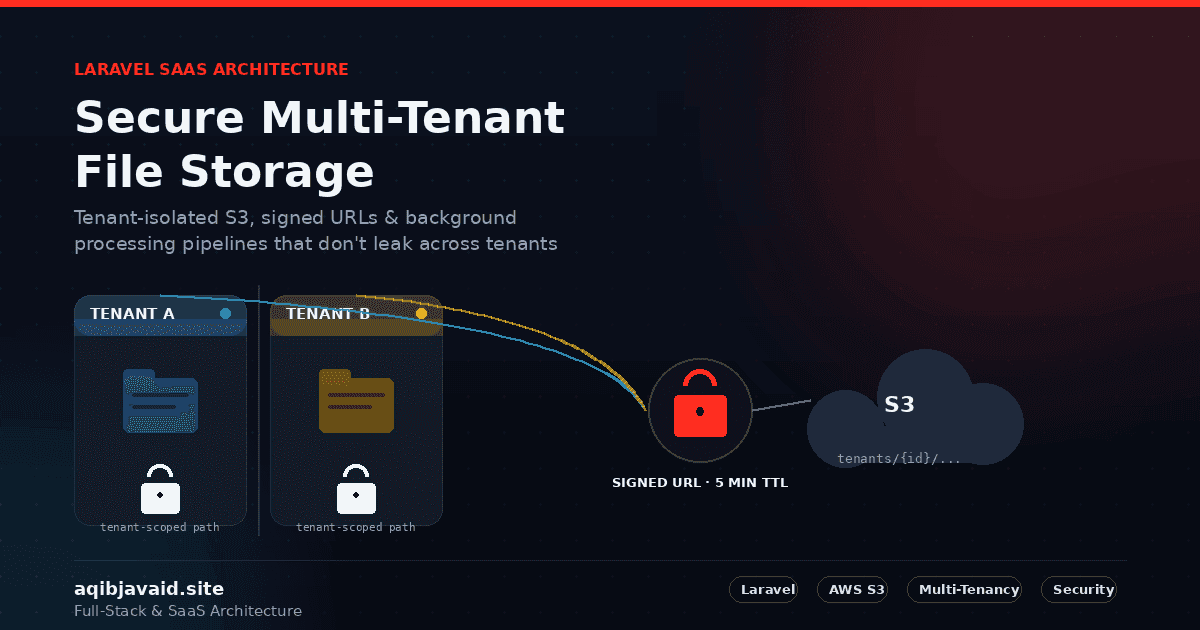
Secure Multi-Tenant File Storage in Laravel SaaS
A public S3 bucket and a predictable file path is how one tenant's uploads end up in another tenant's browser tab.
Have a complex technical project in mind?
Available for full-stack engineering, performance audits, cloud deployments, and high-concurrency systems architecture.