

Migrating a Legacy Core PHP Platform to Laravel Without Losing Client Data#
Rebuilding a legacy application is rarely the hardest part.
The hard part is moving years of real business data into a completely different structure without losing anything.
While working on SafetySpace, I faced exactly this challenge with Kalmar, a New Zealand construction company.

The existing SafetySpace platform was built in Core PHP. The business wanted to move toward a cleaner Laravel-based solution that would be easier to maintain and extend.
The client agreed.
Then came the difficult part:
The old and new applications didn't use the same database structure.
The Real Migration Problem#
SafetySpace was structured differently from a typical shared SaaS application.
Each customer had:
- Its own subdomain
- Its own application/code deployment
- Its own database
So for Kalmar, we weren't simply moving records between two tables in a shared database.
We were migrating an existing customer environment from the legacy Core PHP application into its new Laravel-based environment.
And the database structures were different.
A simple:
Old Database -> New Databasewasn't going to work.
One Legacy Table Became Multiple New Tables#
One of the main challenges was that the new Laravel database was structured differently from the legacy database.
Information that previously existed together could now belong to separate entities.
Conceptually:
Legacy Database

+--------------------------+
| Legacy Safety Table      |
|                          |
| Client Data              |
| Inspection Data          |
| Accident Data            |
| Equipment Data           |
| Image References         |
+------------+-------------+
             |
             v
       Transformation
             |
             v
Laravel Database

+----------+ +-------------+
| Clients  | | Inspections |
+----------+ +-------------+
                  |
              +---+---+
              v       v
           Images   Details

+-----------+ +-----------+
| Accidents | | Equipment |
+-----------+ +-----------+
So the migration wasn't a database copy.
It was a data transformation process.
We had to understand the old records, determine where each piece of information belonged in the new schema, transform it, and then create the appropriate Laravel records.
Mapping the Old Data to the New Model#
Before migrating anything, the legacy schema had to be understood.
I needed to identify:
- What each table represented
- Which fields contained useful business data
- Legacy IDs
- Relationships between records
- Image and file references
- Data that needed to move into different entities
The basic process was:
Legacy Schema
      v
Understand Data
      v
Create Mapping
      v
Transform
      v
Laravel Schema
The important part was that we weren't blindly copying columns.
We were mapping business data, not just database fields.
Preserving Relationships#
Once records were split across different Laravel tables, relationships became important.
For example, an old inspection might have had an ID like:
inspection_id = 8452After migration, Laravel could assign a different ID:
inspection_id = 19374Any related records needed to follow that relationship.
So the migration needed to maintain mappings such as:
Legacy ID -> New ID

8452 -> 19374
8453 -> 19375
8454 -> 19376
This allowed related records to be connected to the correct new entities instead of relying on legacy identifiers.
The Images Were Data Too#
The database wasn't the only thing we had to migrate.
Kalmar's existing safety data also included assets such as:
- Inspection images
- Accident images
- Equipment images
- Uploaded documents
- Other attachments
Those files were part of the business data.
Moving the database while leaving the files behind would mean historical records were incomplete.
So the migration had two connected parts:
Database Migration
        +
Asset Migration
The files had to be located, associated with their original records, moved into the new storage structure, and connected to the corresponding Laravel records.
The new application also shouldn't remain dependent on legacy file paths.
Making the Migration Repeatable#
I didn't want the migration to be a collection of manual database changes.
The process needed to be repeatable so it could be tested against the legacy data, corrected when necessary, and executed again safely.
Conceptually:
foreach ($legacyRecords as $record) {
    $newRecord = transformAndCreate($record);

    migrateRelatedData(
        $record,
        $newRecord
    );
}
The actual migration logic depends heavily on the legacy schema, but the principle is the same:
Migration should be code, not manual database editing.
Validation Before Cutover#
A migration script completing successfully doesn't mean the migration succeeded.
We needed to verify:
- Records were migrated
- Data was transformed correctly
- Relationships were preserved
- Images were available
- Files pointed to the correct records
- No important legacy data was lost
And because each customer had its own database and deployment, the validation could be performed specifically against that customer's environment.
For example:
Legacy Kalmar Environment
          v
     Migration
          v
New Kalmar Laravel Environment
          v
   Data Validation
          v
Application Testing
          v
      Cutover
The Bigger Goal Wasn't Just Laravel#
The objective wasn't simply to replace Core PHP with Laravel.
It was to give the customer a cleaner foundation for the future while preserving the history already stored in the system.
The new application could have:
- A cleaner database structure
- Proper relationships
- More maintainable business logic
- A modern Laravel foundation
- A better structure for future features
But none of that matters if the migration loses the customer's historical data.
That's why the migration was treated as an engineering problem of its own.
What I Learned From This Migration#
The biggest lesson was simple:
Legacy migration is a data problem before it is a framework problem.
A business may want a modern application, but it can't simply leave years of operational data behind.
The new application can have a completely different architecture.
One legacy table can become five new tables.
Relationships can be redesigned.
File storage can change.
The codebase can be completely rebuilt.
But the business history still needs to survive.
Final Takeaway#
When I approach a legacy application migration, I don't think:
"How do I move this old PHP application to Laravel?"
I think:
"How do I move the business to the new system without losing its history?"
That means understanding the legacy schema, transforming data into the new structure, preserving relationships, migrating assets, validating everything, and only then completing the cutover.
Modernizing legacy software isn't about carrying the old system forward.
It's about carrying the business forward.
Share this technical insight with your network
Share to LinkedIn or Facebook with key takeaways, featured media, and direct links.
Case Study: SafetySpace AI-Powered Safety Management Platform & Workflow Automation
SafetySpace is an AI-powered safety management platform designed to help organizations manage safety processes, access critical safety information, and streamline documentation through intelligent, configurable workflows. As CTO, I led the technical direction and development of the platform across backend, frontend, architecture, and AI integrations—turning complex safety workflows into a more intelligent and streamlined digital experience.
Related Technical Articles
View all articles →
Laravel 5 Migration: A Safe Strategy for Modernizing Legacy Apps
Migrating Laravel 5 is rarely just a framework upgrade. I break down how I assess legacy systems, plan the migration, reduce risk, and modernize safely.
Why PHP Still Matters in Modern Web Development
PHP has evolved far beyond its early reputation as a simple scripting language. Modern PHP powers scalable backend systems, ecommerce platforms, APIs, SaaS products, and frameworks like Laravel, making it a practical choice for today's web development landscape.
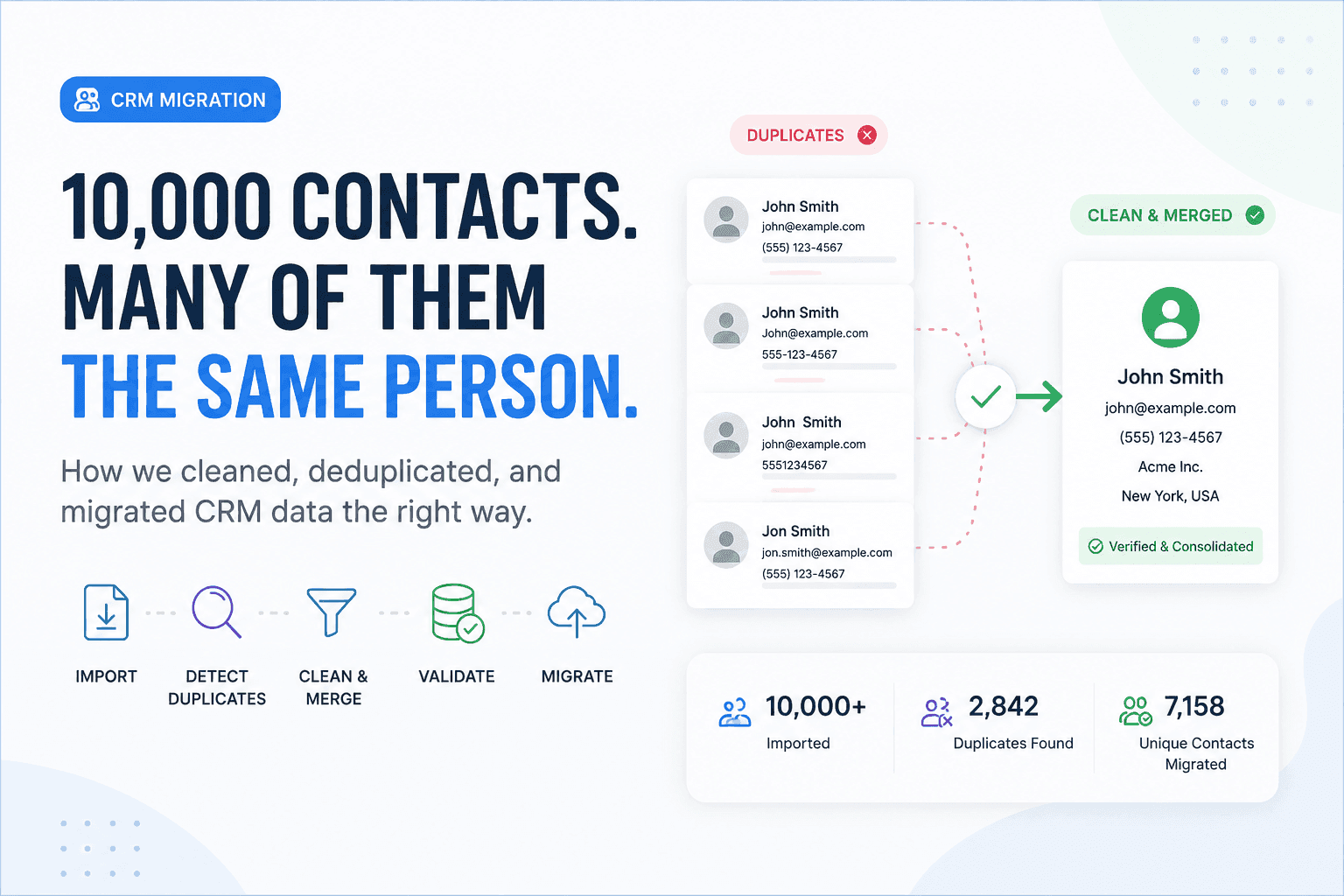
We Had 10,000 Contacts. The Real Problem Was That Many Were the Same Person
Moving 10,000 contacts was easy. Making sure those records represented real, unique customers was the real engineering challenge.
Have a complex technical project in mind?
Available for full-stack engineering, performance audits, cloud deployments, and high-concurrency systems architecture.