

Laravel 5 Migration: A Practical Strategy for Modernizing a Legacy Application#
Introduction: Laravel 5 Migration Is More Than a Version Upgrade#
A Laravel 5 application can continue running for years after it was originally built.
That is both its strength and its biggest problem.
Over time, the application accumulates framework dependencies, third-party packages, custom helpers, database assumptions, authentication logic, scheduled jobs, integrations, and deployment processes that were perfectly reasonable when the system was first developed.
Eventually, the application reaches a point where upgrading it is no longer optional.
Security becomes harder to maintain. Dependencies become increasingly difficult to update. New PHP versions may not be supported. Modern Laravel packages cannot be installed without conflicts. Developers spend more time working around the old architecture than improving the product.
That is where a Laravel 5 migration becomes an engineering project rather than a simple composer update.
When I approach a legacy Laravel application, my first objective is not to change everything.
My objective is to understand the existing system, identify what can break, establish a controlled migration path, and modernize the application without unnecessarily changing business behavior.
The Core Problem: A Legacy Application Is a Dependency Graph#
One of the most common mistakes in framework migrations is thinking about the application as a single piece of software.
A Laravel application is actually a collection of interconnected layers:
- PHP runtime
- Laravel framework
- Composer packages
- Database
- Authentication
- Queues
- Scheduled commands
- File storage
- APIs
- Payment providers
- Email services
- Frontend assets
- Server configuration
- Deployment scripts
- Third-party integrations
Changing one layer can affect several others.
For example, upgrading Laravel may require a newer PHP version. The PHP upgrade may expose deprecated language behavior. Updating Composer dependencies may require changes to authentication or HTTP clients. Those changes can then affect existing controllers, jobs, middleware, or integrations.
This is why I treat Laravel 5 migration as a dependency and compatibility problem first, and a coding problem second.
Assessing the Existing Laravel 5 Application#
Before modifying the codebase, I want to understand its actual condition.
Documentation can tell me what the application is supposed to do.
The code tells me what it actually does.
What I Inspect First#
My initial assessment normally covers:
| Area | What I Look For |
|---|---|
| Laravel | Current framework version and upgrade path |
| PHP | Runtime version and compatibility |
| Composer | Direct and transitive dependencies |
| Database | Schema, migrations, raw queries and legacy assumptions |
| Authentication | Guards, middleware, sessions and authorization |
| APIs | Internal and external integrations |
| Queues | Jobs, workers and failed-job handling |
| Scheduler | Cron jobs and scheduled commands |
| Storage | Local storage, S3 or other external storage |
| Frontend | Blade, Vue, React or compiled assets |
| Configuration | Environment variables and application configuration |
| Deployment | Server, web server and deployment process |
| Tests | Existing automated and manual coverage |
The goal is to build a map of the application before changing it.
Identifying the Real Migration Risk#
The Laravel version itself is rarely the biggest risk.
The biggest risk is usually the unknown behavior surrounding the framework.
I specifically look for areas such as:
Deprecated Laravel APIs#
Older Laravel applications often contain APIs and conventions that have changed significantly between major versions.
These can include:
- Middleware behavior
- Route definitions
- Authentication APIs
- Validation behavior
- Request handling
- Exception handling
- Queue configuration
- Mail implementation
- Storage APIs
- Service providers
- Helper functions
Legacy Composer Dependencies#
The application may depend on packages that:
- No longer exist
- Are abandoned
- Only support older Laravel versions
- Require incompatible PHP versions
- Have been replaced by newer packages
- Contain their own deprecated dependencies
This is one of the first areas I investigate because Composer conflicts can determine the entire migration strategy.
Hidden Business Logic#
Legacy applications often contain business rules inside places where developers would not expect to find them.
For example:
public function store(Request $request)
{
    $order = Order::create($request->all());

    if ($order->status == 'paid') {
        // Business logic hidden inside controller
        $this->sendConfirmationEmail($order);
    }

    return redirect()->back();
}
A migration is not the right time to casually rewrite this logic.
The first priority is preserving behavior.
My Migration Strategy#
I prefer a controlled, incremental migration instead of a large rewrite.
The overall process can be divided into several phases.
Phase 1: Application Audit#
The first phase establishes the baseline.
I inspect:
- Current Laravel and PHP versions
- Composer dependencies
- Application structure
- Database schema
- Authentication and authorization
- Queues and scheduled tasks
- External APIs
- File storage
- Existing tests
- Production infrastructure
At this stage, I am looking for migration blockers rather than trying to fix everything.
The result should be a migration inventory containing:
- What must change
- What can remain
- What needs replacement
- What needs testing
- What represents the highest production risk
Phase 2: Define the Upgrade Path#
A major Laravel migration should not be approached as:
Laravel 5 -> Latest LaravelInstead, I establish the supported upgrade path between the current application and the intended target.
Conceptually:
Legacy Laravel
      |
      v
Dependency cleanup
      |
      v
PHP compatibility
      |
      v
Framework upgrade
      |
      v
Application compatibility fixes
      |
      v
Testing
      |
      v
Production deployment
The exact intermediate versions depend on the application's starting point, target version, PHP requirements, and package ecosystem.
The important principle is that each major compatibility boundary should be understood and validated.
Phase 3: Stabilize Before Migrating#
A migration becomes significantly harder when the existing application is already unstable.
Before making framework-level changes, I want to establish a reliable baseline.
That means fixing or documenting obvious problems such as:
- Broken tests
- Inconsistent configuration
- Undocumented cron jobs
- Unreliable queue workers
- Environment-specific behavior
- Missing deployment steps
- Database inconsistencies
- Known production bugs
I do not want to discover during the migration that an existing failure was actually unrelated to Laravel.
A stable baseline makes debugging much easier.
Phase 4: Dependency Modernization#
Composer is one of the most important parts of a Laravel migration.
I start by examining the application's dependency tree.
A typical legacy composer.json may contain constraints that tightly couple the application to an old Laravel/PHP ecosystem.
The objective is not simply to replace every package with the newest available version.
Instead, every dependency should answer three questions:
- Is it still required?
- Is it compatible with the target environment?
- Is there a maintained replacement if it is not?
For example:
composer outdatedcan help identify outdated packages, while:
composer why-not laravel/framework <target-version>can help identify dependency constraints blocking an upgrade.
The dependency graph should be treated as part of the migration architecture.
Phase 5: PHP Compatibility#
Laravel and PHP are tightly connected.
A framework upgrade may require a newer PHP runtime, which means the application code itself also needs to be reviewed.
I look for compatibility issues involving:
- Deprecated PHP functionality
- Type handling
- String and array behavior
- Function signatures
- Error handling
- Removed language features
- Package-level PHP requirements
The PHP runtime should be upgraded in a controlled environment before production.
I never want the first PHP compatibility test to happen on the production server.
Phase 6: Framework Compatibility#
Once the dependency and PHP strategy is clear, I work through Laravel compatibility changes.
The exact changes depend heavily on the application's original Laravel version.
Typical areas include:
Routing#
Legacy route definitions may require changes to match newer routing conventions.
Middleware#
Middleware registration and execution behavior should be checked carefully because authentication and request lifecycle changes can affect the entire application.
Authentication#
Authentication is especially sensitive because a small change can affect:
- Login
- Logout
- Sessions
- Password resets
- Guards
- Authorization
- API authentication
Validation#
Validation rules and request handling should be tested against real application workflows rather than isolated examples.
Queues#
Queue jobs deserve particular attention because failures may not appear during normal browser-based testing.
A migration can appear successful while background processing is still broken.
Phase 7: Database Compatibility#
The database should be treated as a separate migration concern.
I first establish whether the application depends on:
- Eloquent conventions
- Raw SQL
- Database-specific functions
- Legacy indexes
- JSON columns
- Stored procedures
- Custom database views
- Implicit relationships
- Data formats that older code expects
One important rule I follow is:
Do not change database behavior simply because the framework is being upgraded.
If the database is functioning correctly, framework modernization does not automatically justify a schema redesign.
Database refactoring can be planned separately when it provides measurable value.
Step-by-Step Implementation#
A controlled migration environment is essential.
I generally create a dedicated branch and environment for the migration rather than changing the production codebase directly.
1. Create a Migration Branch#
git checkout -b feature/laravel-migrationThis provides a clean boundary between the migration work and ongoing development.
2. Record the Baseline#
Before making changes, I record:
- Current PHP version
- Current Laravel version
- Composer dependencies
- Database version
- Application build process
- Existing test results
- Critical workflows
- Queue behavior
- Scheduled tasks
This gives me something to compare against later.
3. Update the Runtime Environment#
The development and staging environments should match the intended production runtime as closely as possible.
For example:
php -v
composer --version
php artisan about
These checks help confirm that the application is actually running in the environment I expect.
4. Resolve Composer Constraints#
I update dependencies according to the migration plan rather than blindly forcing Composer to resolve everything.
A useful workflow is:
composer validate
composer update
Then I inspect the resulting dependency tree and application errors.
5. Fix Framework Compatibility Issues#
At this stage, the application itself begins to change.
I work through:
- Configuration
- Routes
- Middleware
- Controllers
- Models
- Services
- Authentication
- Jobs
- Events
- Notifications
- Commands
- API integrations
Changes should remain focused on compatibility unless a refactor is required to support the migration.
Testing the Migration#
Testing is the safety mechanism for a legacy migration.
The most valuable tests are not necessarily unit tests alone.
I want to validate the application's critical business workflows.
For example:
Authentication
    v
Create record
    v
Process business rule
    v
Persist data
    v
Dispatch job
    v
Send notification
    v
Display result
If any part of this chain breaks, the application may technically boot while still being functionally broken.
Critical Workflow Testing#
I prioritize workflows such as:
- User authentication
- Registration
- Password reset
- CRUD operations
- Payments
- API integrations
- File uploads
- Email notifications
- Queue processing
- Scheduled commands
- Admin workflows
- Reporting
The exact priorities depend on the business.
Automated Testing#
Where automated coverage already exists, I use it as a regression safety net.
For Laravel applications, this can include PHPUnit-based tests and browser-level testing where appropriate.
A simplified feature test might look like:
public function test_user_can_create_an_order(): void
{
    $user = User::factory()->create();

    $response = $this
        ->actingAs($user)
        ->post('/orders', [
            'product_id' => 1,
            'quantity' => 2,
        ]);

    $response->assertRedirect();

    $this->assertDatabaseHas('orders', [
        'user_id' => $user->id,
        'quantity' => 2,
    ]);
}
The important part is not the test itself.
It is having tests that describe the behavior the migration must preserve.
Manual Regression Testing Still Matters#
Legacy applications frequently contain functionality that has little or no automated coverage.
That means manual regression testing remains important.
I use a workflow-oriented checklist rather than simply clicking through random pages.
For example:
Login
  v
Dashboard
  v
Create record
  v
Edit record
  v
Upload file
  v
Trigger notification
  v
Process background job
  v
Verify database
This is particularly useful for discovering integration problems that unit tests cannot catch.
Queue and Scheduled Task Validation#
One of the easiest migration mistakes is validating only the web application.
A Laravel application can return HTTP 200 responses while its workers are failing.
After migration, I verify:
php artisan queue:workand inspect failed jobs:
php artisan queue:failedScheduled commands also need to be validated independently.
For example:
php artisan schedule:listThe migration is not complete if the website works but background processes silently stop running.
Production Deployment Strategy#
The final migration should be treated as a deployment event, not simply the last Git push.
Before deployment, I want:
- A tested release
- Database backup
- Known rollback procedure
- Environment configuration verified
- Queue workers accounted for
- Scheduled tasks accounted for
- Deployment commands documented
- Smoke tests prepared
The deployment sequence should be predictable.
A simplified example is:
Backup
  v
Deploy release
  v
Install dependencies
  v
Run framework/cache steps
  v
Run required migrations
  v
Restart workers
  v
Verify application
  v
Monitor logs
The exact sequence depends on the hosting and deployment architecture.
Zero-Downtime Thinking#
Not every Laravel migration requires a sophisticated zero-downtime deployment system.
But the principle is still valuable:
Avoid creating a deployment where the application temporarily exists in an invalid state.
Database changes deserve particular attention.
For example, if new application code expects a new database column, the deployment should not immediately remove or rename an old column that currently running code still depends on.
A safer approach is often:
1. Add compatible database structure
2. Deploy application changes
3. Migrate or backfill data
4. Verify production behavior
5. Remove obsolete structure later
This separates compatibility from cleanup.
Common Pitfalls I Avoid#
1. Treating the Migration as a Rewrite#
A framework migration is not automatically an opportunity to rewrite the entire application.
A rewrite introduces a second problem:
How do I migrate the framework while simultaneously rebuilding the business?
Those are two different projects.
I prefer to preserve working business logic wherever practical and refactor it progressively.
2. Updating Every Dependency at Once#
This makes failures difficult to diagnose.
If twenty packages change and five things break, identifying the root cause becomes unnecessarily difficult.
Dependencies should be upgraded according to the migration path and compatibility requirements.
3. Ignoring Third-Party Integrations#
External services can be more fragile than the Laravel application itself.
I specifically validate:
- Payment APIs
- Email providers
- Authentication providers
- Storage services
- Webhooks
- External REST APIs
- Internal API consumers
An integration that worked with the old HTTP client or authentication implementation may require adjustments after the migration.
4. Testing Only the Homepage#
A successful homepage response does not prove that the migration succeeded.
The application should be tested through its important business workflows.
The real question is not:
Does Laravel boot?It is:
Does the business still work?5. Mixing Migration and Feature Development#
I try to keep migration changes separate from unrelated feature work.
This makes:
- Code review easier
- Testing easier
- Rollbacks safer
- Debugging easier
- Deployment easier
A migration branch should have a clear purpose.
Measuring Success#
For a legacy migration, success should not be measured only by the new Laravel version.
A successful migration should produce a healthier application.
I look for improvements such as:
- Supported PHP runtime
- Supported Laravel version
- Maintained dependencies
- Cleaner deployment process
- Better test coverage
- Reduced technical debt
- More predictable development environment
- Improved security posture
- Easier future upgrades
Performance improvements can also be measured where the migration affects application behavior, but I avoid claiming specific percentage improvements unless they have actually been benchmarked.
That distinction matters.
A technical migration should be supported by evidence rather than impressive-looking but unverified numbers.
A Better Way to Think About Legacy Modernization#
One of the biggest lessons I have learned from working with Laravel applications is that modernization is a continuous process.
A Laravel 5 application does not become healthy simply because it has been upgraded to a newer framework version.
The real goal is to make the next upgrade easier than the previous one.
That means establishing practices such as:
- Keeping dependencies current
- Maintaining automated tests
- Avoiding unnecessary framework coupling
- Separating business logic from infrastructure
- Documenting deployment processes
- Monitoring production behavior
- Keeping PHP and Laravel versions supported
- Reviewing technical debt continuously
The migration should therefore leave the project in a better position for its next stage of development.
Key Takeaways#
A Laravel 5 migration is fundamentally a risk-management exercise.
The safest approach is to:
- Audit the existing application before changing it.
- Map the Laravel, PHP, Composer and infrastructure dependencies.
- Establish a stable baseline.
- Define a controlled upgrade path rather than jumping blindly between versions.
- Modernize dependencies deliberately.
- Preserve existing business behavior wherever possible.
- Test critical workflows, not just whether the application boots.
- Validate queues, scheduled jobs and third-party integrations separately.
- Deploy with backups and a known rollback strategy.
- Use the migration to make future upgrades easier.
The most important mindset is simple:
A successful Laravel migration is not the one that changes the most code. It is the one that modernizes the technology while preserving the business.
For a legacy application, that is often the difference between a controlled modernization project and a risky rewrite disguised as an upgrade.
Share this technical insight with your network
Share to LinkedIn or Facebook with key takeaways, featured media, and direct links.
Related Technical Articles
View all articles →
Why PHP Still Matters in Modern Web Development
PHP has evolved far beyond its early reputation as a simple scripting language. Modern PHP powers scalable backend systems, ecommerce platforms, APIs, SaaS products, and frameworks like Laravel, making it a practical choice for today's web development landscape.
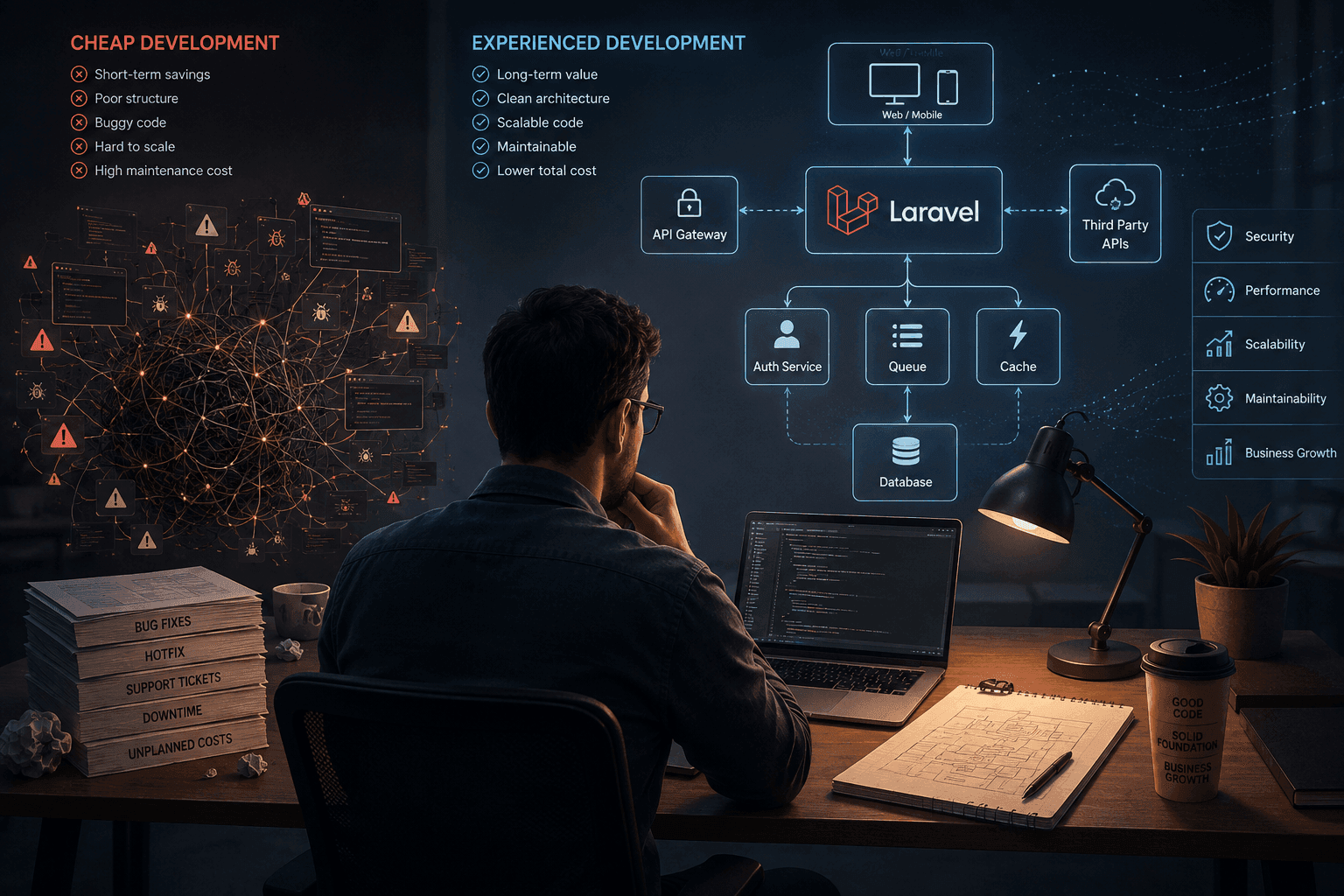
The Hidden Value of Senior Developers: Why Experience Beats Low-Cost Outsourcing
Hiring the cheapest developer can reduce your initial development cost, but it can also increase maintenance, technical debt, and long-term engineering costs. Here’s why experienced PHP and Laravel developers often deliver better value over the life of a product.
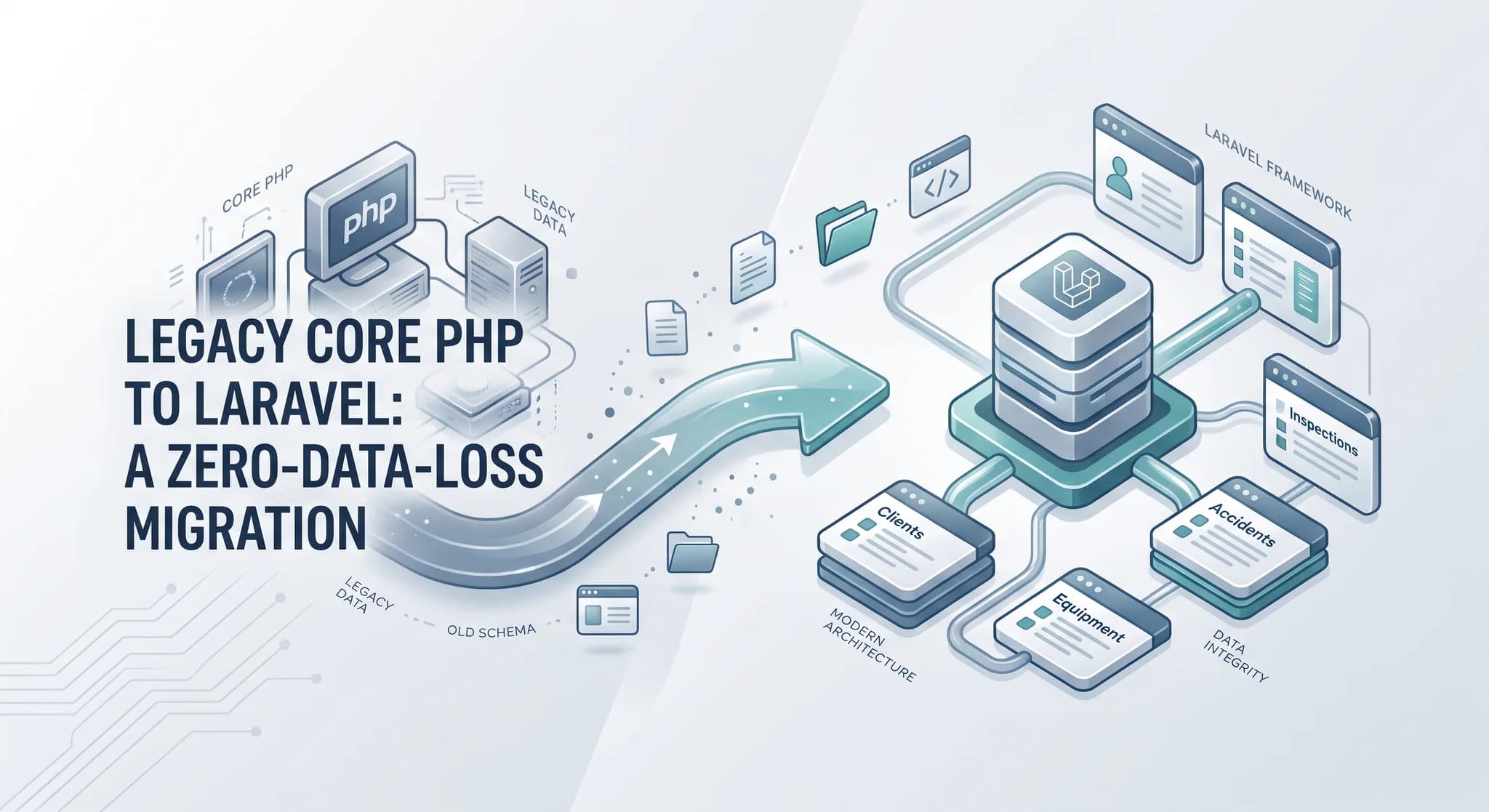
Migrating a Legacy Core PHP Platform to Laravel Without Losing Client Data
Rebuilding the application was only half the job. The harder part was moving years of unreliable data and client assets without breaking production.
How a Laravel Consultant Ensures Project Transparency and Security
Clients don't just need a Laravel developer who can write code. They need confidence that their project is progressing, risks are being managed, and sensitive data is protected. Here's how I approach transparency, communication, documentation, and security when building Laravel applications.
Have a complex technical project in mind?
Available for full-stack engineering, performance audits, cloud deployments, and high-concurrency systems architecture.