

Every business with an ageing application eventually faces the same question: do we rewrite or refactor the legacy application? Get it wrong and you either burn a year rebuilding something that already worked, or you pour money into patching a system that cannot be saved.
I handle this decision as part of legacy application modernization work, and the honest answer is almost never "rewrite everything" or "leave it alone". This guide gives you a practical way to decide, the questions I ask, and the middle path that usually wins.
What "legacy" actually means#
Old code is not automatically legacy code. An application is legacy when it is hard to change safely. Typical signs:
- Nobody dares to deploy on a Friday, or at all
- Only one person understands how it works
- The framework or language version no longer gets security updates
- Simple changes take weeks because everything is tangled together
- There are no tests, so every change is a gamble
- Hosting and dependencies are frozen because upgrading might break things
If the app is old but stable, tested and easy to change, it is not your problem. If it is new but a mess, it might be.
The three options, in plain terms#
- Refactor in place. Improve the existing code step by step without changing what the system does: add tests, clean up the worst areas, upgrade dependencies.
- Rewrite from scratch. Build a new system and switch over when it is ready.
- Modernise incrementally. Replace the system piece by piece while the old one keeps running. This is often called the strangler pattern, described well in Martin Fowler's write-up of the Strangler Fig approach.
Most teams think they have two choices. The third is what usually works.
Why big-bang rewrites fail so often#
A full rewrite looks attractive: clean code, modern tools, no baggage. The problem is that the old system contains years of quiet business knowledge: edge cases, workarounds, rules nobody wrote down. Joel Spolsky made this argument in his classic essay Things You Should Never Do, Part I, and it still holds up.
In practice, rewrites go wrong for predictable reasons:
- The old system keeps changing while you build the new one, so you are chasing a moving target.
- You ship nothing for months, so the business pays but sees no value.
- Hidden behaviour is lost because nobody remembers why it worked that way.
- Scope grows, because a rewrite invites "while we're at it" features.
That does not mean never rewrite. It means be sure you must, and limit the blast radius.
A decision framework you can use this week#
Score your system on these questions. I use them in audits.
1. Can the system still do its job? If it works and the business is not blocked, you have time to move carefully. If it is failing daily, you may need to stabilise first.
2. Is the technology end-of-life? An unsupported framework or language version is a security and hiring risk. That pushes you toward upgrading or replacing, not ignoring.
3. Is the data model sound? A good database under a messy application is a great position. A broken data model is a much bigger problem than ugly code.
4. Can you test it? If you can add tests around key flows, refactoring becomes safe. If the code cannot be tested at all, that is a strong signal to replace parts of it.
5. How tangled are the pieces? Systems with clear boundaries can be replaced one module at a time. A single ball of mud is harder.
6. What does the business need next? If the next year's roadmap is mostly new features, spend effort where those features land, not on parts nobody touches.
7. Who knows the system? If that knowledge is walking out the door, document and test first, whatever you choose.
When refactoring is the right call#
Choose refactoring when:
- The framework is still supported or has a clear upgrade path
- The data model is sound
- The pain is concentrated in a few areas
- You can put tests around the critical flows
I often start with exactly this: map the dependencies, add tests around the riskiest workflows, fix the worst hotspots, and upgrade in steps. My Laravel upgrade checklist walks through that approach for older Laravel apps.
When a rewrite is justified#
A rewrite makes sense when:
- The platform is end-of-life with no sensible upgrade path
- The architecture fundamentally cannot support what the business needs
- The system is small enough to rebuild in a short, fixed window
- The code is so untestable that incremental change is not possible
Even then, I prefer to rebuild in slices, with the old system running beside the new one.
The incremental path most businesses should take#
The approach I recommend most often has five steps:
- Audit first. Understand the workflows, the database, the dependencies and the risks before deciding anything.
- Stabilise. Fix security gaps, add monitoring and backups, and make deployments repeatable.
- Add tests around the flows that matter most.
- Replace one slice at a time. Pick a self-contained module, rebuild it in the new stack and route traffic to it.
- Retire the old parts once the new ones have proven themselves.
Each step delivers something the business can see, and each one can be paused or reversed.
What drives the cost either way#
I will not quote a number without seeing the system, but these factors move cost and timeline the most:
- Size and complexity of the application, especially the number of distinct workflows
- Test coverage, because untested code costs more to change safely
- Data migration, since moving and validating years of records is often the riskiest step
- Integrations with payment, shipping, CRM and other third-party services
- How much downtime the business can tolerate during the switch
- Documentation and access, because missing knowledge slows everything down
An audit before the main work is usually the cheapest way to turn these unknowns into a plan you can budget.
A real-world example#
On the PPCWA freight-forwarding audit, I was brought in to audit and stabilise a nearly completed Core PHP and MySQL platform. The work focused on understanding the existing system first: workflows, database structure, frontend maintainability, dependencies and configuration. I also assessed the architectural path toward a future Laravel migration. The point was to decide with evidence instead of opinion. I describe a related migration in migrating a legacy Core PHP platform to Laravel and a Laravel-specific version in Laravel 5 migration strategy.
Questions to ask any developer or agency#
If someone recommends a rewrite, ask:
- What did you find in the existing system that cannot be improved?
- How will we keep the business running during the work?
- Which parts will go live first, and when?
- How will you protect the data and the undocumented business rules?
- What is the plan if the project overruns?
A good partner answers with specifics. A weak one answers with enthusiasm for new technology.
Key takeaways#
- "Legacy" means hard to change safely, not just old.
- Big-bang rewrites fail because they lose hidden business knowledge and deliver late.
- Audit first, then choose refactor, rewrite or incremental replacement with evidence.
- Incremental modernisation is usually the lowest-risk option.
- A sound data model and testable flows tilt the decision toward refactoring.
If you are weighing this decision for your own application, book a call and I will tell you which path I would take and why.
Share this technical insight with your network
Share to LinkedIn or Facebook with key takeaways, featured media, and direct links.

About the author
Aqib Javaid
Senior Full-Stack Engineer
8+ years building Laravel, React/Next.js and AI-powered products for startups and growing businesses - SaaS platforms, APIs, integrations and the performance work that keeps them fast. Read the case studies to see how that plays out on real projects.
4.9 from 76 client reviews
Case Study: PPCWA: Jamaica Freight Forwarding Audit
I was brought in to audit and stabilize a nearly completed freight-forwarding platform built with custom Core PHP and MySQL. The platform manages the journey from international online purchases and overseas warehouse receiving through pre-alerts, package tracking, customs handling, and local delivery. My work focused on understanding the existing system before further development: auditing operational workflows, reviewing the database structure, assessing frontend maintainability, mapping dependencies, and evaluating configuration and environment governance. I also assessed the architectural path toward a future Laravel migration.
Related Technical Articles
View all articles →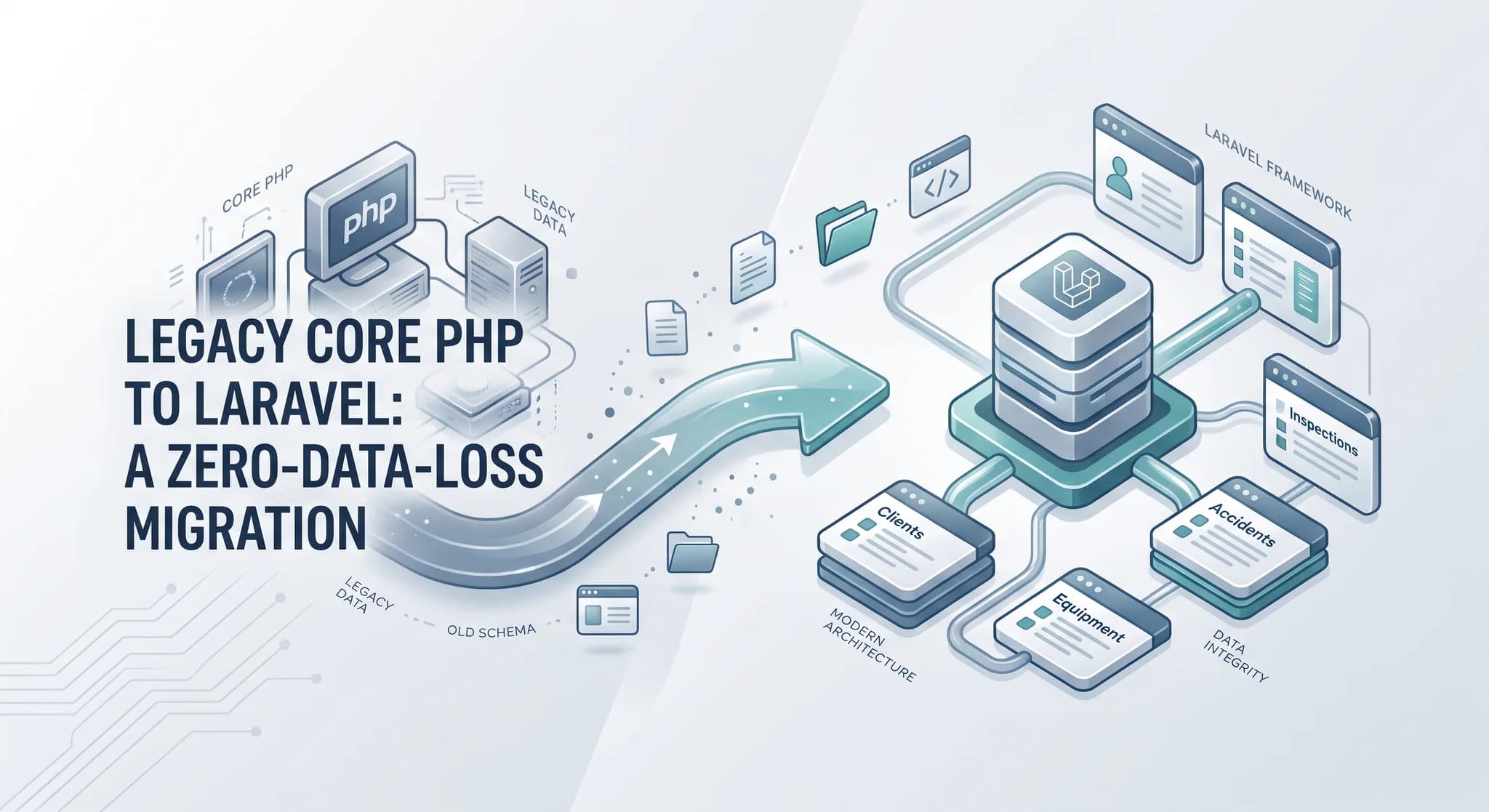
Migrating a Legacy Core PHP Platform to Laravel Without Losing Client Data
Rebuilding the application was only half the job. The harder part was moving years of unreliable data and client assets without breaking production.
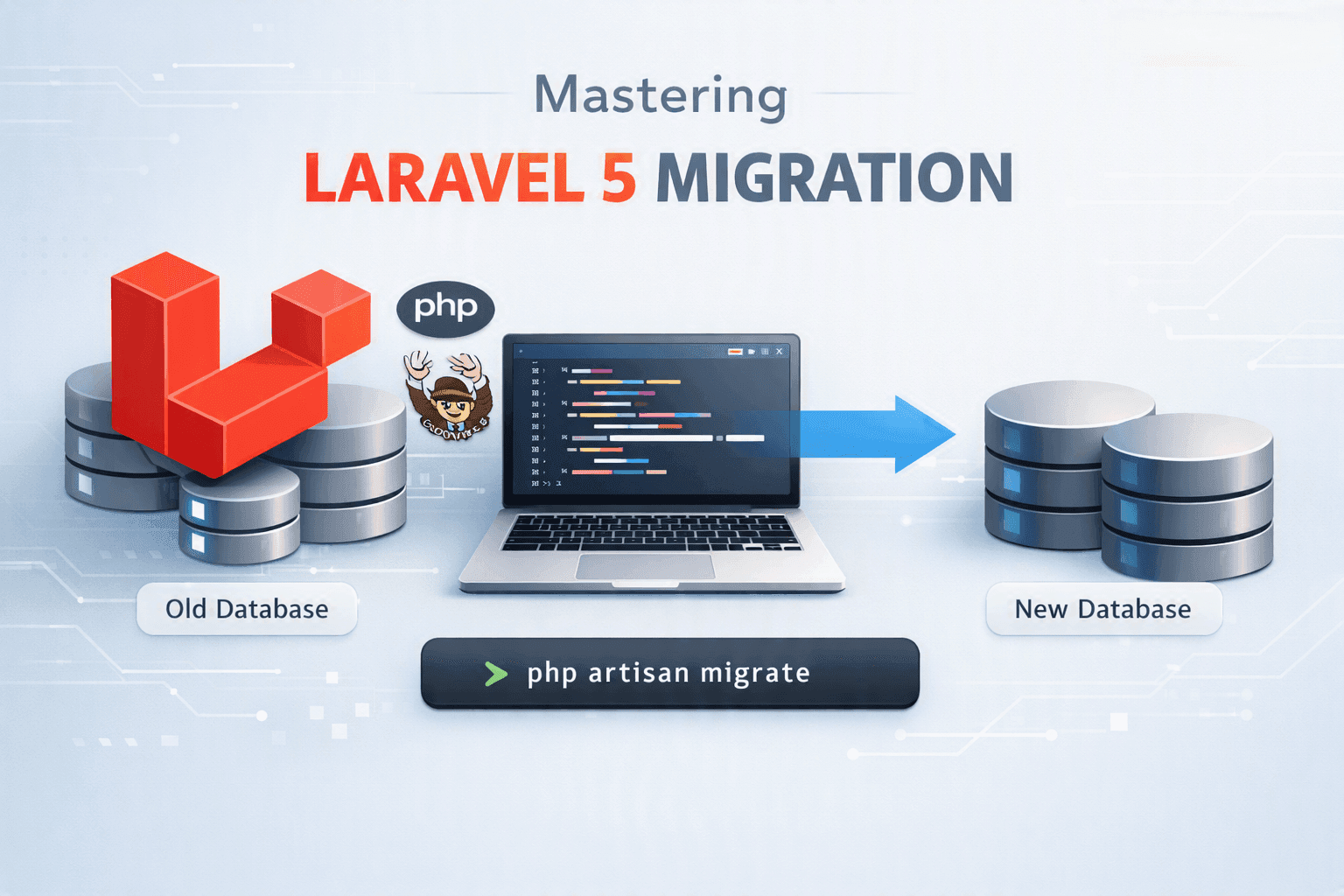
Laravel 5 Migration: A Safe Strategy for Modernizing Legacy Apps
Migrating Laravel 5 is rarely just a framework upgrade. I break down how I assess legacy systems, plan the migration, reduce risk, and modernize safely.
Laravel Upgrade Checklist: How to Move an Old App Safely
A practical Laravel upgrade checklist for old apps: what to check before you start, how to upgrade one major version at a time, how to test, and how to deploy with a rollback plan.
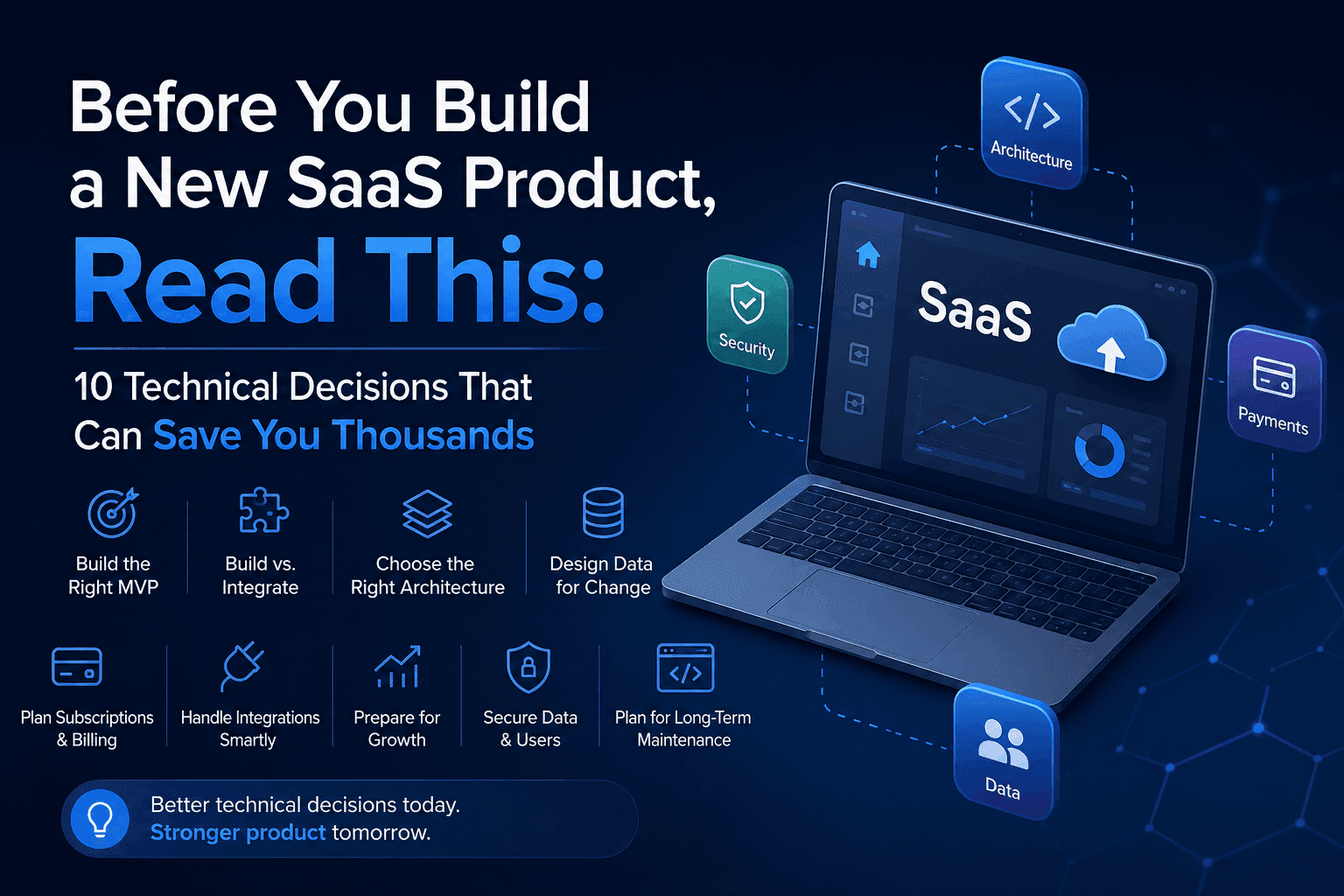
Before You Build a New SaaS Product: 10 Technical Decisions That Can Save You Thousands
The most expensive SaaS mistakes often happen before development begins. These 10 technical decisions can save you time, money, and costly rebuilds.
Have a complex technical project in mind?
Available for full-stack engineering, performance audits, cloud deployments, and high-concurrency systems architecture.