

You built a chatbot on your own documents, and it still answers with confident nonsense. Customers get wrong prices, invented policies or a polite "I don't know" when the answer is on your website. This is the most common complaint I hear about RAG chatbot wrong answers, and the good news is that most of the time the model is not the problem. The retrieval and the rules around it are.
I build and tune these systems as part of AI integration and AI-powered applications work. This guide walks through why a retrieval-augmented chatbot gives bad answers and the fixes I try, in the order I try them.
First, understand how a RAG chatbot answers#
RAG stands for retrieval-augmented generation. When a user asks a question, the system:
- Searches your content for the passages most related to the question
- Passes those passages to the language model along with the question
- Asks the model to answer using that material
That means a wrong answer can come from three places: the right passage was never found, the passage was found but was poor or incomplete, or the model ignored or went beyond the material it was given. Fixing the wrong layer wastes weeks, so diagnose first.
Step 1: Find out which layer is failing#
Take 20 to 30 real questions that the bot got wrong. For each one, log what was retrieved and look at it yourself.
- Right answer not in the retrieved passages: a retrieval problem.
- Right answer present, but the bot answered wrongly: a prompt or generation problem.
- Right answer not in your content at all: a content problem. No technique fixes missing information.
This simple audit usually shows that one layer causes most of the failures. Everything below maps to one of these three layers.
Fixing retrieval problems#
Chunk by meaning, not by character count#
Splitting documents into fixed-size pieces often cuts a policy in half or separates a heading from its answer. Split on headings, paragraphs and list boundaries, keep a little overlap, and store the page title and section name with each chunk so the passage carries its own context.
Clean the source content#
Navigation menus, cookie banners, repeated footers and duplicated pages pollute search results. Strip boilerplate before indexing and remove outdated pages, so the bot doesn't find an old price list that outranks the new one.
Combine keyword and semantic search#
Semantic search finds related meaning, but it can miss exact terms such as product codes, names and error messages. Combining it with keyword search (hybrid search) and merging the results catches both kinds of question. If you store vectors in PostgreSQL, the pgvector extension works alongside normal full-text search, and my comparison of HNSW and IVFFlat indexes covers the index choice.
Retrieve more, then rerank#
Fetch a wider set of candidates, then use a reranking step to pick the few most relevant passages for the model. This often improves answer quality without changing anything else.
Rewrite follow-up questions#
Users ask things like "what about the cheaper one?" A search for that phrase finds nothing useful. Before searching, rewrite follow-ups into standalone questions using the conversation so far.
Fixing prompt and generation problems#
Tell the model to stay inside the material#
Instruct the model to answer only from the supplied passages and to say so when they don't contain the answer. Anthropic's guidance on minimizing hallucinations describes techniques such as allowing the model to say it doesn't know and asking it to ground claims in quotes from the source.
Require citations#
Make the bot show which page or document each answer came from. Citations let users verify, and they let you see at a glance when an answer is not supported by a source.
Use a "no good match" threshold#
If the best retrieved passage is only weakly related, don't force an answer. Return a fallback such as offering to connect the user with a person. A bot that says "I'm not sure" at the right moment is more trusted than one that always answers.
Set topic limits and a persona#
Define what the bot may and may not discuss, and how it should speak. On the Henceforward platform I built, the admin suite included controls for brand persona, topic restrictions and AI guardrails, so non-developers could adjust behaviour without a deploy. See the Henceforward RAG chatbot case study for how that was structured.
Fixing content problems#
If the answer isn't in your content, no setting will conjure it. Look at the questions the bot can't answer and treat them as a to-do list for your knowledge base:
- Add pages for questions customers ask repeatedly
- Make pricing, policies and hours explicit and dated
- Remove contradictory versions of the same information
- Put the answer near the question it belongs to
Many "AI problems" turn out to be documentation problems.
Build a small evaluation set#
The single most useful habit is a fixed list of test questions with the answers you expect. Run it after every change to chunking, search or prompts, and compare results. Without it, you fix one question and silently break three others.
A good starter set:
- 30 to 50 real customer questions, with the expected answer or source page
- A handful of questions the bot should refuse or hand off
- A few tricky cases: ambiguous wording, outdated information, follow-up questions
Re-run it whenever you change anything, and add every new failure you find.
Watch the bot in production#
Log each question, the passages retrieved, the answer and any user feedback. Review a sample every week. Thumbs-down ratings and "I don't know" responses point you straight to content gaps and retrieval failures. My article on making AI features production-ready covers the logging, cost controls and failure handling that keep a bot trustworthy after launch.
A realistic order of work#
If you have limited time, this is the order I would follow, because each step is cheap and builds on the last:
- Build the test question set and record the current score
- Clean and re-chunk the content, then re-run the test set
- Add hybrid search and reranking, then re-run
- Tighten the prompt, add citations and a no-match fallback, then re-run
- Fill content gaps found in the failed questions
- Start the weekly production review
Changing one thing at a time, and measuring after each change, is what separates steady improvement from guesswork. It also gives you evidence to show stakeholders that answer quality is actually improving.
When it's still wrong: check the basics#
- Is the content actually indexed, or did ingestion fail silently?
- Are you searching the right version or language of the content?
- Is the context window being filled with too many weak passages?
- Did a prompt change accidentally loosen the rules?
If you are planning a chatbot from scratch, my guide to AI chatbot development cost explains what drives the budget, and building an AI chatbot with Laravel and OpenAI shows one implementation.
Key takeaways#
- Diagnose first: was the answer not retrieved, poorly retrieved or mishandled by the model?
- Better chunking, clean content, hybrid search and reranking fix most retrieval failures.
- Ground the model in the sources, require citations and allow "I don't know".
- Missing content is a content problem, not an AI problem.
- A small test set and weekly log reviews keep quality from slipping.
If your chatbot is giving answers you can't trust, book a call and I will review how it retrieves and answers, and tell you what to fix first.
Share this technical insight with your network
Share to LinkedIn or Facebook with key takeaways, featured media, and direct links.

About the author
Aqib Javaid
Senior Full-Stack Engineer
8+ years building Laravel, React/Next.js and AI-powered products for startups and growing businesses - SaaS platforms, APIs, integrations and the performance work that keeps them fast. Read the case studies to see how that plays out on real projects.
4.9 from 76 client reviews
Case Study: Henceforward AI RAG Chatbot & Knowledge Base Platform
Architected and developed a full-stack, RAG-powered AI chatbot and centralized knowledge management platform for Henceforward. The solution integrates Anthropic models with Hugging Face vector embeddings and PostgreSQL, enabling automated ingestion of web pages, documents, and visual assets for semantic context retrieval. Engineered a dedicated admin suite providing granular control over brand persona, topic restrictions, and AI guardrails, alongside integrated conversational lead capture and an embeddable CDN-delivered widget.
Related Technical Articles
View all articles →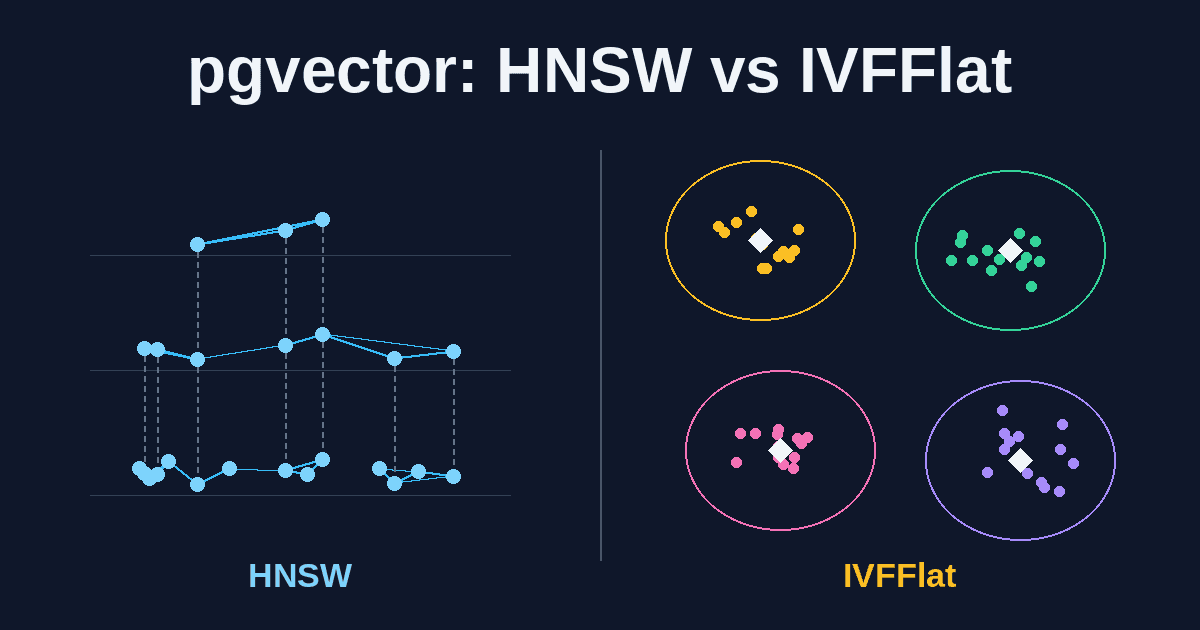
pgvector HNSW vs IVFFlat: Choosing a Vector Index for RAG
HNSW or IVFFlat? A practical guide to choosing and tuning a pgvector index for RAG search on PostgreSQL, covering recall, build time, memory, tenant filtering, and when to skip the index entirely.
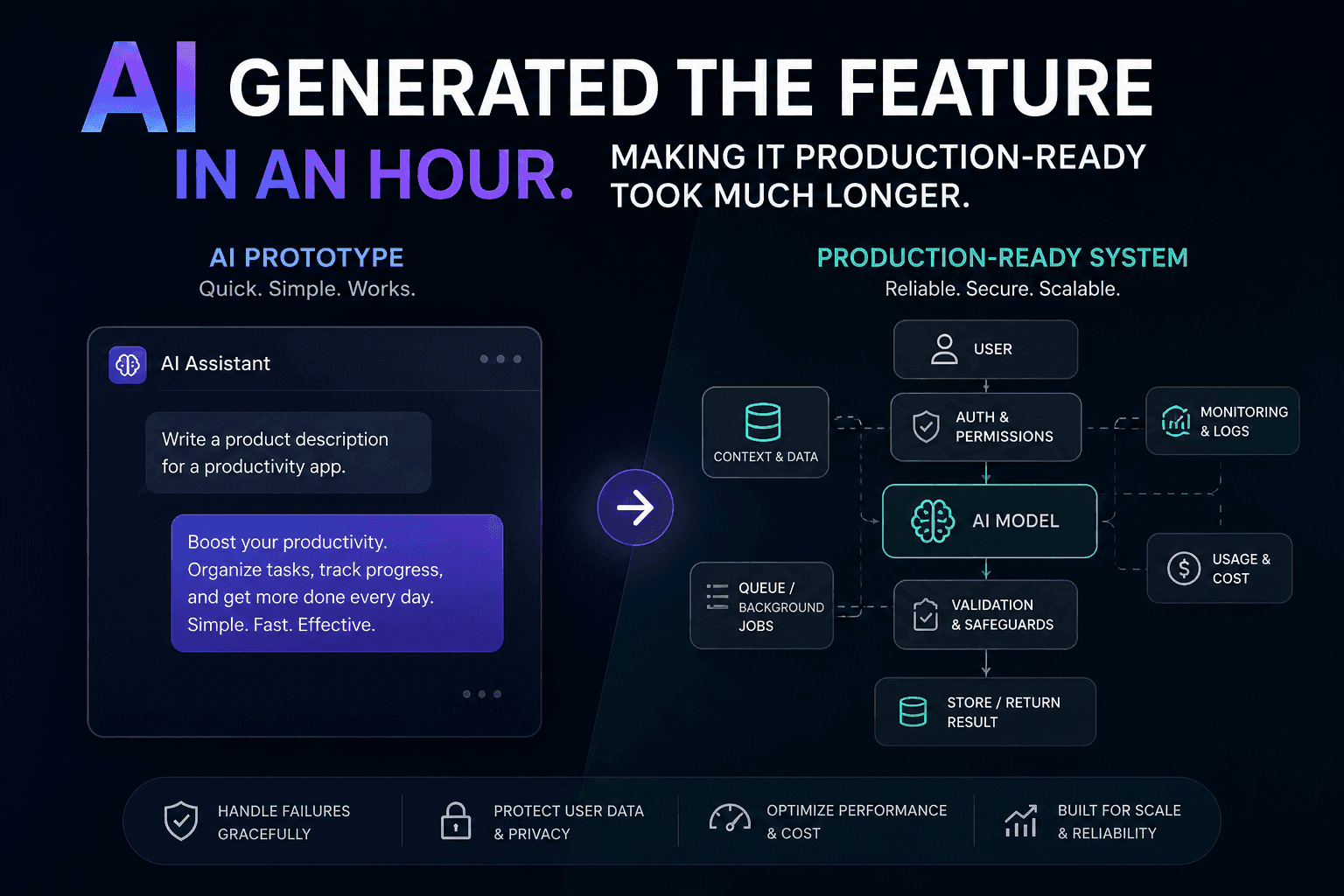
AI Generated the Feature in an Hour. Making It Production-Ready Took Much Longer
AI can generate a feature quickly, but a working demo is not a production-ready system. Here is how I approach closing that gap.
How Much Does an AI Chatbot Cost? Build and Running Costs
What an AI chatbot really costs to build and run: ballpark ranges by scope, the factors that move the price, the monthly costs people forget, and how to keep a first version small.
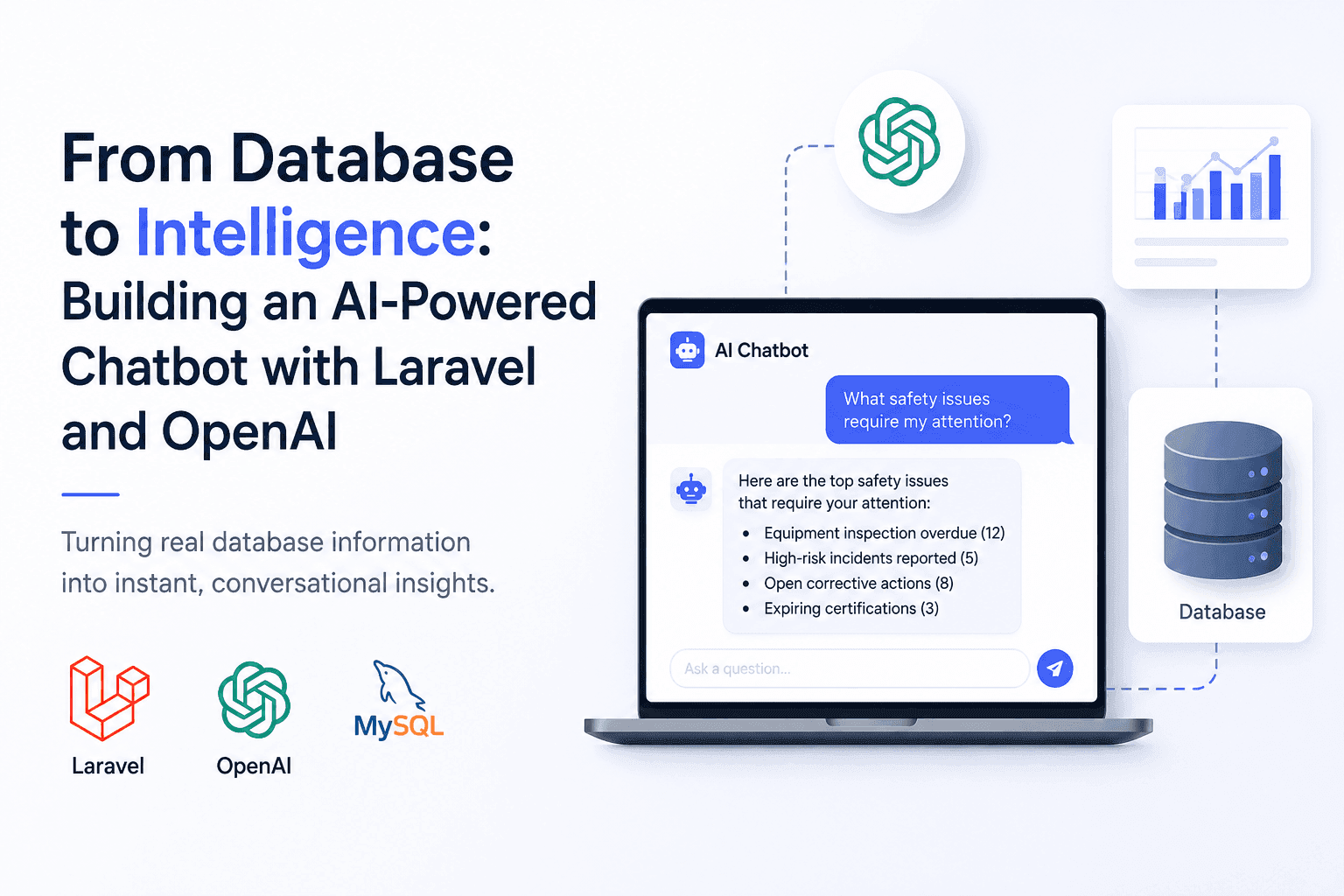
From Database to Intelligence: Building an AI-Powered Chatbot with Laravel and OpenAI
Users needed answers, not database screens. I built an AI-powered Laravel chatbot that connects OpenAI with real application data.
Have a complex technical project in mind?
Available for full-stack engineering, performance audits, cloud deployments, and high-concurrency systems architecture.