

Most RAG chatbots that feel "dumb" in production aren't let down by the model. They're let down by retrieval. The right chunk exists in the database, but the vector search never returns it, or returns it after two seconds while the user watches a spinner. If your embeddings live in PostgreSQL, a large share of that behaviour comes down to one decision: pgvector HNSW vs IVFFlat, and how you tune whichever index you pick.
This guide is the decision process I use when I put semantic search on Postgres. It covers how each index works, what the defaults actually do, the settings that matter, the filtering trap that catches most multi-tenant apps, and when you shouldn't add an approximate index at all. Everything here is based on pgvector 0.8.x, the current stable line.
What pgvector indexes actually trade off#
Without an index, pgvector does an exact nearest-neighbour search. It compares the query embedding with every row and returns the true top results. That is perfectly accurate, and on a few thousand rows it is often fast enough.
An index makes the search approximate. You give up a little recall (the share of true nearest neighbours you actually get back) in exchange for speed. The official pgvector documentation is explicit about the trade-off between its two index types:
| HNSW | IVFFlat | |
|---|---|---|
| Structure | Multilayer proximity graph | Vectors grouped into lists around centroids |
| Speed–recall trade-off | Better | Lower |
| Build time | Slower | Faster |
| Memory use | Higher | Lower |
| Needs data before building | No | Yes, there is a training step |
| Main build settings | m (16), ef_construction (64) | lists |
| Main query setting | hnsw.ef_search (40) | ivfflat.probes (1) |
Numbers in brackets are pgvector's defaults. The rest of this article is about what those rows mean when real users are searching.
How HNSW works in pgvector#
HNSW (Hierarchical Navigable Small World) comes from a 2016 paper by Malkov and Yashunin. It builds a layered graph: sparse upper layers for long jumps across the vector space, and a dense bottom layer for fine-grained search. A query enters at the top, greedily moves toward the closest node, and drops down a layer each time it can't get any closer.
In pgvector you create one like this. The operator class has to match the distance operator you query with, so use vector_cosine_ops if your queries use <=>:
CREATE INDEX CONCURRENTLY chunks_embedding_hnsw
ON document_chunks
USING hnsw (embedding vector_cosine_ops)
WITH (m = 16, ef_construction = 64);
Three settings matter:
mis the maximum number of connections per node per layer. More connections improve recall on hard datasets, but make the index bigger.ef_constructionis the candidate list size used while building the graph. Higher values give a better-quality graph but slow down builds and inserts.hnsw.ef_searchis the candidate list size at query time. It defaults to 40, and it quietly caps how many rows an index scan can return.
The practical upside of HNSW is that it behaves well from day one. There is no training step, so you can create the index on an empty table and let it grow as documents are ingested. That suits a knowledge base where content arrives continuously.
How IVFFlat works, and why it is easy to get wrong#
IVFFlat clusters your vectors into lists buckets, each with a centroid. At query time it finds the probes closest centroids and only searches the vectors in those buckets.
Because the centroids are learned from existing rows, when you build the index matters. pgvector's guidance is:
- Create the index after the table already has data.
- Start with
lists = rows / 1000up to 1M rows, andsqrt(rows)beyond that. - Start with
probes = sqrt(lists)at query time.
-- Roughly 200,000 chunks, so start with lists = 200
CREATE INDEX CONCURRENTLY chunks_embedding_ivf
ON document_chunks
USING ivfflat (embedding vector_cosine_ops)
WITH (lists = 200);

-- sqrt(200) is about 14
SET ivfflat.probes = 14;
The failure I see most often is an IVFFlat index created on a nearly empty table by a migration. The centroids are then based on a handful of rows, and searches start returning fewer results than LIMIT asks for. The pgvector docs name exactly this cause. The fix is to drop the index and rebuild it once there is representative data, and to rebuild again if your content changes a lot.
pgvector HNSW vs IVFFlat: which one should you choose?#
My default for RAG workloads is HNSW. Retrieval quality is the product in a chatbot, and HNSW gives better recall at a given speed without the rebuild discipline IVFFlat needs.
I reach for IVFFlat when:
- the corpus is large and mostly static (for example, a quarterly import of archived documents), so a rebuild after each load is cheap to schedule;
- build time or memory is the hard constraint, such as a small managed database where an HNSW build would compete with production traffic;
- you are re-embedding everything with a new model and need the index back quickly.
On the Henceforward RAG chatbot and knowledge base, the embeddings come from Hugging Face models and live in PostgreSQL with pgvector. The platform continuously ingests web pages, documents and visual assets for semantic retrieval. That ingestion pattern, where content arrives all the time rather than in one batch, is the kind of workload where an index that needs no training step and tolerates steady inserts is the safer starting point.
Tuning recall at query time without rebuilding#
The most useful thing to know about both index types is that recall can be tuned per query, not just per index. Use SET LOCAL inside a transaction so the setting doesn't leak to other requests on a pooled connection:
use Illuminate\Support\Facades\DB;

$chunks = DB::transaction(function () use ($embedding, $tenantId) {
    // Wider candidate list for this query only
    DB::statement('SET LOCAL hnsw.ef_search = 100');

    return DB::select(
        'SELECT id, content, embedding <=> ?::vector AS distance
         FROM document_chunks
         WHERE tenant_id = ?
         ORDER BY embedding <=> ?::vector
         LIMIT 8',
        [$embedding, $tenantId, $embedding]
    );
});
A few rules keep the planner using the index:
- The query needs both
ORDER BYandLIMIT. ORDER BYmust be the raw distance operator in ascending order.ORDER BY 1 - (embedding <=> ?) DESClooks equivalent, but it will not use the index. Compute similarity in theSELECTlist instead.- Check with
EXPLAIN ANALYZE. If you see a sequential scan on a large table, one of the rules above is usually being broken.
When I tune, I build a small evaluation set of real questions with known correct chunks. Then I raise ef_search (or probes) step by step and watch recall and latency together. Stop at the point where recall stops improving in a way users would notice.
Filtering and multi-tenancy: the trap in most RAG apps#
This is the part that bites SaaS products. With an approximate index, filtering happens after the index scan. The pgvector docs give the example directly: if a WHERE condition matches 10% of rows and hnsw.ef_search is at its default of 40, you'll get about 4 matching rows on average, even if you asked for 8.
In a multi-tenant knowledge base, WHERE tenant_id = ? is exactly that kind of filter. Your options, from simplest to most isolated:
- Iterative index scans (0.8.0+). Run
SET LOCAL hnsw.iterative_scan = strict_order;(orrelaxed_order) so pgvector keeps scanning until it finds enough rows, up tohnsw.max_scan_tuples. - A B-tree index on the filter column. For small tenants, an exact search over just their rows is fast and fully accurate.
- Partial indexes for a few large, known filter values. See the PostgreSQL partial index docs.
- List partitioning by tenant when tenants are large and need isolation. pgvector notes that a shared approximate index lets one tenant's vectors affect another tenant's recall and speed.
For most products I start with options 1 and 2, and only partition when one tenant's data clearly dominates.
Build time, memory and operations#
A few operational habits save a lot of pain:
- Build concurrently. Use
CREATE INDEX CONCURRENTLYin production so writes aren't blocked during the build. - Give builds memory. HNSW builds are much faster when the graph fits in
maintenance_work_mem. Postgres logs a notice when it no longer fits. Raise the value for the build session only, and not so far that it starves the server. - Watch progress.
pg_stat_progress_create_indexshows the current phase of a long build. - Size your storage. Each
vectortakes4 × dimensions + 8bytes. A million 768-dimension embeddings is roughly 3 GB before any index. Switching tohalfvec(2 × dimensions + 8bytes) roughly halves that. - Plan for vacuum. Vacuuming an HNSW index can be slow. pgvector suggests
REINDEX INDEX CONCURRENTLYbeforeVACUUMon heavily updated tables.
If this is starting to look like general Postgres performance work, that's because it is. Vector search shares the same resource limits as every other query on the database, which is why I treat it as part of the database and backend services I offer rather than as a separate AI component.
When not to add a vector index at all#
Senior judgement here is often not adding the index:
- Small corpora. Under tens of thousands of chunks, exact search with a sequential scan is often fast enough and gives perfect recall.
- Heavily filtered queries. If every query is scoped to one small tenant, a B-tree on
tenant_idplus exact search beats an approximate index that filters afterwards. - Unstable embeddings. If you are still switching embedding models, every change means re-embedding and rebuilding. Settle the model first.
Getting retrieval right is one piece of a wider discipline. I cover the rest in making AI features production-ready.
Frequently asked questions#
Is HNSW always better than IVFFlat in pgvector?#
No. HNSW has the better speed–recall trade-off, but it builds more slowly and uses more memory. IVFFlat is a reasonable choice for large, mostly static datasets where fast rebuilds matter more than the best possible recall.
Why does my pgvector query return fewer rows than my LIMIT?#
Usually because filters are applied after the approximate index scan, or because hnsw.ef_search (40 by default) caps the candidates. With IVFFlat, it can also mean the index was built with too little data. Enable iterative index scans, or raise ef_search or probes for that query.
How many lists should an IVFFlat index have?#
pgvector recommends starting with rows / 1000 for up to 1M rows and sqrt(rows) above that, with probes around sqrt(lists). Treat these as starting points and measure recall against a test set.
Can I change HNSW settings without rebuilding the index?#
The query-time setting, hnsw.ef_search, can be changed per session or per transaction. The build settings m and ef_construction are fixed when the index is created, so changing them means a rebuild.
Key takeaways#
- Default to HNSW for RAG workloads with continuous ingestion. Use IVFFlat for large, static datasets where fast rebuilds matter.
- Build IVFFlat only after the table has representative data, and size
listsandprobesfrom pgvector's guidance. - Tune recall per query with
SET LOCAL hnsw.ef_searchorivfflat.probes, and measure against real questions. - Tenant filters cut approximate results. Use iterative scans, exact search for small tenants, or partitioning.
- Skip the index entirely when the corpus is small or every query is narrowly filtered.
If you're planning semantic search on Postgres and want a second pair of eyes on the design, book a free consultation.
Share this technical insight with your network
Share to LinkedIn or Facebook with key takeaways, featured media, and direct links.
Case Study: Henceforward AI RAG Chatbot & Knowledge Base Platform
Architected and developed a full-stack, RAG-powered AI chatbot and centralized knowledge management platform for Henceforward. The solution integrates Anthropic models with Hugging Face vector embeddings and PostgreSQL, enabling automated ingestion of web pages, documents, and visual assets for semantic context retrieval. Engineered a dedicated admin suite providing granular control over brand persona, topic restrictions, and AI guardrails, alongside integrated conversational lead capture and an embeddable CDN-delivered widget.
Related Technical Articles
View all articles →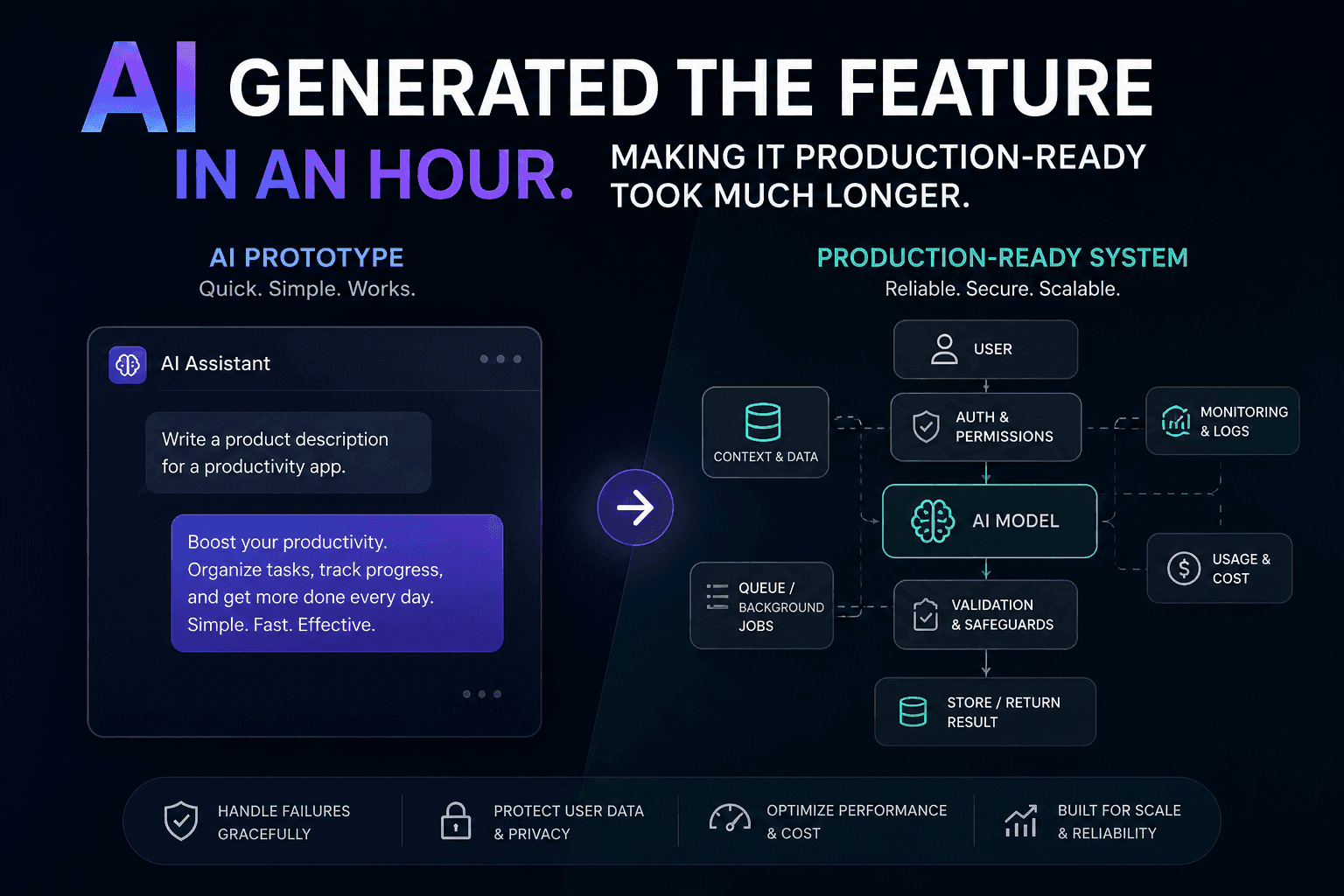
AI Generated the Feature in an Hour. Making It Production-Ready Took Much Longer
AI can generate a feature quickly, but a working demo is not a production-ready system. Here is how I approach closing that gap.
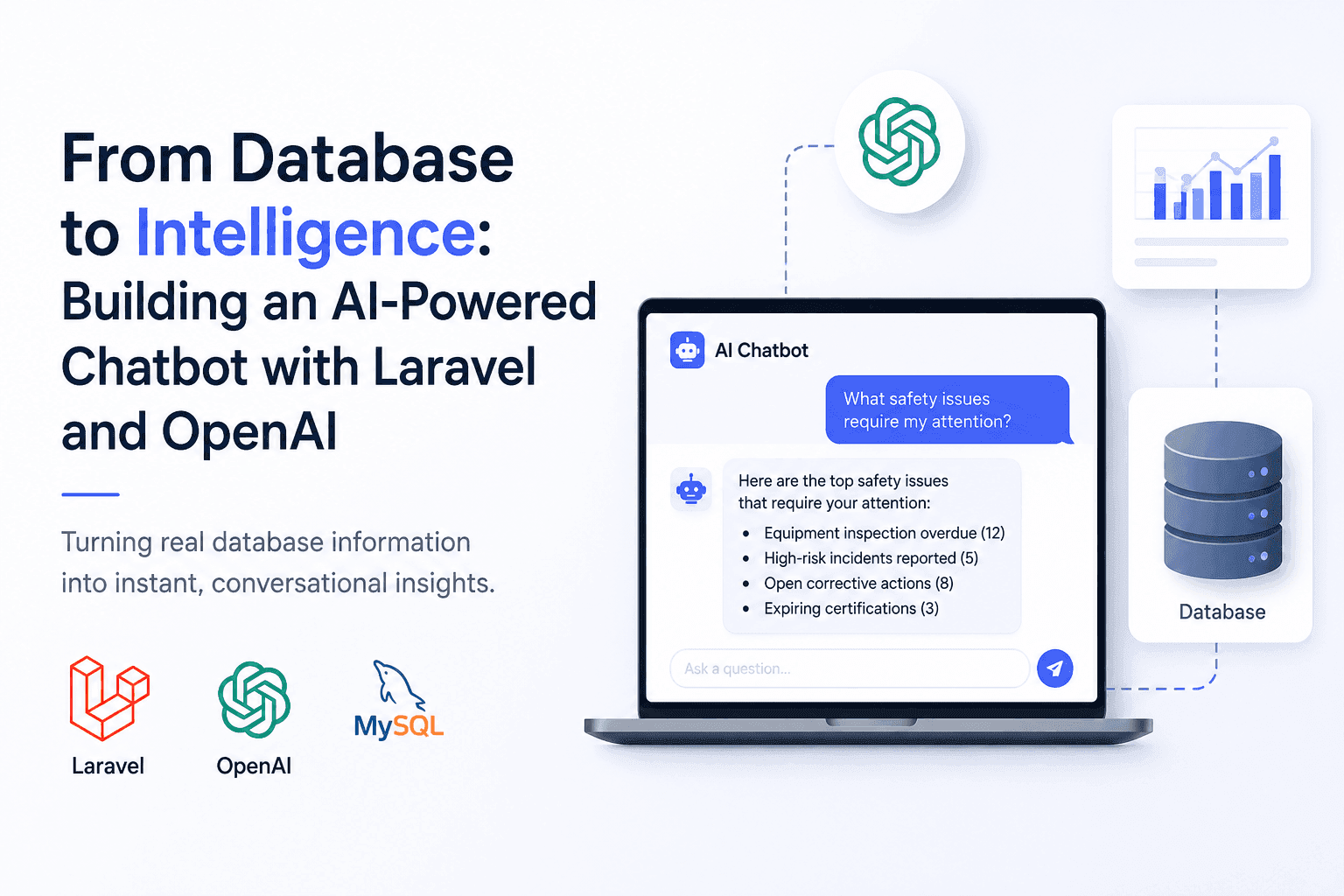
From Database to Intelligence: Building an AI-Powered Chatbot with Laravel and OpenAI
Users needed answers, not database screens. I built an AI-powered Laravel chatbot that connects OpenAI with real application data.

Building AI Features in Laravel Without Turning Your Application Into a Mess
AI features can quickly turn a clean Laravel application into a maintenance nightmare. Here's how to integrate AI without sacrificing architecture.

Building Full-Text Search in Multi-Tenant Laravel SaaS
WHERE title LIKE '%term%' works until customers expect search that's fast, relevant, and never leaks another tenant's records.
Have a complex technical project in mind?
Available for full-stack engineering, performance audits, cloud deployments, and high-concurrency systems architecture.