

If you're a university student, you may be able to get free Gemini for students for a whole year. Google is giving eligible students a free 12-month plan of its premium Gemini subscription, with higher usage limits, more storage and Gemini inside its everyday apps.
The catch is that the offer works differently depending on where you live, it asks for a payment method, and it turns into a paid plan if you forget to cancel. This guide explains who qualifies, which plan you get, how to claim it step by step, and how to avoid paying by accident.
Offers like this change. The details below were checked against Google's announcement and press coverage in October 2026. Always confirm the final terms on Google's student page before you sign up.
What is the Gemini student offer?#
Gemini is Google's AI assistant. The free version has usage limits, and Google sells paid plans through Google One for people who want more. For students, Google is giving one of those paid plans away free for 12 months. You get one of two plans depending on your country.
| Google AI Pro | Google AI Plus | |
|---|---|---|
| Who gets it | Eligible college students in the United States | Eligible students in 140+ other markets, including Pakistan |
| Free period | 12 months | 12 months |
| Gemini usage limits | Higher limits than the free plan | 2x the free usage limits |
| Storage | 5 TB | 400 GB |
| Gemini in Google apps | Yes, including Gmail and Google Docs | Check Google's page for your market |
| Extras | Gemini Spark and other premium tools | Gemini Omni |
The exact feature list for your market is on Google's page, because plans and features change as Google adds tools.
Who is eligible?#
The rules that apply almost everywhere:
- You must be an enrolled university or college student. School pupils don't qualify.
- You must be an adult. Reports put the usual range at 18 and over.
- You must verify your student status through SheerID, a verification service Google uses. It checks your school and enrolment.
- You need a personal Google account, not an account issued by your school.
- You need a valid payment method at sign-up, even though nothing is charged during the free year.
Eligibility by country is the part that changes most. In the US you get AI Pro. Pakistan is in the AI Plus group of markets, so eligible students in higher education there can get AI Plus free for a year. If your country isn't covered, the offer simply won't appear for you.
How to claim it, step by step#
- Sign in to your personal Google account in a browser or on your phone.
- Open the student page at one.google.com/ai-student, or follow the link from Google's Gemini students page.
- Start the offer and choose the plan shown for your country.
- Verify your student status through SheerID. Have your university name, your enrolment details and a document or student email ready.
- Add a payment method when asked.
- Check the confirmation. Your Google One account should show the plan and the date the free year ends.
The offer has a redemption deadline: you must claim it by 31 December 2026. The 12 months run from when you sign up, so claiming earlier doesn't make you lose time on the offer itself, but claiming late risks missing it.
The catch: it renews as a paid plan#
This is the part that surprises people. The free plan turns into a paid subscription after the 12 months unless you cancel. Because you gave a payment method at sign-up, Google can start charging it when the free year ends.
To avoid that:
- Set a calendar reminder two to four weeks before the year ends.
- Open your Google One subscription settings and check the renewal date.
- Cancel before the date if you don't want to pay.
If you still want the plan after the year, you can simply let it renew. Just make it a decision, not an accident.
What can you actually use it for?#
For a student, the useful parts are the higher Gemini limits, the extra storage and, on the AI Pro plan, Gemini inside Gmail and Docs. Typical student uses include:
- Explaining hard topics step by step and quizzing yourself on them.
- Summarising readings and lecture notes to build a revision plan.
- Drafting and editing essays and emails, while keeping your own voice and following your university's rules on AI use.
- Studying code, such as asking why an error happens or what a function does.
Treat any AI answer as a starting point. Check facts, run the code and cite real sources. Many universities have their own rules on AI use in coursework, so read yours before you submit anything.
Is free Gemini enough, or do you need the paid plan?#
The free Gemini plan is already useful for light use. The student plan matters if you hit usage limits, want to work with long documents, or need the storage. If you rarely run into limits, the free plan may be all you need and you can skip the payment-method step altogether.
If you build software, a chat assistant is only the start. Turning AI into something reliable inside a product takes real engineering. For that side, see my notes on building AI features in Laravel without the mess and what makes an AI feature production-ready, or learn about my AI integration work.
Frequently asked questions#
Is Gemini really free for students?#
Yes, for eligible students it's free for 12 months. After that it renews as a paid plan unless you cancel, so set a reminder.
Who can get free Gemini for students?#
Enrolled university students who are adults, can verify their status through SheerID and live in a supported country. US students get Google AI Pro, and students in 140+ other markets, including Pakistan, get Google AI Plus.
Do I need a credit card?#
You need a valid payment method at sign-up. It isn't charged during the free year, but it's used if the plan renews.
When does the offer end?#
You must redeem it by 31 December 2026.
Can I use my school email account?#
No. You need a personal Google account. Your school details are used only for verification.
Key takeaways#
- Eligible students get a free 12-month Gemini plan: Google AI Pro in the US, and Google AI Plus in 140+ other markets, including Pakistan.
- Verify your student status through SheerID, use a personal Google account, and add a payment method.
- Redeem by 31 December 2026 at one.google.com/ai-student.
- It renews as a paid plan after the free year, so set a cancellation reminder.
- Check the final terms on Google's page, because offers change.
If you're building something with AI and want help turning it into a reliable product, get in touch.
Share this technical insight with your network
Share to LinkedIn or Facebook with key takeaways, featured media, and direct links.

About the author
Aqib Javaid
Senior Full-Stack Engineer
8+ years building Laravel, React/Next.js and AI-powered products for startups and growing businesses - SaaS platforms, APIs, integrations and the performance work that keeps them fast. Read the case studies to see how that plays out on real projects.
4.9 from 76 client reviews
Related Technical Articles
View all articles →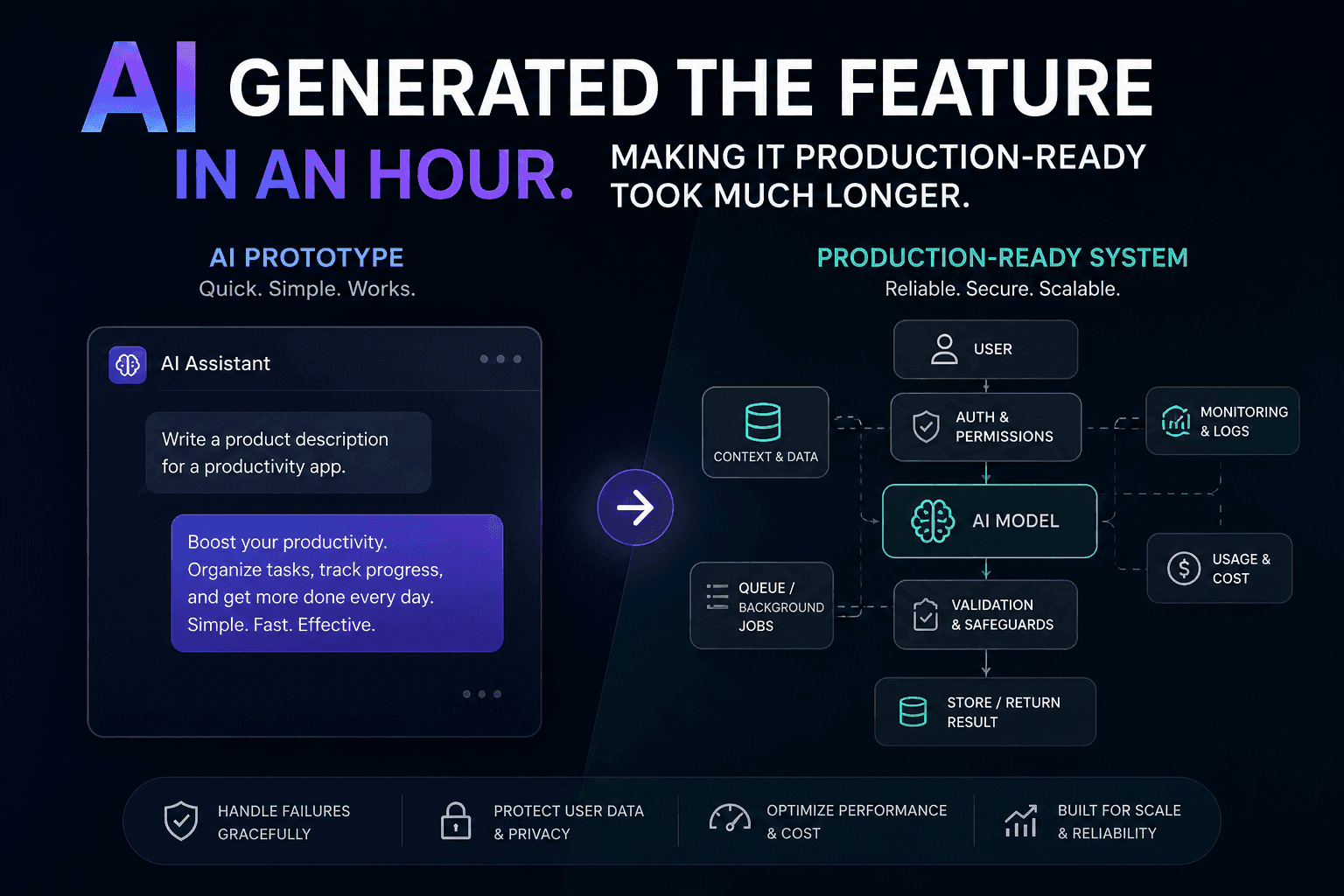
AI Generated the Feature in an Hour. Making It Production-Ready Took Much Longer
AI can generate a feature quickly, but a working demo is not a production-ready system. Here is how I approach closing that gap.
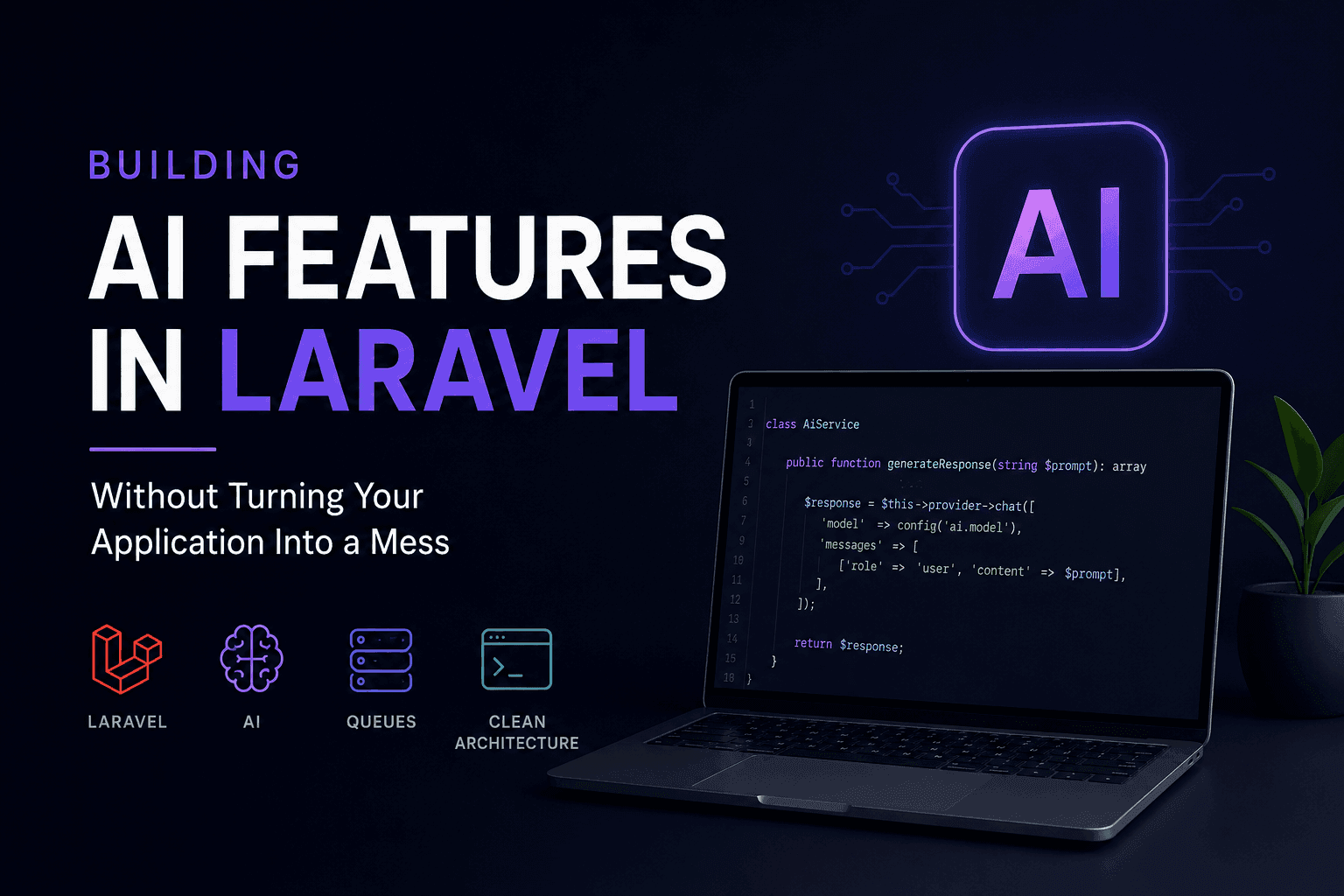
Building AI Features in Laravel Without Turning Your Application Into a Mess
AI features can quickly turn a clean Laravel application into a maintenance nightmare. Here's how to integrate AI without sacrificing architecture.
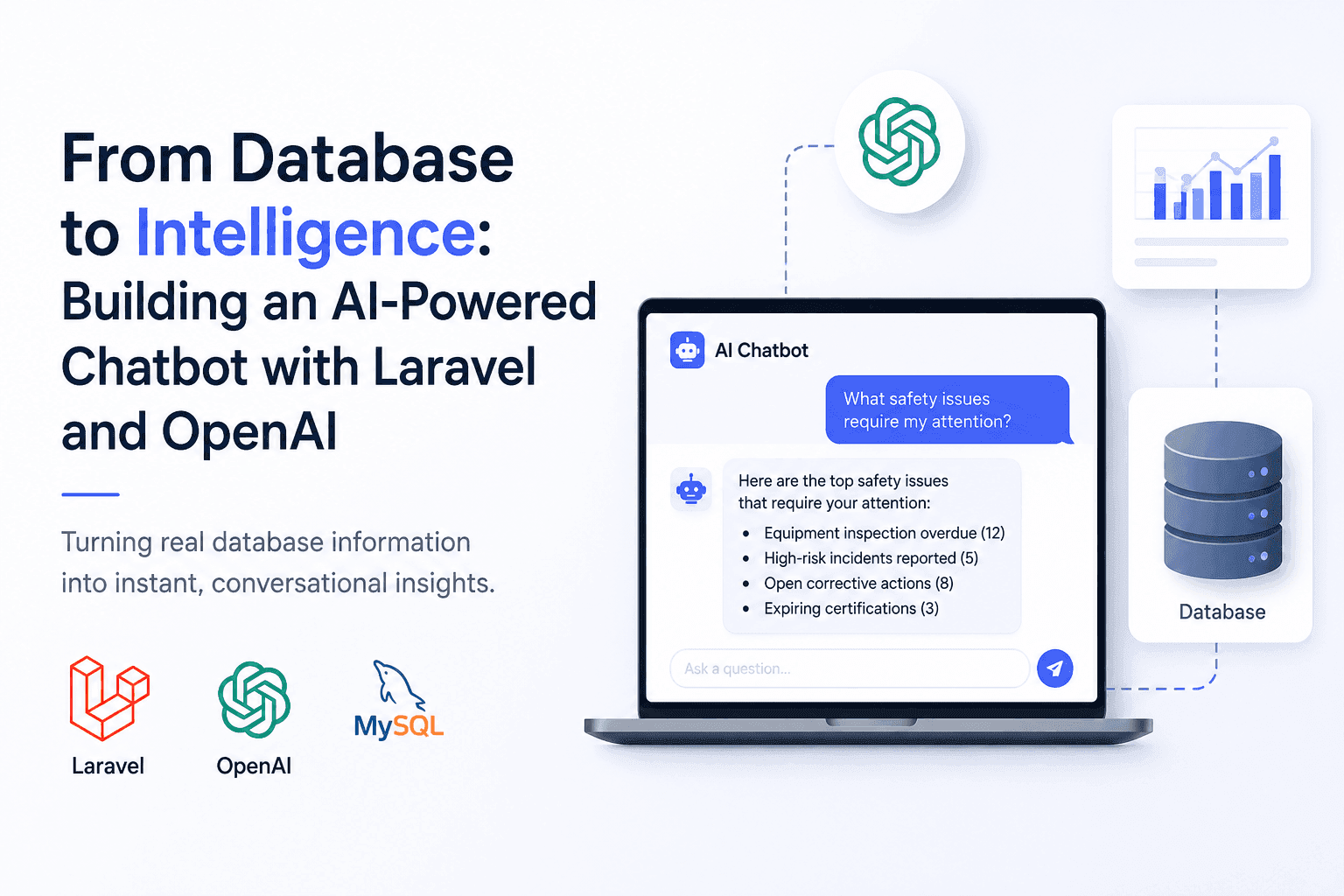
From Database to Intelligence: Building an AI-Powered Chatbot with Laravel and OpenAI
Users needed answers, not database screens. I built an AI-powered Laravel chatbot that connects OpenAI with real application data.
How Much Does an AI Chatbot Cost? Build and Running Costs
What an AI chatbot really costs to build and run: ballpark ranges by scope, the factors that move the price, the monthly costs people forget, and how to keep a first version small.
Have a complex technical project in mind?
Available for full-stack engineering, performance audits, cloud deployments, and high-concurrency systems architecture.