

From Database to Intelligence: My Journey Building an AI-Powered Chatbot#
Most business applications already contain a huge amount of valuable information.
The problem is that users often have to know where that information lives before they can find it.
They may need to navigate multiple screens, apply filters, understand database terminology, and manually interpret reports just to answer a simple question.
That was the problem I wanted to solve while working on an AI-powered safety management platform.
Instead of asking users to become experts in the application, I wanted the application to understand what they were asking and help them find the relevant information.
The result was an AI-powered chatbot capable of retrieving real-time safety insights from application data.
The interesting part wasn't simply connecting OpenAI to Laravel.
The real engineering challenge was building a reliable bridge between:
Natural language -> application logic -> database data -> AI-generated response
This article explains how I approached that problem as a Laravel developer, the backend architecture behind it, and the lessons I learned from connecting AI with real business data.
The Core Problem: Valuable Data Was Hard to Access#
The platform already had structured business data stored in MySQL.
From an engineering perspective, that data was accessible.
From a user's perspective, it wasn't always easy to understand.
A user might know the question they wanted answered but not know:
- Which section of the application contained the answer
- Which filters they needed
- Which terminology the database used
- Which records were relevant
- How different pieces of information were related
- How to interpret the resulting data
Traditional search could help users locate records.
But search still required users to know what to search for.
What we needed was a more natural interface.
Instead of:
Find the correct screen -> select filters -> inspect records -> interpret results
The experience could become:
Ask a question -> retrieve relevant data -> receive an understandable answer
That shift is where the AI-powered experience became valuable.
Why Adding OpenAI Wasn't Enough#
A common approach to building an AI chatbot is surprisingly simple:
$response = OpenAI::chat()->create([
    'model' => '...',
    'messages' => [
        [
            'role' => 'user',
            'content' => $question
        ]
    ]
]);
This can produce an impressive conversational interface.
But there is a fundamental problem.
The AI doesn't automatically know what's happening inside your application's database.
If a user asks:
"What safety issues require my attention?"
Sending that question directly to an LLM doesn't give it access to the application's current safety records.
The model needs context.
That meant the backend had to become the bridge between the user's question and the application's actual data.
The architecture therefore needed to solve three separate problems:
- Understand the user's question.
- Retrieve the right application data.
- Give the AI enough structured context to generate a useful response.
This became the foundation of the chatbot architecture.
The Architecture: Connecting AI With Application Data#
At a high level, the flow looked like this:
User
  v
Chat Interface
  v
Laravel API
  v
Question Processing
  v
Business / Data Retrieval
  v
MySQL
  v
Structured Context
  v
OpenAI
  v
AI Response
  v
User
The important architectural decision was keeping Laravel in control of the application's data.
The AI should not become the application's database layer.
Instead:
- Laravel handles authentication.
- Laravel determines what data the user is allowed to access.
- Laravel queries the application database.
- Laravel prepares relevant context.
- OpenAI interprets that context.
- Laravel returns the final response to the frontend.
This separation is important because an AI model should not become an uncontrolled gateway to sensitive business data.
Step 1: Start With the User's Question#
The first layer is intentionally simple.
The frontend sends the user's question to the Laravel backend.
For example:
const response = await axios.post('/api/chat', {
    message: userMessage
});
The backend receives the request:
public function chat(Request $request)
{
    $message = $request->validate([
        'message' => ['required', 'string'],
    ])['message'];

    // Process the question...

    return response()->json([
        'message' => $answer,
    ]);
}
At this point, there is no AI magic happening yet.
That's intentional.
The backend needs to understand the request and establish the correct application context before involving the model.
Step 2: Retrieve Relevant Database Information#
This is where backend development becomes critical.
Suppose the user asks about safety information.
The application already has structured records representing the organization's data.
Laravel can query those records using normal application logic:
$records = SafetyRecord::query()
    ->where('organization_id', $user->organization_id)
    ->latest()
    ->limit(50)
    ->get();
The exact query depends on the application's domain.
The important principle is:
The database remains the source of truth.
The AI isn't being asked to invent business information.
It is being given relevant information from the application's existing data and asked to explain it in a useful way.
Step 3: Convert Database Results Into AI Context#
Raw database records are not necessarily the best format for an AI model.
A database might return something like:
[
    [
        'status' => 'open',
        'priority' => 'high',
        'category' => 'equipment',
        'created_at' => '2026-08-20',
    ],
    // ...
]
Instead of blindly passing every database column to the model, the backend should create a structured context.
For example:
$context = $records->map(function ($record) {
    return [
        'category' => $record->category,
        'priority' => $record->priority,
        'status' => $record->status,
        'date' => $record->created_at->toDateString(),
    ];
});
The objective is to give the model useful context rather than database noise.
This also helps reduce unnecessary token usage and makes the model's job easier.
Step 4: Give OpenAI the Right Context#
Once Laravel has retrieved the relevant information, the backend can construct the OpenAI request.
Conceptually:
$messages = [
    [
        'role' => 'system',
        'content' => '
            You are a safety management assistant.
            Answer using only the provided application data.
            If the data does not contain the answer,
            clearly say that the information is unavailable.
        ',
    ],
    [
        'role' => 'user',
        'content' => $message,
    ],
    [
        'role' => 'system',
        'content' => json_encode($context),
    ],
];
The model now has two important pieces of information:
What the user wants
and
What the application currently knows
That distinction is extremely important.
The AI is being used primarily as an interpretation layer, not as the source of truth.
The Hard Part: Making AI Understand Business Data#
Connecting an API is easy.
Making the result genuinely useful is much harder.
Business applications rarely contain perfectly clean, human-readable data.
A database might contain:
- Internal IDs
- Status codes
- Foreign keys
- Short abbreviations
- Multiple related tables
- Historical records
- Different date formats
- Application-specific terminology
A user doesn't care about those implementation details.
They care about the answer.
For example, the database might represent a state internally as:
status = 2But the user needs:
"There are 12 unresolved issues that require attention."
This is where the Laravel backend and business logic become important.
The backend should translate raw database structures into meaningful domain-level information before passing it to the AI.
Database Management Still Matters in an AI Application#
It's easy to think that AI makes database architecture less important.
In reality, it can make it more important.
If your database contains inconsistent, duplicated, incomplete, or poorly structured information, the AI cannot magically fix the underlying system.
The quality of the response depends heavily on the quality of the context provided to the model.
That means traditional backend engineering still matters:
- Good database relationships
- Efficient queries
- Proper indexing
- Clear domain models
- Data validation
- Access control
- Consistent business rules
- Controlled data retrieval
AI sits on top of those foundations.
It doesn't replace them.
Protecting Data Access#
One of the most important design decisions was ensuring that the chatbot respected the application's existing access rules.
A chatbot shouldn't become a shortcut around authorization.
For example:
$records = SafetyRecord::query()
    ->where('organization_id', $user->organization_id)
    ->whereIn('status', ['open', 'pending'])
    ->get();
The backend determines which records are available to the current user before those records become AI context.
This creates a much safer architecture:
User Question
     v
Authentication
     v
Authorization
     v
Business Rules
     v
Database Query
     v
Relevant Context
     v
AI
The AI only receives information that the application has already determined the user can access.
Avoiding the "Send Everything to the AI" Trap#
One tempting implementation is to retrieve a large amount of database data and send all of it to the model.
It sounds convenient.
It's also a poor long-term architecture.
Sending unnecessary data can create several problems:
Higher Costs#
More context means more tokens.
More tokens can increase API costs.
Slower Responses#
Larger prompts generally require more processing.
Worse Answers#
More information doesn't automatically mean better information.
Irrelevant records can make it harder for the model to identify what actually matters.
Greater Privacy Risk#
Sending unnecessary business information to an external AI service increases the amount of data leaving your application.
The better approach is relevance first.
Retrieve only the information necessary to answer the user's question.
Making the Chatbot Client-Centric#
The goal wasn't to demonstrate that we could integrate OpenAI.
The goal was to make the product easier to use.
That's an important distinction.
From the client's perspective, the technology stack isn't the primary outcome.
They care about things like:
- Can users find answers faster?
- Can employees understand complex information?
- Can the platform reduce repetitive searches?
- Can users interact with the system naturally?
- Can the application provide useful insights from existing data?
That's why I treated the chatbot as a product feature, not simply an AI integration.
The AI was valuable because it removed friction from an existing workflow.
Where Laravel Became the Critical Piece#
It's easy to describe an AI chatbot as:
Frontend + OpenAI API
In a production business application, that's incomplete.
The real architecture is closer to:
Frontend
   v
Laravel API
   v
Authentication & Authorization
   v
Business Logic
   v
Database
   v
Context Preparation
   v
OpenAI
   v
Response Processing
   v
Frontend
Laravel effectively became the orchestration layer.
That made it responsible for controlling the interaction between the user's request, business rules, application data, and AI.
This is where being a strong PHP expert and Laravel developer matters.
The AI API itself is only one component.
The difficult engineering work happens around it.
Common Pitfalls I Would Avoid#
1. Treating the LLM as the Database#
Don't expect the model to know your application's current state.
Your database should remain the source of truth.
2. Giving the Model Too Much Data#
Retrieve relevant information rather than dumping entire tables into a prompt.
3. Ignoring Authorization#
Every database query made for AI context should respect the same access boundaries as the rest of the application.
4. Exposing Internal Database Structures#
Users don't need to understand table names, IDs, or internal status codes.
Transform technical data into domain-level context.
5. Assuming AI Is Always Correct#
AI-generated answers should be grounded in application data and designed to acknowledge when the available information isn't sufficient.
6. Building the AI Layer Before Understanding the User Workflow#
Start with the user problem.
Then determine where AI actually provides value.
Don't start with:
"Where can we add ChatGPT?"
Start with:
"What information is difficult for our users to access or understand?"
That change in mindset leads to better products.
The Bigger Lesson: AI Doesn't Replace Backend Engineering#
Building this type of system reinforced something I believe is becoming increasingly important:
AI doesn't eliminate backend engineering. It makes good backend engineering more valuable.
The AI model can interpret language.
But your application still needs to:
- Store reliable data
- Enforce permissions
- Execute efficient queries
- Apply business rules
- Integrate external services
- Handle failures
- Protect sensitive information
- Return predictable API responses
The AI becomes another layer within that architecture.
The quality of the final experience depends on how well those layers work together.
Key Takeaways#
Building an AI-powered chatbot around real application data isn't simply an OpenAI integration.
The most important lessons for me were:
- Keep the database as the source of truth.
- Use Laravel as the orchestration and business-logic layer.
- Retrieve only relevant data for each request.
- Transform raw database records into meaningful context.
- Apply authorization before sending data to the AI.
- Treat AI responses as generated interpretations of application data, not unquestionable facts.
- Start with a real user problem instead of starting with an AI feature.
For businesses sitting on years of structured application data, this approach can create a completely different way of interacting with their software.
The opportunity isn't simply to add a chatbot.
It's to turn a database that users have to navigate into a system they can simply ask questions to.
And that is where I see AI becoming genuinely useful in modern backend development.
Share this technical insight with your network
Share to LinkedIn or Facebook with key takeaways, featured media, and direct links.
Case Study: SafetySpace AI-Powered Safety Management Platform & Workflow Automation
SafetySpace is an AI-powered safety management platform designed to help organizations manage safety processes, access critical safety information, and streamline documentation through intelligent, configurable workflows. As CTO, I led the technical direction and development of the platform across backend, frontend, architecture, and AI integrations—turning complex safety workflows into a more intelligent and streamlined digital experience.
Related Technical Articles
View all articles →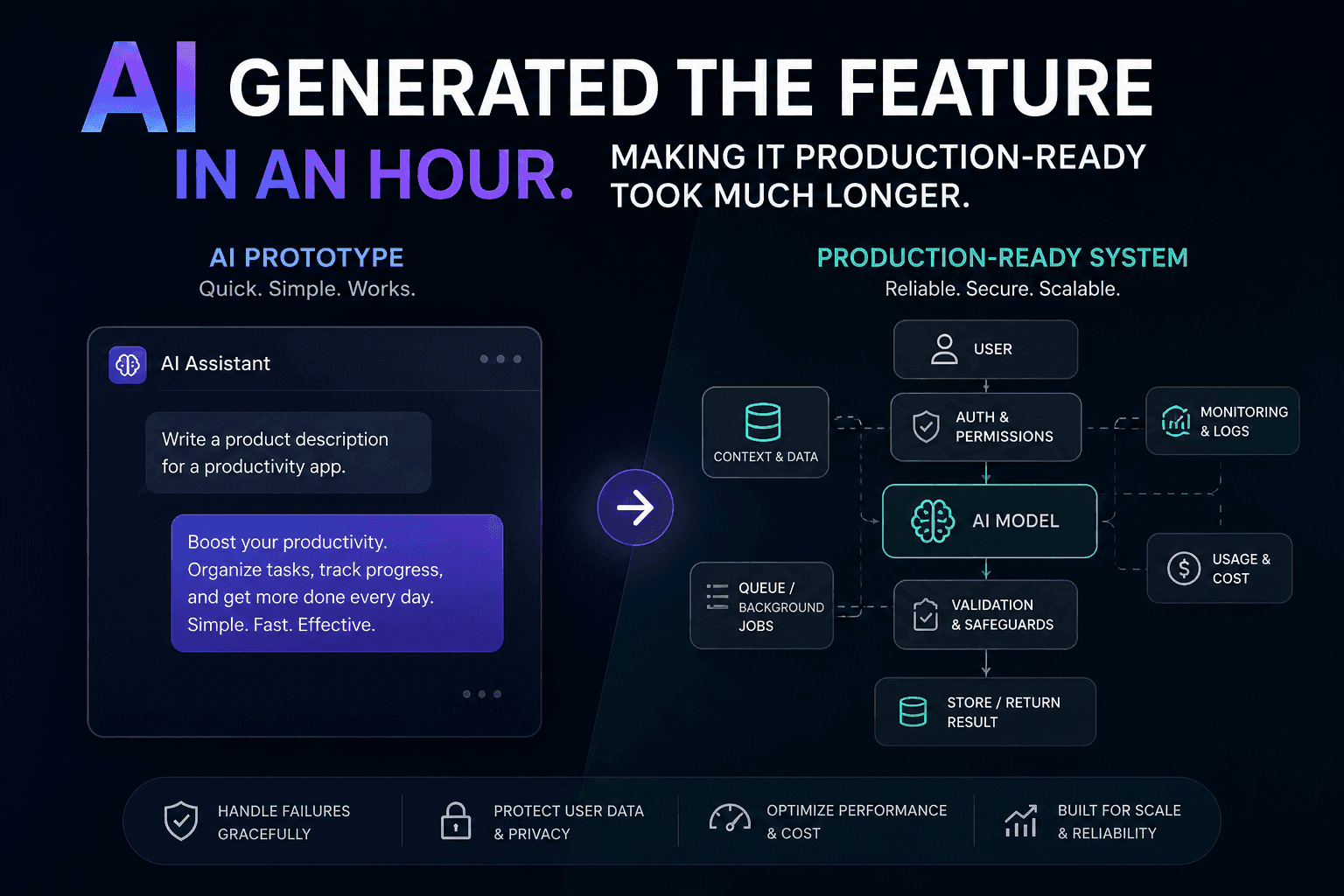
AI Generated the Feature in an Hour. Making It Production-Ready Took Much Longer
AI can generate a feature quickly, but a working demo is not a production-ready system. Here is how I approach closing that gap.
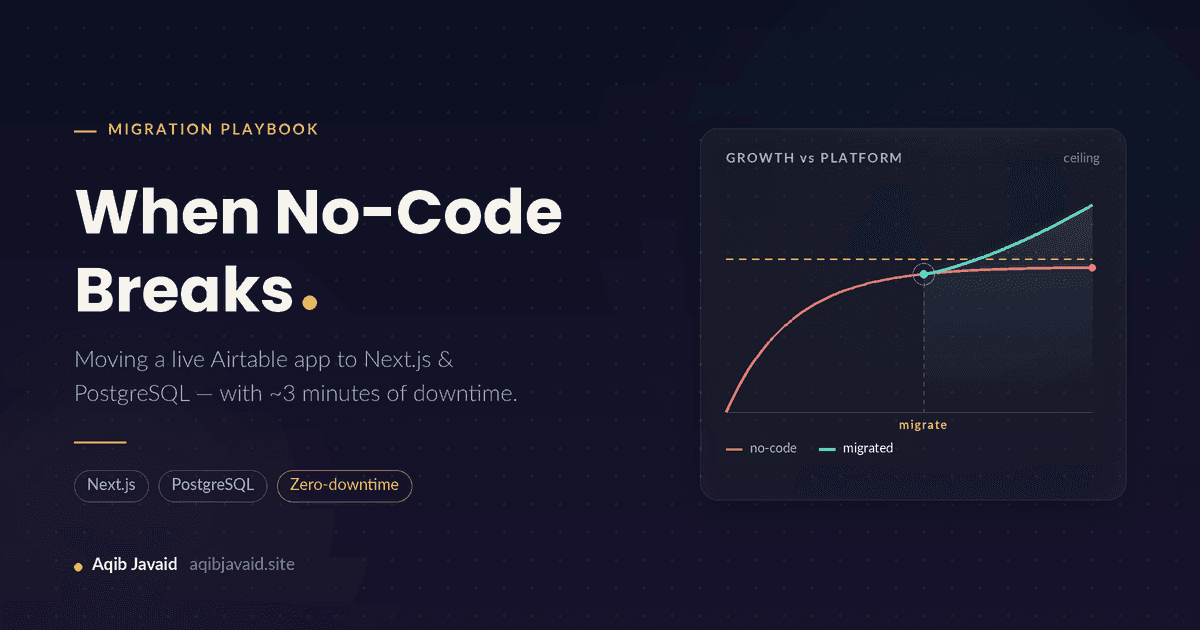
When No-Code Breaks: Migrating a Live Airtable App to Next.js & PostgreSQL Without Losing Users
No-code apps rarely die, they plateau: row ceilings, 8-second loads, a $700 monthly bill. Here is how to move a live one to Next.js and PostgreSQL safely.
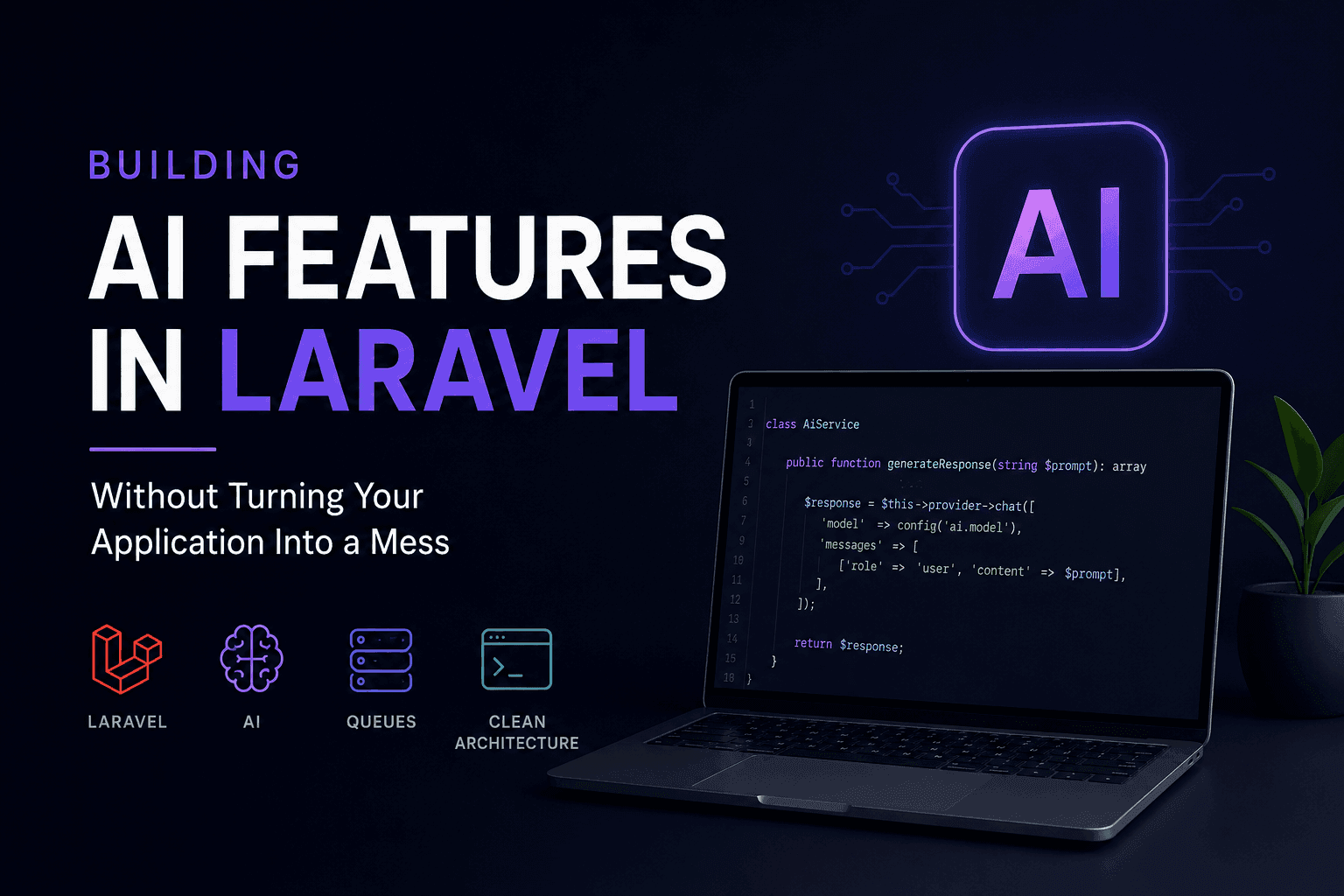
Building AI Features in Laravel Without Turning Your Application Into a Mess
AI features can quickly turn a clean Laravel application into a maintenance nightmare. Here's how to integrate AI without sacrificing architecture.
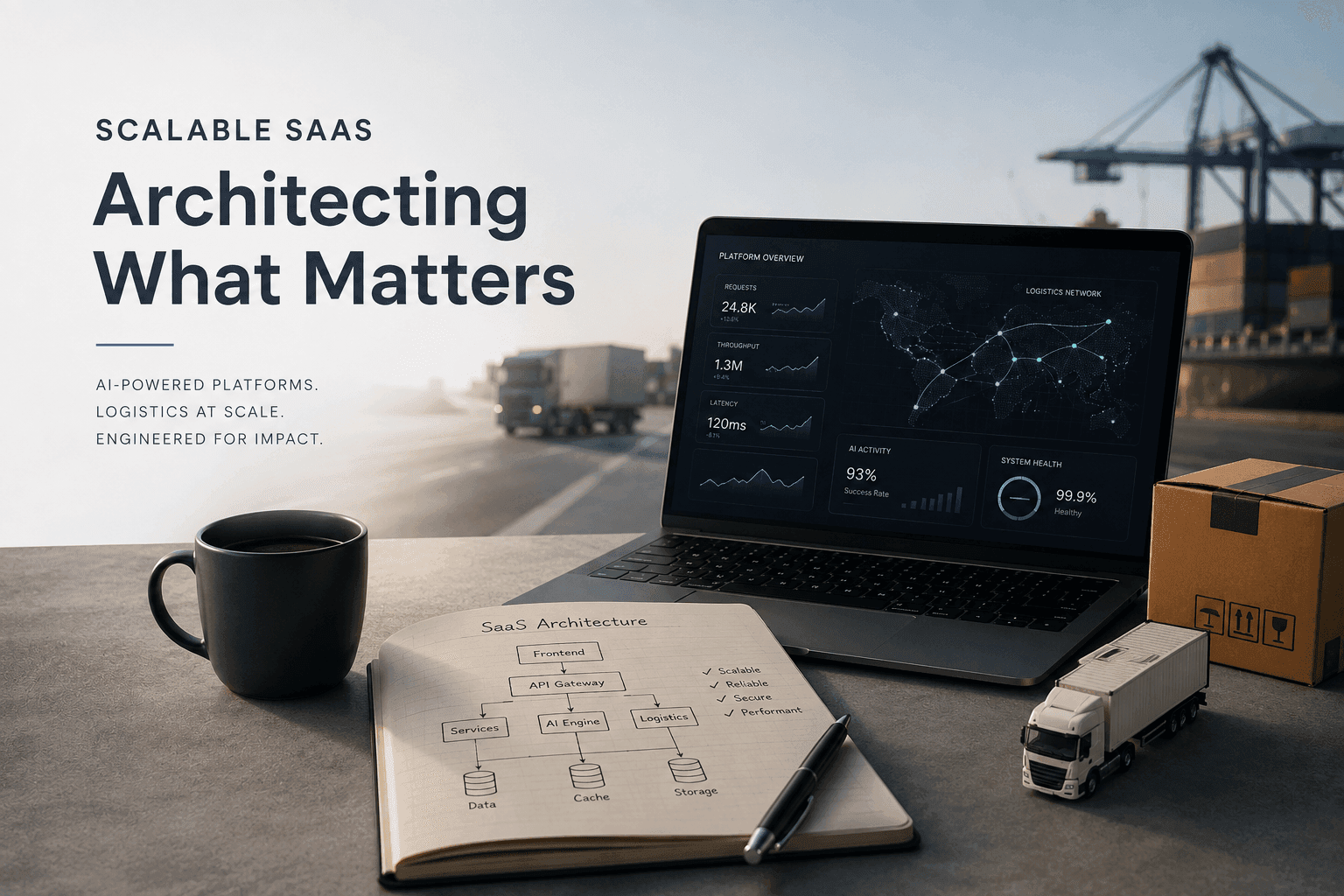
Engineering Scalable SaaS: Architectural Patterns for AI & Logistics
Discover how to build high-performance, AI-integrated SaaS solutions. From mitigating LLM hallucinations to optimizing Laravel and Next.js performance, learn the architectural patterns that drive results.
Have a complex technical project in mind?
Available for full-stack engineering, performance audits, cloud deployments, and high-concurrency systems architecture.