

"How much does an AI chatbot cost?" is the first question most founders and operations leads ask me, and the honest answer is a wide range. AI chatbot development cost can run from a few thousand dollars for a simple website assistant to six figures for a chatbot that connects to your systems, follows strict rules and serves many customers.
The reason for the spread is that "chatbot" now covers very different products. A bot that answers ten FAQs and a bot that looks up orders, books appointments and hands over to a human share a chat window and almost nothing else.
In this guide I'll break down what you're actually paying for, give ballpark build ranges by scope, explain the running costs that surprise people after launch, and show how to keep a first version small enough to launch fast and prove its value.
What does an AI chatbot actually include?#
Before talking numbers, it helps to see the parts. Almost every business chatbot I've scoped is a mix of these:
- The chat interface: a widget on your website or app, or a channel such as WhatsApp or Slack.
- The language model: a service such as Anthropic's Claude or OpenAI's models that writes the answers. You pay per use, not per project.
- Your knowledge: the pages, documents and data the bot should answer from. This is usually the biggest part of the work.
- Retrieval: the search layer that finds the right passages before the model answers, often called RAG (retrieval-augmented generation).
- Rules and guardrails: what the bot may talk about, its tone, and what it must refuse.
- Actions and integrations: looking up an order, creating a lead in your CRM, booking a slot.
- An admin area: where your team updates content, reviews conversations and changes settings.
- Human handover: a way to pass the conversation to a person when the bot can't help.
Each item is simple on its own. The cost comes from how many you need and how reliable each one has to be. If you want a team that has built these end to end, that's the core of my AI integration and AI-powered application work.
AI chatbot development cost: ballpark ranges by scope#
These are rough ranges to help you budget and compare quotes, not a price list. Hours assume an experienced developer or small team building on a mature framework, and the budget column uses a wide $25 to $100 per hour band because rates vary a lot by region and seniority.
| Scope | Typical features | Rough effort | Budget range |
|---|---|---|---|
| Simple FAQ assistant | Website widget, a small fixed set of answers, basic tone and topic limits | 40-100 hours | $1,000-$10,000 |
| Knowledge-base chatbot (RAG) | Ingests your pages and documents, answers from them, admin area, guardrails, lead capture | 150-400 hours | $4,000-$40,000 |
| Chatbot with actions | Everything above, plus CRM, booking or order lookup, human handover, conversation review | 300-700 hours | $8,000-$70,000 |
| Platform-grade chatbot | Several brands or clients, roles and permissions, analytics, testing of answer quality, compliance needs | 600-1,500+ hours | $15,000-$150,000+ |
The ranges are wide on purpose. Two bots with the same feature list can differ by 3x depending on how messy your content is and how strict the rules need to be. If you're budgeting a wider product around the chatbot, my breakdown of what it costs to build an MVP uses the same logic.
What drives the cost up (or down)?#
When two quotes differ wildly, the gap almost always comes from these factors:
- Quality and volume of your content. A bot is only as good as what it can read. Clean, current pages and documents are cheap to ingest. Scanned PDFs, outdated pages and contradicting documents take real time to sort out.
- How wrong an answer can be. A bot that suggests blog posts can afford a wrong answer. A bot that discusses safety, health, money or legal topics needs strict guardrails, testing and sometimes human review, which adds cost.
- Integrations. Every system the bot reads from or writes to adds authentication, error handling and testing. A well-documented API is cheap to connect. An old one is not.
- Languages and channels. One website widget in one language is simple. Several languages, WhatsApp and a mobile app multiply the testing.
- Admin control. If your team needs to change the bot's persona, topics and content without a developer, you're paying for an admin area. It's worth it, but it's real work.
- Quality testing. A serious bot is tested against a set of real questions before launch and after each change. This is the part cheap quotes skip.
- Security and privacy. Customer data, logins and regulated industries add review, access control and logging.
Keeping the first version focused on one audience and one job is the biggest cost reducer I know.
The running costs people forget#
Build cost is only part of the story. A chatbot has ongoing costs, and they're easy to estimate once you know the pieces:
- Model usage. You pay per token, which are small chunks of text, for what goes in (the question plus the retrieved passages) and what comes out (the answer). Check the current prices on the Anthropic and OpenAI pricing pages, because they change.
- Hosting and storage. The app, its database and any vector search. With PostgreSQL and the pgvector extension, vector search can live in the database you already run.
- Content upkeep. Someone has to keep the knowledge up to date, or the bot slowly becomes wrong.
- Monitoring and improvement. Reading conversations, fixing bad answers and updating rules.
A simple way to estimate model cost: take your expected conversations per month, multiply by messages per conversation, then by the tokens per message. For example, 3,000 conversations with 6 messages each is 18,000 messages. If each one sends about 1,500 tokens in (question plus retrieved text) and gets about 300 tokens back, that is roughly 27 million input tokens and 5.4 million output tokens a month. Multiply those by the current price per million tokens and you have your usage bill before hosting. Retrieval that sends fewer, better passages lowers it directly, which is one reason good search matters.
As a planning rule, I'd budget roughly 15-20% of the build cost per year for upkeep and improvements, on top of model usage and hosting.
Build custom, use a no-code tool, or buy a product?#
You have three realistic options:
- A ready-made chatbot product: fast and cheap to start, with a monthly fee and limited control. Good for simple FAQs on a small site.
- A no-code builder: more flexible, but you hit limits on integrations, branding, data control and how answers are produced.
- A custom build: the most work, and the most control over data, behaviour and integration with your own systems.
Custom tends to win when the chatbot is part of your product or business process, when you need it to work with your own data and systems, or when you need strict control over what it says and where data goes. A ready-made tool tends to win when the need is simple and you want something live this week. Starting with a tool to learn what customers ask, then building custom once the needs are clear, is a perfectly sensible path.
Examples from real projects#
Two projects show how the scope shapes the work.
For Henceforward, I architected and developed a RAG-powered AI chatbot and knowledge base platform. It combines Anthropic models with Hugging Face vector embeddings and PostgreSQL, ingests web pages, documents and visual assets for semantic retrieval, and includes an admin suite to control the brand persona, topic restrictions and AI guardrails. It also captures leads inside the conversation and is delivered as an embeddable widget through a CDN. That mix of ingestion, rules, admin control and lead capture is what moves a project from the simple tier to the knowledge-base tier above. I explained the vector search choice in pgvector HNSW vs IVFFlat.
On SafetySpace, an AI-powered safety management platform, I led the technical direction as CTO across the backend, frontend, architecture and AI integrations. There the AI is one part of a larger product with configurable workflows, which is the platform-grade end of the range.
If you want to see how I structure AI features so they stay maintainable, see building AI features in Laravel without the mess and what makes AI features production-ready.
How to keep your chatbot budget under control#
A few practices keep the first release affordable:
- Pick one job. "Answer pre-sales questions and capture leads" is a project. "Do everything" is not.
- Gather the content first. List the pages and documents the bot should use, and fix the obvious gaps before development starts.
- Write 30 to 50 real questions your customers ask, and use them as the test set from day one.
- Set clear limits. Decide which topics are off limits and what the bot says when it doesn't know.
- Launch narrow, then widen. Release to one page or one audience, read the conversations, then add channels and integrations.
- Plan the handover to a human from the start. It protects customers and your reputation while the bot learns.
- Own your data and code. Make sure the contract gives you the repository, the content store and the deployment access.
When not to build a chatbot#
A custom chatbot is the wrong call if:
- you get only a handful of repeat questions a week and a good FAQ page would do the job;
- your content is out of date or contradictory and nobody can own fixing it;
- the wrong answer would be harmful and you have no way to review conversations;
- nobody on your side can own the bot after launch.
In those cases, fix the content and the FAQ first, or start with an off-the-shelf tool and revisit once the real questions are clear.
Frequently asked questions#
How much does it cost to add an AI chatbot to a website?#
A simple assistant on a website can be a few thousand dollars. A chatbot that answers from your own documents with an admin area and lead capture typically sits in the tens of thousands. The scope and the quality of your content matter more than the chat window.
How long does it take to build an AI chatbot?#
A simple assistant can be live in two to four weeks. A knowledge-base chatbot with an admin area usually takes two to four months with an experienced developer, and chatbots with several integrations take longer.
Are there monthly costs after launch?#
Yes. You pay the model provider per use, plus hosting and storage, plus time to keep the content and rules up to date. Estimating usage from expected conversations, as in the example above, gives a realistic monthly figure.
Can an AI chatbot use my own documents and website?#
Yes. That's what retrieval (RAG) is for. The bot searches your content for relevant passages and answers from them, which keeps answers tied to your information instead of general knowledge.
Key takeaways#
- AI chatbot development cost depends mostly on your content, the rules and the integrations, not on the chat window.
- As a rough guide, simple assistants start around $1,000-$10,000, knowledge-base chatbots around $4,000-$40,000, and platform-grade bots can pass $100,000.
- Budget for running costs: model usage, hosting, content upkeep and improvement, roughly 15-20% of build cost per year plus usage.
- Launch narrow with one job, a test set of real questions and a human handover.
- Custom wins when the bot is part of your product or needs your own data and strict control. A ready-made tool wins for simple FAQs.
If you're comparing quotes or deciding whether a chatbot is worth building, book a call and I'll help you scope a realistic first version.
Share this technical insight with your network
Share to LinkedIn or Facebook with key takeaways, featured media, and direct links.
Case Study: Henceforward AI RAG Chatbot & Knowledge Base Platform
Architected and developed a full-stack, RAG-powered AI chatbot and centralized knowledge management platform for Henceforward. The solution integrates Anthropic models with Hugging Face vector embeddings and PostgreSQL, enabling automated ingestion of web pages, documents, and visual assets for semantic context retrieval. Engineered a dedicated admin suite providing granular control over brand persona, topic restrictions, and AI guardrails, alongside integrated conversational lead capture and an embeddable CDN-delivered widget.
Related Technical Articles
View all articles →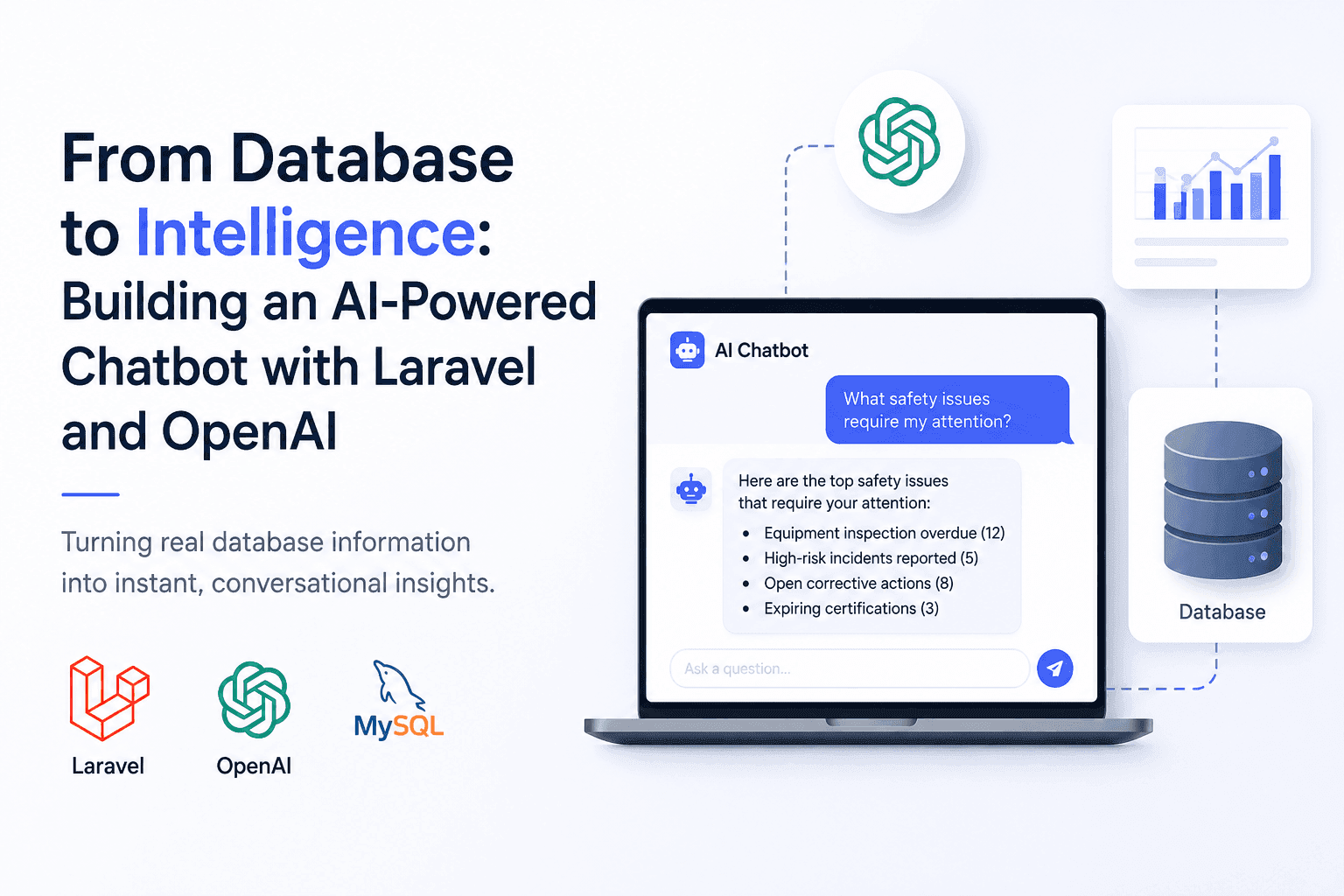
From Database to Intelligence: Building an AI-Powered Chatbot with Laravel and OpenAI
Users needed answers, not database screens. I built an AI-powered Laravel chatbot that connects OpenAI with real application data.
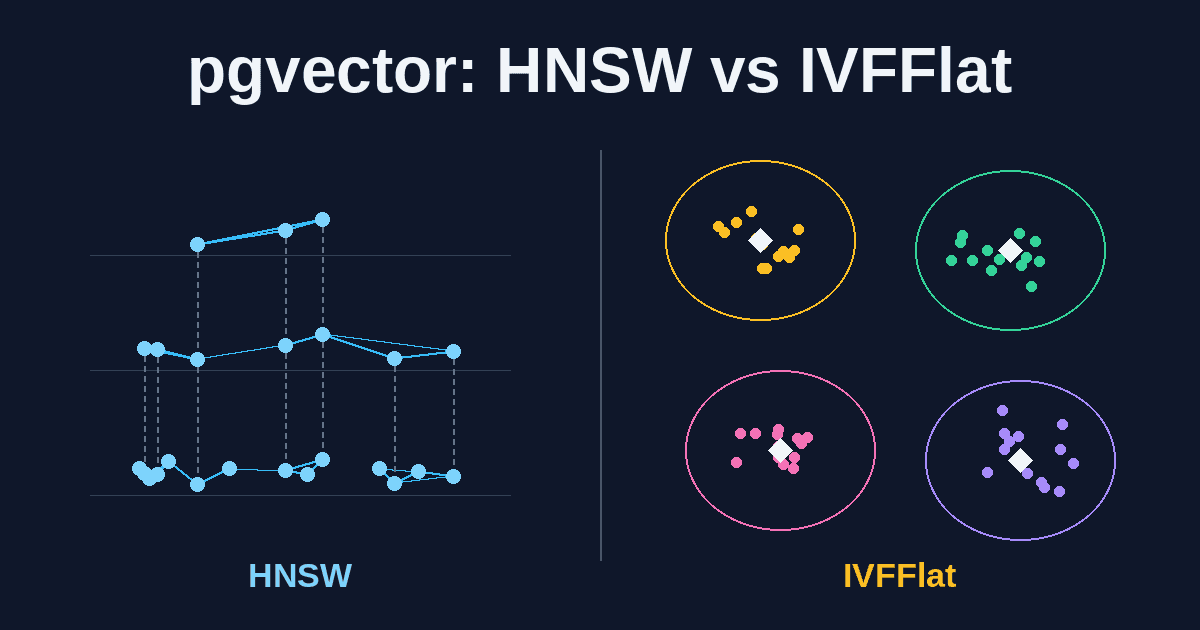
pgvector HNSW vs IVFFlat: Choosing a Vector Index for RAG
HNSW or IVFFlat? A practical guide to choosing and tuning a pgvector index for RAG search on PostgreSQL, covering recall, build time, memory, tenant filtering, and when to skip the index entirely.
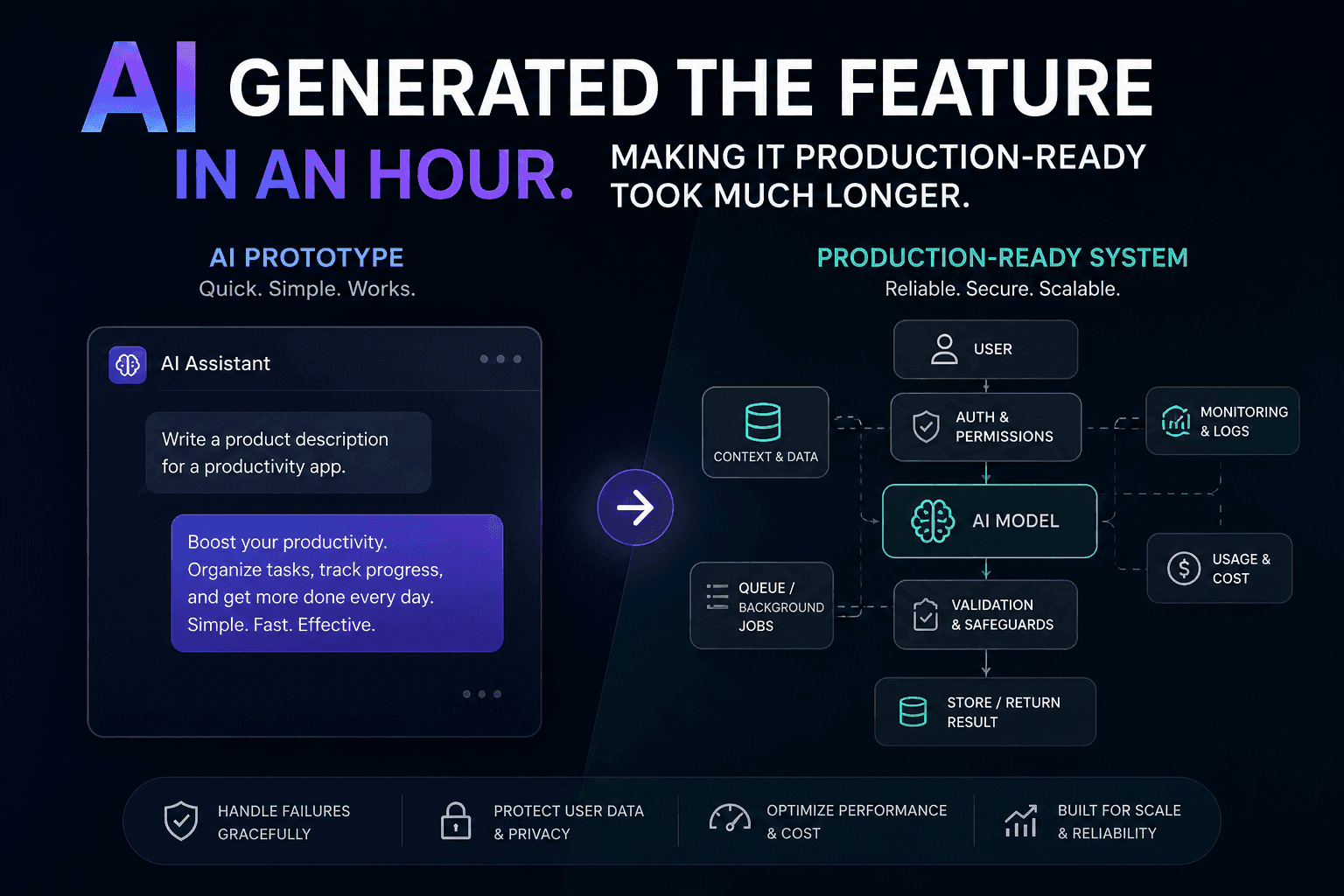
AI Generated the Feature in an Hour. Making It Production-Ready Took Much Longer
AI can generate a feature quickly, but a working demo is not a production-ready system. Here is how I approach closing that gap.
Building AI Features in Laravel Without Turning Your Application Into a Mess
AI features can quickly turn a clean Laravel application into a maintenance nightmare. Here's how to integrate AI without sacrificing architecture.
Have a complex technical project in mind?
Available for full-stack engineering, performance audits, cloud deployments, and high-concurrency systems architecture.