

AI Is Easy to Add. Hard to Architect.#
Adding an AI feature to a Laravel application can look deceptively simple.
A developer receives a prompt, sends it to an AI provider, gets a response, and returns that response to the frontend.
Something like this can work for a prototype:
$response = Http::post('https://api.openai.com/v1/...', [
    'model' => '...',
    'messages' => [
        [
            'role' => 'user',
            'content' => $prompt,
        ],
    ],
]);

return $response->json();
The problem starts when that prototype becomes a real product.
Suddenly, AI requests are appearing inside controllers, business logic depends directly on an AI provider, prompts are duplicated across services, long-running requests are timing out, failures are difficult to retry, costs are difficult to track, and changing AI providers becomes a major refactoring exercise.
AI itself isn't necessarily what makes the architecture complicated.
Poor boundaries do.
The better approach is to treat AI as an external capability in your Laravel application, with its own service boundary, configuration, jobs, validation, persistence, monitoring, and failure handling.
A useful mental model is:
Laravel Application
        |
        v
   Domain Logic
        |
        v
    AI Service
        |
        v
   AI Provider
The Laravel application should know what it wants to accomplish.
It shouldn't need to know every implementation detail of how an AI provider accomplishes it.
The Core Problem: Don't Put AI Everywhere#
One of the easiest architectural mistakes is allowing AI-specific code to spread throughout the application.
For example:
class SafetyController extends Controller
{
    public function generate(Request $request)
    {
        $response = Http::withToken(config('services.openai.key'))
            ->post('https://api.openai.com/v1/...', [
                'model' => '...',
                'messages' => [
                    [
                        'role' => 'user',
                        'content' => $request->input('prompt'),
                    ],
                ],
            ]);

        return response()->json($response->json());
    }
}
At first, this is perfectly understandable.
But eventually another controller needs AI.
Then another service needs AI.
Then a scheduled task needs AI.
Then a queue job needs AI.
Before long, the application has multiple implementations of the same integration.
That creates several problems:
- duplicated API logic
- duplicated prompt construction
- inconsistent error handling
- inconsistent timeouts
- difficult testing
- provider lock-in
- poor observability
- difficult cost tracking
- complicated future migrations
The solution isn't to create an enormous AIService that does everything.
The solution is to establish clear responsibilities.
A Better Laravel AI Architecture#
A production-oriented architecture can separate AI concerns into several layers:
Controller
    |
    v
Application Service
    |
    v
AI Capability
    |
    v
AI Provider Adapter
    |
    v
External AI API
For example:
GenerateSafetyDocument
        |
        v
SafetyDocumentGenerator
        |
        v
AI Provider Interface
        |
        +---- OpenAI Adapter
        |
        +---- Other Provider Adapter
This gives the application a stable internal interface while allowing the underlying provider to change.
1. Define the AI Capability First#
Don't start by thinking:
"I need to call OpenAI."
Start with:
"I need to generate a safety document."
That distinction matters.
The business requirement is the capability.
The AI provider is an implementation detail.
For example:
interface DocumentGenerator
{
    public function generate(
        string $type,
        array $context
    ): GeneratedDocument;
}
The rest of your application can depend on this interface rather than directly depending on an AI SDK or HTTP endpoint.
2. Keep Provider-Specific Code Behind an Adapter#
The provider implementation can then live separately:
class OpenAiDocumentGenerator implements DocumentGenerator
{
    public function __construct(
        private OpenAiClient $client
    ) {}

    public function generate(
        string $type,
        array $context
    ): GeneratedDocument {
        $prompt = $this->buildPrompt($type, $context);

        $response = $this->client->generate($prompt);

        return new GeneratedDocument(
            content: $response->content,
            model: $response->model,
            usage: $response->usage,
        );
    }
}
Now the rest of the application doesn't need to know how the provider works.
This becomes especially useful when requirements change.
If you later introduce another provider, you can implement the same interface:
class AnotherAiDocumentGenerator implements DocumentGenerator
{
    // Same application contract,
    // different provider implementation.
}
The business layer doesn't need to change.
3. Don't Put Prompts Inside Controllers#
Prompts are application logic.
Treat them accordingly.
Instead of:
public function generate()
{
    $prompt = "
        Generate a professional safety document
        based on the following information...
    ";

    // AI request...
}
move prompt construction into a dedicated safety document component:
class SafetyDocumentPrompt
{
    public function build(array $context): string
    {
        return <<<PROMPT
Generate a professional safety document.

Context:
{$context['description']}

Requirements:
- Follow the provided structure.
- Do not invent missing information.
- Use clear professional language.
PROMPT;
    }
}
Now prompts can be:
- versioned
- tested
- reviewed
- reused
- changed independently
- measured against output quality
This is particularly important as AI features evolve.
A prompt isn't just a string.
In a production AI application, prompts are part of the application's behavior.
4. Validate AI Output#
One of the biggest mistakes is treating AI output as trusted application data.
AI output is generated data.
That means it should be validated.
For structured output, define a clear schema.
For example:
final class GeneratedTask
{
    public function __construct(
        public string $title,
        public string $description,
        public array $steps,
    ) {}
}
Then transform the provider response into your application structure:
$data = $response->json();

return new GeneratedTask(
    title: $data['title'],
    description: $data['description'],
    steps: $data['steps'],
);
The important part is that your application should establish the contract.
Don't allow arbitrary provider responses to flow directly into your database.
5. Use Queues for Expensive AI Operations#
Not every AI request belongs inside an HTTP request.
If an operation can take several seconds, involves multiple AI calls, processes documents, or performs large-scale analysis, consider moving it to a queue.
Instead of:
HTTP Request
     |
     v
AI API
     |
     v
Database
     |
     v
HTTP Response
use:
HTTP Request
     |
     v
Dispatch Job
     |
     v
Queue
     |
     v
AI API
     |
     v
Store Result
     |
     v
Notify User
For example:
GenerateSafetyDocument::dispatch(
    $document->id
);
The job can then perform the expensive operation:
class GenerateSafetyDocument implements ShouldQueue
{
    public function handle(
        DocumentGenerator $generator
    ): void {
        $document = Document::findOrFail($this->documentId);

        $result = $generator->generate(
            'safety-document',
            $document->context
        );

        $document->update([
            'generated_content' => $result->content,
            'generation_status' => 'completed',
        ]);
    }
}
This gives you several benefits:
- better request latency
- automatic retry capabilities
- better failure isolation
- improved scalability
- easier monitoring
- better user experience
6. Design for AI Failures#
External AI services can fail.
Your architecture should assume they will.
Possible failures include:
- connection timeouts
- rate limits
- provider outages
- invalid requests
- malformed responses
- token limits
- temporary service failures
- unexpected model output
Don't allow these failures to become application-wide failures.
For example:
try {
    $result = $generator->generate(
        $type,
        $context
    );
} catch (AiRateLimitException $exception) {
    // Retry later.
} catch (AiProviderException $exception) {
    // Record failure and notify the user.
}
For queued operations, Laravel's retry mechanisms can help:
public $tries = 3;

public $backoff = [
    10,
    30,
    60,
];
The important principle is:
AI should be treated as an unreliable external dependency.
Your application should remain stable when that dependency isn't.
7. Track AI Usage and Costs#
Adding AI to a SaaS product introduces a new operational concern:
cost.
If you don't track usage, you don't really know what your AI feature costs.
At minimum, consider recording:
user_id
feature
provider
model
input_tokens
output_tokens
total_tokens
latency
status
created_at
For example:
AiUsage::create([
    'user_id' => $user->id,
    'feature' => 'document_generation',
    'provider' => 'openai',
    'model' => $result->model,
    'input_tokens' => $result->usage->inputTokens,
    'output_tokens' => $result->usage->outputTokens,
    'latency_ms' => $result->latency,
]);
This allows you to answer questions such as:
- Which feature consumes the most AI tokens?
- Which customers generate the most usage?
- Which model is most expensive?
- How much does an individual AI workflow cost?
- Is a new prompt increasing token consumption?
These questions become increasingly important as AI becomes part of the core product.
8. Cache Where It Makes Sense#
Not every AI request needs to be generated again.
If the same input can safely produce reusable output, caching can reduce both latency and cost.
Conceptually:
$key = 'ai:' . hash(
    'sha256',
    json_encode($input)
);

return Cache::remember(
    $key,
    now()->addHours(6),
    fn () => $generator->generate($input)
);
But caching AI responses requires careful consideration.
Ask:
- Is the output deterministic enough?
- Is the underlying data still valid?
- Can two users safely share the result?
- Does the response contain user-specific information?
- How long should the result remain valid?
Caching should solve a known problem, not simply be added because AI is expensive.
9. Don't Let AI Make Business Decisions Unsupervised#
AI can generate recommendations, classifications, summaries, and drafts.
That doesn't mean it should automatically control critical business operations.
A safer architecture is:
User Input
    |
    v
AI Analysis
    |
    v
Structured Result
    |
    v
Business Validation
    |
    v
Human / System Approval
    |
    v
Business Action
Instead of:
User Input
    |
    v
AI
    |
    v
Critical Database Change
The distinction becomes extremely important when AI is used for:
- financial decisions
- compliance workflows
- customer communication
- access control
- safety-related recommendations
- automated business actions
AI should participate in the workflow.
It doesn't necessarily need to own the workflow.
10. Keep AI Configuration Outside Your Code#
Provider credentials, models, timeouts, and operational settings shouldn't be hardcoded.
'ai' => [
    'provider' => env('AI_PROVIDER', 'openai'),
    'model' => env('AI_MODEL'),
    'timeout' => env('AI_TIMEOUT', 30),
],
Then:
config('ai.model');This makes it easier to:
- change models
- configure different environments
- test alternative providers
- avoid hardcoded credentials
- control operational behavior
A Practical Project Structure#
A Laravel application might organize AI functionality like this:
app/
|-- AI/
|   |-- Contracts/
|   |   +-- AiProvider.php
|   |
|   |-- DTOs/
|   |   |-- AiRequest.php
|   |   +-- AiResponse.php
|   |
|   |-- Prompts/
|   |   +-- SafetyDocumentPrompt.php
|   |
|   |-- Providers/
|   |   +-- OpenAiProvider.php
|   |
|   +-- Exceptions/
|       |-- AiProviderException.php
|       +-- AiRateLimitException.php
|
|-- Jobs/
|   +-- GenerateSafetyDocument.php
|
+-- Services/
    +-- SafetyDocumentGenerator.php
The exact folder structure isn't important.
The separation of responsibilities is.
What I Would Avoid#
AI calls directly inside controllers#
Controllers should orchestrate requests, not own provider integrations.
Provider SDK calls scattered throughout the application#
This creates provider lock-in and duplicated logic.
Prompts embedded everywhere#
Prompts should be treated as maintainable application components.
Trusting raw AI responses#
Validate and normalize generated data before using it.
Running everything synchronously#
Long-running AI workflows belong in queues when appropriate.
Ignoring token usage#
AI costs can quietly become a significant operational expense.
Assuming AI is always available#
External services fail. Your application needs graceful failure handling.
Letting AI bypass business rules#
AI output should still pass through application-level validation and authorization.
A Simple Production Flow#
A clean AI-powered Laravel workflow can look like this:
                    +-----------------+
                    |   User Request  |
                    +--------+--------+
                             |
                             v
                    +-----------------+
                    |    Controller   |
                    +--------+--------+
                             |
                             v
                    +-----------------+
                    | Application     |
                    | Service         |
                    +--------+--------+
                             |
                             v
                    +-----------------+
                    | AI Capability   |
                    +--------+--------+
                             |
                             v
                    +-----------------+
                    | Provider        |
                    | Adapter         |
                    +--------+--------+
                             |
                             v
                    +-----------------+
                    |   AI Provider   |
                    +--------+--------+
                             |
                             v
                    +-----------------+
                    | Validate &      |
                    | Normalize       |
                    +--------+--------+
                             |
                             v
                    +-----------------+
                    | Persist Result  |
                    +-----------------+
For longer-running operations, introduce Laravel queues between the application service and AI capability.
Real-World Lessons#
After working with applications that integrate AI capabilities, one of the biggest architectural lessons is that the AI API call is usually the easy part.
The difficult parts are everything around it.
You need to think about:
- what happens when the provider fails
- how generated content is validated
- how prompts evolve
- how requests are retried
- how usage is measured
- how users see progress
- how results are persisted
- how sensitive information is handled
- how the system behaves under load
- how much each AI workflow actually costs
The difference between an AI demo and an AI-powered product is usually the architecture surrounding the model.
Key Takeaways#
Adding AI to Laravel doesn't require throwing away the architecture you've already built.
Instead, give AI a clear boundary.
The most important principles are:
- Treat AI as an external dependency.
- Separate business capabilities from AI providers.
- Keep provider-specific code behind interfaces or adapters.
- Treat prompts as maintainable application logic.
- Validate generated output before trusting it.
- Use queues for long-running AI workflows.
- Design explicitly for provider failures and retries.
- Track tokens, latency, usage, and cost.
- Keep business rules outside the model.
- Make the AI layer replaceable.
The goal isn't to build a complicated AI architecture.
The goal is to make AI feel like one well-behaved dependency inside a well-designed Laravel application.
That's when an AI feature stops being a prototype and starts becoming production software.
Share this technical insight with your network
Share to LinkedIn or Facebook with key takeaways, featured media, and direct links.
Case Study: SafetySpace AI-Powered Safety Management Platform & Workflow Automation
SafetySpace is an AI-powered safety management platform designed to help organizations manage safety processes, access critical safety information, and streamline documentation through intelligent, configurable workflows. As CTO, I led the technical direction and development of the platform across backend, frontend, architecture, and AI integrations—turning complex safety workflows into a more intelligent and streamlined digital experience.
Related Technical Articles
View all articles →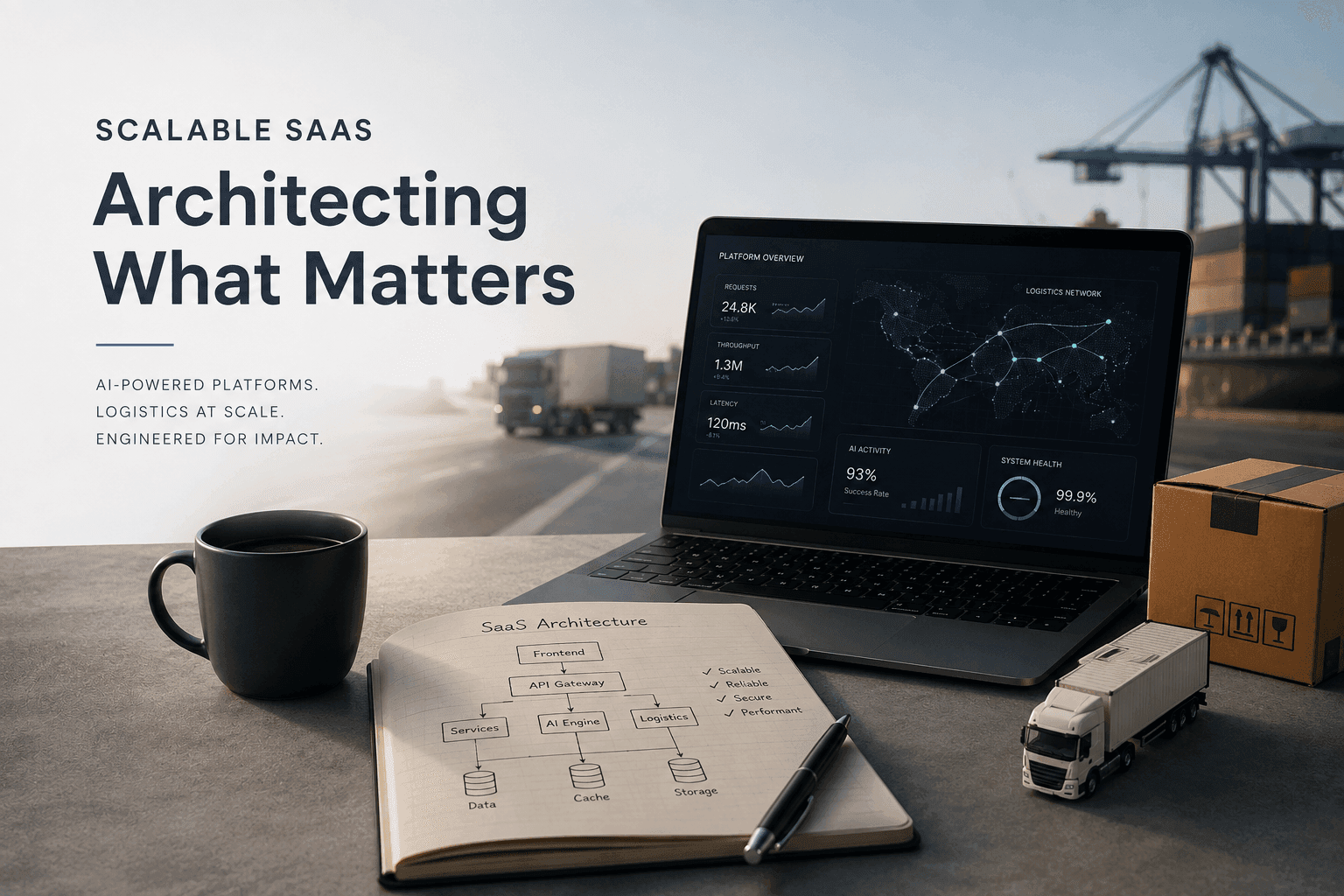
Engineering Scalable SaaS: Architectural Patterns for AI & Logistics
Discover how to build high-performance, AI-integrated SaaS solutions. From mitigating LLM hallucinations to optimizing Laravel and Next.js performance, learn the architectural patterns that drive results.
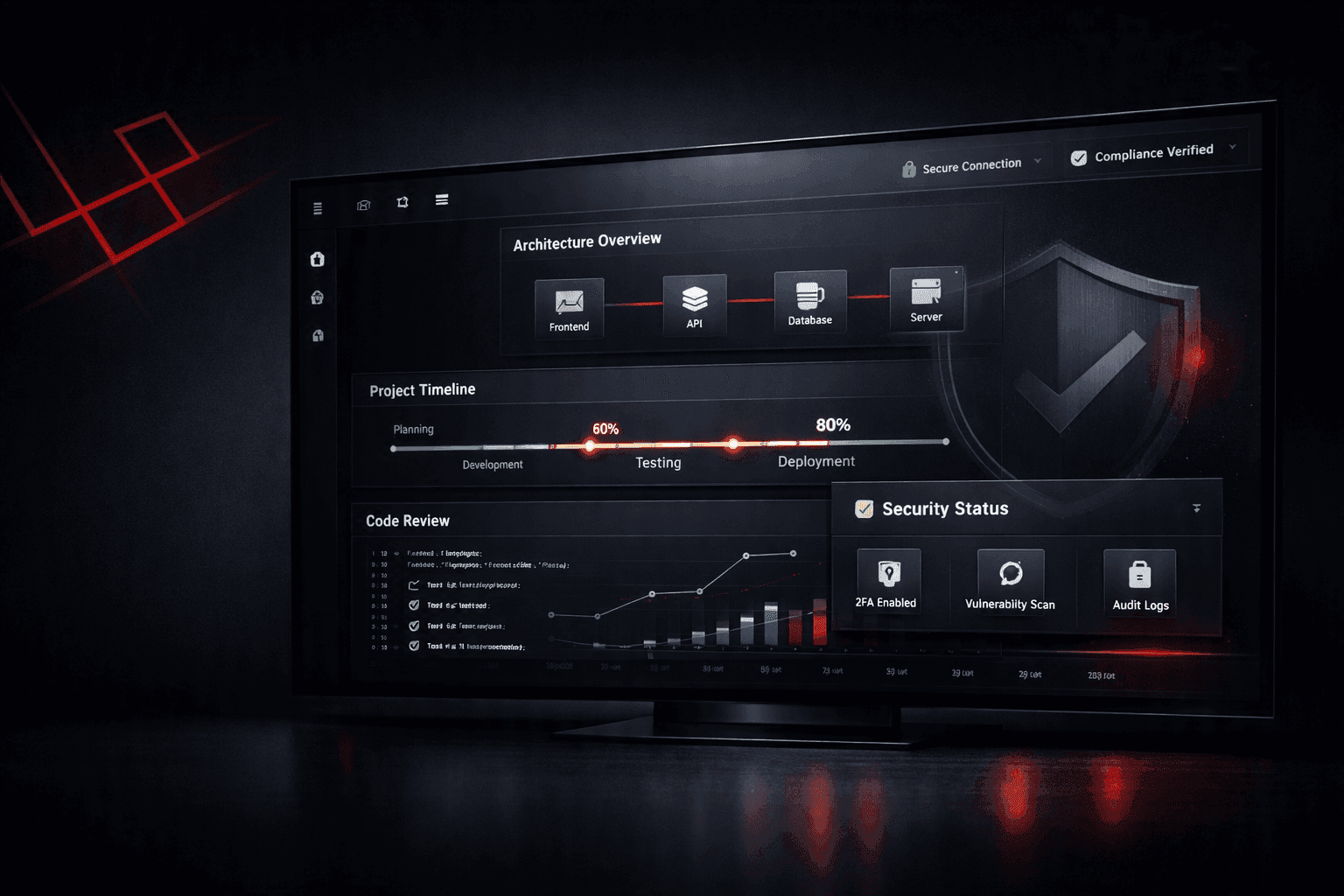
How a Laravel Consultant Ensures Project Transparency and Security
Clients don't just need a Laravel developer who can write code. They need confidence that their project is progressing, risks are being managed, and sensitive data is protected. Here's how I approach transparency, communication, documentation, and security when building Laravel applications.
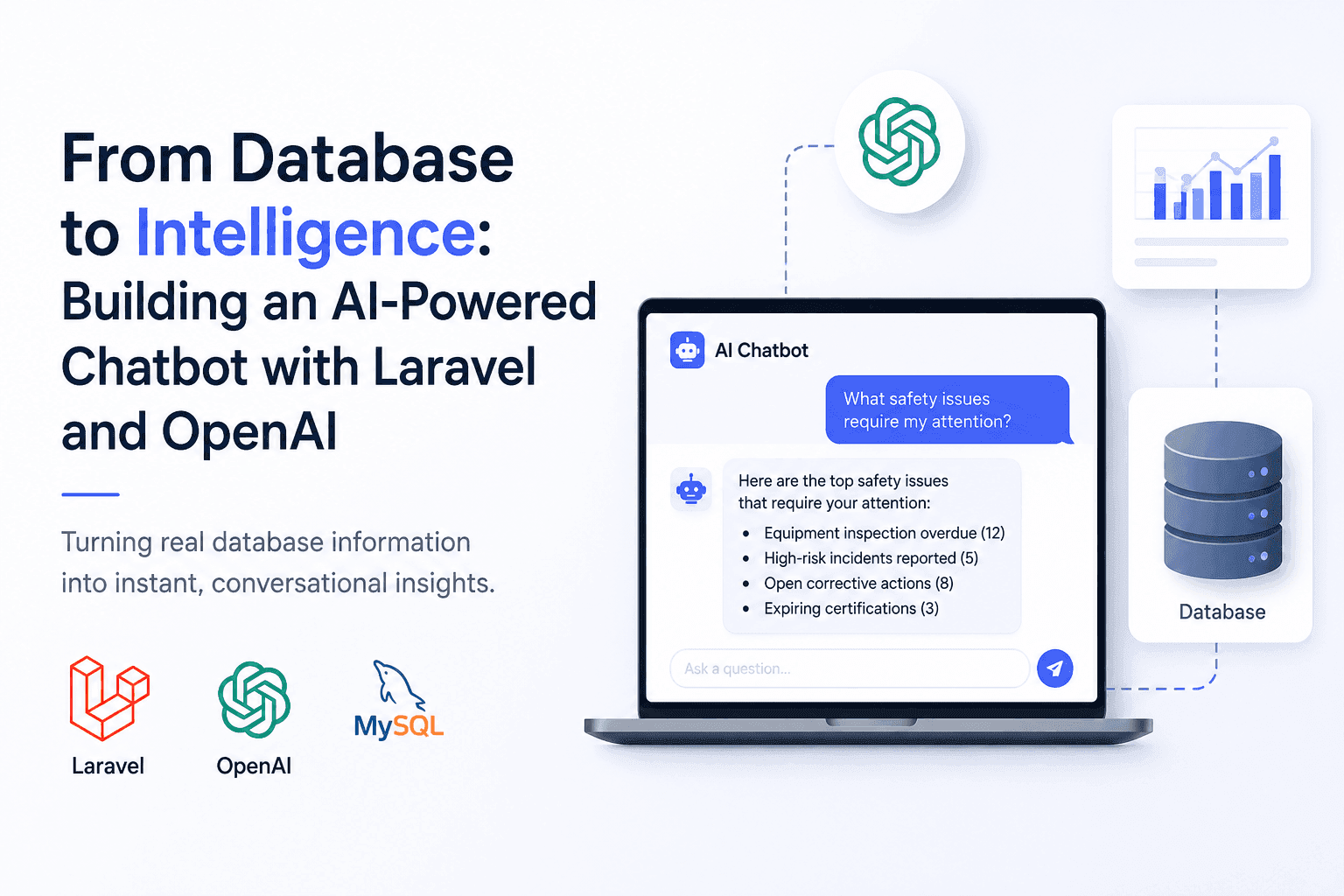
From Database to Intelligence: Building an AI-Powered Chatbot with Laravel and OpenAI
Users needed answers, not database screens. I built an AI-powered Laravel chatbot that connects OpenAI with real application data.
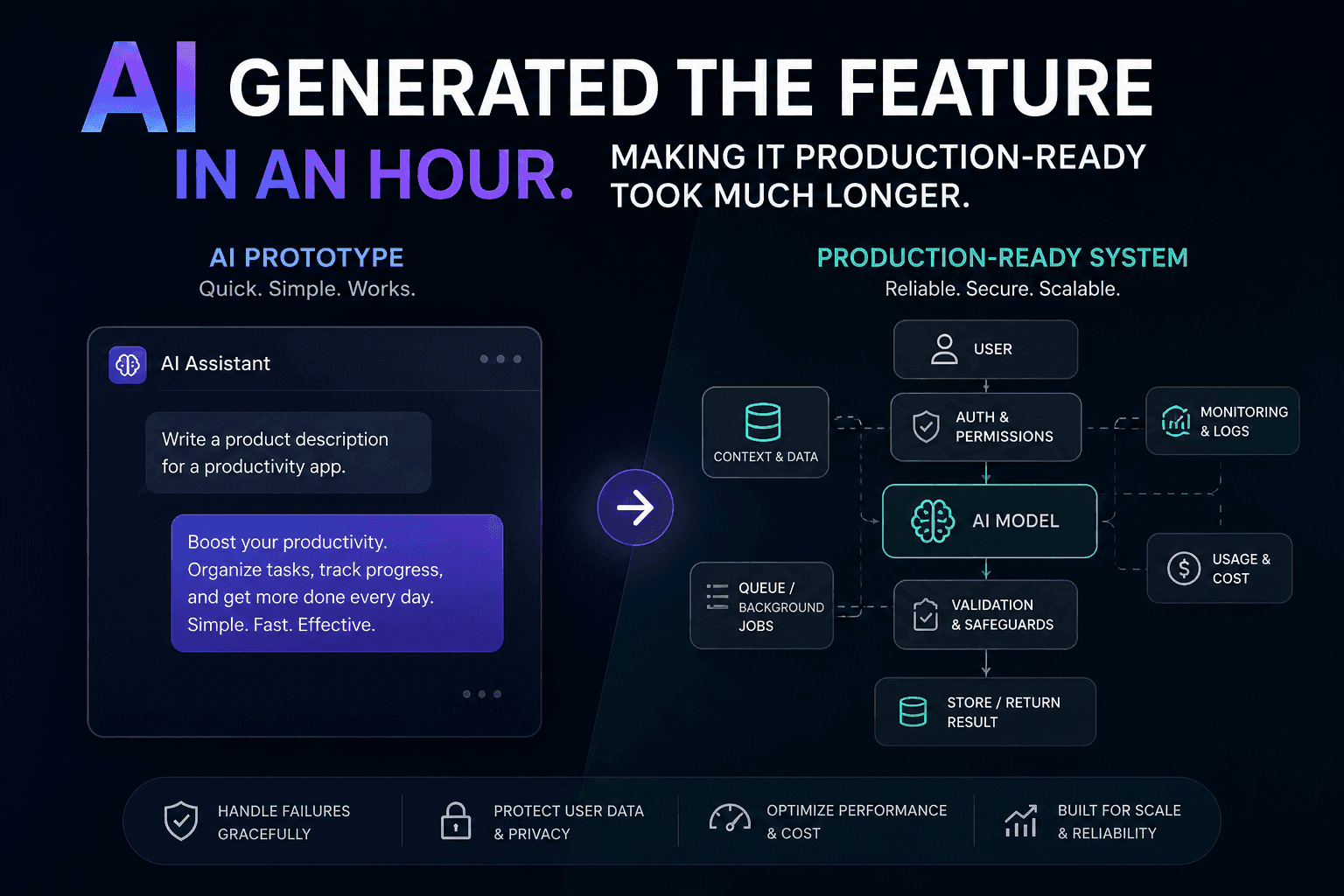
AI Generated the Feature in an Hour. Making It Production-Ready Took Much Longer
AI can generate a feature quickly, but a working demo is not a production-ready system. Here is how I approach closing that gap.
Have a complex technical project in mind?
Available for full-stack engineering, performance audits, cloud deployments, and high-concurrency systems architecture.