

The Feature Worked. That Was the Easy Part.#
AI can now generate a surprising amount of software very quickly.
You describe a feature.
AI generates code.
The demo works.
Then the real questions begin.
What happens when the AI returns the wrong result?
What happens when the API is slow or unavailable?
How do you protect customer data?
How do you control costs as usage grows?
This is where the difference between a working demo and a production-ready AI feature becomes clear.
Generating the feature might take an hour.
Building a system that real customers can depend on takes much more engineering.
A Demo Is Not a Production System#
A simple AI prototype might look like this:
User -> AI -> ResponseA production feature needs more around it:
User
  v
Validate Input
  v
Check Permissions
  v
Prepare Context
  v
AI Request
  v
Validate Output
  v
Handle Failures
  v
Return Result
The AI model is only one part of the system.
The real challenge is making everything around it reliable.
1. First, Does the Feature Actually Need AI?#
Not every problem needs an AI solution.
Before adding AI, I would ask:
- What business problem are we solving?
- What should the AI actually do?
- What happens when it gives the wrong answer?
- Is AI genuinely better than a normal software solution?
AI should solve a real problem—not simply make the product sound more advanced.
2. AI Output Cannot Be Trusted Blindly#
Traditional software usually follows predictable rules.
AI does not always.
It can return:
- incomplete results
- incorrect information
- unexpected formatting
- irrelevant answers
That means AI output should not automatically be trusted.
Depending on the feature, the application may need to:
- validate the response
- check required information
- limit allowed values
- request human review
My approach is simple:
Treat AI output as data that needs validation—not guaranteed truth.
3. AI Requests Can Be Slow#
Some AI requests take longer than a normal application request.
Making users wait on a loading screen is not always the best experience.
For longer tasks, I would consider background processing:
User Starts Task
       v
Request Queued
       v
AI Processes Task
       v
Result Saved
       v
User Notified
The right technical approach depends on the user experience—not just the AI model.
4. AI Services Can Fail#
An AI provider is an external service.
That means it can:
- become unavailable
- respond slowly
- reach usage limits
- return errors
A production feature needs to expect this.
I consider things such as:
- timeouts
- retries
- error logging
- failed-job handling
- clear messages for users
An AI provider should not be able to break your entire product.
5. Context, Security, and Cost Matter#
AI becomes more useful when it has the right context.
But sending everything to an AI model is rarely a good idea.
More unnecessary data can mean:
- higher costs
- slower responses
- privacy concerns
- less relevant results
A production system also needs to respect:
- user permissions
- customer data boundaries
- usage limits
- API costs
The goal is to give AI the right information, at the right time, for the right task.
The Real Engineering Happens Around the AI#
When I look at an AI feature, I don't just think:
Which model should we use?
I think about the complete workflow.
- What data does it need?
- Who is allowed to use it?
- What happens when it fails?
- How is the output validated?
- Can the system handle growing usage?
- How do we monitor performance and cost?
That is the difference between an AI demo and an AI feature that becomes part of a real product.
A Working Demo Is a Starting Point#
AI has made it dramatically faster to experiment with software ideas.
That is a huge advantage.
But faster code generation does not remove the need for engineering.
A demo answers:
Can this work?
Production engineering answers:
Can real customers reliably depend on it?
Those are two very different questions.
The goal should not simply be to generate a feature quickly.
The goal should be to build something that works reliably when real users, real data, and real business workflows are involved.
If you're planning to add AI to an existing product or build an AI-powered SaaS, explore my portfolio to see the types of AI features, SaaS platforms, API integrations, and production systems I've worked on.
Share this technical insight with your network
Share to LinkedIn or Facebook with key takeaways, featured media, and direct links.
Case Study: Henceforward AI RAG Chatbot & Knowledge Base Platform
Architected and developed a full-stack, RAG-powered AI chatbot and centralized knowledge management platform for Henceforward. The solution integrates Anthropic models with Hugging Face vector embeddings and PostgreSQL, enabling automated ingestion of web pages, documents, and visual assets for semantic context retrieval. Engineered a dedicated admin suite providing granular control over brand persona, topic restrictions, and AI guardrails, alongside integrated conversational lead capture and an embeddable CDN-delivered widget.
Related Technical Articles
View all articles →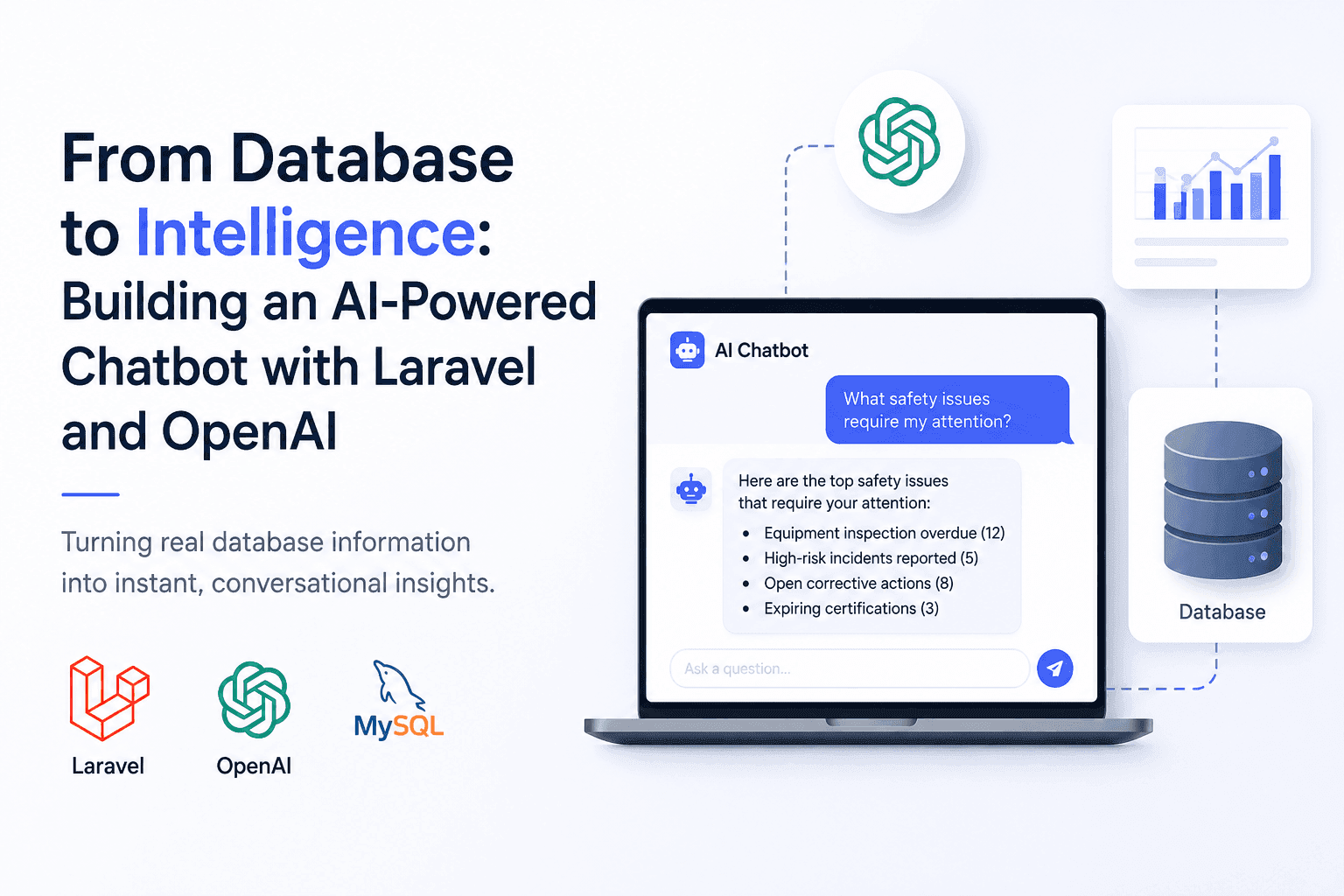
From Database to Intelligence: Building an AI-Powered Chatbot with Laravel and OpenAI
Users needed answers, not database screens. I built an AI-powered Laravel chatbot that connects OpenAI with real application data.
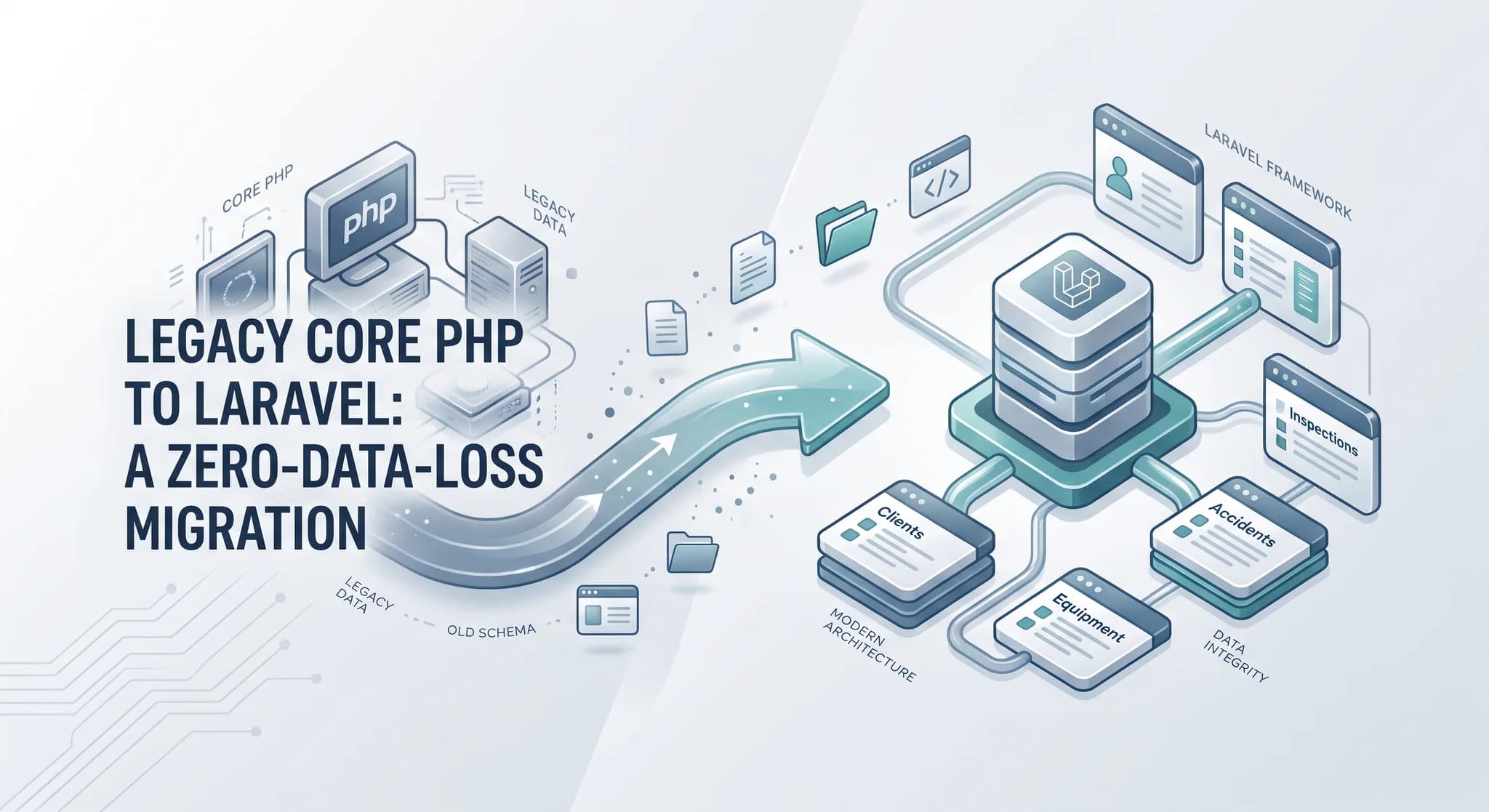
Migrating a Legacy Core PHP Platform to Laravel Without Losing Client Data
Rebuilding the application was only half the job. The harder part was moving years of unreliable data and client assets without breaking production.
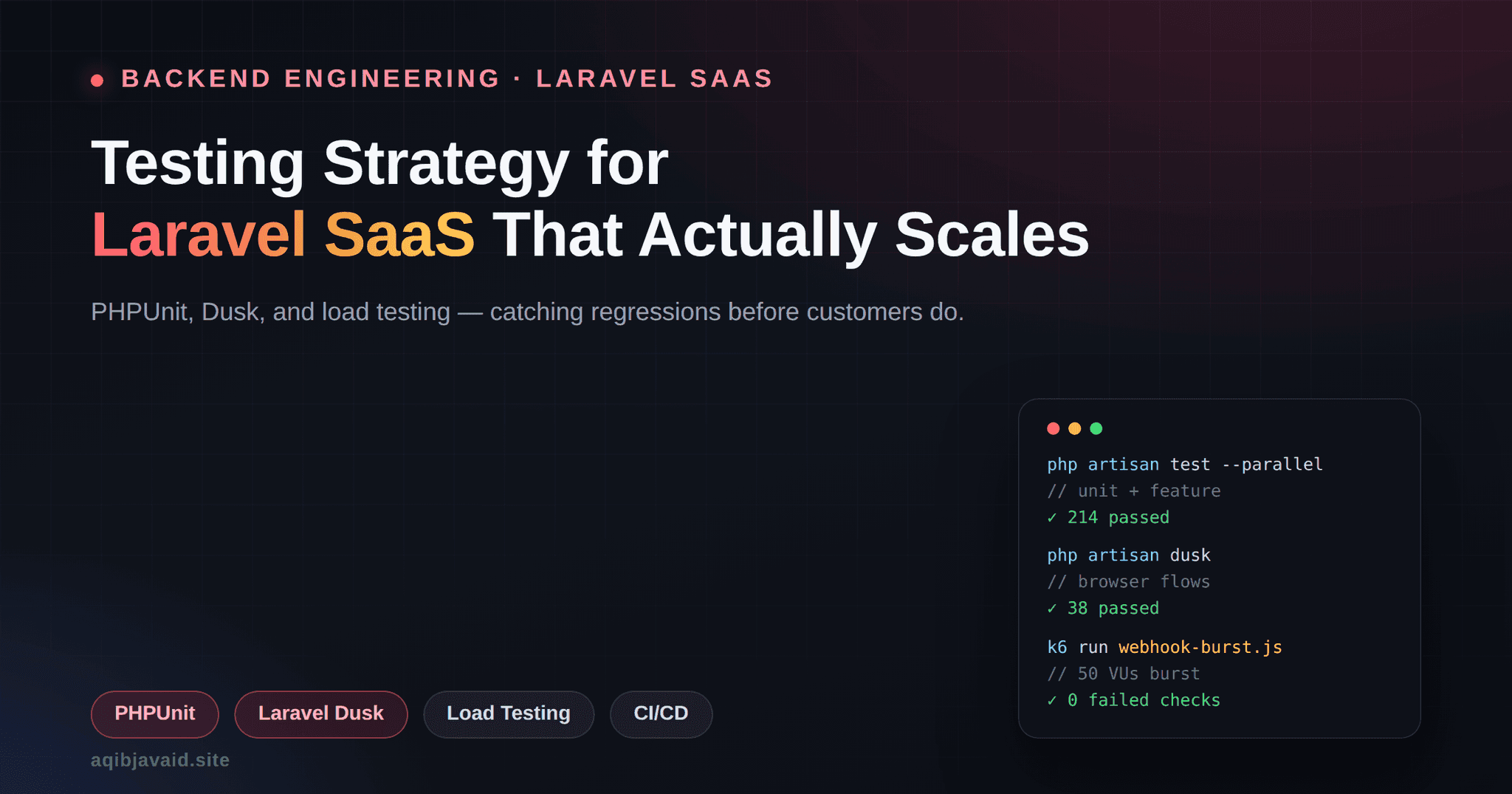
Testing Strategy for Laravel SaaS: PHPUnit, Dusk, Load Tests
A passing CI pipeline and a production incident can coexist. Here's the Laravel testing architecture that closes that gap for real SaaS teams.
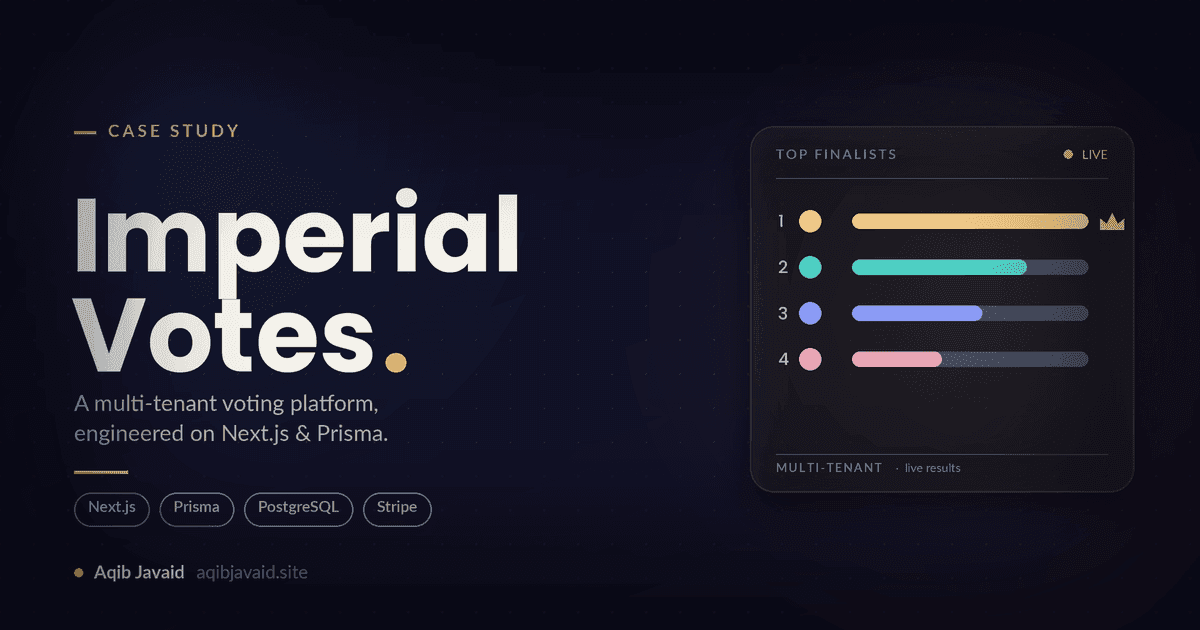
How I Built Imperial Votes: A Multi-Tenant Competition SaaS on Next.js & Prisma in 8k
A build breakdown of a multi-tenant competition platform on Next.js and Prisma: tenant isolation, fraud-resistant paid voting, and deadline-spike survival.
Have a complex technical project in mind?
Available for full-stack engineering, performance audits, cloud deployments, and high-concurrency systems architecture.