

Most people budget carefully for the build and then forget the bill that never stops: software maintenance cost. A web app, SaaS product or internal system is not a one-off purchase. It needs hosting, security patches, dependency upgrades, backups, monitoring and fixes for the problems real users find. If nobody pays for that work, the system quietly decays until it becomes the legacy application you were trying to avoid.
I look after production systems as part of my cloud, DevOps and deployment work, so this guide covers what maintenance actually includes, what drives the cost, and how to budget for it without guessing.
What software maintenance actually covers#
"Maintenance" is a bucket for four different kinds of work. Knowing which is which makes the budget conversation much easier.
- Corrective: fixing bugs found in production.
- Preventive: security patches, framework and library upgrades, and clean-up that stops problems before they appear.
- Adaptive: changing the system because the world changed, such as a new PHP version, a payment provider update or a browser change.
- Perfective: small improvements and requests that make the product better but are not a new project.
New features are usually a separate budget. The trap is letting small feature requests quietly consume the maintenance hours that keep the system safe.
The recurring costs people forget#
Beyond developer time, a live system has running costs:
- Hosting and infrastructure: servers, databases, storage and bandwidth. My comparison of Laravel hosting options and cost shows how widely this varies.
- Third-party services: email, SMS, payments, search, error tracking and AI APIs, often billed by usage.
- Domain, SSL and licences for paid plugins or tools.
- Backups and disaster recovery, including actually testing a restore.
- Monitoring and alerting, so you hear about problems before customers do.
- Security work: patching, access reviews and responding to vulnerability notices.
These costs are easy to estimate once you have a list. The surprise usually comes from usage-based services that grow with your traffic.
What drives maintenance cost up or down#
I will not quote a percentage that pretends to fit every system. These factors decide where yours lands:
- Age and technology. Systems on unsupported frameworks cost more to keep safe. This is the main link to rewriting or refactoring a legacy application.
- Test coverage. Tested code is cheaper to upgrade because you can see what broke.
- Number of integrations. Every third-party API is something that can change or fail.
- Traffic and data volume. More load means more tuning and more infrastructure.
- Quality of documentation. Missing knowledge makes every task slower.
- Deployment process. Manual releases cost time and cause errors. A clean pipeline, as in my guide to zero-downtime deployments, lowers the cost of every future change.
- Required uptime. A system that must always be available needs monitoring and on-call, which costs more.
Three ways to pay for maintenance#
1. Retainer. A fixed monthly amount that covers a set number of hours or a defined scope. It suits systems with steady needs and gives you predictable budgeting and fast response.
2. Time and materials. You pay for hours as they are used. It is flexible for quiet systems, but costs are unpredictable and urgent issues compete with other clients' work.
3. Fixed-scope packages. Specific tasks, such as a framework upgrade or security audit, for a fixed price. These are good for planned one-off work on top of a baseline.
Many businesses use a small retainer for monitoring and urgent fixes, plus fixed-scope projects for bigger upgrades.
How to estimate your own maintenance budget#
Use this simple worksheet:
- List every running cost: hosting, services, domains, licences. Check last month's invoices for each.
- Estimate routine hours: security patches, dependency updates, backup checks and monitoring review, per month.
- Add a bug-fix allowance based on how often production issues have appeared so far.
- Add planned upgrade work for the year, such as a major framework or PHP version.
- Add a contingency for the unexpected, and treat it as real money.
- Separate new features into their own budget so they do not eat maintenance time.
If the system is brand new and has no history, expect the early months to need more attention while real usage reveals problems. A short audit gives you a better starting point than a guess.
Why support dates decide your upgrade calendar#
Two clocks set most of your planned maintenance: the language and the framework.
- Language versions each get a limited support window, after which they stop receiving security fixes. PHP publishes these dates on its supported versions page.
- Framework versions follow their own policy. Laravel documents which releases still receive bug and security fixes in its release notes and support policy.
Put both sets of dates in a calendar and plan an upgrade before a version runs out of support, not after. Doing one planned upgrade a year is far cheaper and less risky than jumping across several versions at once, which is the situation I describe in my Laravel upgrade checklist.
A good maintenance plan therefore includes a yearly "version review": check what you run, check the support dates, and decide what gets upgraded next. It takes a few hours and avoids an emergency later.
What happens when you skip maintenance#
Skipping maintenance does not save money. It moves the cost to later and makes it larger:
- Known security holes stay open
- Upgrades pile up until they become a risky big-bang project
- Small bugs turn into outages
- Only one person understands the system
- Hosting and dependencies freeze because nobody dares touch them
On the Henceforward WordPress project, the work combined website development with migrating infrastructure to Scaleway with Laravel Forge, strengthening security and optimising the production environment. That kind of foundation is what makes ongoing care cheaper. You can read the Henceforward case study for the details.
A simple way to report maintenance value#
Maintenance feels invisible when nothing breaks, which makes it easy to cut. Ask for a short monthly note covering four things: what was patched or upgraded, which incidents occurred and how fast they were resolved, how backups and monitoring performed, and what is planned next. A one-page summary turns "nothing happened" into evidence that the system is being looked after, and it gives you the data to adjust the plan when needs change.
Questions to ask before you agree a maintenance plan#
- What exactly is included, and what counts as a new feature?
- What is the response time for an urgent production issue?
- Who monitors the system, and how will I be alerted?
- How are backups tested?
- What happens to the plan if the system grows?
- Can I see a report of what was done each month?
A clear answer to these is a better signal than the lowest price. My thoughts on why experience beats low-cost outsourcing apply here too.
Key takeaways#
- Maintenance is four kinds of work: fixing, preventing, adapting and improving.
- Running costs go beyond developer time: hosting, services, backups, monitoring and security.
- Age, tests, integrations and deployment process drive the price more than size alone.
- Choose a retainer for steady needs, fixed-scope packages for planned upgrades.
- Skipping maintenance makes problems larger and more expensive later.
If you want a clear maintenance budget for a system you already run, book a call and I will review it and tell you what it really needs.
Share this technical insight with your network
Share to LinkedIn or Facebook with key takeaways, featured media, and direct links.

About the author
Aqib Javaid
Senior Full-Stack Engineer
8+ years building Laravel, React/Next.js and AI-powered products for startups and growing businesses - SaaS platforms, APIs, integrations and the performance work that keeps them fast. Read the case studies to see how that plays out on real projects.
4.9 from 76 client reviews
Case Study: Henceforward WordPress Website Migration, Security & Performance Optimization
Henceforward needed a reliable technical setup for its WordPress website while continuing to evolve its online presence. The project involved migrating the website infrastructure to Scaleway with Laravel Forge, implementing new website pages, strengthening security, and optimizing the production environment for better reliability and performance. The work combined hands-on WordPress development with server configuration and deployment management, ensuring the website was not only updated from a content and UX perspective but also running on a cleaner and more maintainable infrastructure.
Related Technical Articles
View all articles →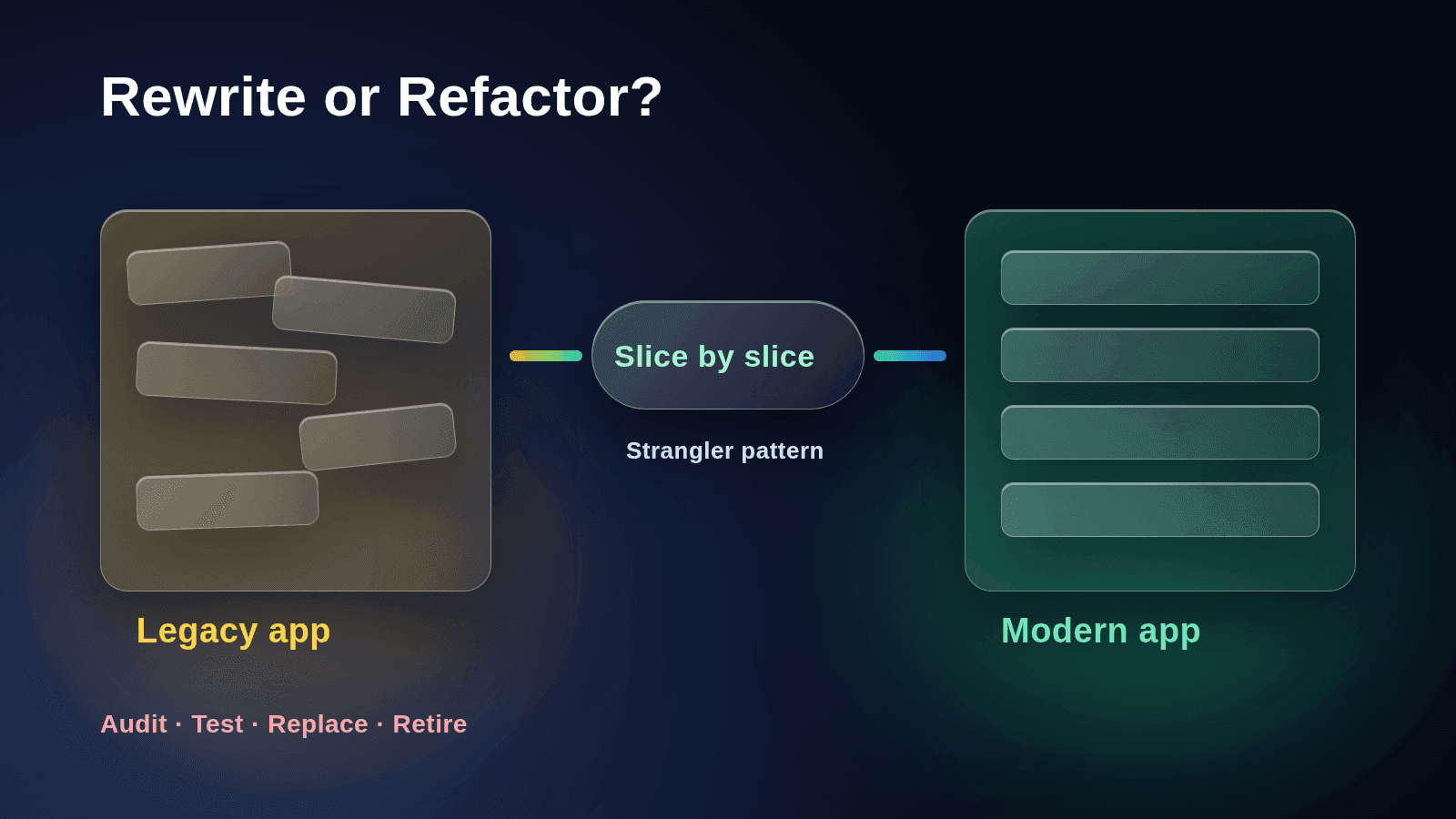
Rewrite or Refactor a Legacy Application? How to Decide
Should you rewrite or refactor your legacy application? Use this practical framework to decide, see why big-bang rewrites fail, and learn the incremental path that usually wins.
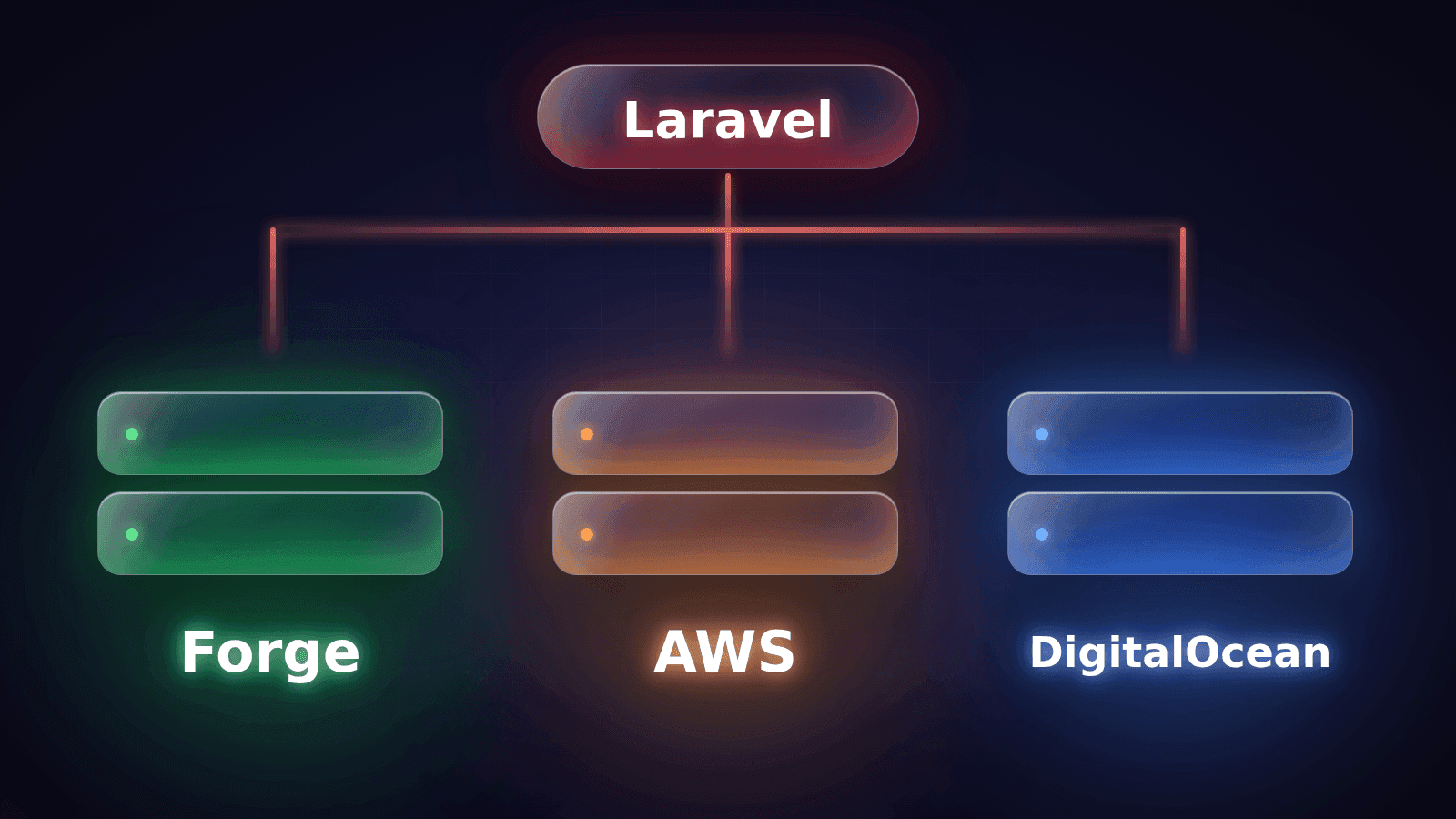
Laravel Hosting Compared: Forge, AWS and DigitalOcean Cost
A plain comparison of Laravel hosting options and cost: Forge, DigitalOcean, AWS and Laravel Cloud, with the hidden extras and a five-question way to choose.
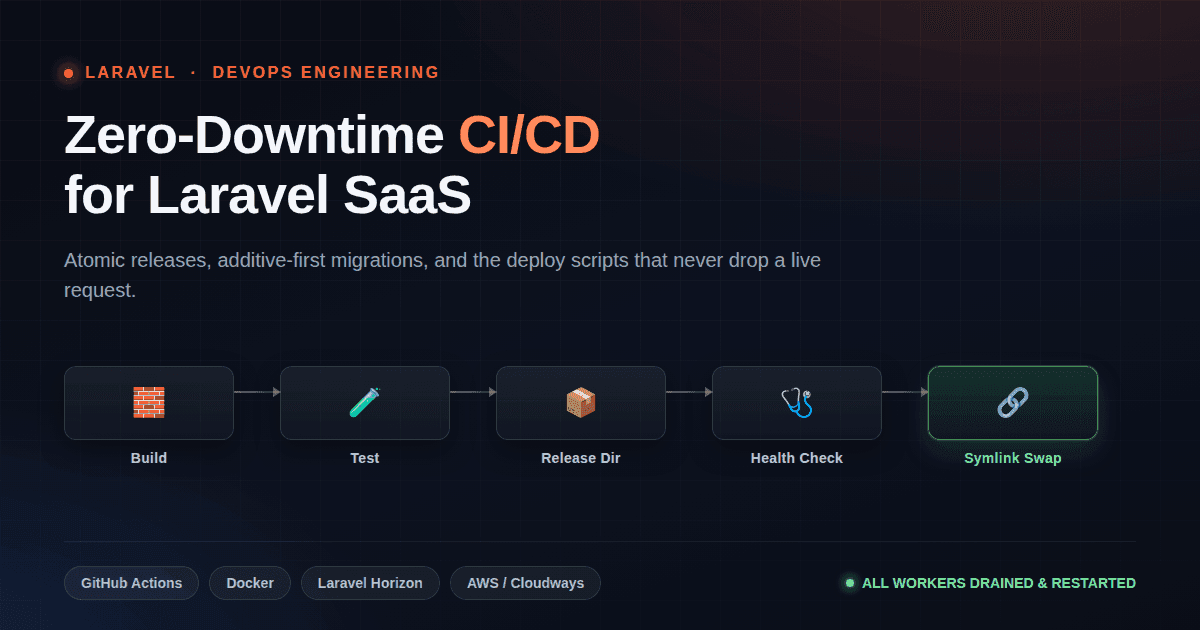
Zero-Downtime Deployments: CI/CD for Laravel SaaS
git pull && composer install && php artisan migrate is not a deploy strategy — it's how live users get 500 errors mid-request.
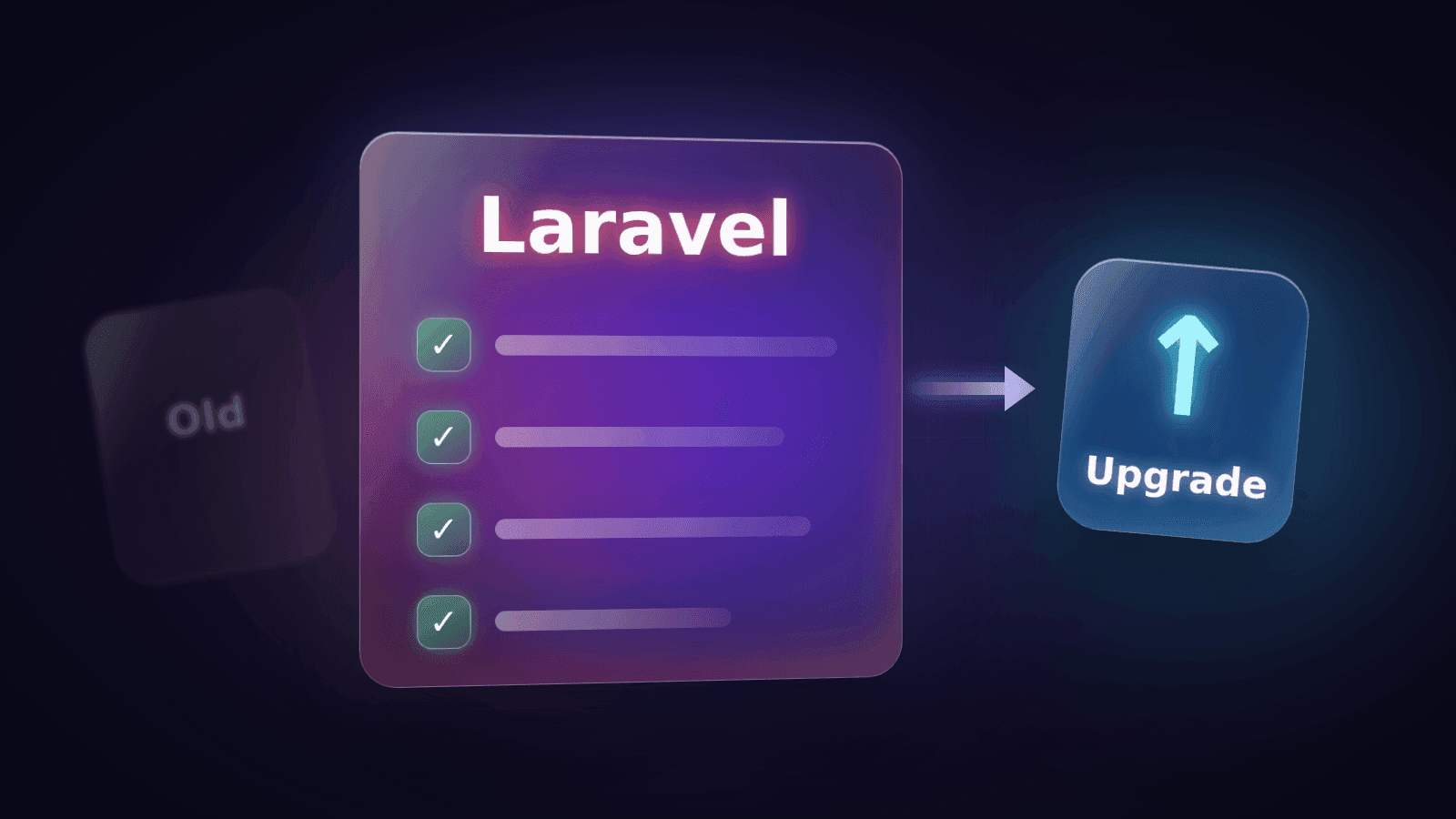
Laravel Upgrade Checklist: How to Move an Old App Safely
A practical Laravel upgrade checklist for old apps: what to check before you start, how to upgrade one major version at a time, how to test, and how to deploy with a rollback plan.
Have a complex technical project in mind?
Available for full-stack engineering, performance audits, cloud deployments, and high-concurrency systems architecture.