

Introduction: The Demo Has One Browser Tab Open#
Real-time features sell themselves in a demo. You update a record, a toast slides in on a second monitor half a second later, and the room nods - "yeah, that's the real-time thing working." What the demo doesn't show is what happens when that second monitor is actually 400 digital signage screens spread across a customer's retail locations, or a safety dashboard forty field workers have open on spotty warehouse WiFi, or a support queue where three staff members are all watching the same ticket at once. The gap between "real-time works" and "real-time survives production" is almost entirely about connection state, not the update itself.
I've built real-time architecture into three products where it isn't a nice-to-have, it's the actual value proposition: SignageFlow, a cloud-based digital signage platform where customers push content updates to a fleet of screens and expect them to change within seconds, not on the next refresh; SafetySpace, the AI-powered safety management platform I run as CTO, where real-time monitoring and an AI chatbot deliver safety insights to field teams as conditions change; and ExpReco, a logistics quoting system where a ticketing and quote-sharing workflow needs staff to see incoming customer queries land live, not after a manual refresh. Three different products, the same underlying question: how do you get a state change on the server in front of the right users, on the right tenant, within a second or two - and keep that promise true when connections drop, tabs pile up, and one customer's fleet of screens is a thousand times larger than another's.
This is a breakdown of how to architect broadcasting and WebSocket-driven features in Laravel so they hold up past the first demo - channel design, scaling the transport layer, and the reconnect and thundering-herd problems that only show up under real usage.
Architecture: Treating the Socket as a Best-Effort Channel, Not a Guarantee#
The mindset shift that matters most: a WebSocket connection is not a reliable delivery mechanism. Tabs go to sleep, mobile networks drop, a laptop closes mid-shift change. If your real-time feature is the only path data takes to reach the client, you don't have a real-time feature - you have a single point of failure with better marketing. Real-time has to be an enhancement over a source of truth the client can always fall back to, not a replacement for it.
1. Namespace every channel by tenant, then by resource#
This is the same discipline that matters for cache keys and queued jobs in any multi-tenant system, and it matters more on broadcast channels because a naming mistake here doesn't just leak stale data - it pushes tenant A's private content straight to tenant B's live screen.
class ScreenContentUpdated implements ShouldBroadcast
{
    public function __construct(private Screen $screen) {}

    public function broadcastOn(): Channel
    {
        // Never private-screen.{id} - always scoped by tenant first
        return new PrivateChannel("tenant.{$this->screen->tenant_id}.screen.{$this->screen->id}");
    }

    public function broadcastWith(): array
    {
        return [
            'screen_id' => $this->screen->id,
            'content_version' => $this->screen->content_version,
        ];
    }
}
The channel authorization callback is where that tenant boundary gets enforced, not assumed - a user authenticating against a channel has to prove they belong to that tenant, the same way a controller would:
Broadcast::channel('tenant.{tenantId}.screen.{screenId}', function (User $user, int $tenantId, int $screenId) {
    return $user->tenant_id === $tenantId
        && $user->tenant->screens()->whereKey($screenId)->exists();
});
2. Broadcast the event, not the payload - then let the client fetch#
On SignageFlow, the temptation is to push the entire new content payload (images, layout, text blocks) down the socket. Don't. Broadcast a lightweight signal - "content_version changed to 47" - and have the client pull the actual content over a normal authenticated API call.
class ScreenContentUpdated implements ShouldBroadcast, ShouldQueue
{
    public function broadcastWith(): array
    {
        return ['content_version' => $this->screen->content_version];
    }
}
This does two things at once: it keeps socket payloads small and predictable regardless of how large a customer's content actually is, and it means a screen that reconnects after being offline for ten minutes doesn't need to have missed events replayed to it - it just fetches the current version, which is already the correct end state. The socket is a doorbell, not a delivery truck.
3. Queue every broadcast - never broadcast synchronously inside a request#
ShouldBroadcast alone fires synchronously on the request thread. Under any real load, that means every write that triggers a broadcast is now coupled to the latency of your WebSocket server being available and responsive. Pair it with ShouldQueue so a slow or degraded broadcast connection never becomes a slow API response for the user who triggered the change:
class ScreenContentUpdated implements ShouldBroadcast, ShouldQueue
{
    public $connection = 'redis';
    public $queue = 'broadcasts';
}
And critically - dispatch the broadcast after the database transaction commits, not from inside it:
DB::transaction(function () use ($screen, $newContent) {
    $screen->update(['content_version' => $screen->content_version + 1]);
    $screen->contents()->create($newContent);
});

broadcast(new ScreenContentUpdated($screen))->toOthers();
Broadcasting from inside an open transaction means a client can receive the "content changed" event and immediately fetch the old version, because the transaction hasn't committed yet from the reader's point of view. This is one of those bugs that never reproduces locally with SQLite and one open connection, and shows up constantly under real concurrent load.
Step-by-Step: Making It Survive a Dropped Connection#
The server-side broadcast is the easy half. The half that actually determines whether the feature feels reliable is what the client does when the connection isn't perfect.
- Always pair the socket with a reconciliation fetch on reconnect. Laravel Echo exposes connection state events - use them. On reconnect, don't trust that you didn't miss anything; re-fetch current state.
Echo.connector.pusher.connection.bind('connected', () => {
  store.dispatch('screens/refetchCurrentState')
})

Echo.private(`tenant.${tenantId}.screen.${screenId}`)
  .listen('ScreenContentUpdated', (e) => {
    store.commit('screens/setContentVersion', { screenId, version: e.content_version })
    store.dispatch('screens/fetchIfStale', screenId)
})- Fall back to polling when the socket can't connect at all. Some networks - locked-down corporate WiFi, certain mobile carriers - block WebSocket upgrades outright. SafetySpace's field dashboards run in warehouses with WiFi that ranges from fine to genuinely hostile, so every real-time view has a polling fallback that kicks in automatically if the socket connection fails to establish within a few seconds, not a feature that simply stops working with no explanation.
- Debounce rapid successive updates before they hit the socket. A bulk content update across 40 screens, or a form field firing an update event on every keystroke, will otherwise flood the channel with events the client can't render fast enough to matter. Batch and debounce at the source:
class UpdateScreenContent
{
    public function handle(Screen $screen, array $content): void
    {
        $screen->update($content);

        // Debounced dispatch - collapses rapid successive updates to one broadcast
        dispatch(new BroadcastScreenUpdate($screen->id))
            ->delay(now()->addSeconds(2))
            ->onQueue('broadcasts');
    }
}- Use presence channels only where "who's here" is actually part of the feature, and keep them separate from data channels. ExpReco's ticketing workflow shows staff who else is currently viewing a ticket, which is genuinely useful for avoiding two people replying to the same customer at once - but presence channel member lists are a different concern from content updates, and mixing the two makes both harder to reason about and to scale independently.
Broadcast::channel('tenant.{tenantId}.ticket.{ticketId}.presence', function (User $user, int $tenantId, int $ticketId) {
    if ($user->tenant_id !== $tenantId) {
        return false;
    }
    return ['id' => $user->id, 'name' => $user->name];
});- Plan the transport layer for horizontal scale before you need it. A single Pusher-compatible WebSocket server (self-hosted via something like Laravel Reverb, or a managed service) handles a meaningful number of concurrent connections, but a customer whose signage fleet grows from 20 screens to 2,000 changes your connection count by two orders of magnitude, not a fraction. Redis as the broadcast driver's backing store, rather than in-memory state on a single server process, is what lets you run more than one WebSocket server instance behind a load balancer without connections on server A missing events published from server B.
Pitfalls I've Seen Cost Real Time and Trust#
Treating the socket connection as proof the client is up to date. A green "connected" indicator tells you the transport is alive, not that the client has the current data. The reconciliation fetch on connect (and on reconnect) is what actually closes that gap - connection state and data freshness are two different guarantees.
Thundering herd on reconnect after an outage. If your WebSocket server briefly goes down, every connected client reconnects within the same few seconds, and if each of those reconnects immediately triggers a full data refetch, you've turned one infrastructure blip into a self-inflicted traffic spike against your own API. Jittered backoff on reconnect attempts, client-side, spreads that load instead of concentrating it.
Broadcasting before the write is actually durable. Covered above, but it's worth repeating because it's the single most common real-time bug I've debugged: broadcast dispatch has to happen after the transaction that made the change durable commits, not from inside it or optimistically before the write is confirmed.
No visible degraded state when real-time fails. A dashboard that silently stops receiving updates, with no indicator, teaches users to distrust it entirely - they'll refresh manually "just in case" even when it's working, which defeats the point. SafetySpace shows a small, honest "reconnecting…" state rather than pretending everything is current when the socket has actually dropped.
Scaling the WebSocket layer as an afterthought. Connection count doesn't scale linearly with customer count the way most other infrastructure does - one signage customer with a large screen fleet can dwarf your entire connection count from every other tenant combined. Load-testing the broadcast layer against a realistic worst-case tenant, not an average one, is what catches this before a single large customer does.
Testing real-time features by eyeballing two browser tabs. It works with two tabs open on localhost. It has to be tested against the actual queue-and-broadcast path - a queued job that dispatches a real event, asserted with Event::fake() and Broadcast::assertBroadcastOn() - or the coverage is theater, and the first real regression ships straight to production.
Key Takeaways#
Real-time isn't the WebSocket connection - it's everything engineered around it to make a best-effort transport behave like a dependable part of the product. The real-time features that hold up in production share the same shape:
- Channels namespaced by tenant first, with authorization that actually verifies membership rather than trusting the channel name
- Broadcasts carry a lightweight signal, not the full payload - the client reconciles state over a normal authenticated fetch
- Every broadcast queued, and dispatched only after the triggering transaction has committed
- A polling fallback and a visible degraded state for when the socket can't connect at all
- Reconnect logic that reconciles state and backs off with jitter, instead of assuming the connection was never interrupted
- A transport layer (Redis-backed, horizontally scalable) sized for your largest tenant, not your average one
I've built this pattern into a digital signage platform pushing live content to fleets of screens, an AI-powered safety platform delivering real-time monitoring to field teams as CTO, and a logistics ticketing system where staff need to see incoming work land live. The product changes; the discipline around what happens when the socket drops doesn't.
If you're adding real-time features to an existing product, or inheriting a "live dashboard" that only stays live in the demo, get in touch about your architecture or see the full case studies from platforms where these patterns are running today.
Share this technical insight with your network
Share to LinkedIn or Facebook with key takeaways, featured media, and direct links.
Case Study: Violerts - Enterprise NYC PropTech Compliance & Violation Monitoring SaaS
Violerts is a PropTech SaaS platform that consolidates fragmented NYC municipal property data into a single compliance intelligence platform. I led the modernization of the React frontend and Laravel backend, building multi-agency data ingestion, GIS mapping, asynchronous scraping, real-time alerts, team collaboration, and Stripe-powered SaaS billing.
Related Technical Articles
View all articles →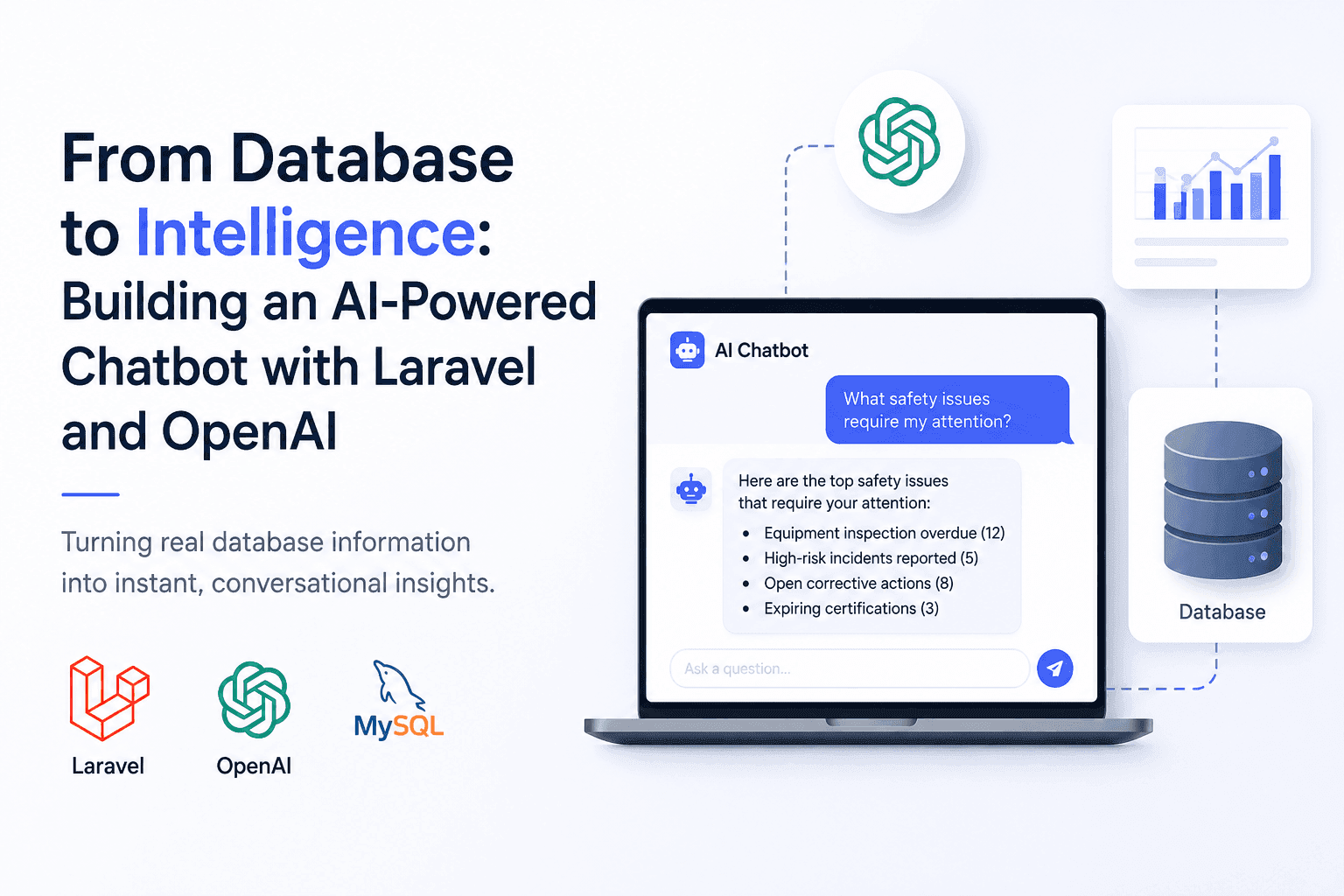
From Database to Intelligence: Building an AI-Powered Chatbot with Laravel and OpenAI
Users needed answers, not database screens. I built an AI-powered Laravel chatbot that connects OpenAI with real application data.
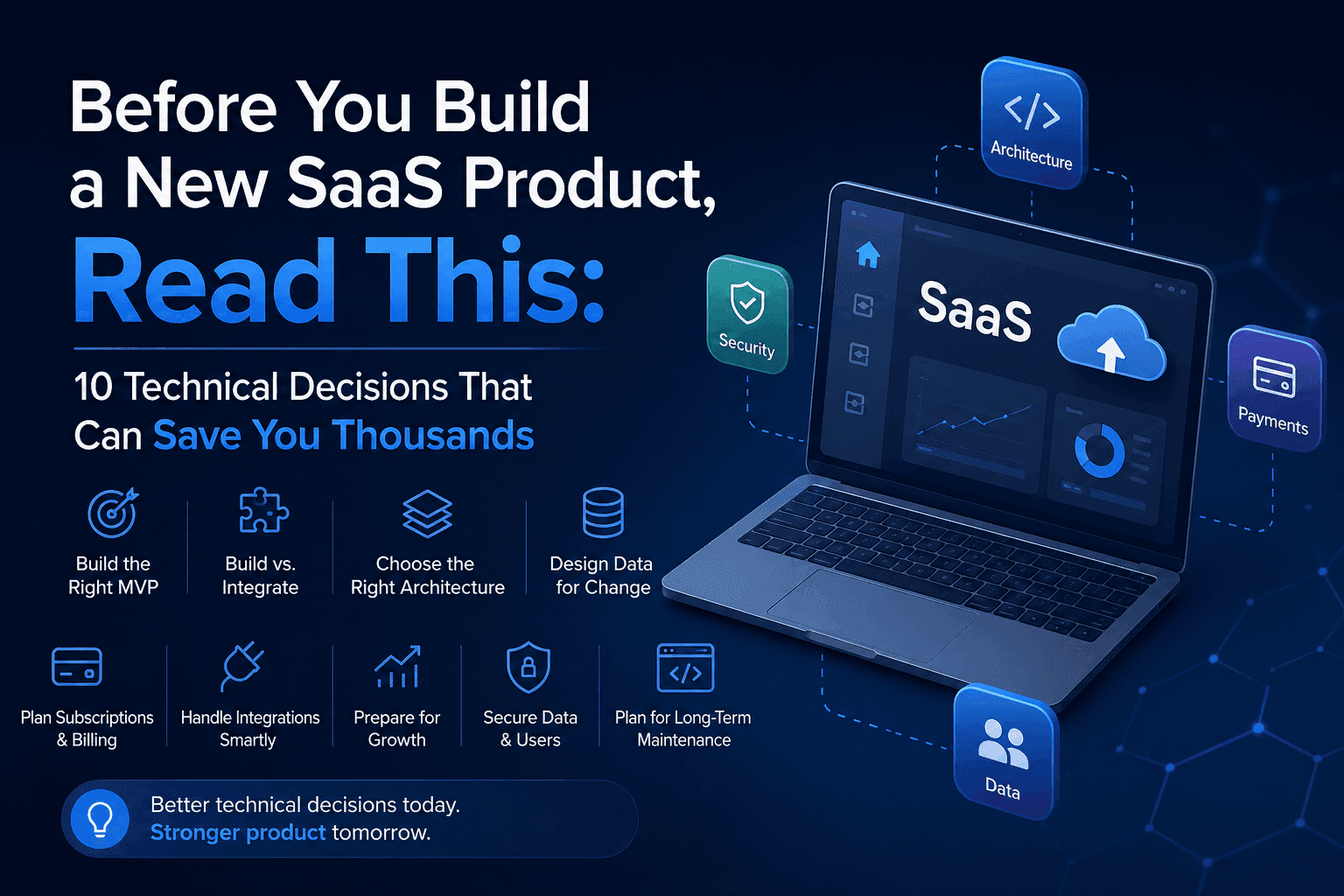
Before You Build a New SaaS Product: 10 Technical Decisions That Can Save You Thousands
The most expensive SaaS mistakes often happen before development begins. These 10 technical decisions can save you time, money, and costly rebuilds.
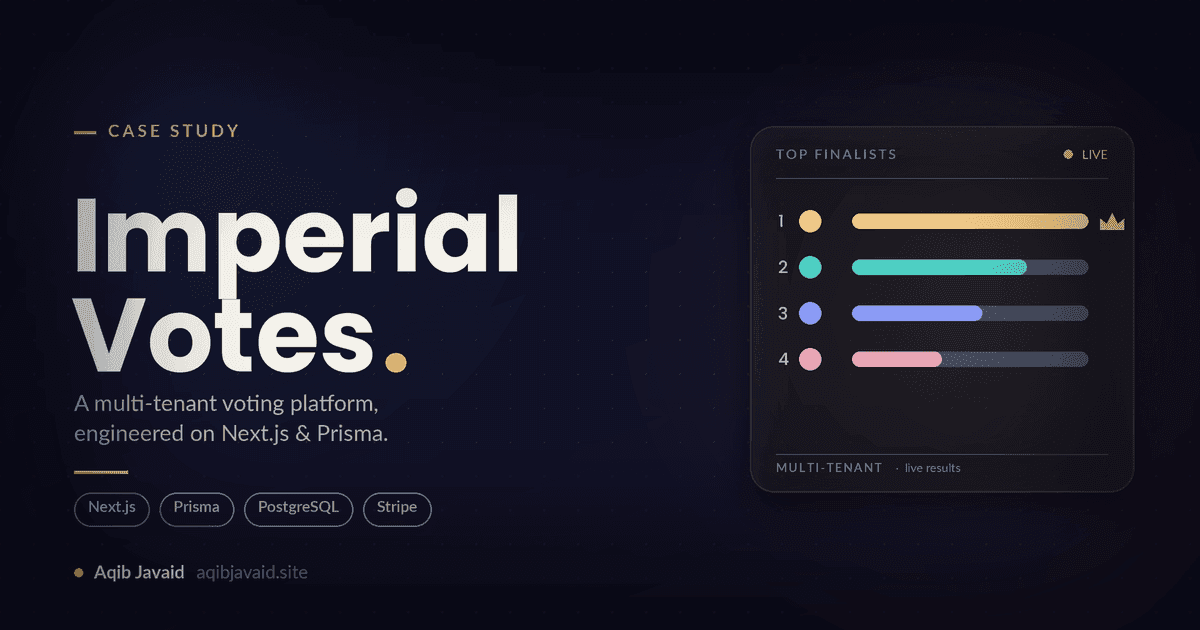
How I Built Imperial Votes: A Multi-Tenant Competition SaaS on Next.js & Prisma in 8k
A build breakdown of a multi-tenant competition platform on Next.js and Prisma: tenant isolation, fraud-resistant paid voting, and deadline-spike survival.
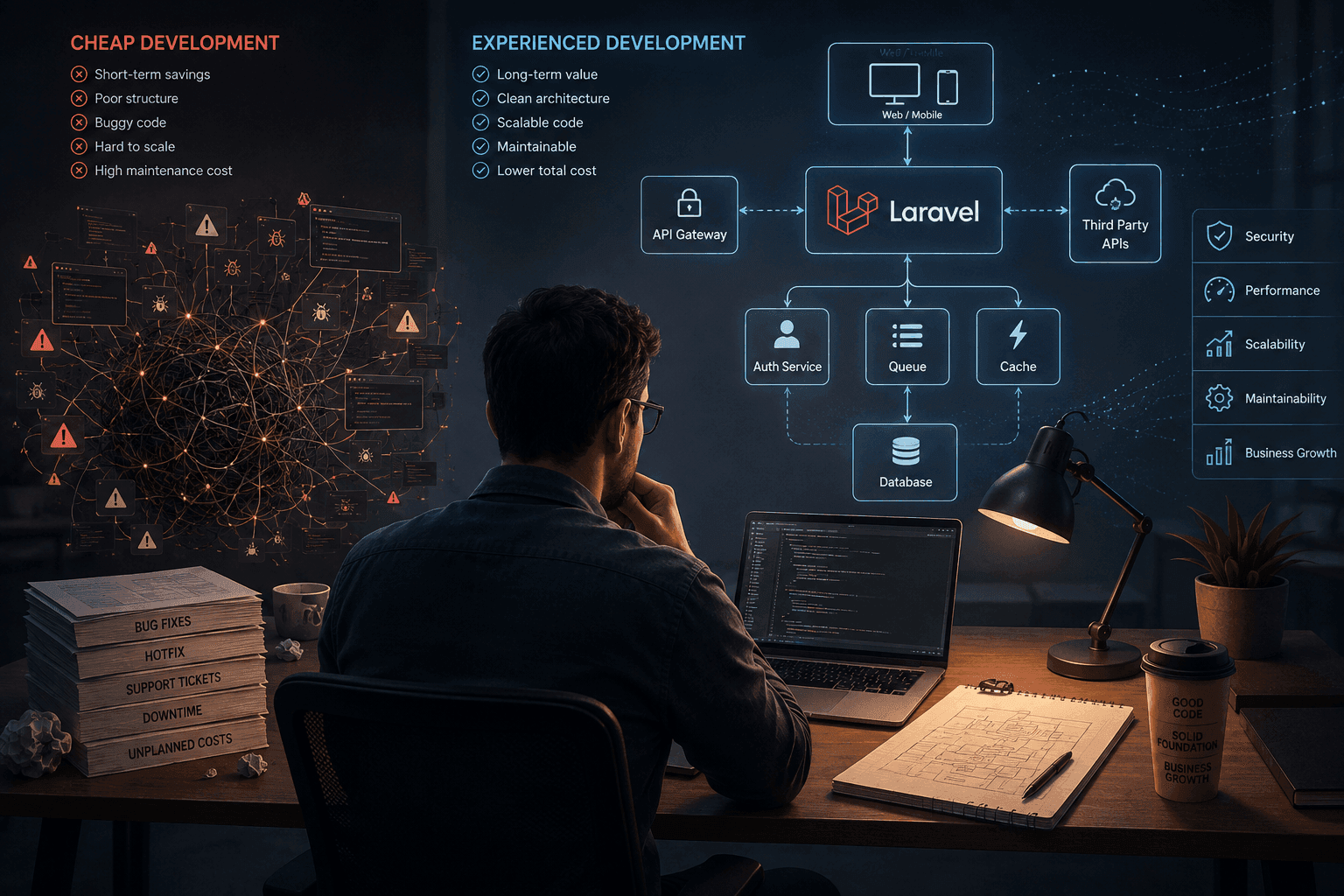
The Hidden Value of Senior Developers: Why Experience Beats Low-Cost Outsourcing
Hiring the cheapest developer can reduce your initial development cost, but it can also increase maintenance, technical debt, and long-term engineering costs. Here’s why experienced PHP and Laravel developers often deliver better value over the life of a product.
Have a complex technical project in mind?
Available for full-stack engineering, performance audits, cloud deployments, and high-concurrency systems architecture.