

If you are building a SaaS product for more than one customer, you will have to answer one early question: how do you separate each customer's data? The choice between a shared database and a database per tenant shapes security, cost, performance and how painful your first enterprise customer will be.
I make this decision with founders as part of SaaS development work. This guide explains the three common models, when each fits, and the mistakes that are expensive to fix later.
What "multi-tenant" means#
A tenant is one customer account, usually a company with its own users and data. A multi-tenant system serves many tenants from one codebase and one deployment. The alternative, running a separate copy of the whole app per customer, is single-tenant, and it gets hard to maintain quickly.
Multi-tenant design answers two questions:
- Isolation: how do you make sure tenant A can never see tenant B's data?
- Operations: how do you migrate, back up, scale and support many tenants without the work growing with every new customer?
The three data models#
1. Shared database, shared schema#
All tenants live in the same tables. Each row has a tenant_id column, and every query filters by it.
Strengths
- Cheapest to run and simplest to start
- One migration updates everyone
- Easy to report across tenants
Weaknesses
- One missed filter leaks data between customers
- A very large tenant can slow everyone down ("noisy neighbour")
- Restoring a single tenant from a backup is awkward
2. Shared database, separate schema per tenant#
Tenants share a database server, but each gets its own schema, such as separate sets of tables.
Strengths
- Stronger separation than a tenant column
- Per-tenant backup and restore is easier
Weaknesses
- Migrations must run once per tenant, which gets slow with many tenants
- Tooling and connection handling are more complex
3. Separate database per tenant#
Each tenant has its own database.
Strengths
- Strongest isolation, which helps with security reviews and regulated customers
- A tenant's data can be moved, backed up or deleted on its own
- Heavy tenants don't affect the others' queries
Weaknesses
- Highest operational cost and complexity
- Migrations and monitoring multiply with each tenant
- Cross-tenant reporting needs extra work
Microsoft's architecture guidance on tenancy models describes the same trade-off between isolation, cost and operational effort, and is worth reading alongside this.
How to choose: five questions#
1. Who are your customers? Many small customers point toward a shared database. A few large or regulated customers who ask about data isolation point toward separate databases.
2. What are the compliance expectations? If customers need contractual guarantees about data separation, or data residency in specific regions, a separate database makes those promises easier to keep.
3. How uneven will tenants be? If one tenant could be a hundred times bigger than the average, plan for isolating heavy tenants early.
4. How big is the team? Every extra database is something to monitor, migrate and back up. A small team should choose the simplest model that meets the requirements.
5. How will you grow? Many products start shared and move their largest customers to dedicated databases later. A design that allows this is more valuable than a perfect choice on day one.
My default for early-stage SaaS#
For most early products I start with a shared database and a tenant_id on every tenant-owned table, and I build the safeguards in from day one. This keeps cost and complexity low while the product finds its market, and it does not close the door on moving large customers out later.
The key is that "shared" must not mean "careless". The safeguards I add:
- A global scope or middleware that applies the tenant filter automatically, so developers can't forget it
- Database-level protection where the database supports it. PostgreSQL's row-level security can enforce tenant filtering even if application code has a bug.
- Tenant-aware tests that fail if a query returns another tenant's rows
- Composite unique keys that include the tenant, so two customers can use the same email or slug
- Tenant context in logs and jobs, so background work never runs without knowing whose data it touches
If you use Laravel, packages such as Tenancy for Laravel support both single-database and multi-database approaches, which helps you start simple without being locked in.
Common mistakes#
Forgetting background jobs. Queued jobs, scheduled tasks and webhooks run outside a web request, so the tenant context can be missing. Pass the tenant explicitly, as I describe in my guide to Laravel queue architecture.
Leaking through shared resources. Caches, search indexes and file storage need tenant-aware keys and paths, not only database rows. See secure multi-tenant file storage in Laravel.
Global unique constraints. Uniqueness rules that ignore the tenant make customers collide with each other.
No plan for super-admin access. Support staff need to view tenant data, and that access should be controlled and logged. My article on audit logging for SaaS compliance covers this.
Choosing separate databases too early. It feels safer but multiplies operations for a product that may only have a handful of customers.
Cross-tenant reporting as an afterthought. Analytics across tenants are easy in a shared schema and hard with many databases.
A real-world example#
On Imperial Votes, a multi-tenant competition platform I built on Next.js and Prisma, organizers run their own competitions with branding tools, role-based permissions and dashboards, while super-admin controls sit above them. That mix of customers acting independently under one platform is exactly where the tenancy decision matters. The Imperial Votes case study shows how the product grew, and the matching write-up on building a multi-tenant voting SaaS goes deeper.
What to decide before you write code#
Before the first migration, write down answers to these:
- What is a tenant in our product (a company, a team, a workspace)?
- Which tables belong to a tenant, and which are global?
- How is the tenant identified on each request: subdomain, path or login?
- How will background jobs and webhooks know the tenant?
- What would force us to move a customer to a dedicated database?
- How do support staff access tenant data safely?
Answering these costs an afternoon. Changing the model after launch costs months.
Moving a large tenant to its own database later#
If you design for it, moving one customer out of the shared database is a manageable project rather than a rewrite. The usual steps:
- Create the new database with the same schema and run the same migrations.
- Copy the tenant's rows across, using the
tenant_idto select exactly what belongs to them. - Verify counts and key records, and keep the old data until the checks pass.
- Switch the tenant's connection so requests resolve to the new database.
- Remove the tenant's rows from the shared database once you are confident.
This only works if every tenant-owned table carries the tenant identifier, files and caches are tenant-scoped, and your application resolves the database connection from the tenant. Those are the same safeguards that keep the shared model safe, which is why I add them from the start.
Key takeaways#
- Multi-tenancy is mostly about isolation and operational cost.
- Shared database with a tenant column is the cheapest start. Separate databases give the strongest isolation.
- Add safeguards such as global scopes, row-level security and tenant-aware tests so shared never means careless.
- Plan for jobs, caches, files and support access, not only database tables.
- Design so you can move large tenants out later.
If you are planning a SaaS product and want the architecture settled before you build, book a call and we can map the tenancy model to your customers and budget.
Share this technical insight with your network
Share to LinkedIn or Facebook with key takeaways, featured media, and direct links.

About the author
Aqib Javaid
Senior Full-Stack Engineer
8+ years building Laravel, React/Next.js and AI-powered products for startups and growing businesses - SaaS platforms, APIs, integrations and the performance work that keeps them fast. Read the case studies to see how that plays out on real projects.
4.9 from 76 client reviews
Case Study: Building Imperial Votes: A Multi-Tenant Next.js & Prisma Competition Operating System
Imperial Votes is a custom online voting platform for beauty pageants, modeling competitions, and organizer-led public contests. I built the product from scratch, starting from a blank Next.js application and turning it into a full SaaS-style platform with public competition pages, contestant profiles, paid voting, leaderboards, organizer dashboards, super-admin controls, role-based permissions, contestant applications, entry fee payments, judging workflows, branding tools, analytics, reports, notifications, and leaderboard graphic generation. The basic product idea was simple: organizers create competitions, contestants compete, voters buy vote bundles, and the leaderboard updates. The actual product became much bigger than that. Imperial Votes needed to support real organizers, real money, real applicants, different countries and currencies, different payment gateways, sponsor visibility, custom competition branding, membership tiers, internal admin workflows, and marketing tools that help organizers promote their contests. My work covered the entire platform: database architecture, backend APIs, payment logic, frontend dashboards, public pages, security and permissions, operational tooling, reporting, exports, image handling, email flows, real-time notifications, and polished UI features such as canvas-based leaderboard graphics.
Related Technical Articles
View all articles →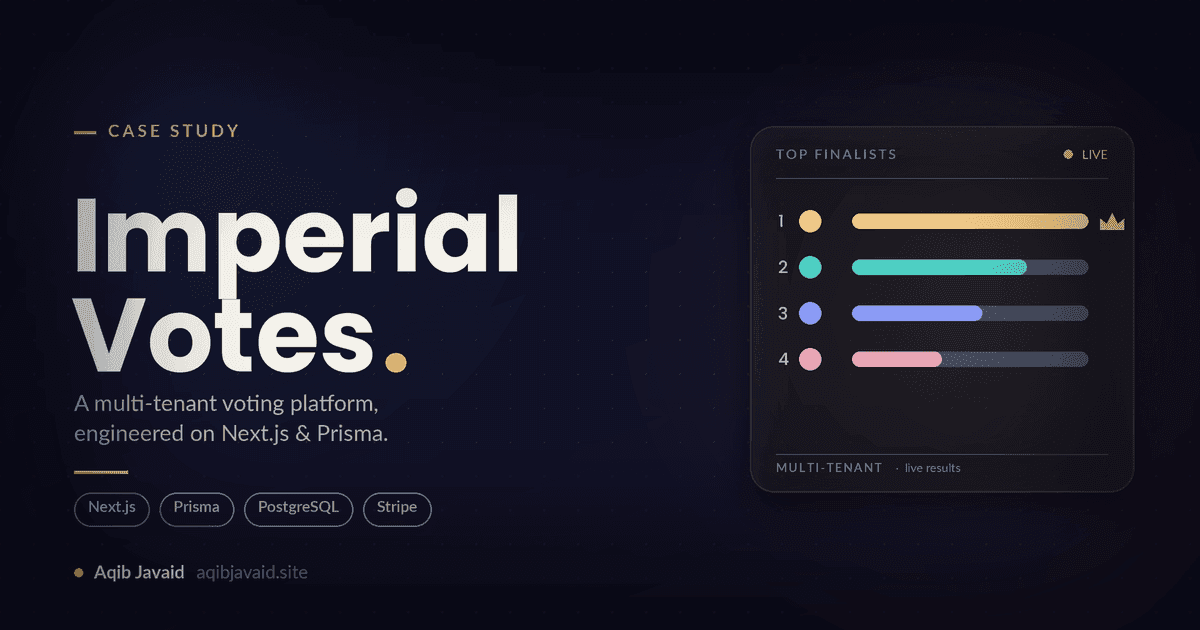
How I Built Imperial Votes: A Multi-Tenant Competition SaaS on Next.js & Prisma in 8k
A build breakdown of a multi-tenant competition platform on Next.js and Prisma: tenant isolation, fraud-resistant paid voting, and deadline-spike survival.
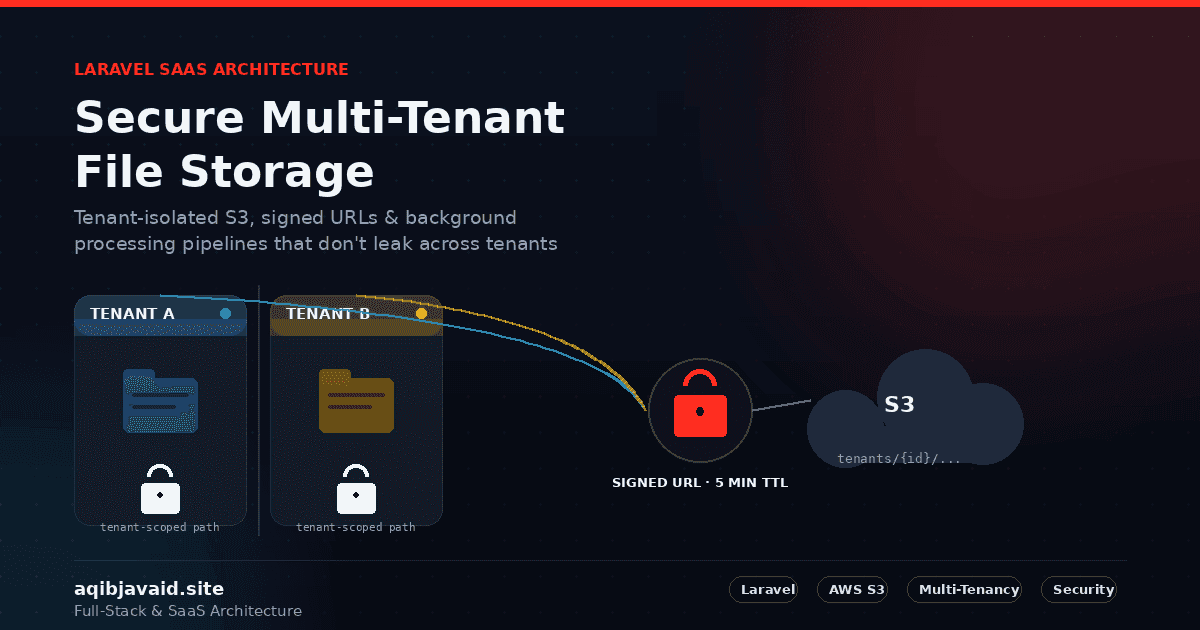
Secure Multi-Tenant File Storage in Laravel SaaS
A public S3 bucket and a predictable file path is how one tenant's uploads end up in another tenant's browser tab.
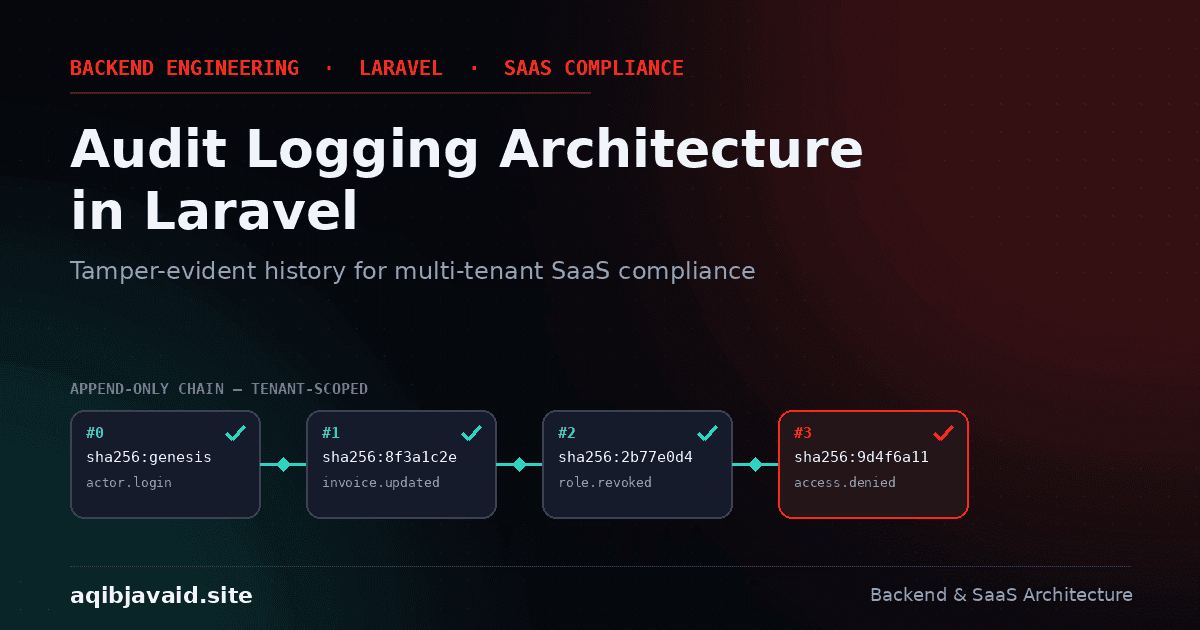
Audit Logging Architecture in Laravel: Building Tamper-Evident History for SaaS Compliance
"We believe it was deleted correctly" isn't a compliance answer. Here's how tamper-evident audit logging in Laravel actually holds up.
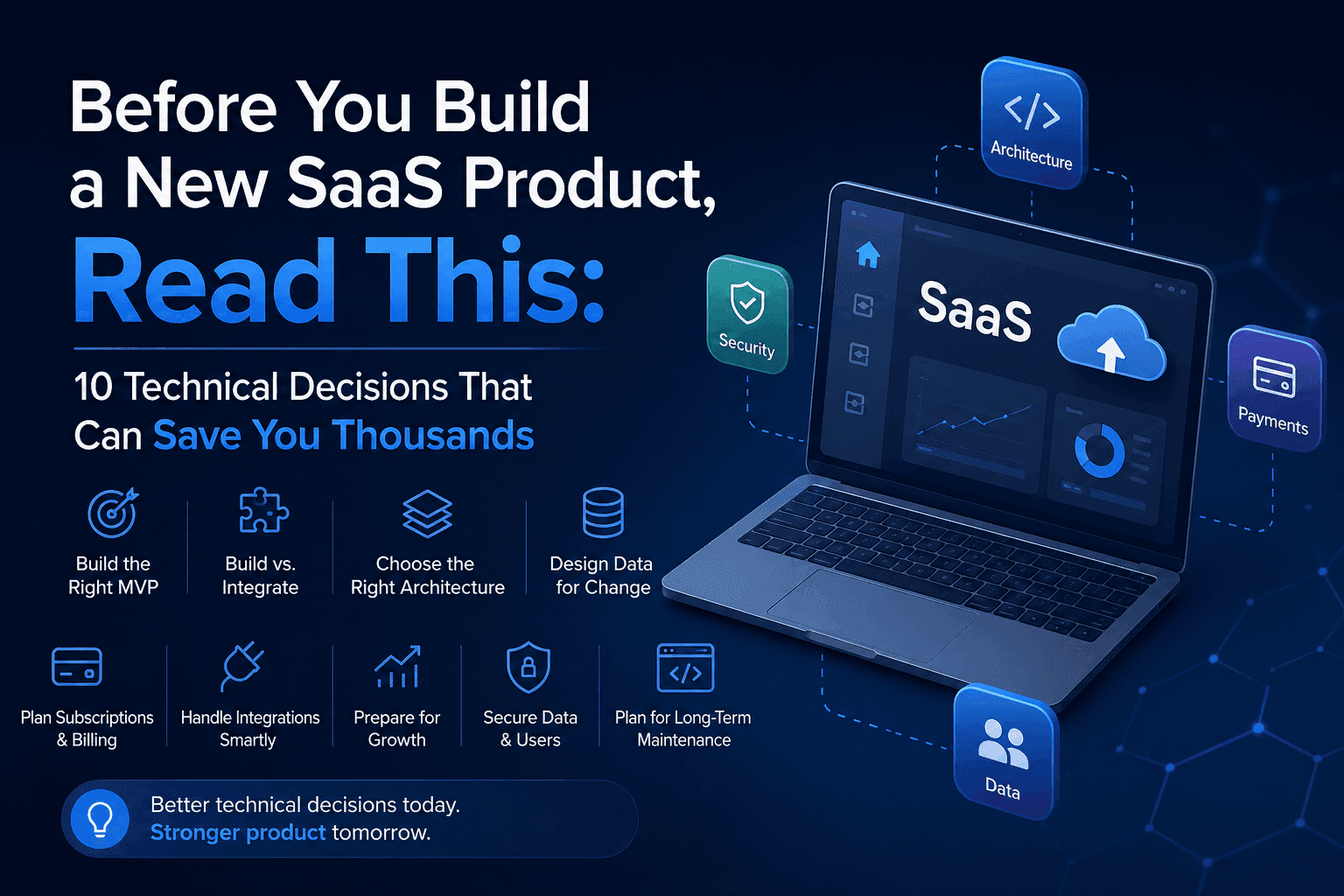
Before You Build a New SaaS Product: 10 Technical Decisions That Can Save You Thousands
The most expensive SaaS mistakes often happen before development begins. These 10 technical decisions can save you time, money, and costly rebuilds.
Have a complex technical project in mind?
Available for full-stack engineering, performance audits, cloud deployments, and high-concurrency systems architecture.