

You run events, classes, tours or appointments, and people need a way to book and pay. Do you sign up for an existing tool, or pay someone to build a custom event booking system? The honest answer is "buy first, build when the tool starts getting in your way", but the details decide whether that's right for you.
Choosing wrong in either direction is expensive. Build too early and you spend months on features an existing tool already had. Buy too long and you end up patching around a platform that doesn't fit your business, paying fees on every booking and unable to change the parts that matter.
This guide gives you a way to decide. It covers what off-the-shelf tools do well, the signs that you've outgrown them, what a custom build involves, and a middle path that often beats both. It comes from my event and booking platform development work.
What ready-made booking tools do well#
Existing tools such as ticketing platforms like Eventbrite, scheduling tools like Calendly, and booking plugins for WordPress cover the common cases quickly. Their strengths are real:
- Speed. You can be taking bookings the same day.
- Low upfront cost. You pay monthly or per ticket instead of paying for development.
- Maintenance is someone else's job. Security updates, payment compliance and bug fixes are handled for you.
- Familiar to customers. Many buyers already trust the checkout.
If your needs are standard (one organiser, simple tickets or time slots, ordinary payments), buying is almost always the right call. Don't build what you can rent.
Signs you've outgrown an off-the-shelf tool#
Watch for these. One of them is an annoyance. Three or four is a pattern.
- Fees eat your margin. Per-ticket or per-booking fees add up as volume grows, and they apply to money you could keep.
- Your workflow doesn't fit. You need approval steps, custom pricing, packages, deposits, multi-day bookings or resource limits the tool can't model.
- You run a marketplace. Several organisers or vendors, each with their own listings, payouts and messages, is a different product from a single-organiser tool.
- You need your own brand and flow. The checkout, emails and pages must look and behave like your business, not the vendor's.
- Integration is awkward. Your CRM, accounting, calendar or inventory can't connect cleanly, so staff copy data by hand.
- You need multiple languages or regions. Different currencies, languages and local rules are hard to bolt on.
- You own the data question. You need reporting, exports or data ownership the platform won't give you.
What a custom booking system really involves#
A booking system looks like a calendar and a pay button. The complexity sits behind them:
- Availability logic. Capacity, time zones, overlapping bookings, cut-off times and cancellations.
- Payments. Deposits, refunds, split payouts and failure handling. If you take money for other organisers, a service like Stripe Connect is designed for marketplace payouts.
- Notifications. Confirmations, reminders and messages that arrive reliably.
- Admin tools. Staff need to create events, manage bookings, handle exceptions and see reports.
- Content and SEO. Event pages that load fast and can be found on search engines.
- Real-time updates. Live availability and messaging so two people don't book the last seat.
On the Planuojam event marketplace, the work involved rescuing a failing event platform by architecting a headless marketplace supporting five languages, real-time messaging and Stripe payments. It also included a custom AWS Translate-powered engine in Strapi 5 to automate nested content localisation while preserving SEO integrity. That list is a good illustration of how quickly "event booking" grows once you add languages, messaging and payments.
The middle path: buy the core, build the edges#
You don't have to choose all or nothing. A common and sensible approach is:
- Keep a proven tool for the parts that are the same for everyone, such as payment processing.
- Build custom pieces only where your business is different, such as your pricing rules, your booking flow or your dashboard.
- Connect the two through APIs, so you can replace either side later.
This keeps the upfront cost down and avoids a full rebuild. The same approach applies to other platforms, as I discussed in the Shopify versus custom ecommerce comparison. If you go this way, plan the integrations carefully. The API integration cost guide explains what drives the price.
How to compare the real cost#
Don't compare the monthly fee with the build price. Compare total cost over three years.
| Cost | Buy | Build |
|---|---|---|
| Upfront | Low | Higher (development) |
| Monthly or per booking | Subscription plus per-ticket fees | Hosting and payment processing fees |
| Changes and new features | Limited by the vendor | Paid development, but you decide |
| Maintenance | Included | Ongoing, small but real |
| Risk | Price rises, feature changes, vendor lock-in | Scope creep, build quality |
Add up your expected bookings per year and multiply by the platform's per-booking fee. That number, over three years, is the figure to set against a build quote. For general budgeting of a custom product, the custom web app MVP cost guide gives realistic tiers.
When not to build#
Skip a custom build when:
- You haven't yet proven that people will book. Validate with a simple tool first.
- Your needs fit a standard tool with a little configuration.
- You can't commit to maintaining it after launch.
- You'd be rebuilding features that make up 90% of what the tool already does well.
A simple way to decide#
- Can a ready-made tool run your events or bookings today with no workarounds? Buy it.
- Are fees or workarounds already costing you real money each month? Cost out a build or a hybrid.
- Is your model a marketplace, or does it need multiple languages, special pricing or deep integrations? Lean toward building.
- Unsure? Start with a tool, track what you work around, and revisit in three to six months.
Frequently asked questions#
How much does a custom event booking system cost?#
It depends on the scope: roles, payment model, languages and integrations. A simple booking flow is far cheaper than a multi-vendor marketplace. Get a scoped estimate from the features you need, not a flat number.
Can I start with a tool and move to a custom system later?#
Yes, and it's often the smartest path. Keep your customer and booking data exportable, and move over when you've learned what you actually need.
Is a WordPress booking plugin enough?#
For a single organiser with simple needs, often yes. When you need marketplace features, complex rules or high volume, plugins start to strain.
What is the biggest hidden cost of building?#
Maintenance and change. A booking system is never finished, because rules, payments and integrations keep moving. Budget for ongoing work.
Key takeaways#
- Buy first. Build when fees, workflow limits or a marketplace model make the tool a poor fit.
- Compare total cost over three years, including per-booking fees.
- A hybrid, buying the standard parts and building the differences, often wins.
- A booking system is more than a calendar: availability, payments, notifications and admin tools carry the complexity.
If you're weighing a booking platform and want a senior engineer to give you an honest build-or-buy recommendation, book a free call and we'll go through your case together.
Share this technical insight with your network
Share to LinkedIn or Facebook with key takeaways, featured media, and direct links.
Case Study: Planuojam - Multilingual Event Planning Marketplace
Rescued a failing event platform by architecting a robust headless marketplace supporting five languages, real-time messaging, and Stripe payments. Engineered a custom AWS Translate-powered engine in Strapi 5 to automate complex nested content localization while preserving SEO integrity.
Related Technical Articles
View all articles →
Shopify vs Custom Ecommerce: When Custom Is Worth It
Shopify or a custom ecommerce build? A plain comparison of cost, control and integrations, the situations where custom pays off, and a three-year cost method plus a checklist to decide.
Custom API Integration Cost and Timeline: What to Expect
A plain breakdown of custom API integration cost and timeline: typical effort by complexity, what pushes the price up or down, and the questions to ask before you agree.
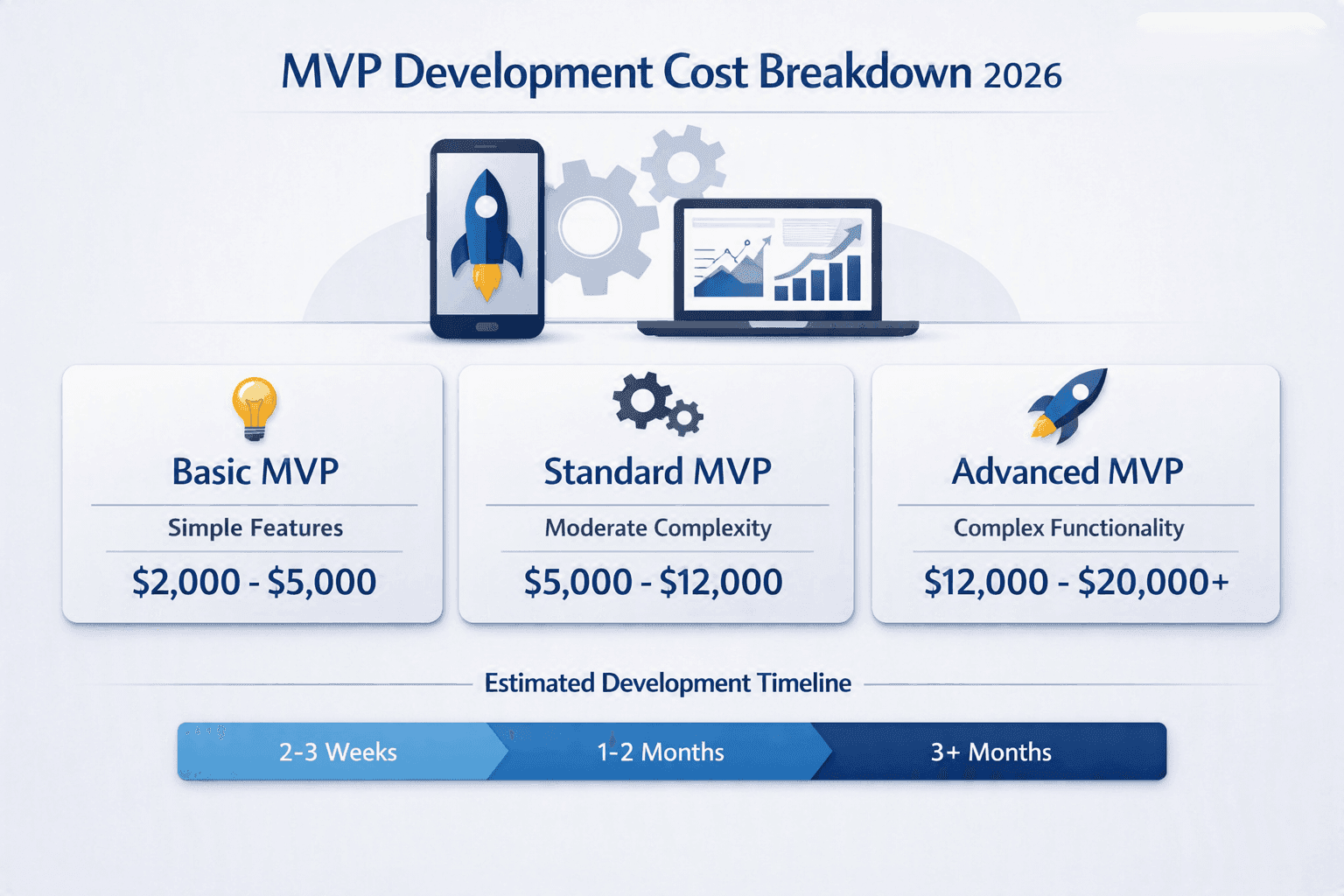
How Much Does It Cost to Build an MVP in 2026?
A custom MVP does not have to cost $50K+. Here is what you can realistically build for $2K, $5K, $10K, and $20K in 2026.
How Much Does It Cost to Build a Custom CRM? A Practical Guide
What really drives custom CRM development cost, with ballpark ranges by scope, a comparison with HubSpot and Salesforce, real project examples and practical ways to keep your first version on budget.
Have a complex technical project in mind?
Available for full-stack engineering, performance audits, cloud deployments, and high-concurrency systems architecture.