

A scheduled Laravel command that touches money, notifications or customer state has one job: do its work once. The scary part is that when it fails to do that, nothing crashes. The log is clean, the queue is healthy, and three customers get the same push notification. If your Laravel scheduler is running twice, or two runs overlap, you usually find out from a user, not from monitoring.
I hit this design question on the ION DASH logistics platform, where the Laravel backend uses time-based rules: an order that sits unassigned for 15 minutes gets auto-assigned to an available driver, and a delivery waiting for customer confirmation is auto-completed after 15 minutes of silence. Both rules run from the scheduler, and both touch real people. This article covers what I did about duplicate and overlapping runs, a small test I ran for this write-up with real numbers, and where the built-in guards stop helping. If you want a senior Laravel engineer to review a scheduler that matters, my Laravel development service covers exactly this kind of backend work.
The three ways one schedule fires more than once#
Most "scheduler ran twice" bugs come from one of three causes, and each needs a different fix. Mixing them up is why the first fix people try often does nothing.
- Several servers, one cron. You scaled the app to two or three web servers, each with the
* * * * * php artisan schedule:runentry. Every minute, every server decides the task is due. This is the classic one. - A slow run overlapping the next tick. The scheduler fires every minute. If your command takes 90 seconds, minute two starts while minute one is still looping over the same rows. One server is enough to cause it.
- Overlap during a deploy. A new release starts while the old process is still finishing a long command. For a few seconds two code versions run the same job. I cover the deploy side in my zero-downtime deployments article.
Laravel gives you one guard for the first, onOneServer(), and one for the second, withoutOverlapping(). Neither protects you from the third, and neither is a substitute for making the work itself safe to repeat.
I tested what duplicate runs actually cost#
I wanted a number, not a warning. For this article I built a throwaway test in plain PHP 8.3 with SQLite in WAL mode, so treat it as a controlled demonstration of the pattern, not a production benchmark. The setup mirrors the auto-assign rule:
- 500
pendingorders, all older than the 15-minute cutoff. - Three workers started at the same moment, standing in for three servers or three overlapping ticks.
- A 2 ms sleep per order to stand in for the notification call that follows an assignment.
- A counter table that records one row per notification sent.
I ran two versions of the worker. The naive one reads all pending orders, then loops: send, then update the status. The claim one loops over the same candidate list but first runs UPDATE orders SET status = 'assigned' WHERE id = ? AND status = 'pending' and only sends if one row was affected.
| Version | Workers | Orders | Notifications sent | Duplicates |
|---|---|---|---|---|
| Read, send, then update | 3 | 500 | 1,496 | 996 |
| Claim first, then send | 3 | 500 | 500 | 0 |
The naive version sent almost exactly three notifications per order, because all three workers read the same list before any of them wrote. The claim version sent exactly 500. The only difference was one AND status = 'pending' in a WHERE clause and an affected-row check. That tiny pattern did more than any scheduler flag.
Make the work idempotent first, then add the scheduler guards#
This is the order I follow now. The scheduler guards reduce how often duplicates are attempted. The claim makes them harmless when they happen anyway, which they will, because locks expire, caches get flushed and servers get restarted mid-run.
Here is the shape of the auto-assign command in a Laravel 11+ app. The schedule lives in routes/console.php:
use Illuminate\Support\Facades\Schedule;

Schedule::command('orders:auto-assign')
    ->everyMinute()
    ->onOneServer()
    ->withoutOverlapping(10)
    ->name('orders-auto-assign');
And the command claims each row before it does anything with side effects:
public function handle(): int
{
    Order::query()
        ->where('status', 'pending')
        ->where('created_at', '<=', now()->subMinutes(15))
        ->orderBy('id')
        ->chunkById(100, function ($orders) {
            foreach ($orders as $order) {
                $driver = $this->dispatcher->nextAvailableDriver($order);
                if (! $driver) {
                    continue;
                }

                // The claim: only one process can flip pending -> assigned
                $claimed = Order::where('id', $order->id)
                    ->where('status', 'pending')
                    ->update(['status' => 'assigned', 'driver_id' => $driver->id]);

                if ($claimed === 1) {
                    NotifyDriverOfAssignment::dispatch($order->id, $driver->id);
                }
            }
        });

    return self::SUCCESS;
}
Two details matter. The notification is dispatched as a queued job after the claim succeeds, so a slow push provider cannot stretch the window in which another run might pick the same order. And the job receives IDs, not stale models, so it re-reads current state when it runs. The same "let the database pick one winner" idea is the core of my race condition fix for double-accepted deliveries, and the dispatch rules for drivers (capacity limits, online status) sit in one place so the scheduled job and a manual accept follow identical rules.
Advertisement
What each guard really protects you from#
The flags are easy to misread, so here is what the Laravel scheduling documentation promises, next to the gaps I plan around.
| Guard | Stops | Does not stop |
|---|---|---|
onOneServer() | Several servers all running the same due task in the same minute | Overlap between two minutes on one server; any server outside the shared cache |
withoutOverlapping() | A new tick starting while the previous run of that task is still going | Runs on other servers unless the lock store is shared; a lock that outlived a crash |
runInBackground() | A slow task blocking other tasks in the same tick | Duplicates of the task itself |
A conditional UPDATE claim | Two processes acting on the same row, whatever caused the duplicate | Nothing in this list, which is why it is the one I never skip |
Some specifics that bite in practice:
onOneServer()needs a shared cache store such as Redis, Memcached, DynamoDB or the database cache driver, and every server must point at the same one. A per-serverfilecache silently gives each server its own lock.- Closures and queued jobs need an explicit
->name()to be locked reliably, which is why the example above names the task. withoutOverlapping()uses a lock that expires after 1,440 minutes (24 hours) by default. I confirmed this in the framework source (ManagesAttributes,$expiresAt = 1440). If the process is killed hard and the lock is not released, that task can silently stop running for a full day. Pass a sensible expiry, such as 10 minutes for a command that should take 20 seconds, and usephp artisan schedule:clear-cacheto clear stuck mutexes.
When the lock itself becomes the problem#
A lock that is too long can be worse than a duplicate. After a crash mid-run, withoutOverlapping() with the default expiry means the 15-minute auto-complete rule simply does not fire for hours. Customers whose deliveries should have closed stay stuck in "awaiting confirmation". That is a quiet failure, and it is the reason I set expiries by measuring the task's normal runtime and multiplying by about five.
I also add a heartbeat. Each scheduled command writes a timestamp to the cache when it finishes, and a separate check alerts if the timestamp is older than three ticks. A schedule that stops running is harder to notice than one that runs twice, so it deserves its own alarm. The Laravel queue documentation describes the matching pattern for jobs (unique jobs and overlap middleware) if you push the heavy work to workers.
Time-based rules should be queries, not timers#
The 15-minute rules above are not implemented as "set a timer when the order is created". They are implemented as a query over state: status = 'pending' AND created_at <= now() - 15 minutes. That choice removes a whole class of bugs.
- Restarts are safe. If the server is down for 12 minutes, the next run simply finds more eligible rows. A timer-per-order design would have lost those timers.
- Late runs catch up. A tick that fires 40 seconds late changes nothing.
- Cancelled work drops out naturally. If the customer cancels, the row no longer matches
pending, so no timer needs cancelling. - It is testable. Travel time with
$this->travel(16)->minutes(), run the command, assert the state. No real waiting.
The cost is precision. A query-based rule fires within a minute of the deadline, not on the exact second. For dispatch and delivery confirmation that is fine. For "charge the card at exactly 09:00:00" it is not, and you would dispatch a delayed job instead.
When not to use the scheduler at all#
The scheduler is a good fit for housekeeping: expiring things, retrying stragglers, nightly reports. I would move a task out of it when:
- The deadline is per-record and exact. Dispatch a job with
->delay()at creation time, and have the job re-check state when it wakes up. - The work is large. Let the scheduler enqueue small jobs and let queue workers do the heavy lifting, so a long run cannot overlap the next tick. The bulk CSV processing write-up shows that split on a platform where each row spends money.
- You need many rows locked across several workers. On MySQL 8 and PostgreSQL,
SELECT ... FOR UPDATE SKIP LOCKEDlets workers take disjoint batches. The MySQL locking reads documentation explains the behaviour. For a few hundred rows a minute, the conditional update above is simpler and enough.
I would not add SKIP LOCKED to an app that processes 500 rows a minute. It earns its place at tens of thousands.
Frequently asked questions#
Why does my Laravel scheduler run twice?#
The usual causes are several servers each running schedule:run, a task that takes longer than a minute and overlaps the next tick, or a deploy that briefly runs two releases. Check how many cron entries and servers exist, then check task durations against the one-minute tick.
Does onOneServer prevent duplicate runs on a single server?#
No. It only coordinates between servers using a shared cache lock. For overlap on one server use withoutOverlapping(), and for real safety make the command's database writes conditional so a repeat is harmless.
How do I fix a scheduled task that stopped running?#
Suspect a stuck withoutOverlapping() mutex first. Run php artisan schedule:clear-cache and consider a shorter expiry. Then add a heartbeat alert so you notice the next time within minutes instead of days.
Should scheduled tasks send notifications directly?#
I avoid it. Claim the row in the database, then dispatch a queued job for the notification. That keeps the scheduled run short and lets the queue handle retries.
Key takeaways#
- Duplicate scheduler runs come from multiple servers, overlapping ticks or deploys, and each has a different guard.
- In my 500-order test, three concurrent workers sent 1,496 notifications without a claim and exactly 500 with one.
onOneServer()needs a shared cache store, andwithoutOverlapping()defaults to a 24-hour lock, so set an expiry.- Write time-based rules as queries over state, not timers, and make every side effect depend on a successful conditional update.
- Alert on a schedule that stops, not only on one that doubles.
If you have a Laravel backend where timed automation touches payments, notifications or deliveries, book a call and I will review the schedule with you. Teams that also need the infrastructure side covered can look at my cloud and deployment service.
Share this technical insight with your network
Share to LinkedIn or Facebook with key takeaways, featured media, and direct links.

About the author
Aqib Javaid
Senior Full-Stack Engineer
8+ years building Laravel, React/Next.js and AI-powered products for startups and growing businesses - SaaS platforms, APIs, integrations and the performance work that keeps them fast. Read the case studies to see how that plays out on real projects.
4.9 from 76 client reviews
Case Study: ION DASH - Logistics & Fleet Management Platform
ION DASH was transformed from a legacy delivery application into a modern logistics and fleet management platform combining Flutter Customer and Driver applications with a Laravel backend API. The platform handles custom quotes, automated dispatch, background GPS tracking, delivery confirmation, proof of delivery, Stripe PaymentIntents, Firebase Cloud Messaging, Google Maps navigation, onsite billing, and catalog synchronization.
Related Technical Articles
View all articles →
Laravel Race Condition Fix: Stop Double-Accepted Jobs
Two drivers tap Accept on the same delivery and both get a success screen. Here is how check-then-update causes it in Laravel, and four ways to fix it, from a conditional UPDATE to lockForUpdate.
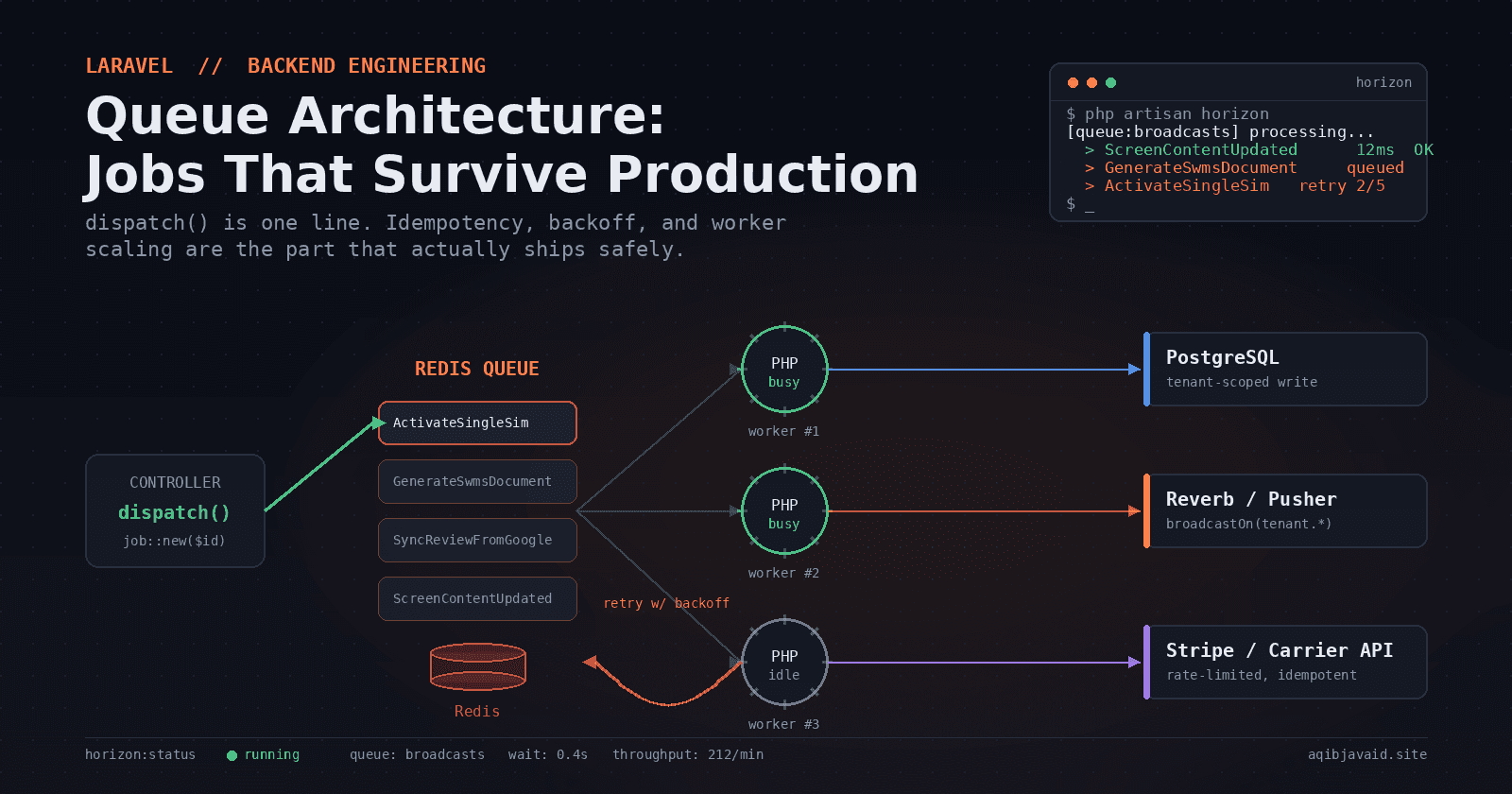
Laravel Queue Architecture: Jobs That Survive Production
dispatch() is one line. Making that job safe to retry, cheap to scale, and impossible to double-run is the actual engineering problem.
Zero-Downtime Deployments: CI/CD for Laravel SaaS
git pull && composer install && php artisan migrate is not a deploy strategy — it's how live users get 500 errors mid-request.
Laravel Bulk CSV Processing: Queues, Holds and Retries
How I built a bulk CSV activation feature in Laravel where every row spends real money: preflight validation, wallet holds, a long queued job, row-level retries and live progress over Server-Sent Events.
Have a complex technical project in mind?
Available for full-stack engineering, performance audits, cloud deployments, and high-concurrency systems architecture.