
When a Laravel page that used to load in half a second suddenly takes four, the cause is very often the same: the N+1 query problem. One query fetches a list, and then your code quietly runs one more query for every row. With 10 rows nobody notices. With 500 rows the database is doing 501 round trips for a single page.
This article shows how to find N+1 queries, fix them properly and keep them from returning. It builds on my guide to finding slow queries in Laravel, and if your whole application feels slow, my database optimization and backend performance service is where I start.
What the problem looks like#
Imagine a list of orders that shows each customer's name:
$orders = Order::latest()->take(50)->get();

foreach ($orders as $order) {
    echo $order->customer->name; // runs a query per order
}
That is 1 query for orders plus 50 for customers: 51 queries. The code looks innocent because relationship access reads like a property. Eloquent loads relations lazily by default, so each first access hits the database.
It gets worse when it hides in places you do not expect: a Blade loop, an API resource, an accessor that touches a relation, or a policy check inside a loop.
How to find N+1 queries#
Use Laravel's built-in guard#
The simplest tool is to make lazy loading an error in non-production environments. In a service provider:
use Illuminate\Database\Eloquent\Model;

public function boot(): void
{
    Model::preventLazyLoading(! app()->isProduction());
}
Now any lazy load throws an exception during development and tests, with the model and relation named. This turns a silent performance bug into a visible failure. The behaviour is documented in the Eloquent relationships docs.
In production, you can log violations instead of throwing, using Model::handleLazyLoadingViolationUsing().
Use a debugging tool#
- Laravel Debugbar or Telescope shows the number of queries per request and highlights duplicates.
- Clockwork gives a timeline in the browser.
- For production, an APM or logging setup that records query counts per request lets you find the worst endpoints. I cover this in observability for Laravel.
Count queries in a test#
DB::enableQueryLog();
$this->getJson('/api/orders')->assertOk();
$this->assertLessThan(10, count(DB::getQueryLog()));
Tests that assert a query budget on your busiest endpoints catch regressions before release.
The fixes#
Eager loading with with()#
Load the relation up front. Laravel runs one extra query for all related records instead of one per row:
$orders = Order::with('customer')->latest()->take(50)->get();Now it is 2 queries, regardless of how many orders there are.
Eager load nested relations with dot notation, and select only the columns you need:
Order::with(['customer:id,name', 'items.product:id,name,price'])->get();Remember to include the key columns Eloquent needs to match records, such as id and foreign keys.
Counts and aggregates with withCount()#
Showing "12 comments" per post by calling $post->comments->count() loads every comment. Use:
Post::withCount('comments')->get(); // adds comments_countThere are also withSum, withAvg, withMin and withMax for aggregates computed in SQL.
Conditional eager loading#
If a relation is only needed sometimes, use load() or loadMissing() after the fact:
$orders->loadMissing('customer');In API resources, use whenLoaded('customer') so the resource does not trigger a lazy load by accident.
Default eager loads: use sparingly#
You can set $with on a model to always load certain relations. It is convenient and dangerous, because every query for that model now loads those relations whether they are needed or not. Prefer explicit with() in the places that need it.
Where N+1 hides#
| Hiding place | Why it happens | Fix |
|---|---|---|
| Blade loops | @foreach accesses $item->relation | Eager load in the controller |
| API resources | Resource reads a relation per item | whenLoaded() plus eager load |
| Accessors | An attribute method touches a relation | Eager load or compute in SQL |
| Policies and gates | Authorisation queries per row | Preload permissions once |
| Counts in views | ->count() on a loaded relation | withCount() |
| Nested relations | Parent loaded, children lazily loaded | Dot notation in with() |
Eager loading is not always the answer#
Sometimes the better fix is different:
- Pagination: do not load thousands of records at all. Paginate or use cursors.
- Joins or subqueries: for sorting or filtering by a related value, a join can be better than loading models.
- Chunking: for big exports and jobs, use
chunkById()or lazy collections to limit memory, then eager load per chunk. - Caching: if the result is expensive and changes rarely, cache it. See Redis caching in Laravel, and remember that cache hides a slow query, it does not fix it.
- Indexes: a query that runs once but scans a whole table is a different problem. Check
EXPLAINand add the right index.
Eager loading can also overshoot: loading large relations you do not display wastes memory. Select only what you need.
A real-world pattern#
Data-heavy dashboards are where N+1 bites hardest. On the Violerts NYC compliance platform, the backend consolidates property data from several city sources and serves it to a React frontend through REST APIs. In any system with related records shown in lists and maps, the habits are the same: eager load what a view needs, aggregate in SQL and keep query counts predictable per endpoint. I treat query count as a metric to watch, in the same way as response time.
A simple routine for existing apps#
- Turn on
preventLazyLoadingin local and CI environments. - Run your main pages and API endpoints and note any exceptions.
- Fix each with
with(),withCount()or a query change. - Add query-count assertions to tests for your busiest endpoints.
- In production, log slow requests and high query counts, and review them regularly.
- Re-check after major features. N+1 problems come back as code changes.
For broader MySQL tuning (slow log, EXPLAIN, indexes), the MySQL documentation on EXPLAIN is the reference to keep open.
Frequently asked questions#
Does Laravel fix N+1 automatically?#
No. By default, Eloquent lazy loads. You need to eager load or enable preventLazyLoading to catch it.
Will eager loading always be faster?#
Usually, for lists. For a single record where you rarely need the relation, lazy loading is fine. Measure rather than assume.
Is N+1 still a problem with a fast database?#
Yes. Each query has network and parsing overhead, so hundreds of small queries add up even when each one is fast, and they load the database under traffic.
How many queries per page is too many?#
There is no fixed number, but a list page that needs more than a dozen or so queries deserves a look, and counts that grow with the number of rows are a red flag.
Key takeaways#
- N+1 happens when code lazy loads a relation inside a loop; the query count grows with the row count.
- Use
Model::preventLazyLoading()in development and tests to make it visible. - Fix with
with(),withCount()andloadMissing(), selecting only needed columns. - Guard against regressions with query-count tests and production monitoring.
If your Laravel application is slow and you want an expert to find out why, book a call or contact me.
Share this technical insight with your network
Share to LinkedIn or Facebook with key takeaways, featured media, and direct links.

About the author
Aqib Javaid
Senior Full-Stack Engineer
8+ years building Laravel, React/Next.js and AI-powered products for startups and growing businesses - SaaS platforms, APIs, integrations and the performance work that keeps them fast. Read the case studies to see how that plays out on real projects.
4.9 from 76 client reviews
Case Study: Violerts - Enterprise NYC PropTech Compliance & Violation Monitoring SaaS
Violerts is a PropTech SaaS platform that consolidates fragmented NYC municipal property data into a single compliance intelligence platform. I led the modernization of the React frontend and Laravel backend, building multi-agency data ingestion, GIS mapping, asynchronous scraping, real-time alerts, team collaboration, and Stripe-powered SaaS billing.
Related Technical Articles
View all articles →
How to Find and Fix Slow MySQL Queries in Laravel
A practical Laravel slow queries fix: how to find the queries that hurt, read what MySQL says about them, and fix the five most common causes with before-and-after proof.
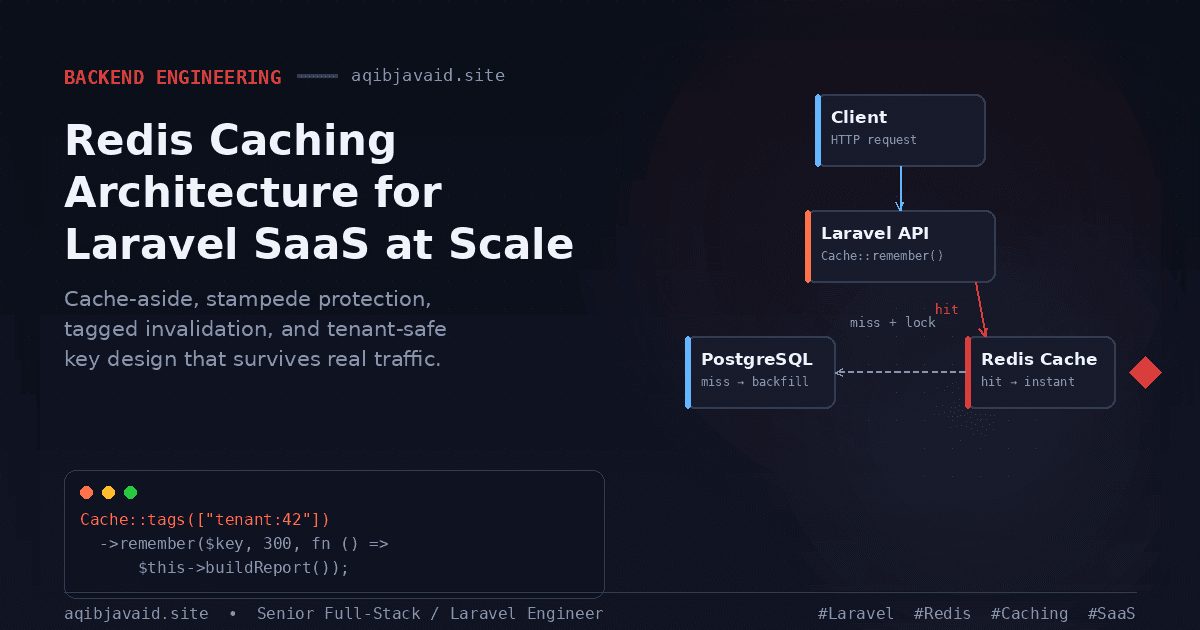
Redis Caching Architecture for Laravel SaaS at Scale
A cache with no invalidation story isn't a performance win. It's stale data waiting to embarrass you in front of a customer.
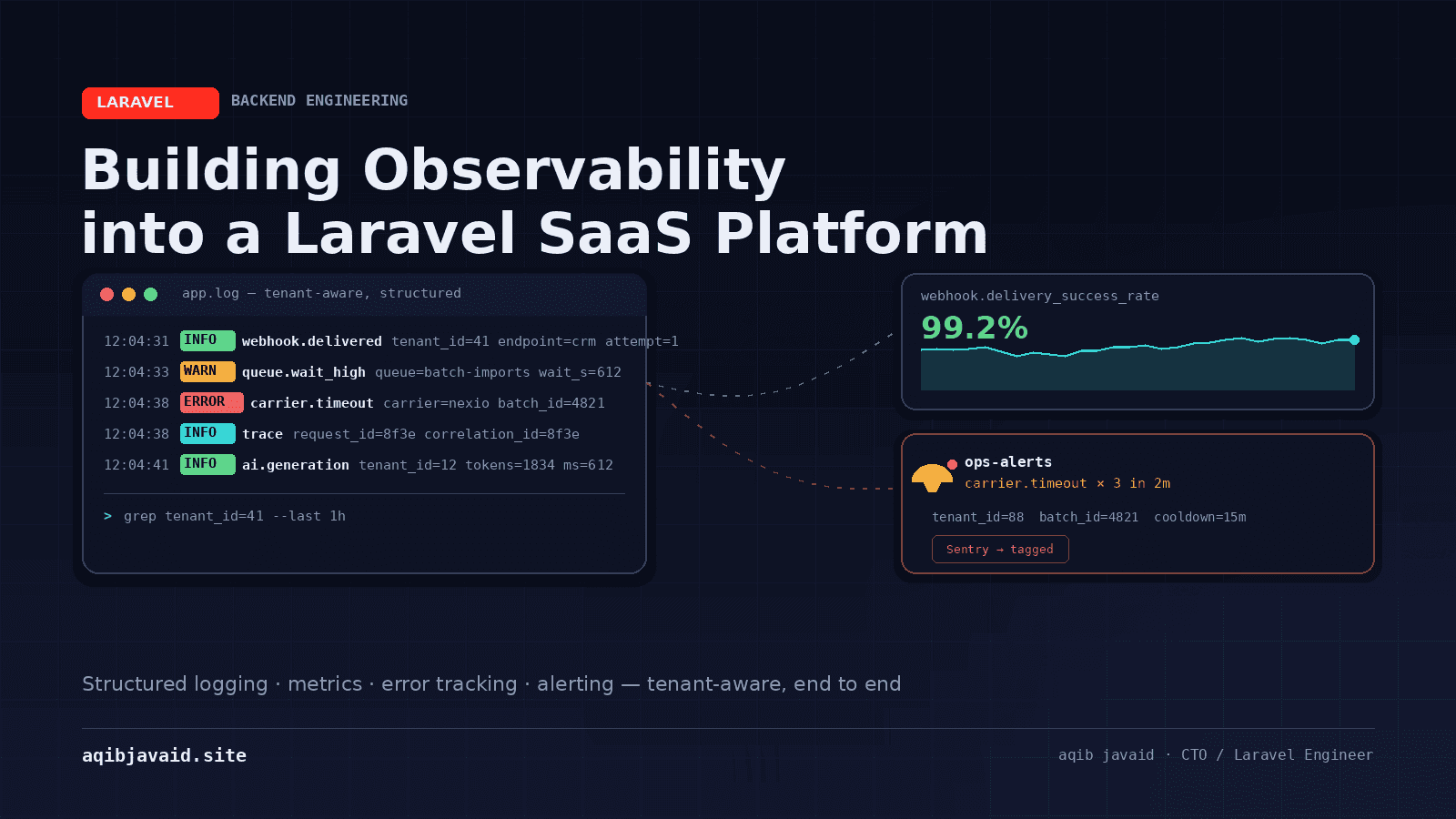
Building Observability into a Laravel SaaS Platform
A stack trace tells you what broke. It doesn't tell you which tenant, which request, or whether it's still happening right now.
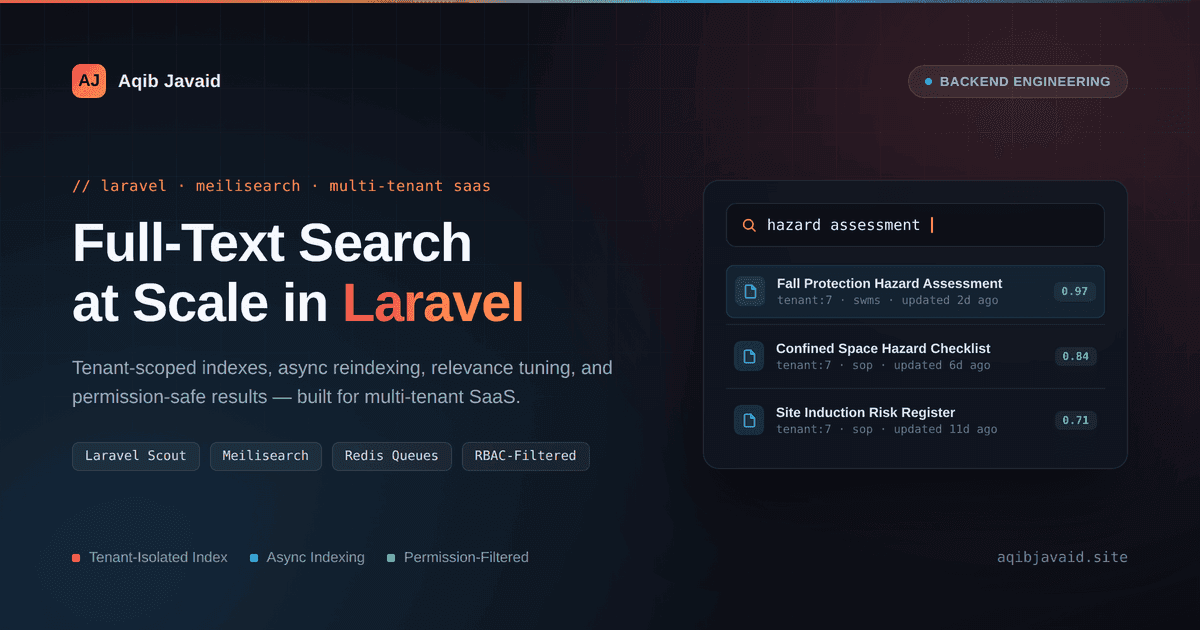
Building Full-Text Search in Multi-Tenant Laravel SaaS
WHERE title LIKE '%term%' works until customers expect search that's fast, relevant, and never leaks another tenant's records.
Have a complex technical project in mind?
Available for full-stack engineering, performance audits, cloud deployments, and high-concurrency systems architecture.